Modern business networks depend on switches to connect devices, transfer data, and ensure reliable communication. Whether you are running a small office, enterprise infrastructure, surveillance setup, or smart building environment, choosing the right switch is critical for performance and scalability.
One of the most common networking decisions businesses face is choosing between managed switches and unmanaged switches. While both perform the essential task of connecting devices, their capabilities, control levels, and ideal applications differ significantly.
This guide explains the core differences between managed and unmanaged switches, their advantages, use cases, and how to decide which solution best fits your business requirements in 2026.
A network switch connects devices such as computers, IP phones, wireless access points, and surveillance cameras within a local network. It intelligently forwards data to the correct destination, improving network efficiency and communication speed.
Modern switches are generally divided into two categories:
Understanding the difference between these two types is essential before designing or expanding your network infrastructure.
Unmanaged switches are plug-and-play networking devices that require no configuration. Once connected, they automatically begin forwarding traffic between connected devices.
An unmanaged network switch is ideal for:
These switches are simple to install and require minimal technical expertise
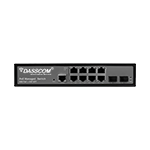
Managed switches provide advanced control, monitoring, and optimization features. Administrators can configure network traffic, prioritize applications, create VLANs, and monitor performance through web interfaces or command-line tools.
A professional managed network switch enables:
These capabilities make managed switches ideal for business-critical environments
A managed v unmanaged switch comparison clearly shows that managed solutions offer greater flexibility and long-term scalability.
One major difference in the managed v unmanaged switch discussion is traffic optimization.
A managed network switch can prioritize critical traffic such as
Modern enterprises increasingly deploy managed switches because centralized control improves operational efficiency and security.
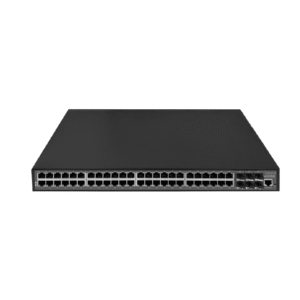
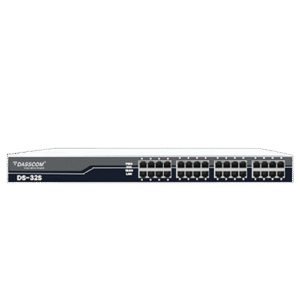
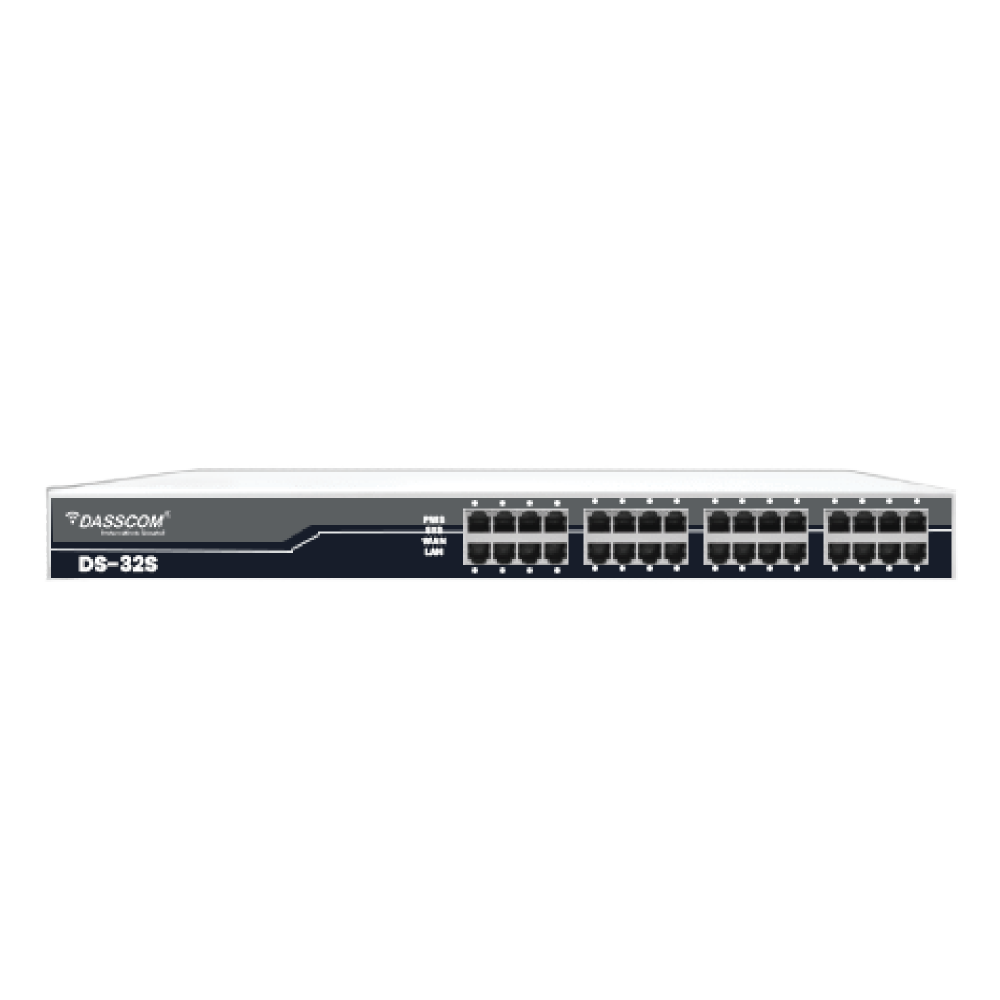
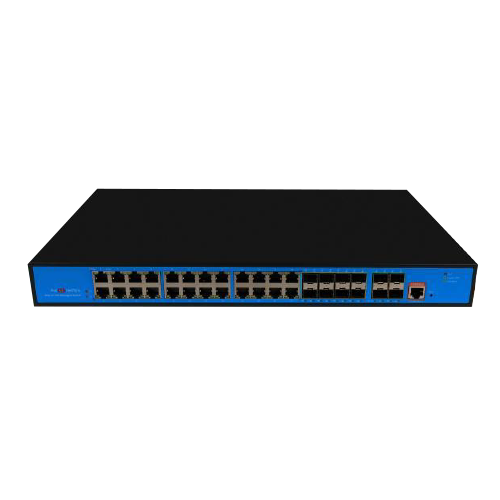
A 24 port poe switch is ideal for:
It supports high-density device connectivity while reducing infrastructure complexity.
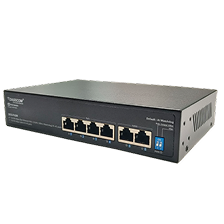
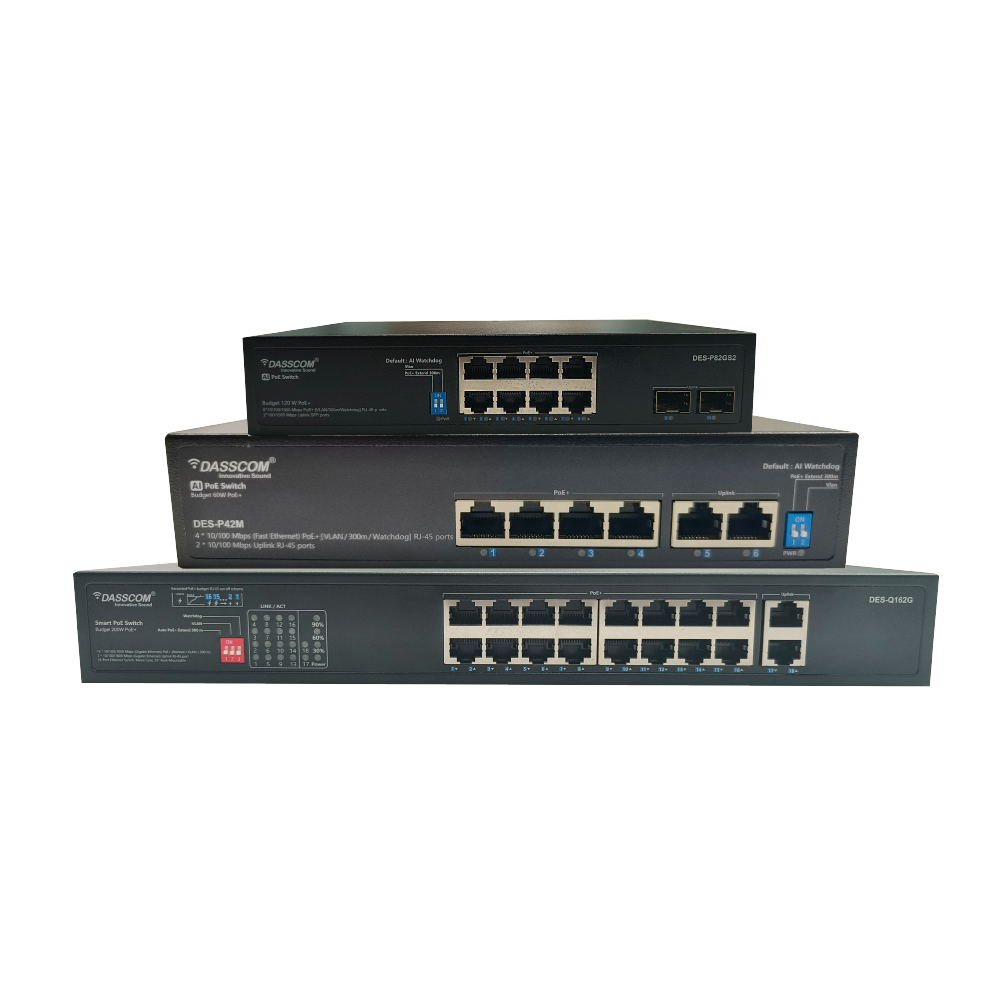
An 8 port POE switch is better suited for:
For growing businesses, an 8 port POE switch provides flexibility without excessive infrastructure investment.
Security is one of the strongest arguments in the managed v unmanaged switch comparison.
A managed network switch supports:
This scalability makes managed switches a preferred long-term investment.
By comparison, unmanaged switches work best in static environments where growth and advanced management are not priorities.
Large organizations typically deploy managed switches because they provide:
A managed network switch is especially valuable in:
Despite the advantages of managed solutions, unmanaged switches still have important use cases.
Choose an unmanaged network switch if:
Multiple managed switches connect departments while ensuring network segmentation and security.
.
Modern networking trends are driving greater adoption of managed switches due to:
As businesses continue digitizing operations, intelligent switching infrastructure will become even more important.
Choosing between managed and unmanaged switches depends on your network size, security needs, and scalability goals. While unmanaged switches offer simplicity and affordability, managed switches provide greater control, traffic optimization, and long-term flexibility. Businesses planning future growth or deploying IP devices should strongly consider managed switching solutions for improved reliability and network performance.
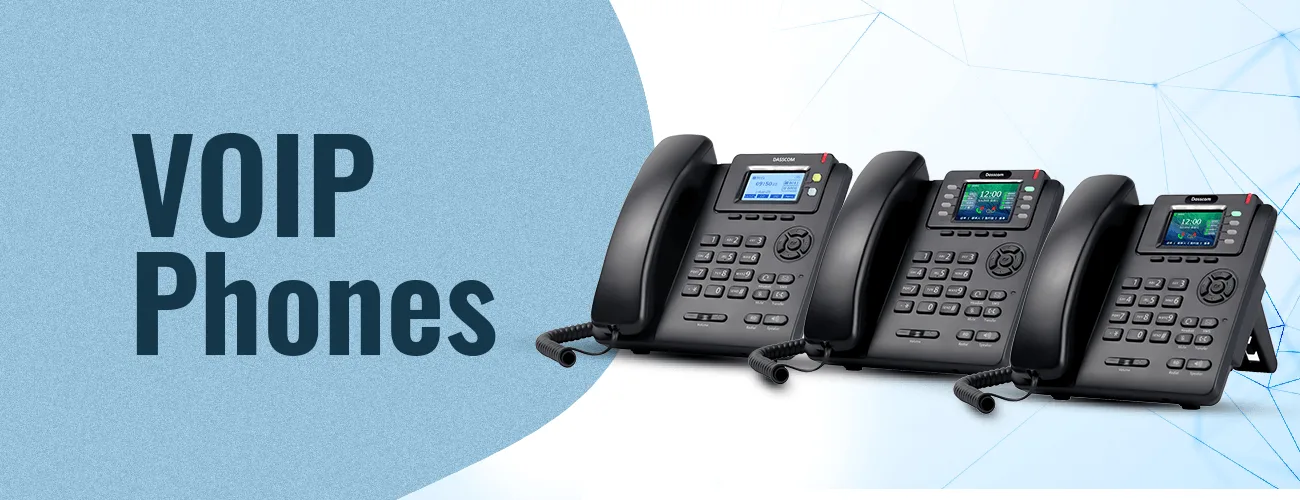
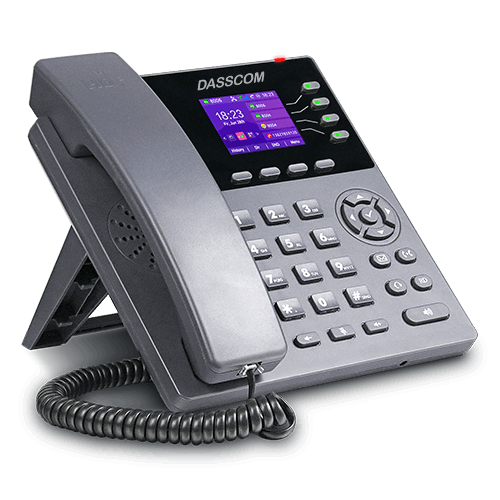
If you want your business to have an efficient communication system, you must invest in quality VoIP phones. Remember that the communication aspect of your business is very sensitive and equally important. The more you streamline it, the better results you will get. Dasscom’s VoIP phones are your way to achieve flawless operations.



 Indoor Speakers
 Paging Controller
 Outdoor Speakers
 IP Amplifier & Gateway
 Paging Microphones
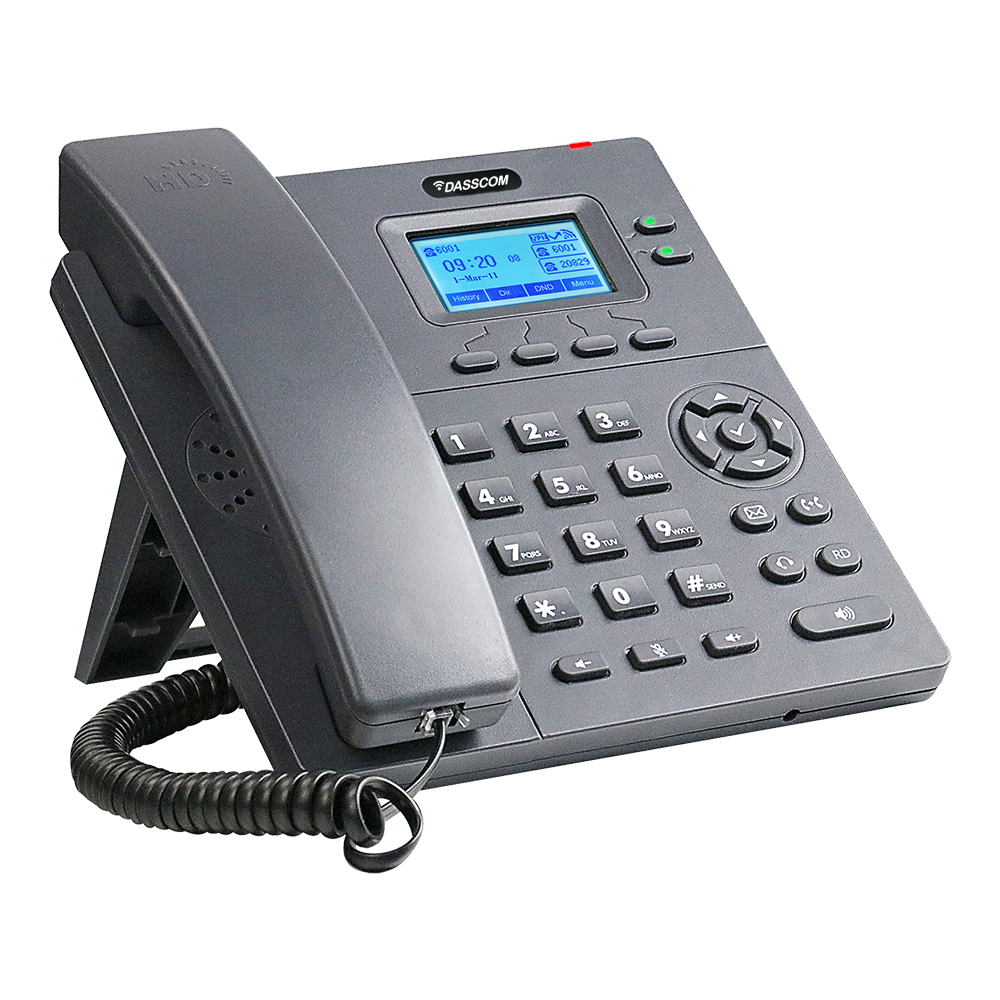 Basic IP Phones
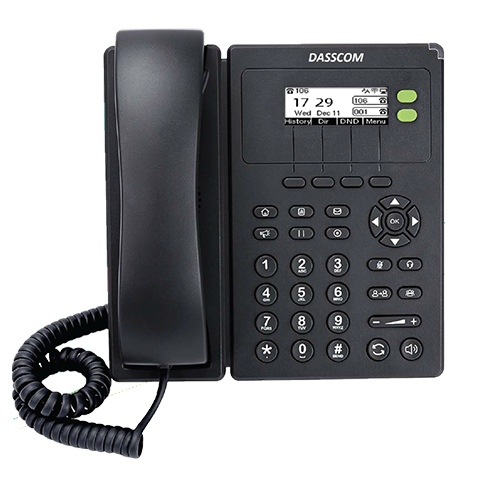 Wifi Phones
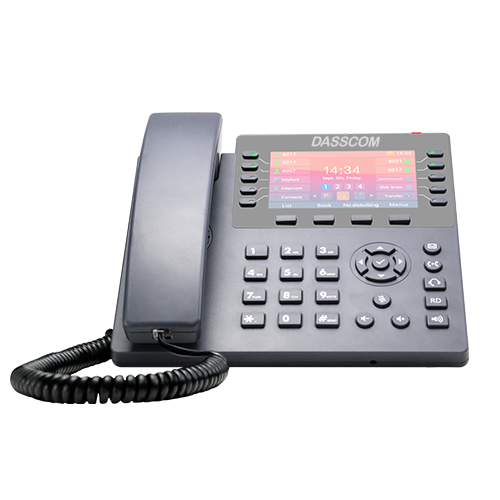 Executive IP Phones
 Video Phones
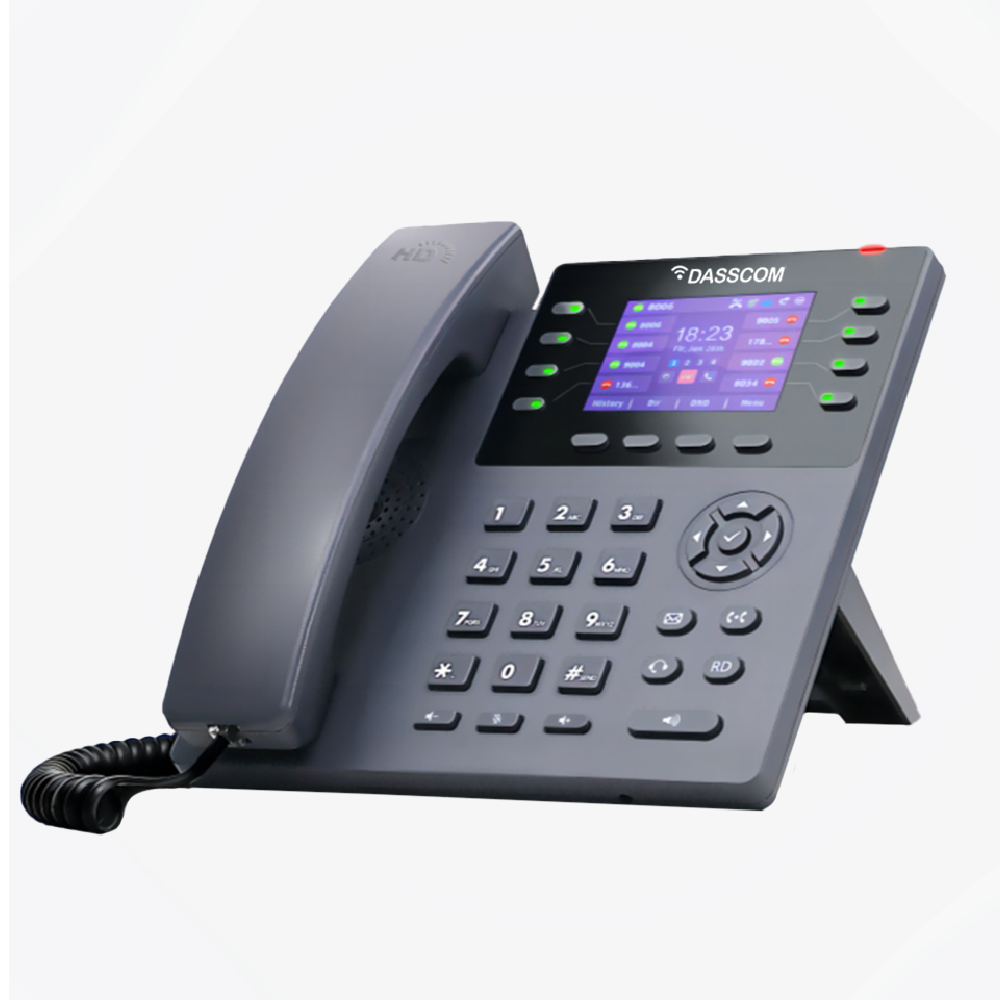
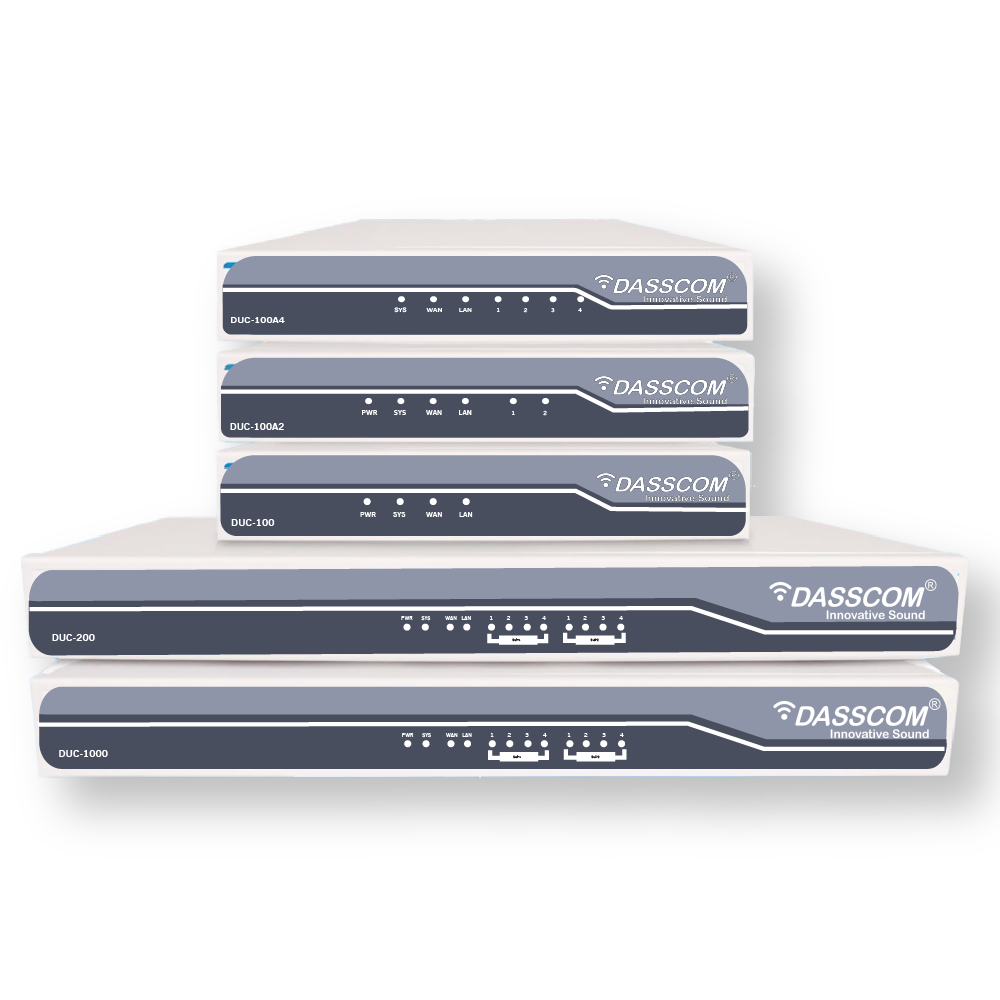
 Duc-series
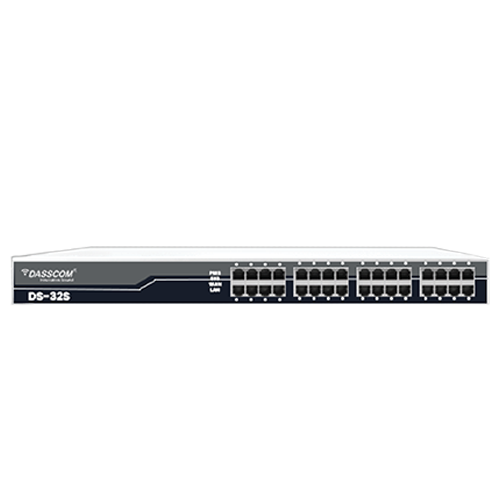 FXS/FXO Gateways
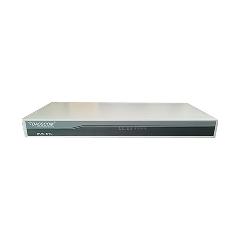 E1/T1 Gateway
 Unmanaged Switches
 Managed Switches
 Industrial Switches
 Access Points
 Safety Intercoms
 Veda Series
 Divine Series
 Tatva Series
 VoIP Office
 Call Center Solutions
 Network Communications
 Public Safety
 Video & Security System
 Highway Communication
 Intercom System
 IP Paging Solutions

 Healthcare
 Hospitality
 School & Universities
 IT Office
 SMEs and SMBs
 Industries


 Public Address System
 VOIP Phones
 VOIP PBX
 VOIP Gateways
 Networking Solutions
 Call Center Headsets
 Emergency Intercom Stations