
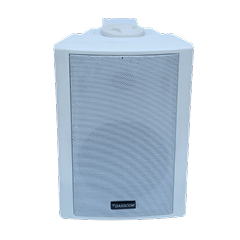
 Indoor Speakers
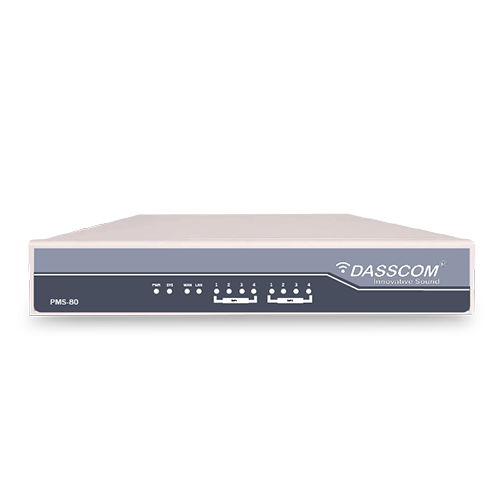 Paging Controller
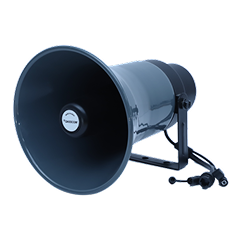 Outdoor Speakers
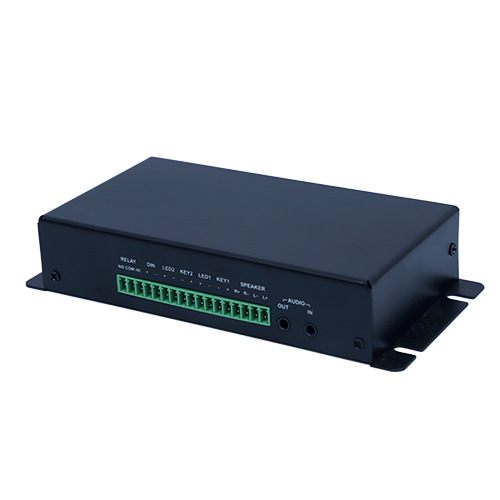 IP Amplifier & Gateway
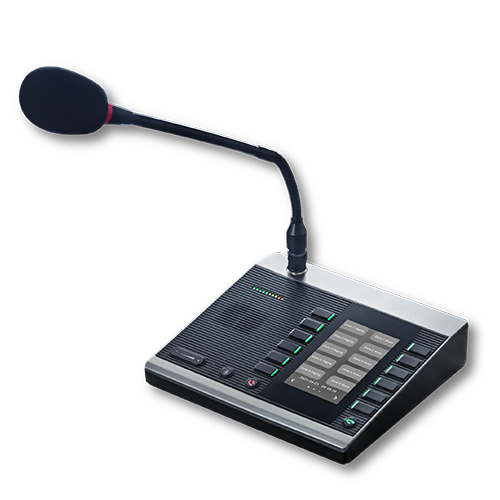 Paging Microphones
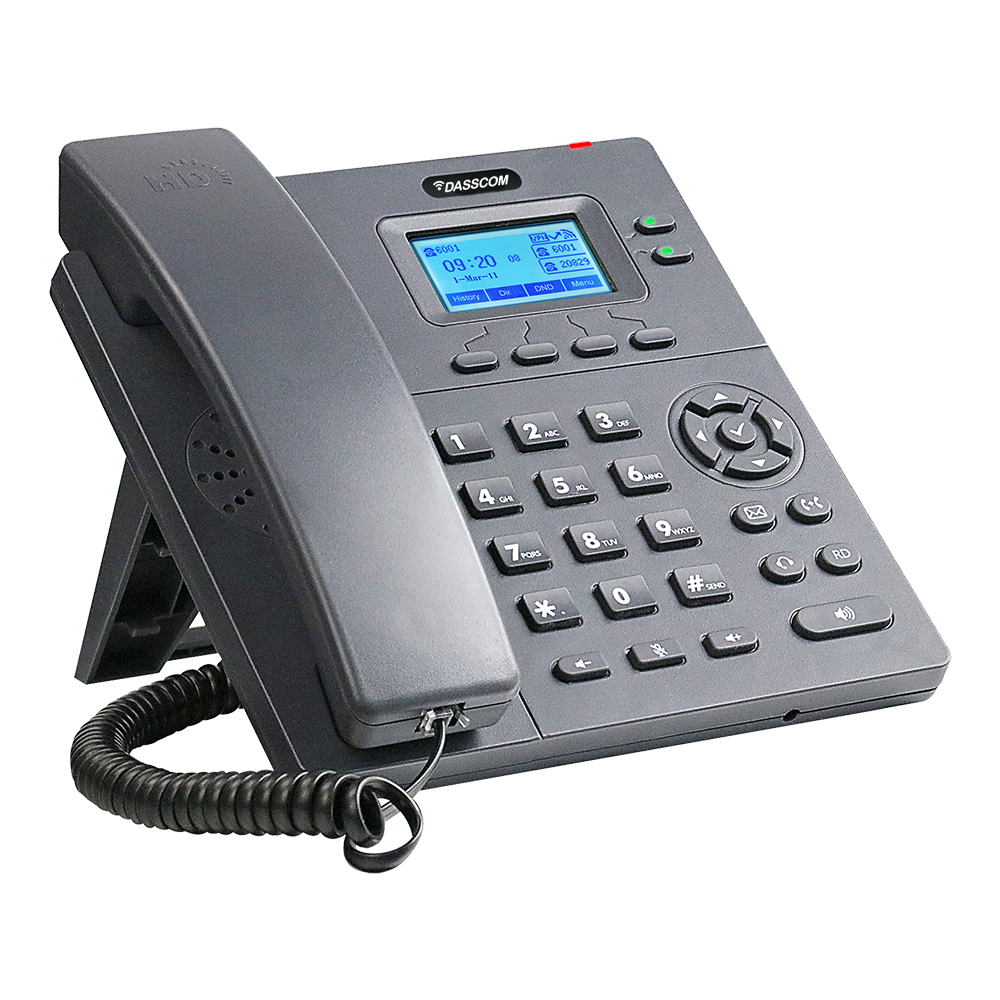 Basic IP Phones
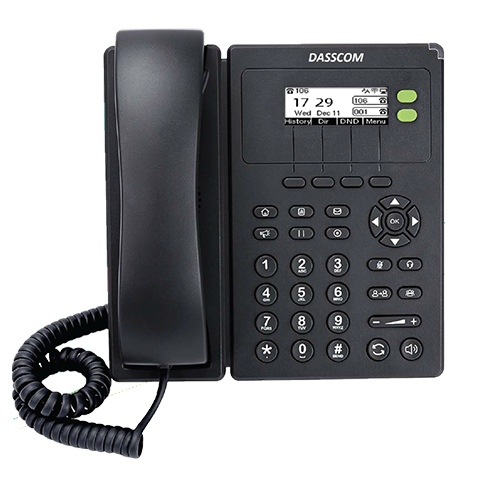 Wifi Phones
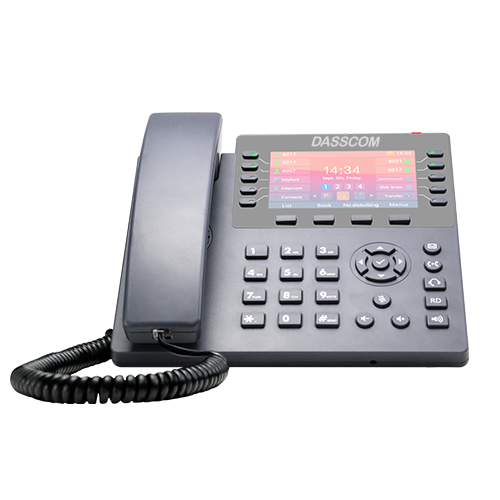 Executive IP Phones
 Video Phones
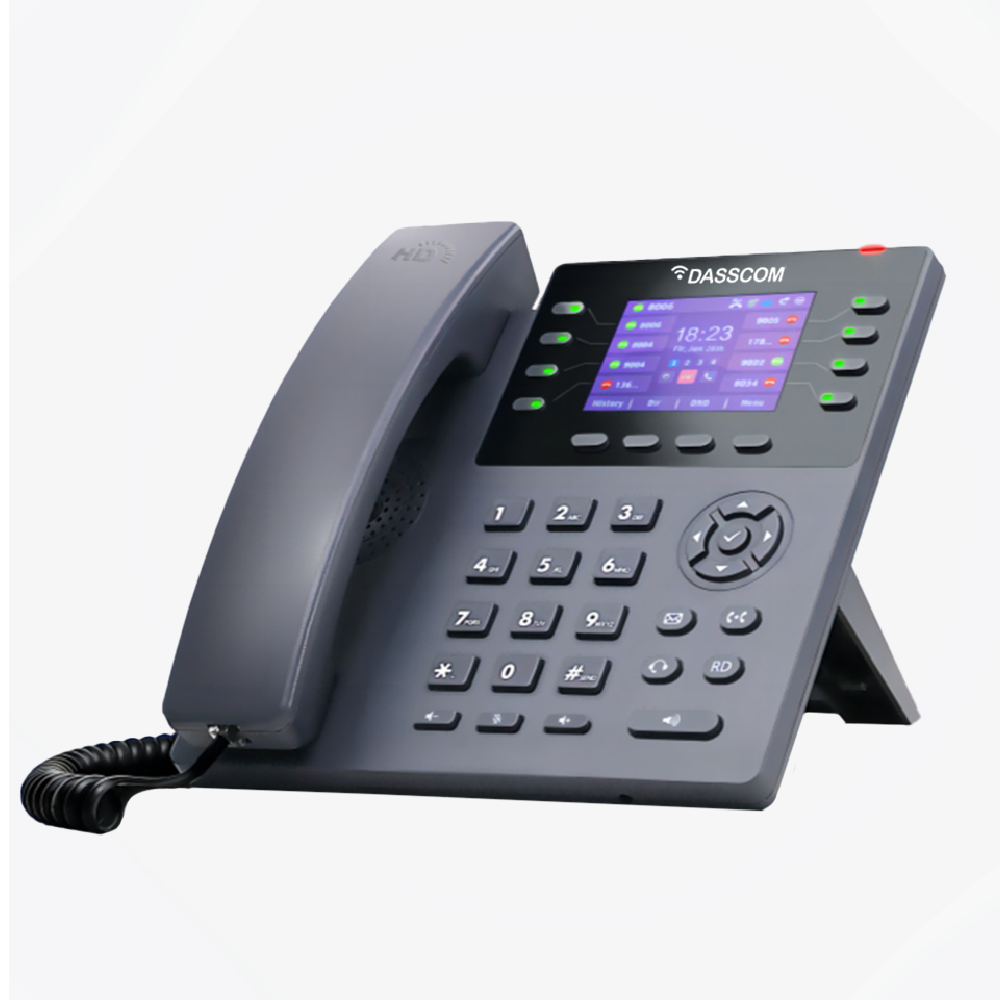
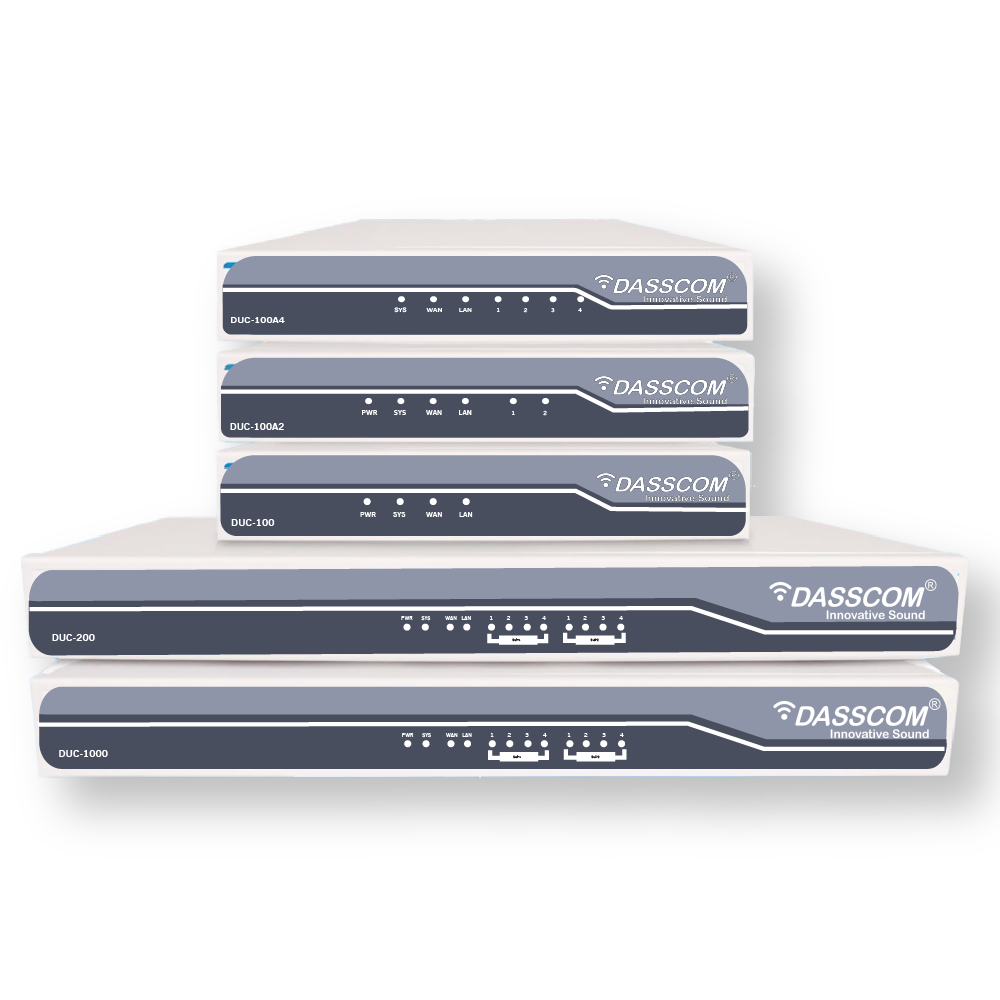
 Duc-series
 FXS/FXO Gateways
 E1/T1 Gateway

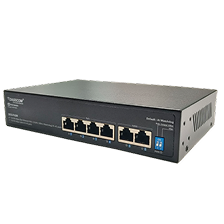 Unmanaged Switches
 Managed Switches
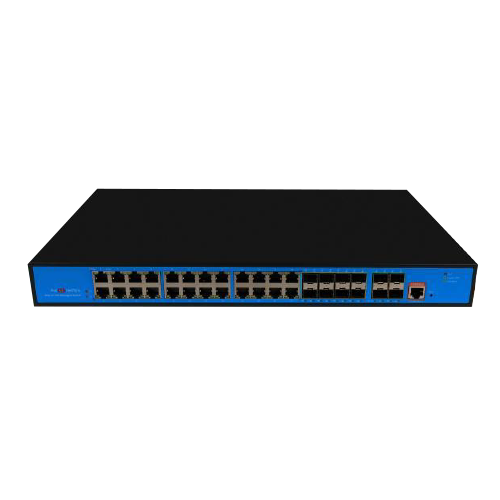 Industrial Switches
 Access Points
 Safety Intercoms
 Veda Series
 Divine Series
 Tatva Series
 VoIP Office
 Call Center Solutions
 Network Communications
 Public Safety
 Video & Security System
 Highway Communication
 Intercom System
 IP Paging Solutions

 Healthcare
 Hospitality
 School & Universities
 IT Office
 SMEs and SMBs
 Industries



 Public Address System
 VOIP Phones
 VOIP PBX
 VOIP Gateways
 Networking Solutions
 Call Center Headsets
 Emergency Intercom Stations



PoE Switch Power Budget: How to Size Your Network for IP Phones and Access Points
Learn how to calculate PoE power requirements, compare switch budgets, and choose the right network switch for IP phones and wireless access points without overspending or limiting future growth.
fffs
This is where the PoE switch power budget becomes important. It determines how much total power a switch can distribute across its Power over Ethernet ports. If the budget is too low, some devices may not receive power, even when unused Ethernet ports are available.
The right approach is to calculate the power requirements of all connected devices, check the switch’s total power capacity, and allow room for future expansion. This helps businesses build a reliable network without paying for more capacity than they need.
What Is a PoE Switch Power Budget?
A PoE power budget is the total electrical power a switch can provide to connected PoE devices. It is measured in watts (W) and is separate from the switch’s Ethernet port count or data-transfer capacity.
For example, a switch may have eight PoE-enabled ports and a total power budget of 120W. Although every port may support a specified maximum output, the switch cannot necessarily supply that maximum to all ports simultaneously if their combined demand exceeds 120W.
This distinction is essential when deploying IP phones, wireless access points, surveillance cameras, and other powered network devices.
A PoE network switch should therefore be selected based on three factors: the number of devices, the power required by each device, and the total power available from the switch.
PoE vs PoE+: Understanding Power Requirements
Before calculating your network’s power needs, understand the difference between standard PoE and PoE+.
Feature | Standard PoE | PoE+ |
IEEE standard | 802.3af | 802.3at |
Maximum power supplied by the switch per port | 15.4W | 30W |
Typical applications | Compatible IP phones and lower-power devices | Compatible phones, access points, and higher-power devices |
These are maximum power levels defined by the standards. The power available to a device after transmission losses is lower, and the actual requirement depends on the connected equipment.
When comparing PoE vs PoE+, do not assume that every access point requires PoE+ or that every IP phone can operate on standard PoE. Check the power specifications of the exact device model before choosing a switch.
How to Calculate Your PoE Power Budget
Calculating the required capacity is straightforward when you know the power requirements of your devices.
Use this formula:
Total required power = Sum of the power requirements of all connected devices
For example, imagine an office network containing:
- 12 IP phones requiring 15.4W each
- 4 wireless access points requiring 30W each
The estimated device power requirement is:
12 × 15.4W = 184.8W
4 × 30W = 120W
Total device power requirement = 304.8W
These figures are illustrative. Use the manufacturer’s stated power requirements for your actual devices.
Next, check the switch’s available PoE budget and confirm that it can support the required load, accounting for how the switch allocates power and any applicable transmission losses.
For a practical design, leave additional capacity for future devices and changes in power demand instead of selecting a switch that operates continuously at its limit.
Why You Should Leave Spare Power Capacity
A network’s power requirements can change as the business grows. New employees may need IP phones, additional access points may be installed, or existing devices may be upgraded.
A switch sized exactly for the initial deployment can leave little flexibility for these changes.
As a planning example, suppose your connected devices require 120W and you decide to retain a 20% planning allowance:
120W × 1.20 = 144W
A switch with a suitable available power budget of at least 144W would meet that illustrative planning target, provided its port-level limits and other specifications also satisfy the deployment requirements.
The 20% allowance is a planning example, not a mandatory industry rule. The appropriate reserve depends on the devices, expansion plans, and power-management behaviour of the selected switch.
Choosing a PoE Switch for IP Phones
IP phones are widely used in offices, reception areas, customer support departments, and enterprise communication environments. PoE allows compatible phones to receive both network connectivity and electrical power through a single Ethernet cable.
This can simplify desk installations and reduce the need for individual power adapters.
When selecting a PoE switch for IP phones, check the following:
- The phone’s supported PoE standard.
- Its specified power requirement.
- The number of phones connected simultaneously.
- The available PoE budget after accounting for other devices.
- The Ethernet speed and network features required by the deployment.
Most importantly, do not calculate phone requirements using a generic wattage if the actual phone specifications are available.
For instance, if 20 compatible phones each require 7W, their combined estimated demand is 140W. If wireless access points share the same switch, their power requirements must be added before selecting the switch.
Choosing a PoE Switch for Access Points
Wireless access points distribute connectivity to laptops, smartphones, tablets, and other wireless devices. Their power requirements vary depending on the model and supported capabilities.
A PoE switch for access points should provide sufficient power per port as well as enough total capacity for the entire wireless deployment.
Wi-Fi generation alone does not determine the required PoE standard. Check the access point’s published power requirements, supported PoE input, and recommended power source.
For example, a business installing several access points should calculate their combined power demand before adding IP phones or other PoE devices to the same switch.
Also consider the Ethernet uplink capacity. An access point can receive sufficient power but still experience network limitations if its uplink or the wider network is undersized.
Example: Sizing a Switch for Phones and Access Points
Also consider the Ethernet uplink capacity. An access point can receive sufficient power but still experience network limitations if its uplink or the wider network is undersized.
Consider a small office planning to install 16 IP phones and four wireless access points.
For illustration, assume:
- Each IP phone requires 15.4W.
- Each access point requires 30W.
The phone requirement is:
16 × 15.4W = 246.4W
The access point requirement is:
4 × 30W = 120W
The total estimated power requirement is 366.4W.
Also consider the Ethernet uplink capacity. An access point can receive sufficient power but still experience network limitations if its uplink or the wider network is undersized.
If the business uses the same 20% planning allowance, the target becomes:
366.4W × 1.20 = 439.68W
The business should look for a switch with sufficient total PoE capacity for this target, compatible port-level power, and enough ports for all devices. It should also check whether its uplinks and management capabilities meet the network requirements.
This example illustrates why the number of ports alone is not enough to determine the right switch.
How to Evaluate Dasscom PoE Switches
Dasscom offers PoE switching options for different network sizes and deployment requirements. The following examples show how published power specifications can inform switch selection.
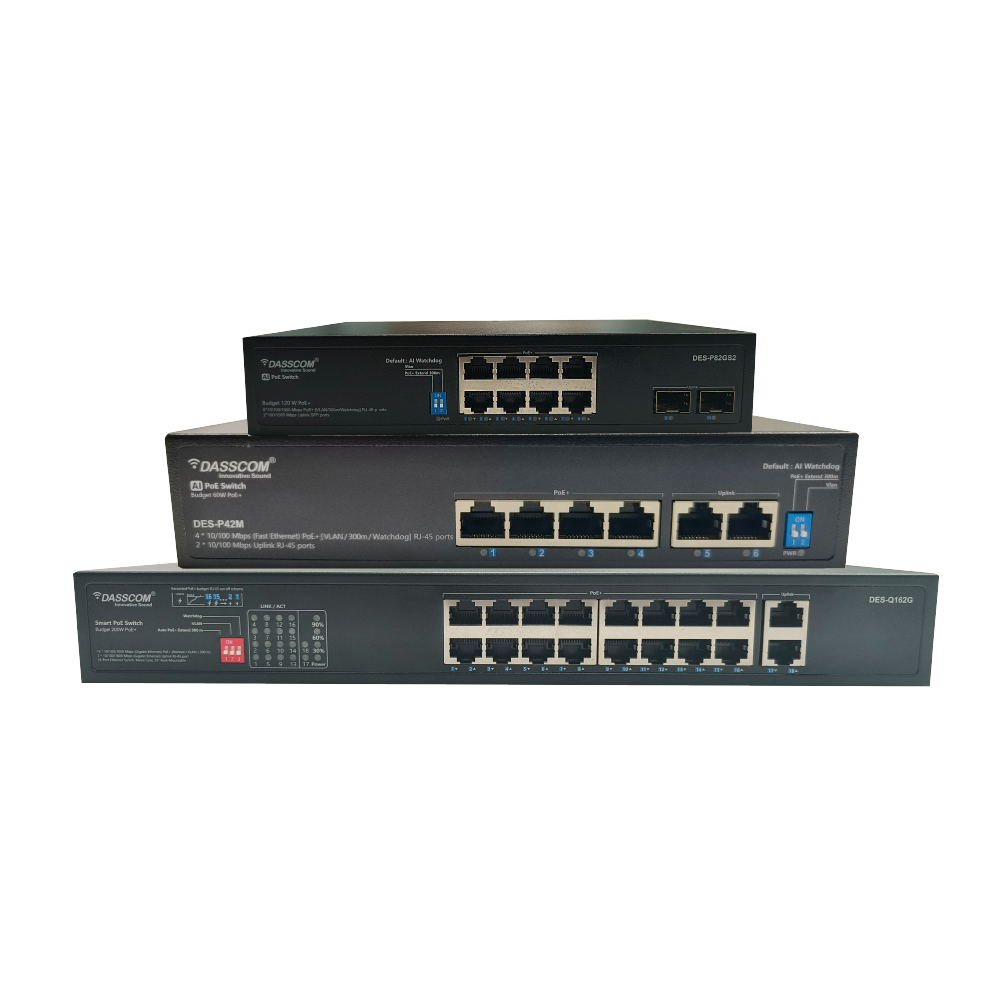
Dasscom DES-P82GS2
The DES-P82GS2 provides eight Gigabit PoE ports, two SFP uplink slots, and a total PoE power budget of 120W. Its PoE ports support IEEE 802.3af/at, with up to 30W per port.
It can be considered for smaller deployments involving compatible IP phones, wireless access points, or surveillance devices. The total connected load must remain within the available budget.
Dasscom DES-Q162G
The DES-Q162G provides 16 Gigabit PoE ports and a published total PoE output of 200W. Its ports support IEEE 802.3af/at, with up to 30W per port.
This model may be worth evaluating for a deployment with more powered devices, provided its total power capacity and other specifications match the planned load.
Dasscom DES-P242MGS1
The DES-P242MGS1 provides 24 PoE ports, two Gigabit RJ45 uplinks, one SFP uplink, and a published total PoE power budget of 300W. It supports IEEE 802.3af/at and up to 30W per PoE port.
It can be considered for larger deployments that need more ports and power capacity. However, a larger switch is not automatically the best choice; compare the required device count, power budget, uplink requirements, and future expansion before deciding.
Common PoE Budgeting Mistakes to Avoid
One common mistake is multiplying the maximum per-port output by the total number of ports and assuming the switch can supply that amount. The switch’s actual total PoE budget may be considerably lower.
Another mistake is ignoring the power requirements of wireless access points when calculating capacity for IP phones. Every powered device connected to the switch contributes to the overall demand.
Businesses should also avoid selecting a switch solely because it supports PoE+. Compatibility, port-level power, total budget, Ethernet performance, and management requirements all matter.
Finally, review the power budget when adding equipment to an existing network. A switch that supported the original installation may not have sufficient spare capacity for an expansion.
PoE Power Budget Checklist
Before purchasing a switch, confirm that you have:
- Counted all planned PoE devices.
- Checked the power requirements of each device.
- Confirmed supported PoE standards.
- Calculated the combined power requirement.
- Allowed appropriate capacity for expansion.
- Checked the maximum power available per port.
- Verified the total switch power budget.
- Confirmed the number and speed of Ethernet ports.
- Reviewed uplink requirements and network management needs.
Following this process helps reduce unexpected power limitations and supports a more predictable network deployment.
Final Recommendation
Sizing a PoE network correctly starts with device-level power requirements, not port count alone. Calculate combined demand, verify per-port compatibility, and retain suitable capacity for growth. Dasscom’s PoE switches offer different port counts and published power budgets, helping businesses evaluate options for IP phones, access points, and evolving network requirements.
Final Thoughts
types of call center

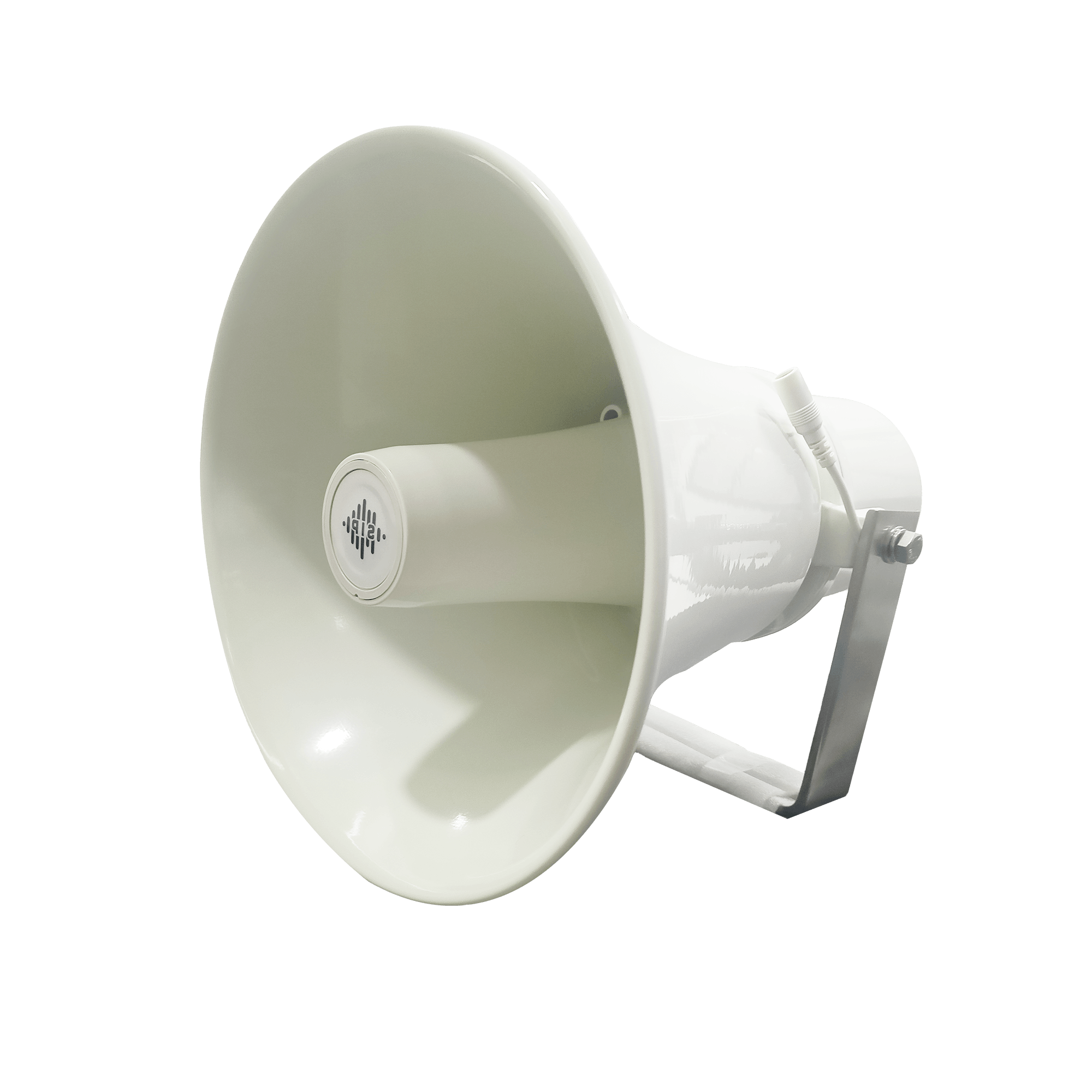
DS-15H
15 watt Horn speaker Support SIP IP 65 Rating Support BGM and announcement
DS-10C
10 watt Ceiling Speaker Support SIP PoE enabled Support BGM & announcement
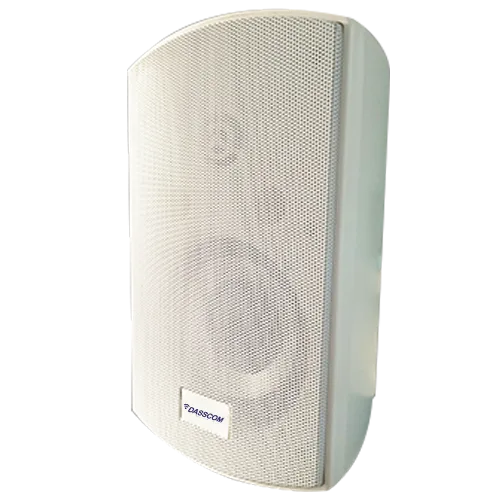
DS-15W
15 watt wall-mount speaker Support SIP PoE enabled Support BGM and announcement
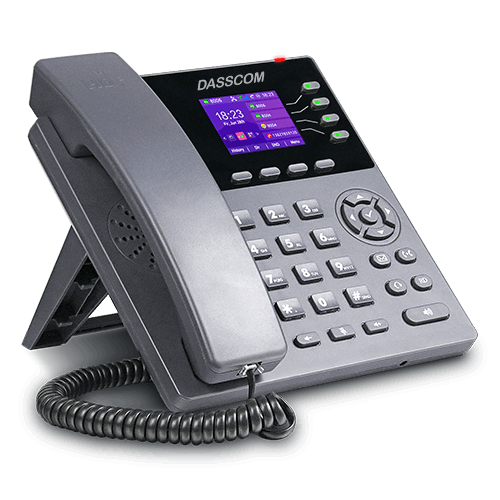
DXP-7200N
4 SIP Account PoE phone Colour Screen HD Voice
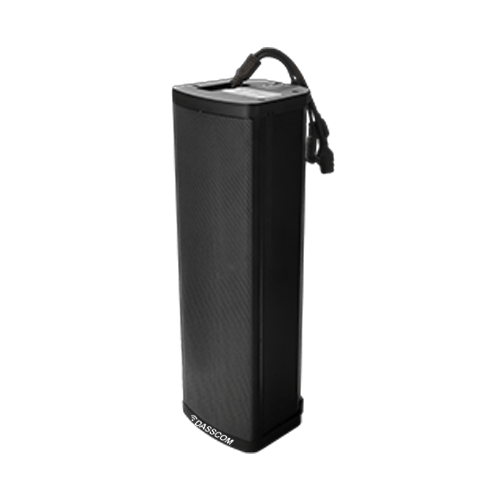
DS-30ECL
1.Built-in 30W amplifier, 2.Class D Amplifier
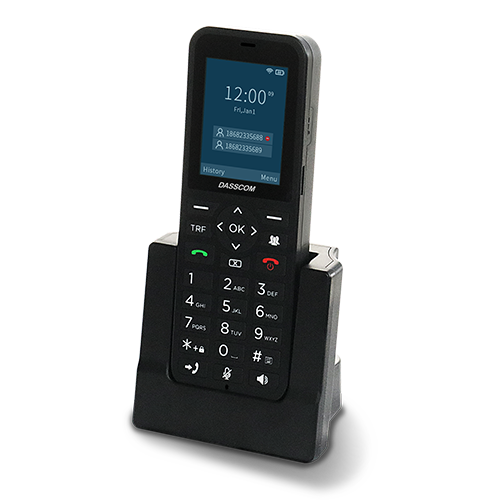
DW-100
2 SIP accounts Wi-fi Support Cordless Phone
Quick summary
See how Nextiva transforms the sales and support team productivity.
Frequently Asked Questions (FAQs)
1. What is a PoE switch power budget?
It is the total electrical power available for distribution to compatible PoE devices connected to a switch. It determines how much combined device load the switch can support.
2. How much power does an IP phone need?
The requirement varies by phone model and features. Check the manufacturer’s specifications and use the stated power requirement when calculating the total network load.
3. Is PoE+ always better than standard PoE?
No. PoE+ supports a higher maximum power level per port, but standard PoE may be sufficient for devices with lower power requirements. Choose according to device compatibility and actual power demand.
4. Can IP phones and access points share one PoE switch?
Yes, if the switch supports the required PoE standards and has sufficient ports, total power capacity, and suitable network performance for all connected devices.
5. How much spare PoE capacity should I plan for?
There is no single allowance for every deployment. Consider the possibility of adding devices, changes in power requirements, and the switch’s power-allocation behaviour. A planning reserve can help avoid premature replacement.