
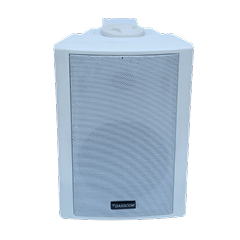
 Indoor Speakers
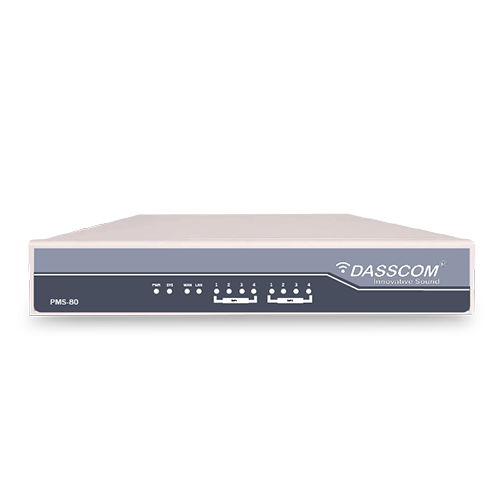 Paging Controller
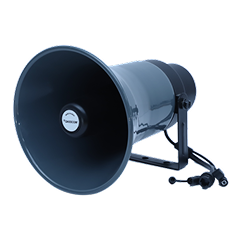 Outdoor Speakers
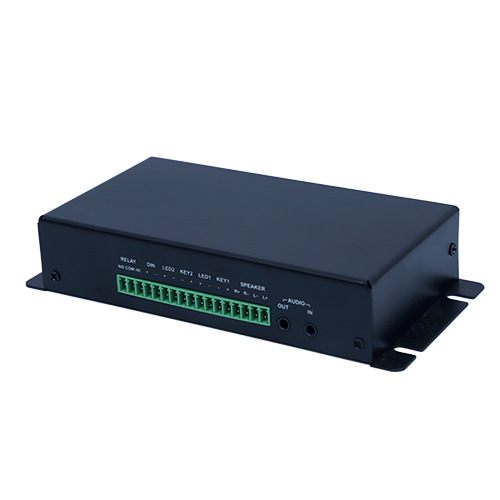 IP Amplifier & Gateway
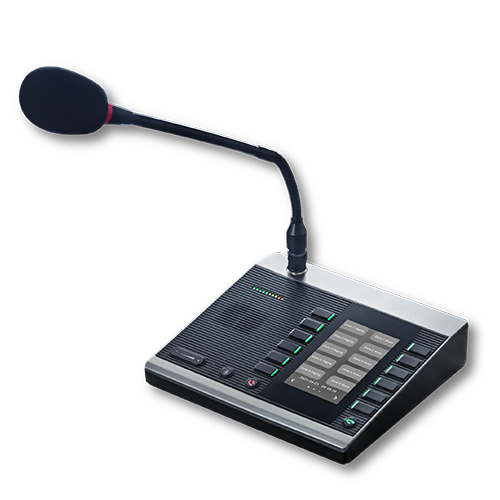 Paging Microphones
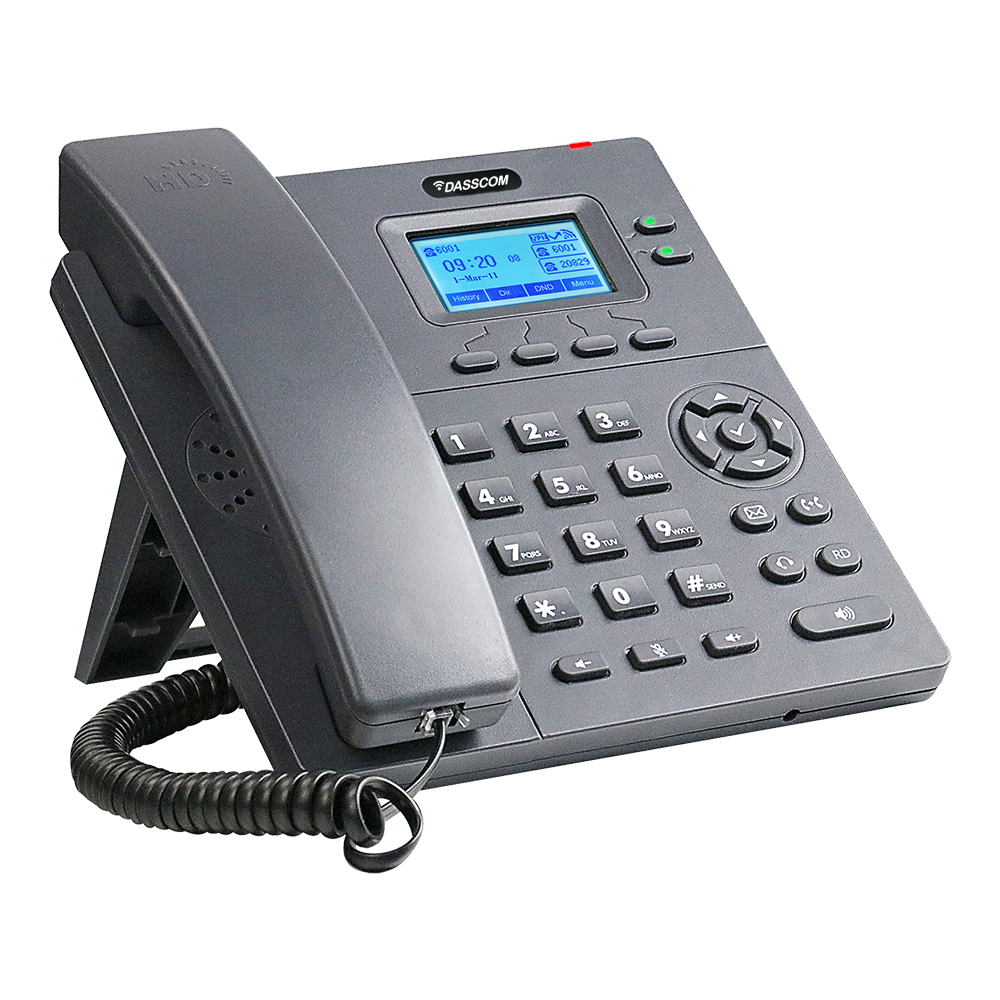 Basic IP Phones
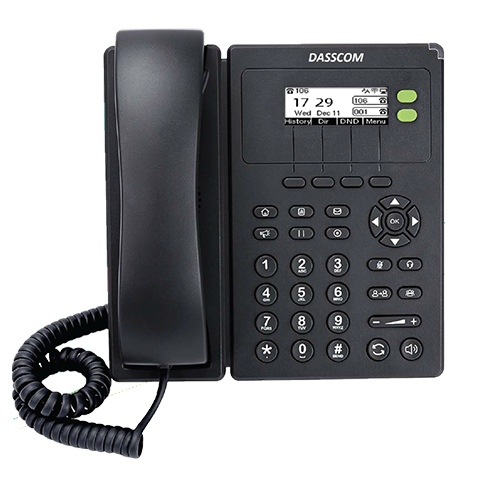 Wifi Phones
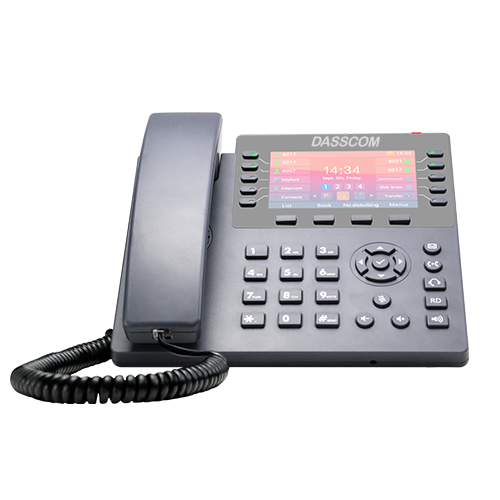 Executive IP Phones
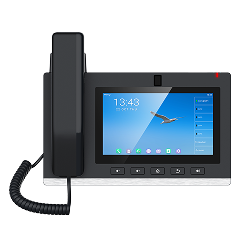 Video Phones
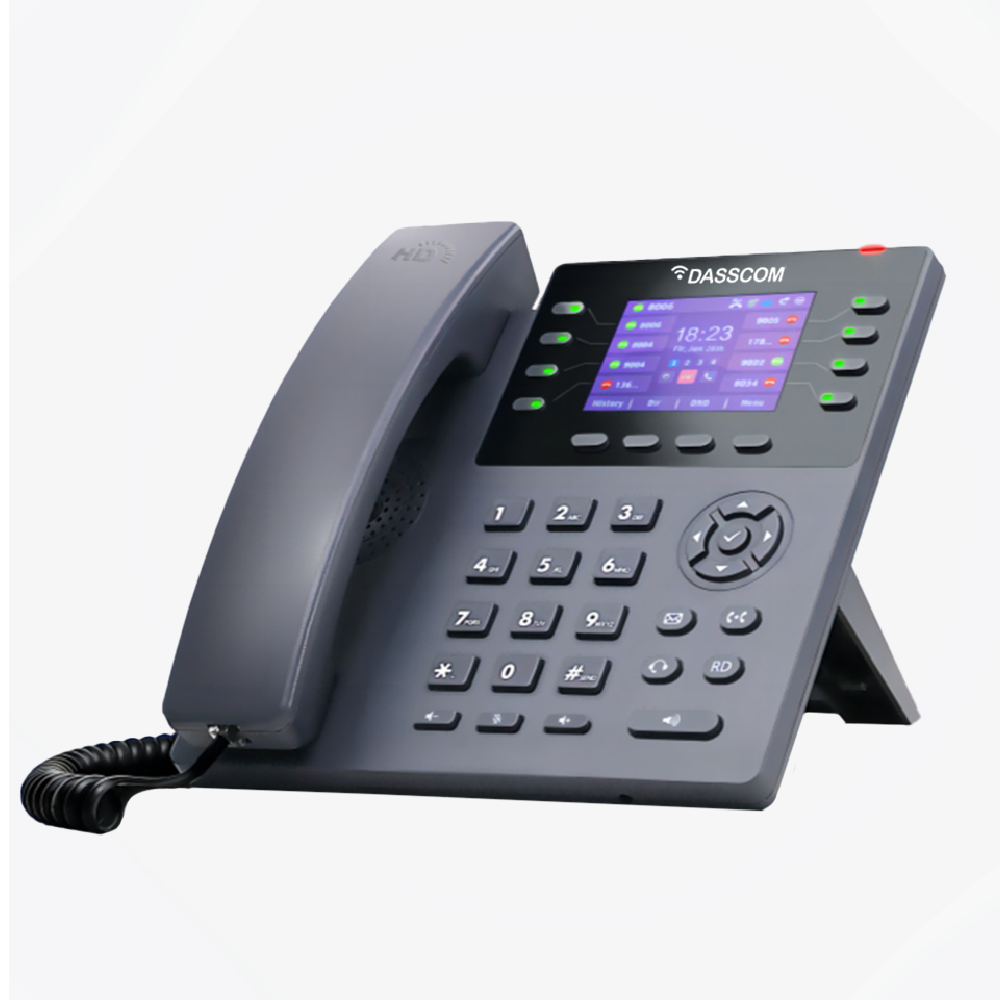
 Duc-series
 FXS/FXO Gateways
 E1/T1 Gateway

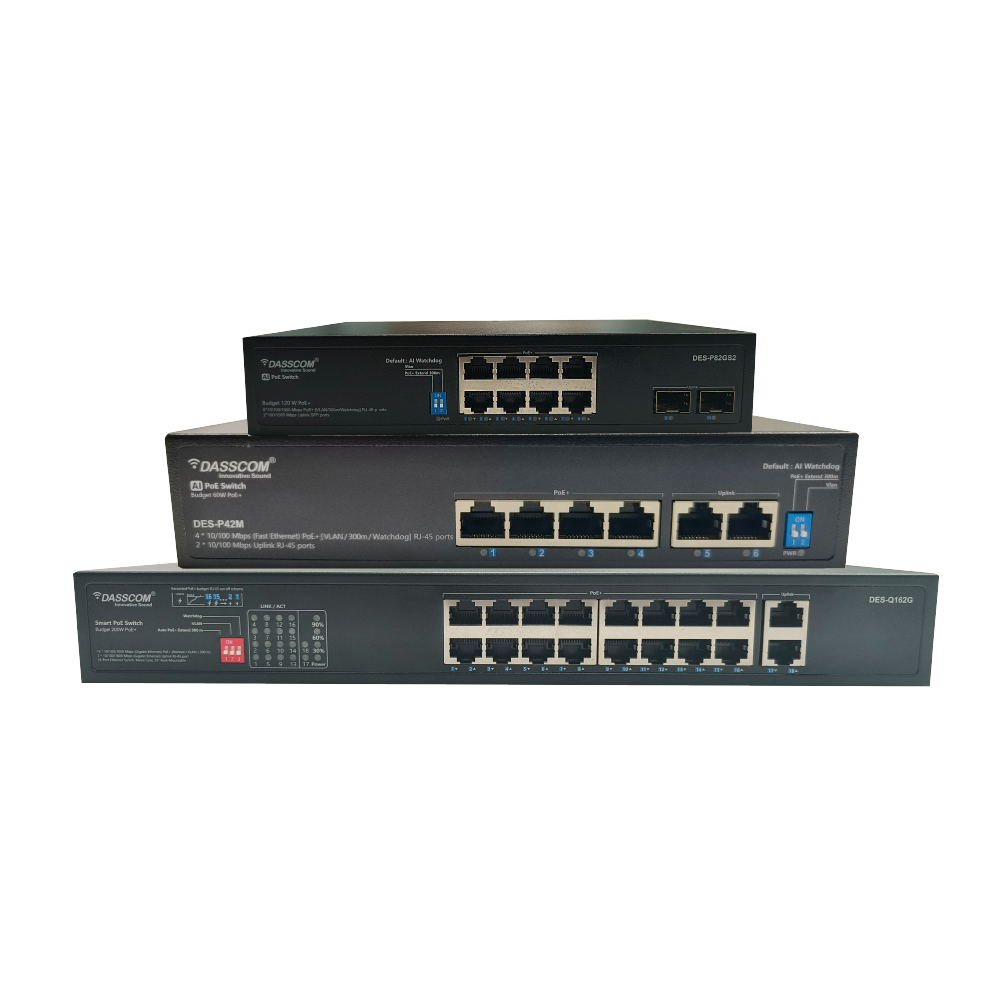
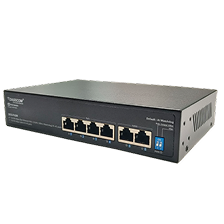 Unmanaged Switches
 Managed Switches
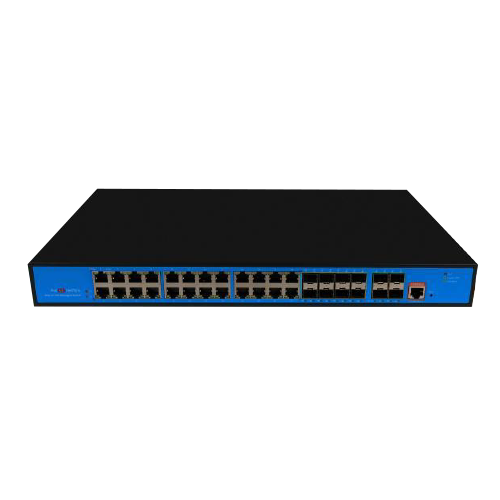 Industrial Switches
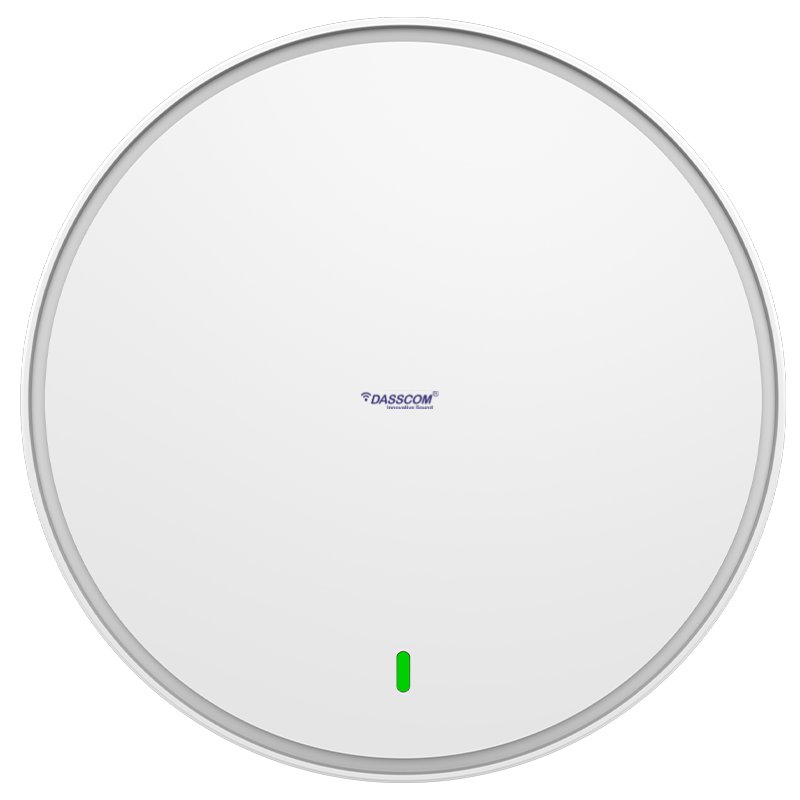 Access Points
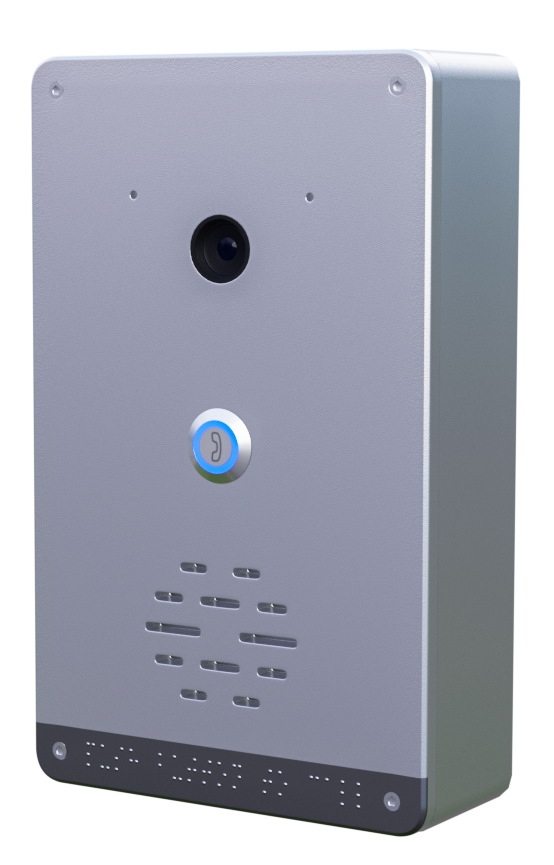 Safety Intercoms
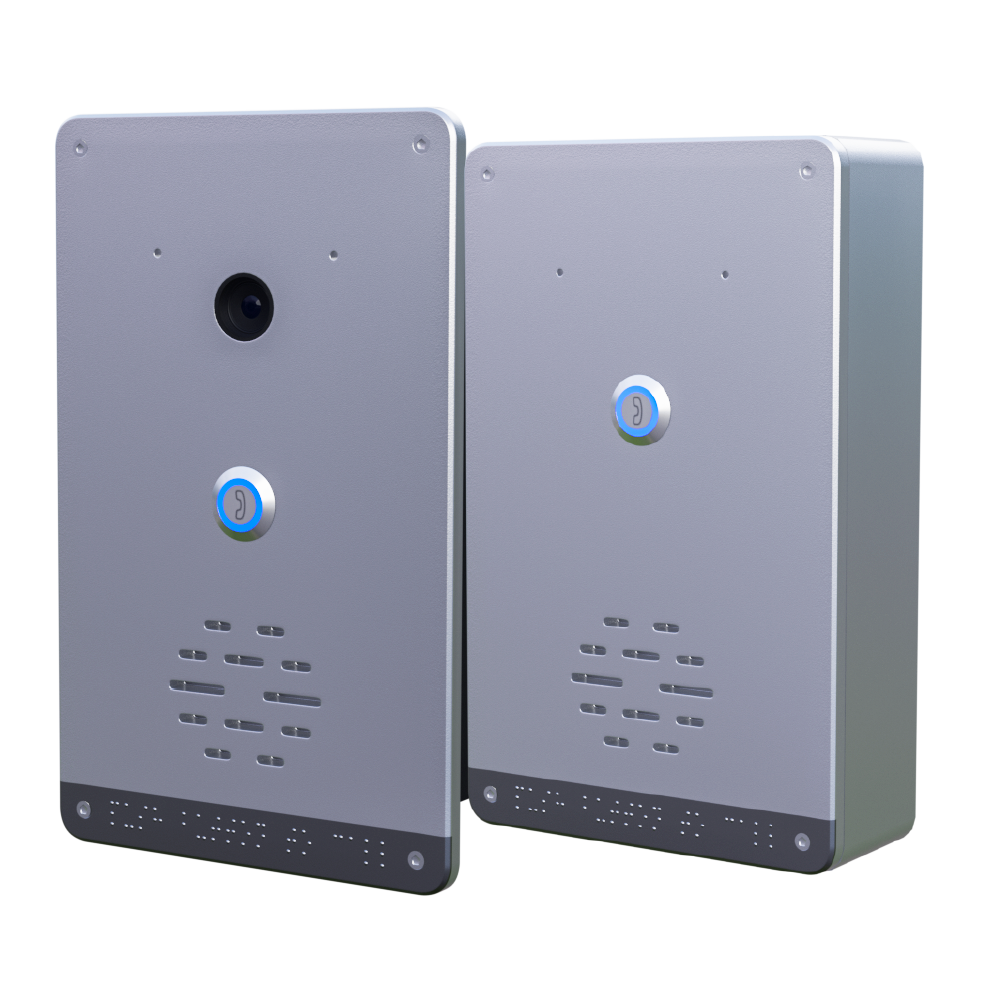
 Veda Series
 Divine Series
 Tatva Series
 VoIP Office
 Call Center Solutions
 Network Communications
 Public Safety
 Video & Security System
 Highway Communication
 Intercom System
 IP Paging Solutions

 Healthcare
 Hospitality
 School & Universities
 IT Office
 SMEs and SMBs
 Industries


 Public Address System
 VOIP Phones
 VOIP PBX
 VOIP Gateways
 Networking Solutions
 Call Center Headsets
 Emergency Intercom Stations



How to Choose an IP PBX System for a 20–100 Employee Office
fffs
As an office grows, managing business calls becomes more complex. Employees need direct extensions, reception teams need efficient call transfers, and managers need reliable communication with colleagues, customers, and suppliers. A traditional telephone setup may become difficult to expand as these requirements increase.
An IP PBX system for office communication provides centralized call management over an IP network. It can support internal calling, call routing, voicemail, and other business telephony functions, depending on the system selected.
For an office with 20–100 employees, the right system depends on more than headcount. You need to evaluate the number of extensions, simultaneous external calls, existing telephone lines, required features, and future expansion plans. Choosing the right capacity at the beginning helps avoid unnecessary expenditure and operational limitations later.
What Is an IP PBX System?
An IP PBX, or Internet Protocol Private Branch Exchange, is a business telephone system that manages calls using IP-based communication technology.
Instead of assigning a separate traditional telephone line to every employee, an IP PBX can connect compatible IP phones through the office network. Employees can use individual extensions to call colleagues, transfer calls, and access other supported telephony features.
An IP PBX can also connect to external telephone services through SIP trunks or compatible gateways. Hybrid configurations can support selected analog telephone lines and devices, depending on the system’s interfaces and configuration.
For growing businesses, IP PBX solutions provide a structured way to manage internal and external communication while allowing the telephone system to expand as staffing and operational requirements change.
How Much IP PBX Capacity Does Your Office Need?
The first step is to separate three requirements: employee count, extension count, and simultaneous call capacity.
Employee count refers to the number of people who need communication access. Extension count refers to the individual telephone extensions or registered endpoints required. Simultaneous call capacity refers to how many calls the system can handle at the same time.
These figures are related, but they are not interchangeable.
For example, a 50-employee office might require 50 extensions but only a smaller number of simultaneous external calls during normal business hours. A sales team or customer support department may need more concurrent call capacity than an office where most employees make occasional calls.
Use the following as a starting point for planning:
Office size | Initial planning considerations |
20–30 employees | Extensions for employees, reception, and key departments |
30–60 employees | Departmental call routing, additional call capacity, and growth |
60–100 employees | Extension management, higher concurrent-call demand, and structured expansion |
These are planning categories, not fixed system specifications. The actual requirements depend on calling patterns, remote users, departments, and external call volumes.
Before purchasing an IP PBX system for office deployment, document how many users need extensions, how many calls typically occur simultaneously, and how much expansion is expected over the next three to five years.
Key Features to Look for in an IP PBX
1. SIP Extension Support
SIP extensions allow compatible IP phones and other supported endpoints to register with the telephone system.
Each employee can have an individual extension, making it easier to route internal calls and manage communication between departments. Depending on the configuration, users may also benefit from call transfers, forwarding, conferencing, and voicemail.
When evaluating SIP extensions, check the system’s supported extension capacity and confirm whether the stated figure refers to registered extensions, users, or another licensing category.
2. Call Routing and IVR
Call routing helps direct incoming calls to the appropriate department or employee. An Interactive Voice Response (IVR) menu can allow callers to select options, such as sales, support, accounts, or reception.
For offices receiving frequent customer enquiries, these features can improve call organization and reduce the need for manual transfers.
These specifications make them options to evaluate for business environments with different wireless capacity requirements. Actual results will depend on deployment conditions and connected devices.
3. Voicemail and Call Recording
Voicemail helps employees receive messages when they are unavailable. Call recording can support training, quality review, or recordkeeping where appropriate.
Availability and functionality vary by system, so confirm whether the required features are built in, configurable, or subject to additional licensing or storage requirements.
4. Remote and Multi-Location Communication
Businesses with employees working from different locations may need remote extension support or connectivity between offices.
Before deployment, verify the system’s remote-access capabilities, security requirements, and compatibility with the organization’s network. Remote access should be configured securely rather than exposed directly to the public internet without appropriate protection.
5. Hybrid Telephony Support
Some offices still use analog phones, fax equipment, or traditional telephone lines. A hybrid IP PBX or compatible gateway can help integrate supported legacy equipment with IP-based communication.
This can allow businesses to modernize gradually instead of replacing every component at once.
Choosing the Right Dasscom IP PBX System
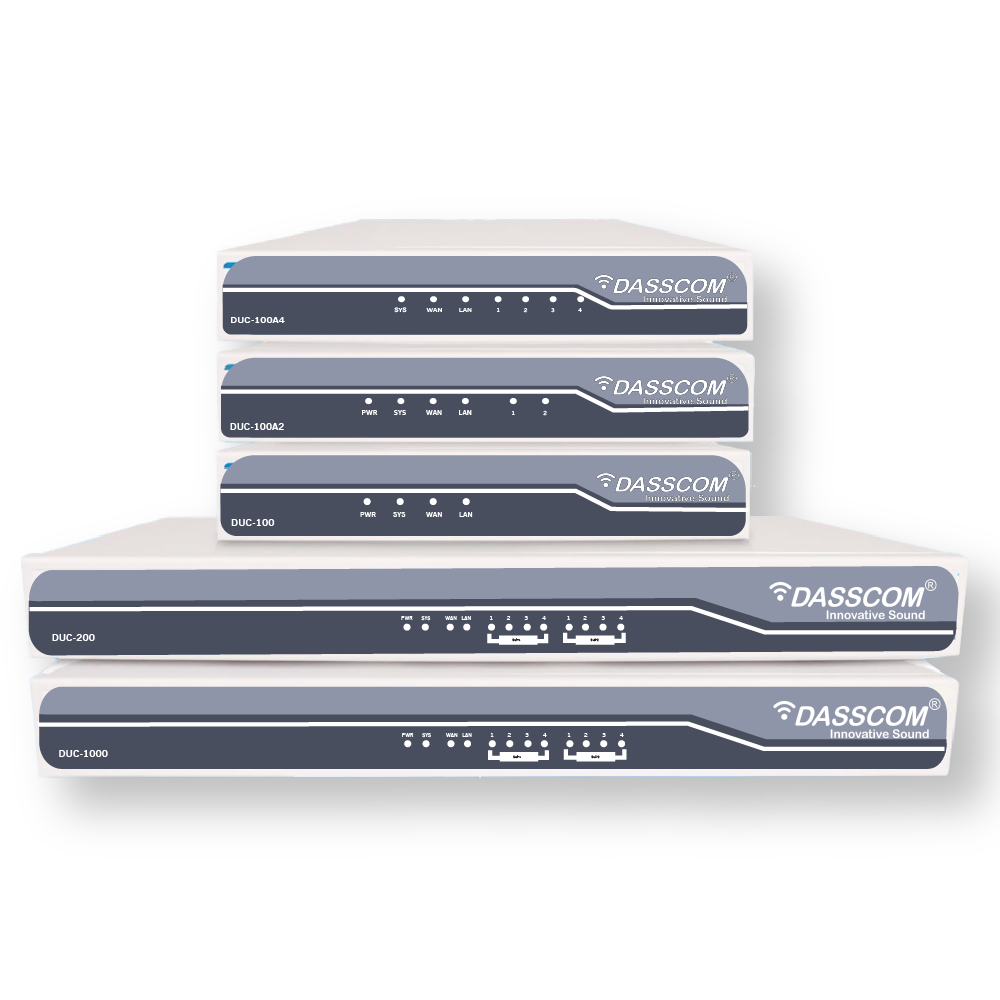
Dasscom’s DUC Series includes IP PBX options with different published extension capacities and telephony features. The appropriate model depends on the office’s actual requirements rather than employee count alone.
Dasscom DUC-100
Dasscom lists the DUC-100 as supporting up to 500 extensions, with built-in IVR, call recording, and remote extension support.
For a 20–100 employee business, this published extension capacity provides room to evaluate future growth. However, extension capacity should not be treated as a guarantee of simultaneous-call capacity.
Confirm the system’s concurrent-call specifications and configuration requirements before selecting it.
Dasscom DUC-100A2
The DUC-100A2 is listed with support for up to 500 extensions, built-in IVR, call recording, remote extension support, and two FXO interfaces.
Its additional analog-line support can be relevant for an office that needs to integrate compatible traditional telephone lines with an IP-based setup.
Dasscom DUC-200
The DUC-200 is listed with support for up to 800 extensions, built-in IVR, call recording, and two module slots for FXO, FXS, or GSM interfaces.
It may be worth evaluating when an organization requires additional extension capacity or modular connectivity. A smaller office should still compare the actual call load, required interfaces, and expansion plans before selecting a larger system.
These published extension figures are product specifications, not recommendations that every office needs hundreds of extensions. For any shortlisted model, verify simultaneous calls, licensing, interface configuration, and other deployment-specific requirements with Dasscom.
IP PBX vs. a Traditional Business Telephone System
Traditional telephone systems can meet basic communication needs, but expansion may require additional hardware or telephone-line changes, depending on the setup.
An IP PBX manages compatible voice endpoints through IP-based infrastructure. This can make extension administration and network-based communication more flexible.
A modern business VoIP phone system can also support a combination of IP phones, SIP trunks, and compatible gateways. Depending on the configuration, businesses may benefit from centralized call management, flexible extension provisioning, and integration with existing telephony infrastructure.
However, an IP PBX is not automatically cheaper or better for every office. Compare the total cost of hardware, phones, licenses, SIP services, installation, maintenance, and network readiness before making a decision.
Network Requirements Before Installation
Voice communication depends on a stable network. Before deploying an IP PBX, confirm that the office LAN can support the expected call traffic alongside everyday data applications.
Important considerations include:
- Bandwidth: Ensure sufficient network capacity for expected concurrent calls.
- Quality of Service (QoS): Where supported, prioritize voice traffic to help manage congestion.
- Power over Ethernet: Compatible PoE switches can supply power to supported IP phones through Ethernet cables.
- Network segmentation: Consider suitable VLAN configuration to separate voice and data traffic where appropriate.
- Security: Use strong credentials, secure remote access, and appropriate firewall and access policies.
- Internet connectivity: If external calls rely on SIP trunks or cloud services, assess internet reliability and any backup requirements.
A suitable business VoIP phone system should be planned together with the office network rather than installed as an isolated piece of equipment.
How to Calculate the Cost of an IP PBX System
A suitable business VoIP phone system should be planned together with the office network rather than installed as an isolated piece of equipment.
Which Is Better for Your Business?
The total cost depends on the selected PBX model, number and type of phones, interfaces, licenses, installation, and ongoing telephone services.
A practical budget should include the following:
- IP PBX hardware and any required modules.
- IP phones, headsets, and other endpoints.
- SIP trunk subscriptions or external calling charges.
- Network switches, cabling, and any required upgrades.
- Installation, configuration, and staff training.
- Maintenance, support, and future expansion.
Businesses should also distinguish between initial purchase cost and long-term operating cost. A system that is inexpensive initially may require additional modules or licensing later, while a system with more capacity than needed may increase upfront expenditure without delivering an immediate benefit.
Request a configuration-based quotation that clearly states the supported extensions, concurrent calls, included features, and additional costs.
Request an IP PBX Consultation
Common Mistakes to Avoid
One common mistake is choosing a system based only on the number of employees. A 70-person office with a busy sales team may have very different calling requirements from a 70-person office where most employees make occasional calls.
Another mistake is assuming that the maximum number of extensions equals the number of simultaneous calls. These are separate capacity considerations and should be verified independently.
Businesses should also avoid overlooking analog-line requirements, remote access, network readiness, and future expansion. Planning these details before installation can reduce unexpected costs and help the system meet operational needs.
Finally, confirm the compatibility of IP phones, gateways, and other endpoints with the chosen PBX before purchasing equipment.
Final Recommendation
When comparing Wi-Fi 6 vs Wi-Fi 7, prioritize real business needs over specifications alone. Dasscom’s DAP-1100C, DAP-2200C, and DAP-3300C provide published options across these generations, allowing businesses to evaluate connectivity, capacity, and deployment requirements against their plans.
Final Thoughts
Choosing the right IP PBX starts with understanding extensions, simultaneous calls, features, and network readiness. Compare verified product specifications, total ownership costs, and future expansion requirements before investing. For a 20–100 employee office, a properly sized system can provide organized calling and support business growth without unnecessary complexity
types of call center

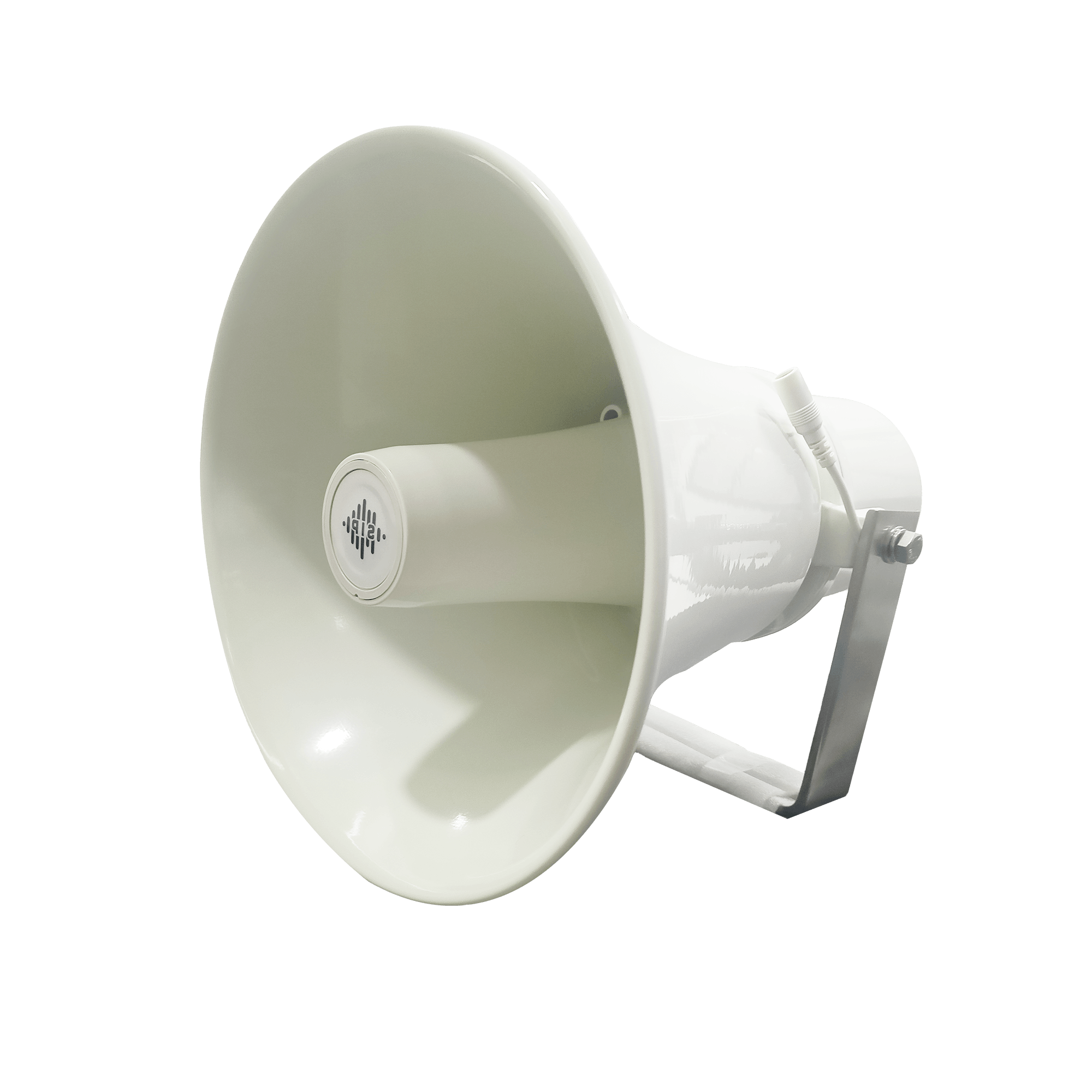
DS-15H
15 watt Horn speaker Support SIP IP 65 Rating Support BGM and announcement
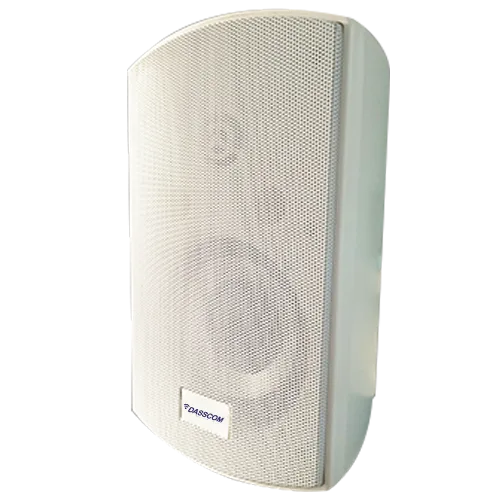
DS-10C
10 watt Ceiling Speaker Support SIP PoE enabled Support BGM & announcement
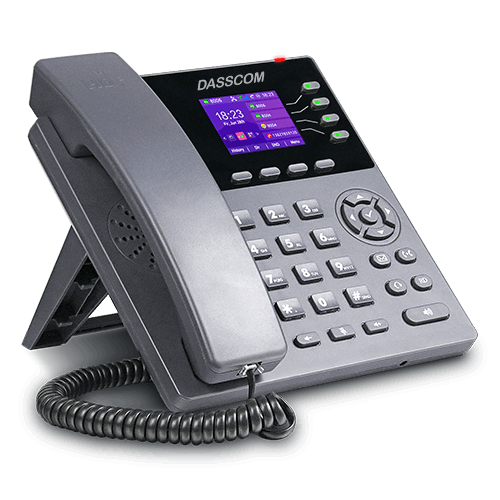
DS-15W
15 watt wall-mount speaker Support SIP PoE enabled Support BGM and announcement
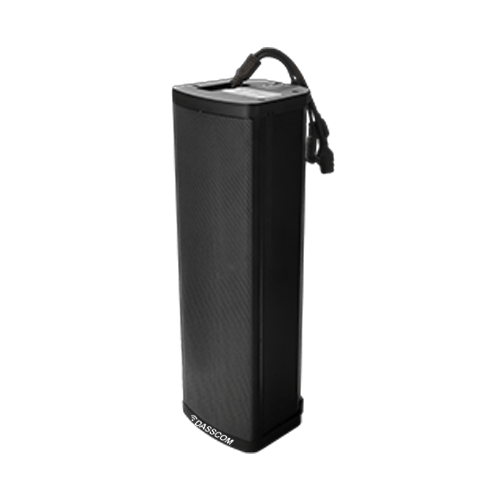
DXP-7200N
4 SIP Account PoE phone Colour Screen HD Voice
DS-30ECL
1.Built-in 30W amplifier, 2.Class D Amplifier
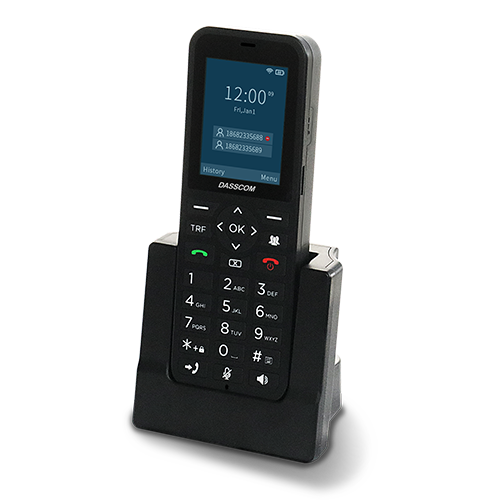
DW-100
2 SIP accounts Wi-fi Support Cordless Phone
Quick summary
See how Nextiva transforms the sales and support team productivity.
Frequently Asked Questions (FAQs)
1. Which IP PBX system is suitable for a 20–100 employee office?
The right model depends on extension requirements, concurrent calls, telephony interfaces, features, and growth plans. Compare the published specifications of shortlisted systems and confirm capacity with the manufacturer.
2. How many SIP extensions does a 100-employee office need?
A starting estimate is one extension per employee who requires a telephone endpoint, plus any shared or departmental extensions. The final count depends on roles, shared devices, remote users, and how the office handles calls.
3. What is the difference between extension capacity and simultaneous calls?
Extension capacity indicates how many extensions the system can support, while simultaneous-call capacity indicates how many calls can be handled at once. Always verify both specifications.
4. Can an IP PBX work with existing analog telephone lines?
Yes, if the selected PBX supports the required analog interfaces or can connect through a compatible gateway. Check the number and type of ports needed for your existing setup.
5. Can a business expand its IP PBX later?
Many IP PBX systems support expansion, but the limits depend on the model, licenses, hardware modules, and configuration. Confirm available capacity before purchasing if significant growth is expected.