How Public Address Systems Improve Safety and Operations in Public Spaces

How Public Address Systems Improve Safety and Operations in Public Spaces

In high-traffic public environments, clear and timely communication can prevent chaos, reduce risk, and improve everyday operations. From transportation hubs and educational institutions to malls, hospitals, and industrial campuses, public address systems play a critical role in ensuring safety, coordination, and efficiency.

Modern PA technologies have evolved far beyond simple loudspeakers. Today’s solutions—including wireless and IP-based platforms—enable centralized control, zoning, automation, and real-time emergency broadcasting. This blog explores how public address systems enhance safety and operational effectiveness across public spaces and how to choose the right solution for different environments.

What Are Public Address Systems?

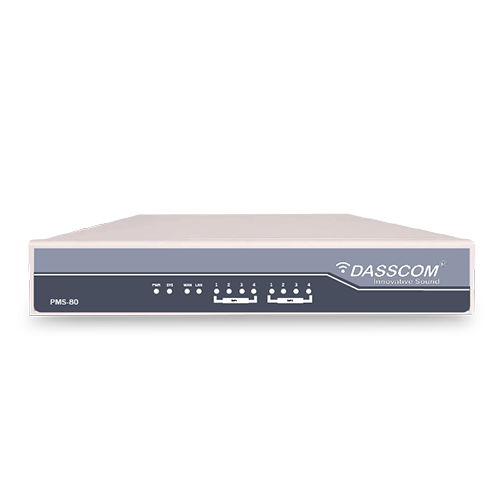
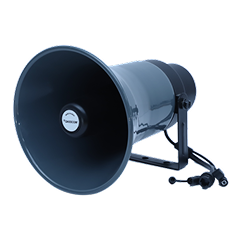
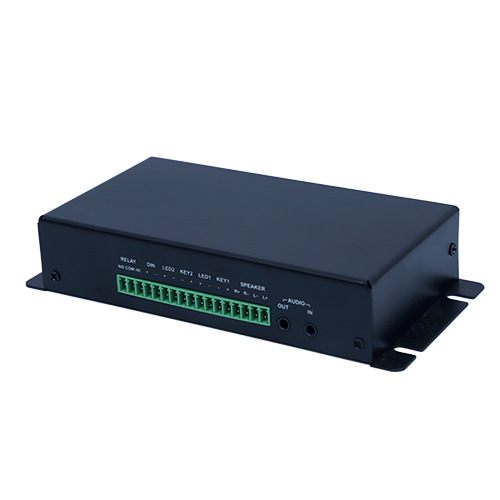
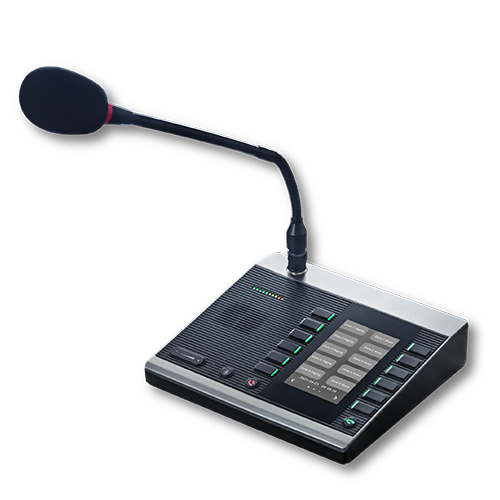
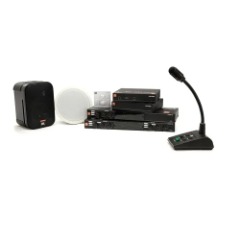
Public address systems are communication solutions designed to broadcast voice messages, alerts, and announcements to a large audience. They typically include microphones, amplifiers, speakers, and a control unit that manages message distribution.

In modern deployments, PA systems integrate with IP networks, wireless infrastructure, and emergency systems—making them a core component of public safety and facility management strategies.

Why Public Address Systems Are Essential in Public Spaces

Public spaces face unique challenges: large crowds, noise, emergencies, and constant movement. A reliable PA system ensures messages are heard clearly and instantly.

Key benefits include:

  • Rapid emergency communication
  • Crowd control and guidance
  • Improved operational coordination
  • Reduced reliance on manual interventions

Well-designed public address systems help authorities respond faster and operate more efficiently.

Enhancing Safety Through Public Address Systems

1. Emergency Alerts & Evacuation: In fire, security threats, or natural disasters, clear announcements can guide people to safety. PA systems reduce panic by providing calm, authoritative instructions in real time.

2. Real-Time Incident Response: Security teams can broadcast zone-specific messages to isolate incidents without disrupting entire facilities—especially when using an ip pa system.

3. Compliance with Safety Regulations: Many public and industrial spaces are required to install PA systems as part of emergency preparedness and occupational safety norms.

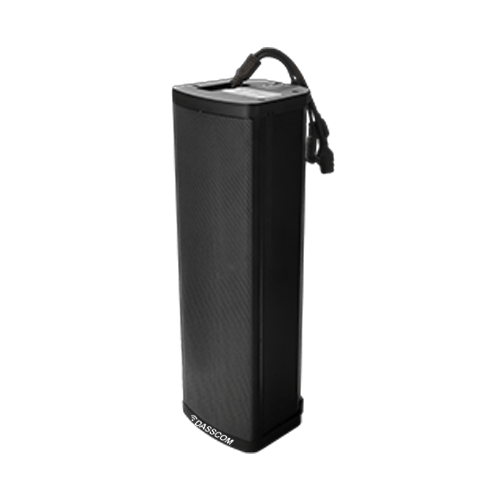
An effectively deployed outdoor pa system is especially critical in open areas such as campuses, parking zones, and transport terminals.

Operational Efficiency Beyond Emergencies

Public address systems are not only for emergencies—they streamline daily operations.

  • Routine Announcements: Scheduling, directional guidance, and service updates can be automated to reduce manual workload.
  • Zoned Communication: Different messages can be broadcast simultaneously to different areas using modern PA architectures.
  • Integration with Digital Systems: An ip pa system integrates with CCTV, access control, and building management platforms, enabling smarter operations.

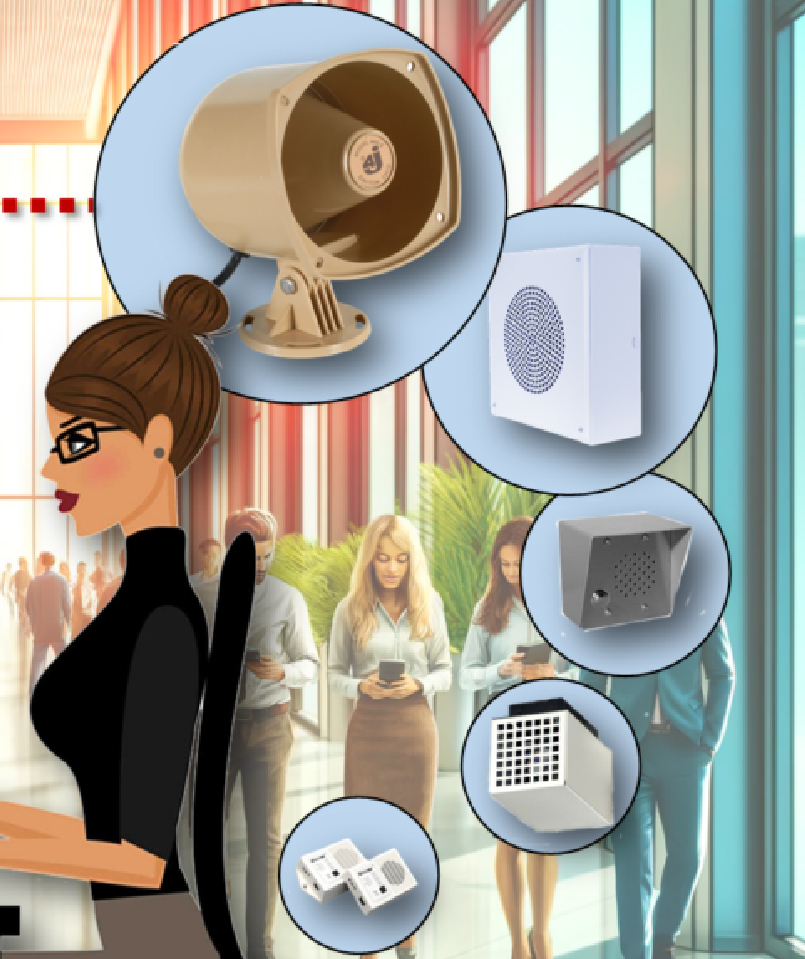
Types of Public Address Systems Used Today

Wireless PA System: A wireless PA system eliminates extensive cabling, making installation faster and more flexible.

Advantages:

  • Quick deployment
  • Easy scalability
  • Ideal for retrofitting existing buildings

A wireless public address system is widely used in schools, offices, and temporary venues where infrastructure changes frequently.

Wireless PA System for Schools: A wireless pa system for schools supports daily announcements, bell scheduling, and emergency alerts without complex wiring.

Key benefits for education campuses:

  • Campus-wide coverage
  • Classroom-level zoning
  • Fast emergency communication

Schools increasingly adopt wireless systems to balance safety and cost efficiency.

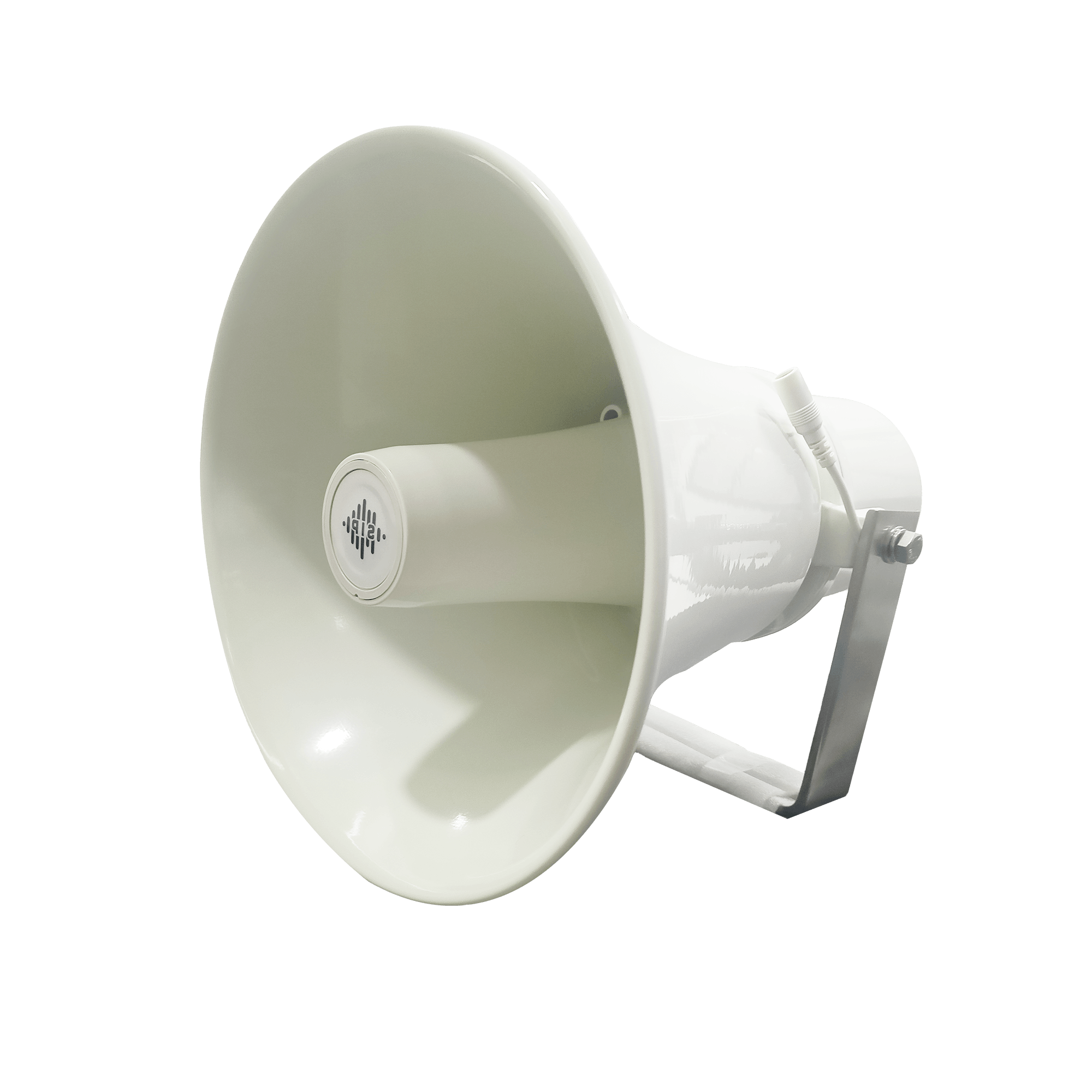
Outdoor PA System: An outdoor pa system is designed to withstand harsh environmental conditions such as heat, rain, dust, and wind.

Common applications:

  • Stadiums and sports complexes
  • Industrial yards
  • Transportation terminals
  • Public parks

Durability and sound clarity over long distances make outdoor systems vital for large open spaces.

IP PA System: An ip pa system uses IP networks to transmit audio, offering centralized control and advanced features.

Why organizations prefer IP-based PA:

  • Remote monitoring and control
  • Integration with IT infrastructure
  • High audio clarity
  • Easy expansion across locations

IP systems are becoming the backbone of modern enterprise and city-wide PA deployments.

How PA Systems Improve Different Public Spaces

  • Airports & Railway Stations

PA systems manage boarding announcements, delays, emergency alerts, and crowd movement.

  • Hospitals

Clear communication supports patient safety, staff coordination, and emergency codes without adding panic.

  • Malls & Commercial Complexes

Announcements support promotions, lost-and-found alerts, and evacuation guidance.

  • Industrial Facilities

An outdoor pa system combined with IP control enables rapid alerts during safety incidents.

Choosing the Best PA System for Your Needs

Selecting the best pa system depends on several factors:

1. Environment

Indoor spaces focus on clarity and acoustics, while outdoor spaces require weather-resistant hardware.

2. Coverage Area

Large campuses benefit from IP-based zoning and centralized control.

3. Flexibility

A wireless pa system is ideal where layout changes are frequent.

4. Audio Quality

For indoor environments like auditoriums and offices, investing in the best indoor speakers ensures intelligibility without distortion.

A well-planned system balances performance, scalability, and long-term reliability.

Role of Speakers in PA Performance

Speakers define how well a message is understood. Using the best indoor speakers improves voice clarity, reduces echo, and ensures even sound distribution.

For outdoor use, ruggedized speakers paired with an outdoor pa system ensure announcements remain audible even in noisy environments.

Future of Public Address Systems

PA systems are evolving into intelligent communication platforms. Trends include:

  • AI-driven alert prioritization
  • Cloud-based management
  • Integration with IoT and smart city infrastructure
  • Mobile and remote access

Advanced public address systems will continue to play a vital role in public safety and operational excellence.

Conclusion

From emergency preparedness to everyday coordination, public address systems are indispensable in public spaces. Whether deploying a wireless pa system, a robust outdoor pa system, or a centralized ip pa system, the right solution enhances safety, improves response time, and streamlines operations.

Investing in the best pa system ensures clear communication when it matters most—protecting people and improving how public spaces function.

What Is a Network Switch and How Does It Work?

What Is a Network Switch and How Does It Work?

In today’s connected world, reliable data flow is the backbone of every digital operation—from small offices to large industrial facilities. At the center of this connectivity sits the Network Switch, a fundamental device that enables multiple devices to communicate efficiently within a local area network (LAN). Understanding how it works and which type to choose can significantly impact performance, security, and scalability.

This guide explains what a network switch is, how it works, the different types available, and how businesses can select the right switch for their environment.

What Is a Network Switch?

A Network Switch is a networking device that connects multiple devices—such as computers, IP phones, servers, printers, and access points—within a LAN. It receives data packets from one device and intelligently forwards them only to the intended destination device.

Unlike older hub-based networks that broadcast data to all connected devices, a network switch makes communication faster, more secure, and more efficient.

How Does a Network Switch Work?

A network switch operates primarily at Layer 2 (Data Link Layer) of the OSI model, though advanced switches may also operate at Layer 3.

Here’s how it works step by step:

  1. Device Connection: Each device connects to a port on the switch using an Ethernet cable.
  2. MAC Address Learning: When data enters the switch, it reads the source MAC address and stores it in a MAC address table.
  3. Intelligent Forwarding: The switch checks the destination MAC address and forwards the data only to the relevant port.
  4. Reduced Traffic: By avoiding unnecessary broadcasting, a Network Switch minimizes congestion and improves network speed.

This intelligent packet handling is what makes switches essential for modern business networks.

Why Network Switches Are Critical for Businesses

Businesses rely on consistent uptime and fast data transfer. A Network Switch ensures:

  • Faster internal communication
  • Improved network reliability
  • Better security than shared networks
  • Easy scalability as devices increase

From office VoIP systems to surveillance networks, switches play a central role in daily operations.

Types of Network Switches

Not all switches are the same. Choosing the right type depends on network size, control requirements, and operating environment.

1. Unmanaged Network Switch

An unmanaged network switch is a plug-and-play device that requires no configuration. Simply connect devices, and it starts working automatically.

Key Characteristics

  • No configuration or monitoring
  • Fixed functionality
  • Lower cost
  • Ideal for basic networking needs

Best Use Cases

  • Small offices
  • Home offices
  • Temporary setups

An unmanaged network switch is suitable when simplicity is more important than control. However, it lacks advanced features such as traffic prioritization and security policies.

2. Managed Network Switch

A managed network switch offers complete control over network traffic and performance. Network administrators can configure, monitor, and optimize network behavior.

Key Characteristics

  • VLAN support
  • Traffic prioritization (QoS)
  • Network monitoring and diagnostics
  • Enhanced security features

Best Use Cases

  • Enterprises
  • Data centers
  • IP telephony and video networks

A managed network switch is essential where performance optimization, segmentation, and security are critical.

3. Industrial Network Switch

An industrial network switch is designed for harsh environments where standard switches cannot operate reliably.

Key Characteristics

  • Wide temperature tolerance
  • Rugged metal enclosures
  • Resistance to dust, vibration, and electrical noise
  • Long operational life

Best Use Cases

  • Manufacturing plants
  • Transportation systems
  • Power and utility infrastructure
  • Outdoor installations

An industrial network switch ensures stable communication in mission-critical environments where downtime is not an option.

Managed vs Unmanaged vs Industrial: Quick Comparison

Feature Unmanaged Industrial Managed
Configuration None Limited Advanced
VLAN Support No Basic Full
Monitoring No Limited Yes
Security Controls No Basic Advanced
Cost Low Medium Higher

This comparison helps businesses align network needs with the right switch type.

How to Choose the Right Network Switch

When selecting a Network Switch, consider the following factors:

1. Network Size: Small networks may work well with an unmanaged network switch, while large deployments benefit from managed options.

2. Control & Security Needs: If traffic segmentation, access control, or monitoring is required, a managed network switch is the right choice.

3. Scalability: A manageable network switch is ideal for organizations planning to expand gradually.

4. Environment: For extreme conditions, always choose an industrial network switch built for reliability.

Network Switches in Modern Business Applications

Network switches support a wide range of applications:

  • IP telephony and unified communications
  • Video surveillance systems
  • Enterprise Wi-Fi networks
  • Industrial automation
  • Data centers and cloud connectivity

Each application places different demands on the switch, reinforcing the importance of choosing the right type.

Future of Network Switching

As networks evolve with IoT, cloud computing, and edge deployments, switches are becoming smarter and more specialized. Advanced features such as automation, enhanced security, and centralized management are shaping the next generation of Network Switch solutions—especially in industrial and enterprise environments.

Final Thoughts

A Network Switch is more than just a connectivity device—it is the foundation of efficient, secure, and scalable networks. Whether you choose an unmanaged network switch for simplicity, a manageable network switch for growing needs, a managed network switch for enterprise-grade control, or an industrial network switch for harsh environments, the right decision directly impacts network performance and reliability.

Understanding how switches work and where each type fits ensures smarter investments and stronger network infrastructure for the future.

TEC-Certified Dasscom VoIP Phones: Redefining Trust and Compliance in India

TEC-Certified Dasscom VoIP Phones: Redefining Trust and Compliance in India

India’s telecom landscape is evolving rapidly, driven by digital transformation, cloud adoption, and the growing demand for secure, scalable communication. In this environment, compliance is no longer optional—it is critical. Dasscom’s VoIP Phone Series being officially TEC Certified marks a significant milestone, reinforcing trust, regulatory compliance, and long-term reliability for Indian enterprises and service providers.

This certification is not just a badge—it is a strong assurance to customers that every certified ip phone from Dasscom meets stringent Indian telecom standards and is ready for mission-critical deployments.

What Is TEC Certification and Why It Matters

TEC (Telecommunication Engineering Centre) certification is issued under the Department of Telecommunications (DoT), Government of India. It validates that telecom products comply with national standards related to safety, security, performance, and interoperability.

For organizations deploying voip phones at scale, TEC certification ensures:

  • Seamless compatibility with Indian telecom networks
  • Adherence to government-mandated security norms
  • Reduced deployment risks and approval delays
  • Confidence for enterprise and public-sector projects

In short, TEC certification builds trust at every level of deployment.

Dasscom VoIP Phones: Now TEC Certified

Dasscom’s range of VoIP desk phones has successfully achieved TEC certification, strengthening our commitment to quality and regulatory alignment. Each certified voip ip phone is tested to meet India-specific telecom requirements, making them suitable for both private enterprises and operator-led rollouts.

This achievement directly benefits:

  • Enterprises modernizing legacy telephony
  • VoIP service providers deploying endpoints at scale
  • Government and PSU projects requiring compliant devices
  • System integrators working on regulated networks

Contact Sales

What TEC Certification Means for Customers

1. Guaranteed Interoperability: TEC-certified Dasscom phones are proven to work reliably with Indian telecom infrastructure and voip phone system deployments, reducing integration challenges.

2. Enhanced Reliability & Performance: Rigorous testing ensures stable performance under real-world network conditions, essential for enterprise-grade voip system usage.

3. Compliance with Government Guidelines: Certified devices meet safety, security, and quality norms defined by the Government of India—crucial for regulated industries.

4. Confidence for Large-Scale Deployments: From corporate offices to nationwide rollouts by voip service providers, certification ensures readiness for scale.

TEC-Certified Dasscom VoIP Phone Models

Dasscom’s certified portfolio includes popular desk phone models used across enterprises and service providers. These models are designed for different usage scenarios—from basic office extensions to advanced enterprise communication.

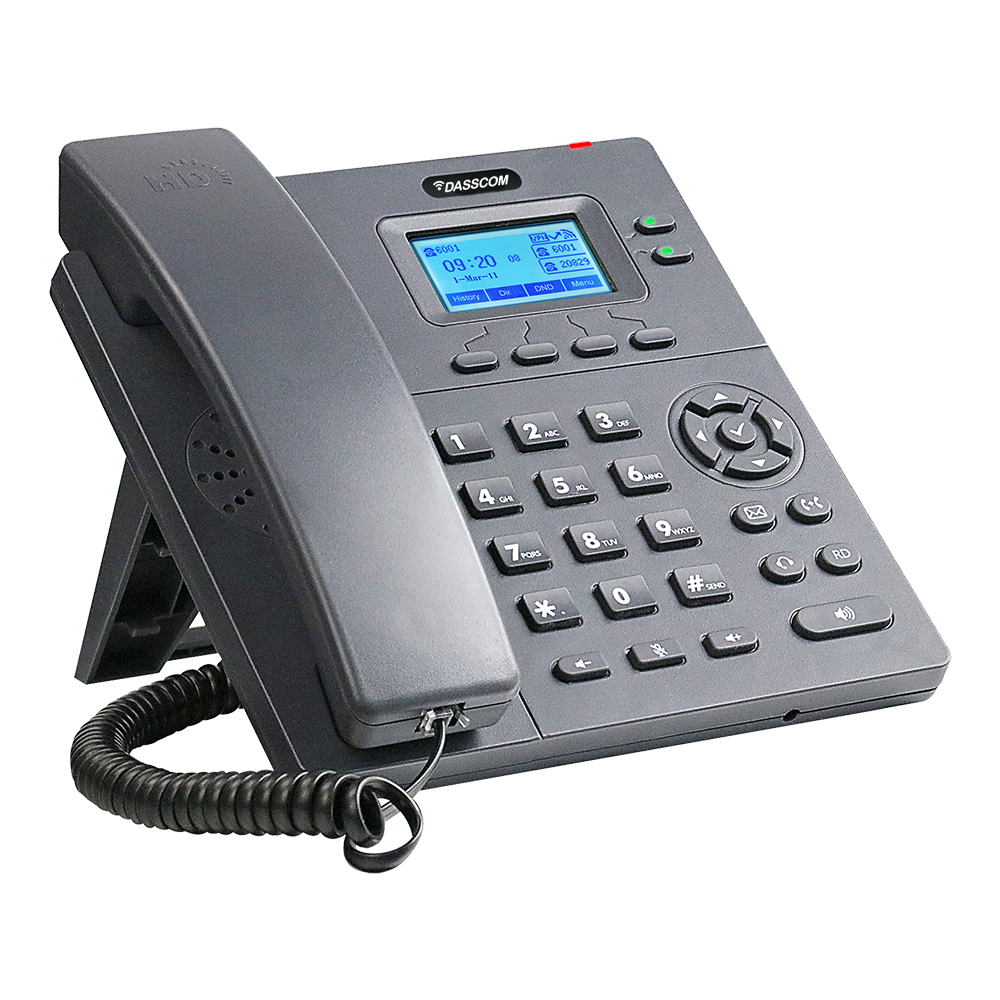
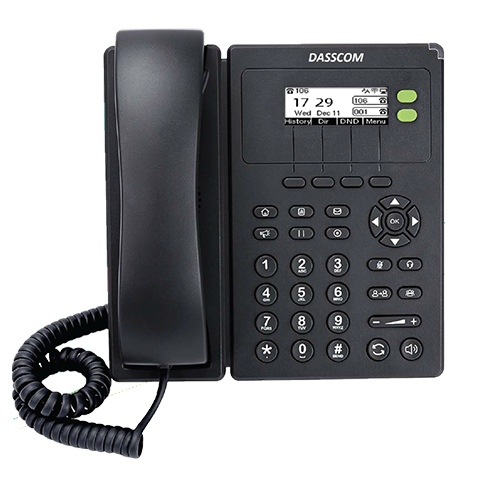
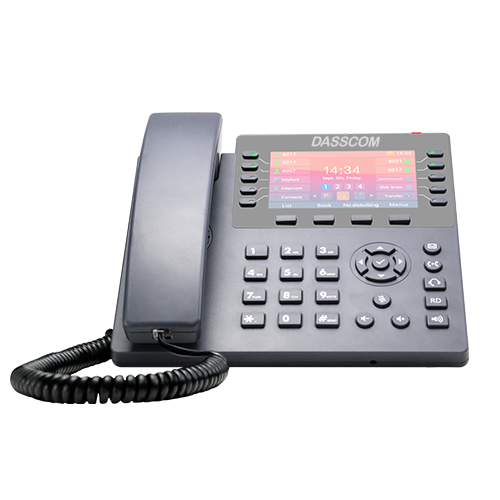
TEC-certified Dasscom VoIP phone models include:

These models deliver consistent performance, making them ideal ip phone choices for compliant deployments.

Find a Dealer

Why TEC Certification Is Critical for VoIP Deployments in India

India has unique regulatory and network requirements. Using non-certified equipment can lead to:

  • Network incompatibility
  • Security vulnerabilities
  • Delays in approvals and audits
  • Increased operational risk

By choosing TEC-certified Dasscom voip phones, organizations avoid these challenges while aligning with national telecom policies.

Benefits for VoIP Service Providers and Enterprises

For VoIP Service Providers

  • Faster customer onboarding
  • Reduced support issues
  • Compliance-ready endpoints for enterprise clients
  • Improved credibility among best voip service providers

For Enterprises

  • Smooth integration with existing voip phone system setups
  • Secure internal and external communication
  • Better long-term ROI on communication infrastructure

Buy Now

Supporting Make in India & Digital Transformation

Dasscom’s TEC certification aligns with India’s broader digital and telecom modernization goals. By offering Make-in-India ready voip solutions, we actively contribute to strengthening the nation’s communication backbone.

Our certified devices support:

  • Cloud-based telephony
  • Enterprise unified communications
  • Secure voice deployments across industries

This positions Dasscom as a trusted partner in India’s digital growth story.

Cost, Value, and Compliance

Organizations often weigh compliance against cost. With Dasscom, compliance does not mean higher complexity. Our certified models offer a competitive voip phone price, making it easier to adopt compliant communication without inflating budgets.

For businesses comparing value across vendors, Dasscom delivers:

  • Certified hardware
  • Reliable performance
  • Competitive pricing
  • Long-term support

Wireless and Desk-Based VoIP Ecosystems

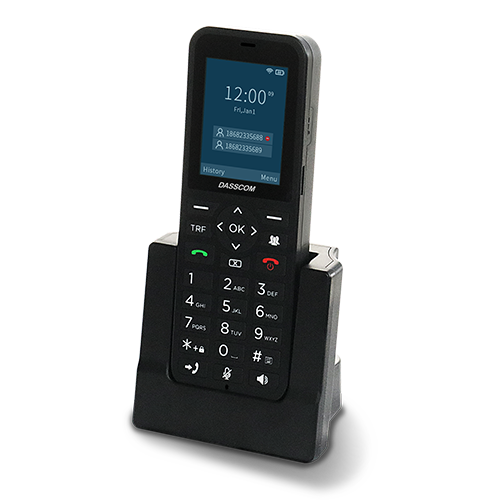
While desk phones remain the backbone of enterprise voice, many deployments combine them with a wireless voip phone for mobility-focused roles. Dasscom’s certified desk phones integrate smoothly into such hybrid environments, supporting flexible and scalable voip system architectures.

Why Dasscom Stands Out

  • TEC-certified product portfolio
  • Strong compatibility with Indian networks
  • Trusted by enterprises and voip service providers
  • Designed for scalability and security
  • Aligned with Make-in-India initiatives

For organizations evaluating voip solutions, Dasscom offers a rare combination of compliance, reliability, and affordability.

Request a Demo

Conclusion

TEC certification marks a defining moment for Dasscom and a clear advantage for our customers. By choosing TEC-certified Dasscom voip ip phone models, businesses and service providers gain compliance assurance, network reliability, and long-term confidence.

In a market where trust and regulation matter as much as performance, Dasscom’s certified voip phones set a new benchmark for enterprise communication in India.

Intercom System: Use Cases and Benefits

Intercom System: Use Cases and Benefits

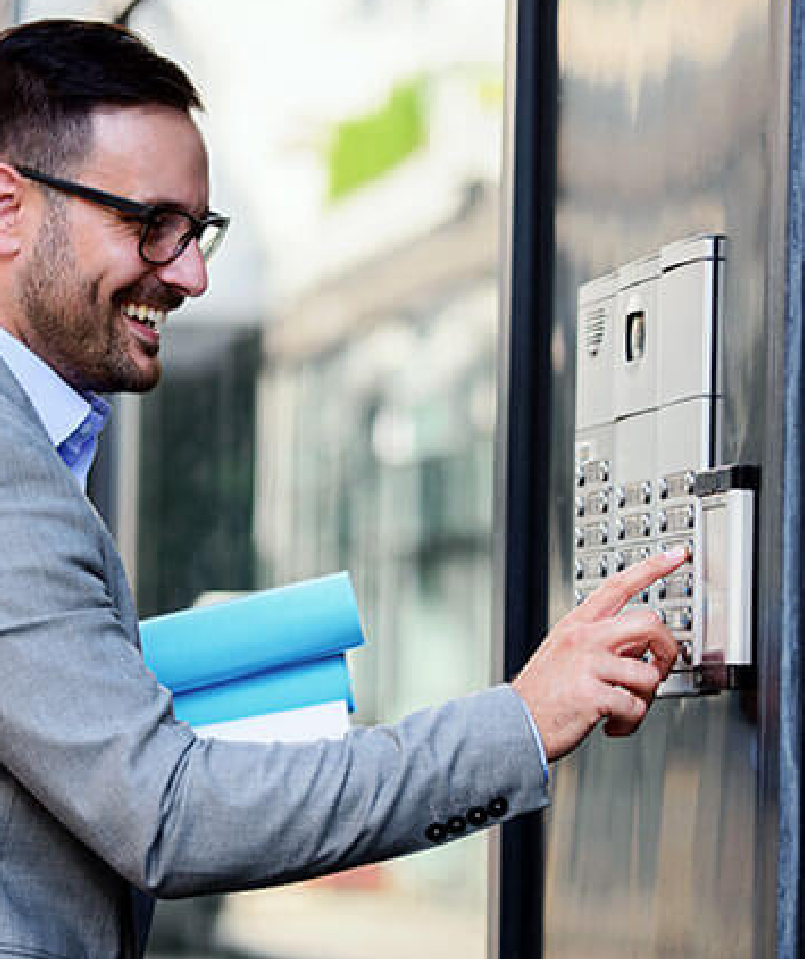
An effective intercom system has become a core component of modern communication infrastructure—whether in offices, commercial buildings, residential complexes, factories, hospitals, or public facilities. As organizations shift towards smart, secure, and connected environments, intercoms play a critical role in daily coordination, security management, emergency response, and workflow efficiency.

Today’s intercoms have evolved significantly. From simple audio communication panels, they have transformed into advanced IP-based platforms that support video intercom, wireless intercom, mobile connectivity, and VoIP integration. This evolution has made intercom solutions more reliable, scalable, and easier to deploy across large or distributed spaces.

In this guide, we explore the major use cases, benefits, and business applications of modern intercom technology—particularly for enterprises looking to deploy an office intercom system or a commercial intercom system that meets operational, security, and communication needs.

What Is an Intercom System and How Does It Work?

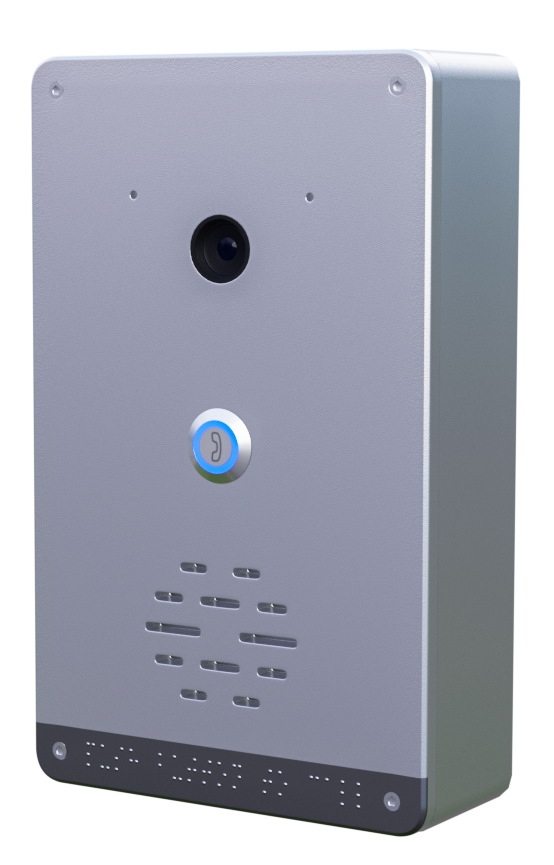
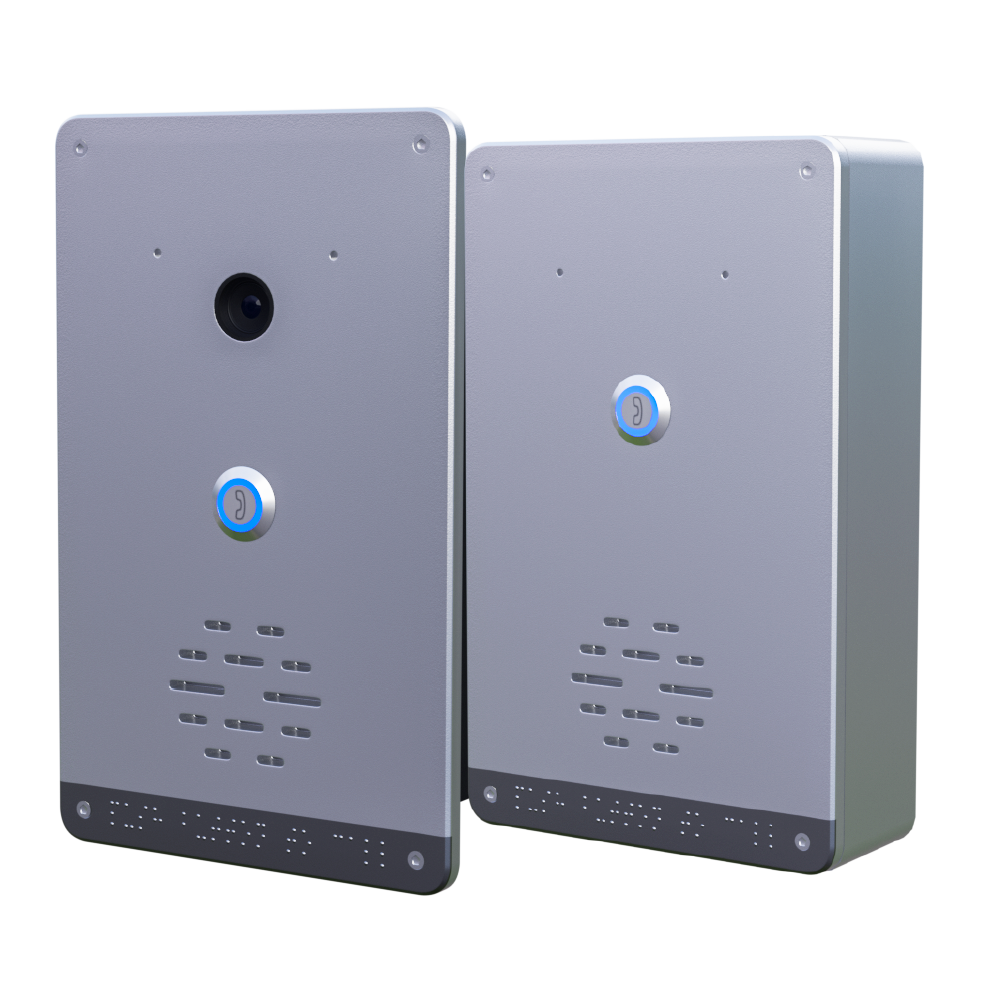
An intercom system is a communication platform that allows two-way voice—or voice and video—interaction between designated points. It typically consists of call panels, indoor stations, speakers, microphones, and a communication controller (analog or IP-based).

Modern intercoms include:

  • Audio intercoms
  • Video intercom systems
  • Wireless intercom system solutions
  • VoIP-enabled intercoms
  • Commercial-grade intercoms for large buildings

These systems integrate into access control, CCTV, announcement systems, and workplace communication workflows, offering a centralized solution for both security and communication.

1. Office Intercom System: Enhancing Workplace Communication

An office intercom system improves real-time communication within teams, departments, and floors. It supports voice calling, paging announcements, emergency alerts, and secure entry management.

Where office intercoms are used:

  • Reception-to-desk communication
  • Entry verification and visitor screening
  • Meeting room coordination
  • Internal announcements
  • Emergency communication

Benefits for offices:

  • Faster collaboration
  • Streamlined visitor management
  • Improved safety
  • Hands-free communication
  • Seamless integration with VoIP and PBX

For modern workplaces adopting hybrid models, IP-based and wireless intercom solutions make deployment easier without heavy cabling.

2. Commercial Intercom System: Scalable for Large Facilities

A commercial intercom system is critical for facilities like malls, hospitals, warehouses, corporate campuses, hotels, and large industrial buildings. These environments require structured communication to maintain both operations and security.

Key use cases:

  • Multi-zone announcements
  • Staff coordination
  • Access control integration
  • Loading area communication
  • Emergency and evacuation alerts

Commercial benefits:

  • Supports large layouts
  • Highly scalable architecture
  • Consistent communication across departments
  • Remote monitoring through IP networks
  • Seamless integration with PA systems

Because commercial spaces deal with high foot traffic and sensitive operations, choosing wired or wireless intercom system models depends on infrastructure layout.

3. Wireless Intercom Systems: Flexible & Fast Deployment

A wireless intercom system is ideal for spaces where cabling is difficult or costly—such as heritage buildings, outdoor facilities, warehouses, schools, or large open areas.

Benefits of wireless intercom solutions:

  • Quick installation
  • No structural modifications needed
  • Supports mobility
  • Cost-effective for multi-building layouts
  • Ideal for temporary or movable setups

The rise of Wi-Fi and IP-based communication has made wireless intercom options highly reliable, with low latency and secure encrypted channels.

4. Video Intercom Systems: Reinforcing Identity Verification

A video intercom adds face-to-face verification before granting entry or responding to an alert. This significantly enhances security for residential and commercial buildings.

Where video intercom is used:

  • Building entrances
  • Visitor lobbies
  • Security checkpoints
  • Hospitals and restricted areas
  • Parking zones

Key advantages:

  • Live video monitoring
  • Accurate visitor verification
  • Enhanced access control
  • Reduced security risk
  • Recording options for compliance

For businesses, integrating a video intercom with access control and CCTV creates a unified security environment.

5. VoIP Intercom Systems: Modern, Scalable & Network-Ready

A voip intercom connects directly to the organization’s IP network. This allows it to communicate with IP phones, softphones, mobile devices, and PBX systems without separate wiring.

VoIP intercom benefits:

  • Centralized administration
  • SIP-based calling
  • Remote monitoring
  • Easy scalability
  • Integration with VoIP phone systems

VoIP-based intercoms also enhance intercom system for business environments by supporting cloud-based communication and multi-location connectivity.

Use Cases Across Different Industries

Modern intercom systems serve a wide range of use cases across various business sectors. Below are real-world examples:

Healthcare

  • Nurse call points
  • Emergency panic stations
  • Restricted area access
  • Bed-to-station communication

Education

  • Classroom announcements
  • Gate entry verification
  • Playground surveillance communication
  • Two-way emergency alerts

Retail & Malls

  • Staff coordination
  • Emergency alerts
  • Store-to-storage communication
  • Parking area interaction

Industrial Facilities

  • Warehouse coordination
  • Factory floor communication
  • Operator-to-control-room contact
  • Safety alerts and SOS points

Residential & Hospitality

  • Apartment entry intercom
  • Visitor verification
  • Room-to-reception communication
  • Security desk coordination

Top Benefits of Deploying an Intercom System for Business

A modern intercom system for business offers advantages that improve both security and operational efficiency.

  1. 1. Enhanced Workplace Security: Intercoms enable controlled entry, surveillance pairing, and real-time verification, reducing unauthorized access.
  2. Faster Internal Communication: Teams communicate instantly without relying on phones for every interaction.
  3. Better Emergency Response: During fire alarms, evacuation calls, or accidents, intercom points allow immediate communication with control rooms.
  4. Increased Productivity: Quicker decision-making and smoother coordination improve workflow efficiency.
  5. Scalability & Network Integration: IP and voip intercom systems scale easily as businesses grow.
  6. Cost Efficiency: Wireless and VoIP-based options reduce installation and maintenance costs substantially.
  7. Enhanced Visitor & Access Management: Video and audio verification ensure safer and more organized entry handling.

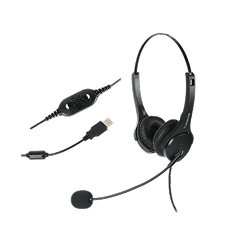
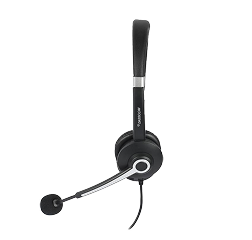
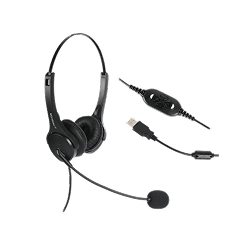
What Are the Best Features to Look For in a USB Noise-Cancelling Headset?

What Are the Best Features to Look For in a USB Noise-Cancelling Headset?

Choosing the right headset is no longer just a comfort decision—it’s a productivity decision. As businesses shift to hybrid work, virtual collaboration, cloud telephony, and VoIP platforms, high-quality noise headphones have become essential for maintaining professional communication.

USB headsets, in particular, are now the go-to choice for call centers, offices, remote workers, and customer-facing professionals. But with so many models available—wired, wireless, USB-A, USB-C, on-ear, over-ear—how do you decide which one is right for you?

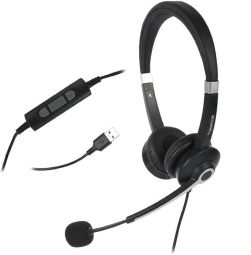
This guide breaks down the features that truly matter when selecting the best noise cancelling headset, along with insights into how noise-cancelling technology works, what USB connectivity offers, and why both comfort and durability directly impact work performance.

What Makes USB Noise-Cancelling Headsets So Popular?

USB headsets have a clear advantage: they provide digital audio processing, making voice transmission more stable and accurate compared to analog 3.5mm jacks. When paired with noise reduction headphones with mic technology, they significantly improve clarity in meetings, support queues, and customer conversations.

Modern users demand:

  • Clear voice quality
  • Background noise filtering
  • Long-wearing comfort
  • Plug-and-play compatibility
  • Stable digital connectivity

USB noise-cancelling headphones deliver all of these, making them one of the best noise reduction headset choices for modern workplaces.

Key Features to Look for in USB Noise-Cancelling Headsets

Below is a detailed breakdown of the features that actually matter and directly affect your communication quality.

1. Advanced Noise-Cancelling Microphone (Must-Have)

The microphone is the heart of any professional headset. If it captures too much background noise, your callers struggle—not you. A noise cancelling headset must have:

  • Directional microphone
  • ENC (Environmental Noise Cancellation)
  • Wind and pop filters
  • Background noise suppression algorithms

If your goal is clear customer communication, choose noise reduction headphones with mic, especially those designed for BPOs, customer support, telesales, and remote meetings.

2. Comfortable, Long-Wear Ergonomics

Hours of meetings or calls require a headset that’s comfortable enough for extended use. When selecting noise headphones with USB connectivity, check for:

  • Soft, breathable ear cushions
  • Lightweight design
  • Adjustable headband
  • Rotatable microphone boom
  • Low clamping force

Comfort affects posture, productivity, and call quality—so never compromise here.

3. USB Digital Connectivity (USB-A or USB-C)

USB connectivity ensures stable digital audio processing with no signal loss. USB headsets are available in two interface types:

USB-A

  • Ideal for desktops
  • Widely supported
  • Perfect for call centers

USB-C

  • Compatible with modern laptops, tablets, and smartphones
  • Sleek and future-ready

Choosing usb noise cancelling headphones or noise cancelling usb c headphones depends entirely on your device ecosystem.

4. High-Definition Audio Output

Whether you’re listening to customers, attending team meetings, or reviewing recordings, audio clarity is everything. The best noise cancelling headset must offer:

  • Wideband HD audio
  • Balanced mids and highs
  • Low distortion
  • Acoustic shock protection

High-definition sound ensures crisp communication, reducing misunderstandings and the need for repetition.

5. Wired vs Wireless: Which Should You Choose?

While this guide focuses on USB, many modern headsets offer hybrid connectivity. Understanding the difference is important:

Wired USB Headsets

  • Stable audio
  • No battery
  • Suitable for BPOs & offices
  • Lower cost

Wireless Noise Cancelling Head Phones

  • Freedom to move
  • Best for executives and remote workers
  • Bluetooth or USB dongle pairing
  • Batteries required

If mobility matters, wireless noise cancelling head phones are ideal. For call centers and long shift environments, wired USB headsets are more practical.

6. Build Quality and Durability

Professional usage demands strong construction. When selecting the best noise reduction headset, ensure that:

  • The cable is reinforced and tangle-free
  • Connectors are strong
  • Microphone boom is flexible but durable
  • Materials are sweat-resistant
  • Joints and hinges withstand daily use

Cheap headsets break fast; durable ones save cost long-term.

7. Compatibility With UC & VoIP Platforms

Your headset must work seamlessly with:

  • Zoom
  • Microsoft Teams
  • Google Meet
  • Cisco Webex
  • Softphone apps
  • IP PBX systems
  • CRM integrations

USB ensures most plug-and-play compatibility, but enterprise environments benefit from headsets tested with UC platforms.

8. Inline Controls or Touch Controls

Essential controls include:

  • Volume up/down
  • Mic mute/unmute
  • Call answer/end
  • Busy indicator (optional)

Inline controls help maintain workflow without switching windows.

9. Noise Isolation & Ear Cushion Design

Beyond microphone noise cancellation, the ear cushions themselves should reduce external distractions. Look for:

  • Passive noise isolation
  • Secure but breathable seal
  • Over-ear or on-ear design depending on comfort

This helps users stay focused even in noisy environments.

10. Pricing, Warranty & Support

The best noise cancelling headset is a long-term tool—not a one-use gadget. Always check:

  • Warranty period
  • Availability of replacement parts
  • Local customer support
  • Cost-to-feature ratio

Organizations should consider reliability as much as audio quality.

Recommended USB Noise-Cancelling Headsets

Dasscom offers three professional-grade models suitable for different business needs:

  1. Veda Series (DS-52): Lightweight, durable & ideal for long operational work.
  2. Tatva Series (DS-1100): Multi-interface support with robust noise cancellation for busy call floors.
  3. Divine Series (DS-900): Premium noise isolation and wideband audio for executive communication.

4-Port Network Switches: Powering Small Networks with Big Performance

4-Port Network Switches: Powering Small Networks with Big Performance

In connected environments, even compact networks demand reliability, speed, and intelligent traffic control. Whether powering a surveillance setup, a smart office, or an industrial control network, the right switch ensures smooth data flow and dependable performance. That’s where 4-port network switch models are proving to be an excellent choice—offering enterprise-grade capabilities in a compact footprint.

A common misconception is that small switches equal limited functionality. Modern designs prove otherwise. With capabilities like VLANs, PoE+, fiber uplinks, and routing support, a 4 port switch can now perform like larger core switches—just without the complexity, space requirements, or cost.

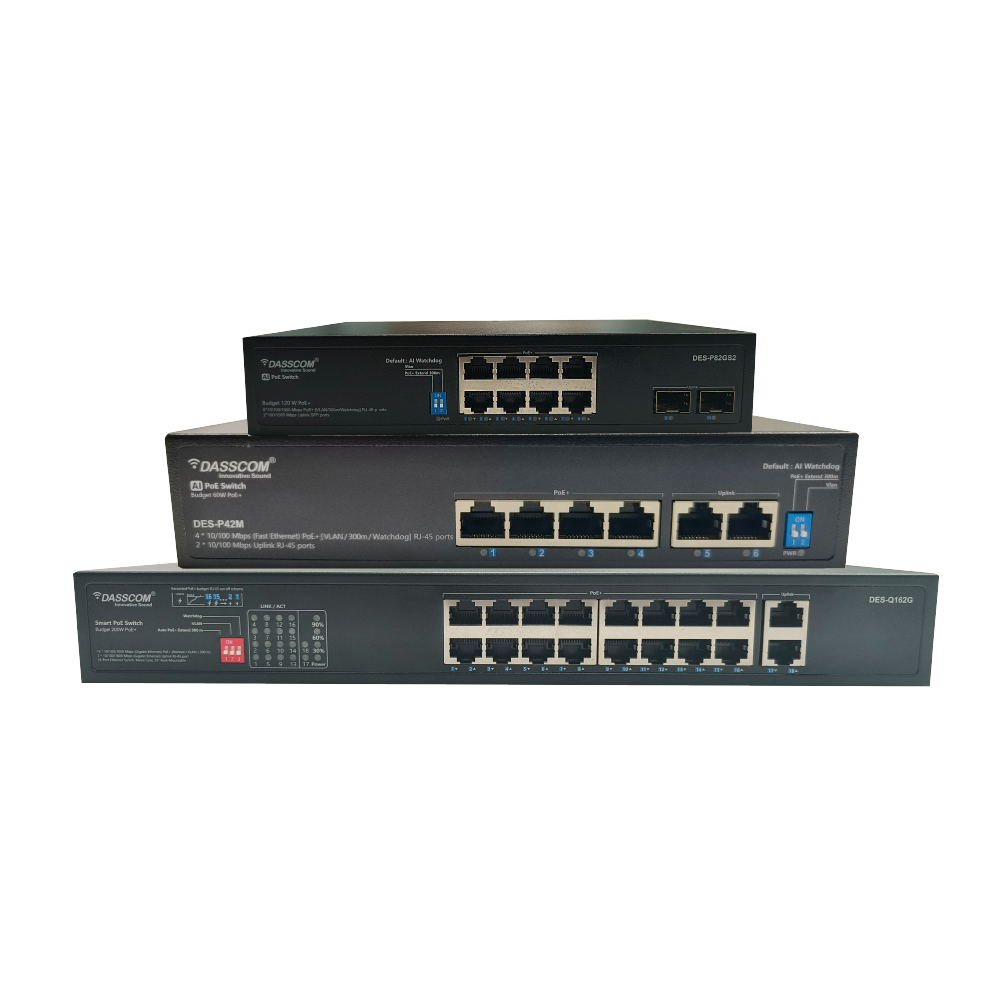
This article explores how next-generation switches—like the Dasscom DES-22S2MG-IND —are transforming office, industrial, and security deployments, while also helping professionals understand what features matter when evaluating 4 port network switch price, reliability, and performance.

Why 4-Port Switches Still Matter

While large-scale networks often rely on 24-port or 48-port switches, many deployments require only a compact yet capable solution. A 4 port internet switch has become essential for:

  • Small and medium surveillance installations
  • Work-from-home and hybrid work setups
  • Smart buildings and automation systems
  • Classroom and lab network deployments
  • Industrial machines and SCADA communication
  • VoIP phone networks and access points

Despite the small physical footprint, performance expectations remain high. Today’s networks must support:

  • Power delivery through PoE+
  • Gigabit or higher data speeds
  • Low-latency traffic for VoIP and video
  • Security and network segmentation via VLAN
  • Fiber uplink capability for long-distance backbone

A basic unmanaged network switch may support plug-and-play scenarios, but organizations demanding control, security, and reliability increasingly look toward manageable network switch models.

Managed vs. Unmanaged: Why the Difference Matters

Not all switches are built alike. Before selecting hardware, it’s important to understand the differences.

Feature Unmanaged Network Switch Managed Network Switch
Configuration Required None Yes
VLAN Support ❌ No ✔ Yes
PoE Management Limited/None Full control
Network Security Rules ❌ Not supported ✔ Supported
Advanced Routing ❌ No ✔ Yes
Monitoring & Diagnostics Basic LEDs Real-time analytics
Best For Homes & basic office use Enterprises, factories, CCTV, VoIP

A manageable network switch ensures the network remains secure, optimized, and scalable—especially when handling VoIP traffic, IP cameras, or automation systems.

Highlight Product: Dasscom DES-22S2MG-IND

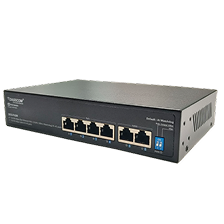
To demonstrate how small switches deliver industrial-grade capability, let’s look at the Dasscom model: DES-22S2MG-IND. This Managed Industrial 4-Port PoE+ Switch is engineered for harsh and demanding environments where uptime, safety, and high bandwidth are critical.

Key Technical Features:

  • 4× 10/100/1000M PoE+ ports
  • 2× 100M SFP fiber ports for long-distance uplink
  • Static, default routing & VLAN support
  • Port aggregation for redundancy & speed optimization
  • Spanning Tree Protocol (STP) for loop prevention
  • Industrial ring network capability for fault-tolerant topologies

With PoE+, the switch powers:

  • IP cameras
  • Wireless access points
  • Industrial sensors
  • IP phones

without requiring separate electrical wiring.

How PoE+ Improves Real-World Deployments

A switch PoE 4 port design offers flexibility and simplicity:

  • No power adapters required for devices
  • Faster and cleaner installation
  • Centralized power control
  • Reduced failure points

This is especially important for surveillance systems and VoIP deployments—where uptime is critical and cabling flexibility enables expansion.

Understanding 4 Port Network Switch Price Factors

When evaluating a 4-port network switch price, consider more than just cost. Pricing varies based on:

Specification Impact on Price
PoE or PoE+ Support High
Industrial-grade build High
Fiber SFP ports Medium
Layer-2 or Layer-3 management Medium to High
Security features (ACL, VLAN, STP) Medium
Working temperature and rugged enclosure High

Entry-level 4 port network switch price ranges fall lower when unmanaged, but managed industrial models—like DES-22S2MG-IND—offer a far better return on investment for long-term deployments.

Who Should Choose a Managed 4-Port Switch?

Organizations that need:

  • Network segmentation
  • Outdoor or industrial installation
  • Integrated PoE+ power
  • Redundancy and failover
  • Fiber uplinks
  • Secure, encrypted traffic

should select a manageable network switch rather than an unmanaged one.

Ideal Use Cases for Dasscom DES-22S2MG-IND

Industry Use Case
Manufacturing Machine controllers + PLC communication
Retail CCTV + POS + Wi-Fi access point
Smart City Outdoor surveillance nodes
Office VoIP phones + AP + workstations
Education Classroom networks + projectors
Hospitality Cameras + VoIP + kiosk displays

Conclusion

A 4-port network switch may be compact, but with advanced features such as PoE+, VLAN, routing, and industrial-grade redundancy, it can unlock high-performance networking for small and medium deployments.

Choosing the Right IP Phone: Wired vs WiFi vs Hybrid

Choosing the Right IP Phone: Wired vs WiFi vs Hybrid

In today’s fast-paced digital ecosystem, communication is at the heart of every business operation. From front-desk interactions to executive boardrooms and customer support centers, the IP phone has become a cornerstone of modern connectivity.

But with rapid advancements in technology, professionals now face a key decision — should they go for wired, WiFi, or hybrid IP phones?

Each type of VoIP phone offers unique benefits, tailored to different work environments and budgets. This guide breaks down everything you need to know to choose the best device for your needs — whether you’re setting up a small office, scaling a medium enterprise, or upgrading your existing IP phone systems.

And we’ll show how Dasscom’s VoIP portfolio, designed and engineered for reliability, perfectly fits every communication scenario.

Understanding IP Phones and How They Work

An IP phone (Internet Protocol phone) uses the internet to transmit voice calls rather than traditional telephone lines. It connects through Ethernet or WiFi, converting your voice into digital data packets that travel over your network.

The result?
✅ Superior audio clarity
✅ Cost savings on communication
✅ Seamless integration with unified communication tools

Whether you’re using a wired VoIP phone connected via LAN, a WiFi IP phone for mobility, or a hybrid IP phone offering both, the underlying principle remains — efficient, internet-driven communication that boosts productivity.

Dasscom’s range of IP phones is purpose-built for this ecosystem, ensuring excellent audio, secure connectivity, and enterprise-level reliability.

Why Businesses Are Moving to IP-Based Communication

In 2026, organizations of all sizes — from startups to global enterprises — are migrating to VoIP phone systems for better scalability and flexibility.

Here’s why:

  • Lower Costs: Internet calling significantly reduces call expenses.
  • Better Integration: Works seamlessly with CRM, call recording, and analytics tools.
  • Remote Flexibility: Perfect for hybrid teams operating from multiple locations.
  • Smart Features: Call forwarding, voicemail-to-email, and conferencing all in one device.

Dasscom’s VoIP phones deliver all these benefits while maintaining ease of deployment and enterprise-grade support — making them ideal for medium businesses, IT offices, and industries.

Types of IP Phones: Wired, WiFi, and Hybrid

When choosing your communication setup, understanding the difference between these three is crucial.

A. Wired IP Phones: Stable and Reliable

Wired IP phones remain the go-to choice for most enterprises that demand consistent, high-quality voice connectivity.

Advantages:

  • Zero interference or dropouts — ideal for call centers and offices.
  • Powered via PoE (Power over Ethernet), eliminating additional adapters.
  • Secure and stable connections with minimal network lag.
  • Lower VoIP phone price compared to wireless variants.

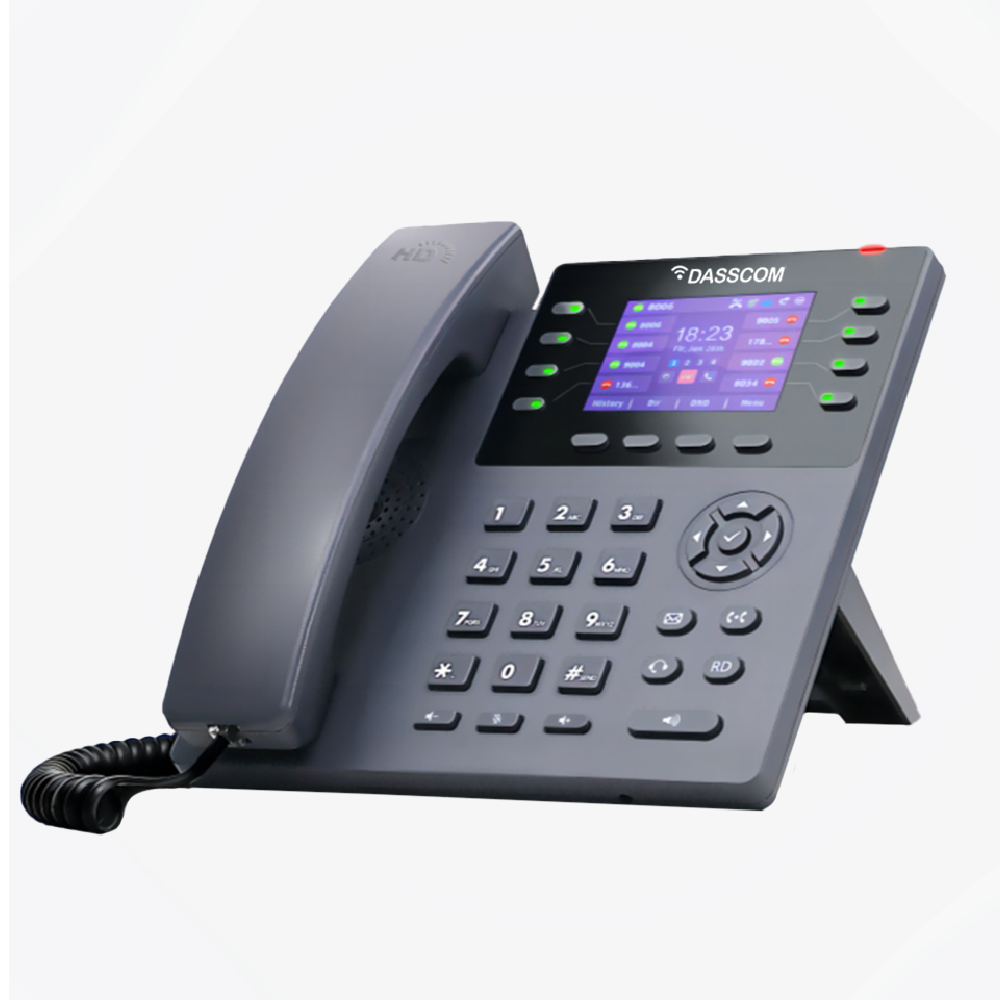
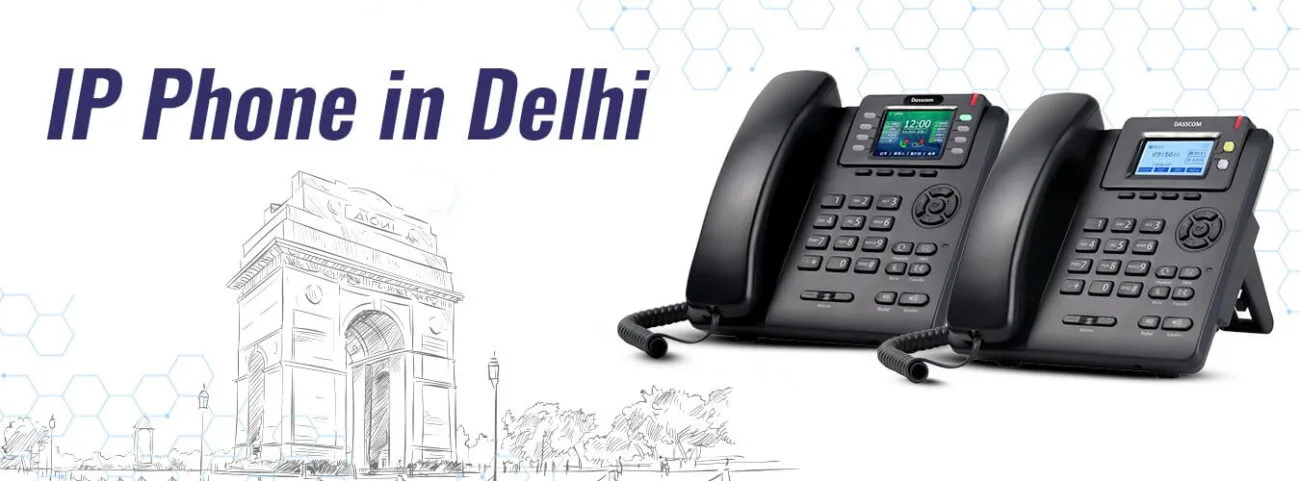
Dasscom’s Basic IP Phones such as DXP-5150N, DXP-6100HP, and DXP-7200N are excellent examples of cost-effective, high-performance wired models.

They feature HD audio, programmable keys, and robust SIP compatibility — perfect for everyday business communication.

B. WiFi IP Phones: Mobility Meets Flexibility

As the workplace evolves, mobility has become a priority. WiFi IP phones allow users to stay connected without being tied to a desk.

Advantages:

  • No dependency on physical cabling.
  • Quick setup — ideal for temporary or expanding offices.
  • Flexibility for hybrid workers and roaming staff.
  • Reduced infrastructure costs for wireless deployments.

Dasscom’s DW-100 is a top-tier WiFi VoIP phone that combines enterprise-grade audio with wireless freedom. It’s built for professionals who move between meeting rooms, departments, or even remote sites — without losing call quality or connectivity.

C. Hybrid IP Phones: The Best of Both Worlds

Can’t decide between wired or wireless? Hybrid IP phones bridge that gap.

They support both Ethernet and WiFi connections — allowing seamless switching between the two based on your environment.

Advantages:

  • Perfect balance between stability and mobility.
  • Future-proof investment — adaptable to wired or wireless networks.
  • Easy deployment in multi-floor or dynamic office setups.
  • Reduced downtime — if one connection fails, the other keeps you online.

Dasscom’s DXP-4100, DXP-7250, and DXP-7500G are advanced hybrid IP phones that provide high-definition voice, Gigabit Ethernet, and WiFi dual-band connectivity. They’re designed for professionals and executives who require uninterrupted performance, flexibility, and modern design.

Comparing Wired, WiFi, and Hybrid IP Phones

Feature Wired IP Phones WiFi IP Phones Hybrid IP Phones
Connectivity Ethernet (LAN) Wireless (WiFi) Ethernet + WiFi
Mobility Fixed High Moderate to High
Power Source PoE or adapter Battery or adapter PoE/WiFi
Stability Excellent Depends on signal Excellent
Installation Requires cabling Easy setup Flexible
Use Case Desks, call centers Hybrid offices, roaming users Executives, flexible workspaces

Each type suits different operational needs — which is why businesses often deploy a mix of VoIP phone systems for optimized communication.

Factors to Consider Before Choosing an IP Phone

Before finalizing your purchase, evaluate these core factors to ensure your device aligns with your communication goals:

a. Network Infrastructure

If your office already has a strong wired network, a wired IP phone will be more reliable. However, in spaces where Ethernet cabling is limited, WiFi or hybrid IP phones make deployment simpler.

b. Budget and VoIP Phone Price

While wired IP phones are typically more affordable, WiFi and hybrid models offer flexibility that justifies their higher price in dynamic environments. Dasscom provides options at multiple voip phone price points to suit every budget.

c. Usage Environment

  • Call centers: Prefer wired for stability.
  • Executives: Hybrid models like DXP-7250 for mobility and performance.
  • Remote teams: WiFi-based phones like DW-100 for seamless communication.

d. Compatibility

Ensure the phone supports standard SIP protocols to work with your VoIP phone systems for medium business, IP PBX setups, and cloud-hosted platforms.

e. Audio and Build Quality

HD audio, echo cancellation, and sturdy design are non-negotiable — all Dasscom models come equipped with these essentials.

Dasscom: A Trusted VoIP Phone Manufacturer

As one of India’s most trusted VoIP phone manufacturers, Dasscom stands for innovation, reliability, and scalability. Our product line caters to diverse business needs — from budget-conscious startups to enterprise communication networks.

Our VoIP Phone Categories:

🔹 Basic IP Phones (DXP-5150N, DXP-6100HP, DXP-7200N)

  • Designed for efficiency and clarity.
  • Ideal for call centers and SMEs.
  • Feature-rich at a competitive voip phone price.

🔹 WiFi Phones (DW-100)

  • Wireless freedom with strong signal performance.
  • Dual-band connectivity ensures consistent call quality.
  • Ideal for modern, mobile workplaces.

🔹 Hybrid IP Phones (DXP-4100, DXP-7250, DXP-7500G)

  • Dual connectivity (Ethernet + WiFi) for stable and flexible operation.
  • Gigabit ports, HD voice, and intuitive interfaces.
  • Ideal for executives, collaborative workspaces, and hybrid offices.

🔹 Executive IP Phones (DXP-7250, DXP-7500G)

  • Premium build with hybrid connectivity options.
  • Gigabit ports, HD voice, and intuitive interfaces.
  • Perfect for senior professionals and conference setups.

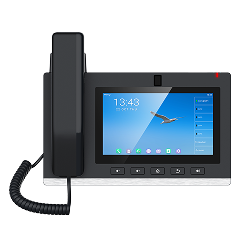
🔹 Video Phones (DXV-3050)

  • High-definition video calling for boardrooms and remote meetings.
  • Integrated camera and touchscreen for next-gen collaboration.

By offering a complete portfolio, Dasscom ensures that every business — small or large — can find the perfect match within its IP phone systems.

The Future of IP Phone Systems

The next generation of VoIP phone systems is evolving rapidly. Businesses can expect:

  • AI-powered call analytics for smarter insights.
  • Cloud-native VoIP integration for remote management.
  • Inbuilt WiFi 6 and Bluetooth 5.3 in premium models.
  • Touch-based displays and voice assistant compatibility.

Dasscom is already developing these next-gen communication solutions — ensuring your investment remains relevant as technology advances.

Why Medium Businesses Should Upgrade Now

For growing enterprises, reliable communication is non-negotiable. VoIP phone systems for medium business offer scalability and integration without high infrastructure costs.

Benefits for medium businesses:

  • Centralized control via IP PBX.
  • Scalable extensions as teams expand.
  • Integration with CRM and ERP tools.
  • Lower maintenance compared to analog systems.

With Dasscom, you get tailored solutions — combining VoIP phones, gateways, and PBX systems for a complete, unified setup.

Common Myths About VoIP Phones — Busted!

Myth 1: VoIP phones are expensive.
✅ Fact: Dasscom offers models at competitive voip phone price points — often cheaper than maintaining analog lines.

Myth 2: VoIP phones need complex setup.
✅ Fact: Plug-and-play configuration makes installation quick and simple.

Myth 3: Voice quality isn’t as good as landline.
✅ Fact: With HD codecs and noise suppression, ip phones often outperform analog telephony.

Myth 4: WiFi phones are unreliable.
✅ Fact: With WiFi 6 and QoS optimization, today’s wireless voip phone systems are incredibly stable.

USB Headsets 2026: What Features Matter for Business Users

USB Headsets 2026: What Features Matter for Business Users

As we approach 2026, the modern workplace continues to evolve at lightning speed. From hybrid offices to fully remote setups, the one thing that remains constant is the need for clear, uninterrupted communication. Whether you’re managing virtual meetings, customer calls, or collaborative discussions, your headset is your voice to the world.

That’s why USB headsets have become an essential business tool. Their plug-and-play simplicity, superior sound performance, and digital noise cancellation make them ideal for today’s professionals. But not all headsets are created equal.

In this blog, we’ll explore what features truly matter when selecting the best USB headsets for business use in 2026—along with why Dasscom’s professional range, including the Divine (DS-900), Tatva (DS-1100), and Veda (DS-52) series, leads the way in reliability and performance.

Why USB Headsets Are Dominating the Business Market

The shift toward digital communication has pushed businesses to adopt equipment that guarantees consistent audio clarity. Traditional analog headsets often fall short due to interference, poor sound quality, or compatibility issues.

USB headsets solve these problems by offering:

  • Direct digital connectivity — ensuring stable, interference-free sound transmission.
  • Seamless platform compatibility — ideal for Microsoft Teams, Zoom, and VoIP systems.
  • Plug-and-play usability — no drivers, no configuration, just connect and go.

Whether it’s a USB wired headset for desktop professionals or a USB wireless headset for on-the-go executives, this category has become the backbone of efficient communication networks worldwide.

What Makes a Great USB Headset in 2026?

When evaluating the best USB headset with mic for business use, these features make the real difference:

a. Noise Cancellation

In open offices or hybrid setups, background noise can disrupt calls. A usb headset with microphone noise cancelling uses digital signal processing to eliminate unwanted sounds—letting your voice come through with clarity.

b. Comfort for Long Sessions

Business users spend hours on calls daily. Headsets like Dasscom’s Tatva DS-1100 and Divine DS-900 feature cushioned ear pads, lightweight frames, and adjustable headbands, ensuring fatigue-free communication.

c. Dual Connectivity Options

While most headsets use a single interface, Dasscom offers both USB and 3.5mm/RJ options in models like Veda DS-52, allowing flexibility across multiple devices.

d. Durable Build for Heavy Use

Professionals need headsets that last. Reinforced cables, high-quality plastics, and QD connectors make Dasscom’s range ideal for long-term use in offices or call centers.

e. Consistent Audio Quality

The latest USB type headphones come with advanced digital-to-analog converters (DACs) that ensure clean, balanced sound for both calls and multimedia usage.

Dasscom’s USB Headset Lineup for Professionals

Dasscom’s USB headset collection is designed with one goal: seamless communication without compromise. Built for enterprise environments, they combine ergonomic comfort, acoustic precision, and cross-platform compatibility.

Divine Series – DS-900

The Dasscom DS-900 is the benchmark for business-grade USB headsets. Designed for professionals who demand clarity and comfort, it supports both RJ and USB interfaces—making it suitable for laptops, IP phones, and PCs alike.

Key Highlights:

  • Dual connectivity: USB + RJ for hybrid workplaces.
  • Noise-cancelling microphone: Eliminates ambient distractions.
  • HD audio clarity: Ideal for VoIP calls and virtual meetings.
  • Ergonomic comfort: Lightweight for long-hour usage.

Learn more about the Dasscom Divine DS-900 here.

Tatva Series – DS-1100

For high-performance call environments and corporate users, the Tatva DS-1100 offers unmatched adaptability. It’s the perfect USB headset with mic for teams that switch between PCs, softphones, and IP desk phones.

Key Highlights:

  • Universal compatibility: USB, 3.5mm, 2.5mm, RJ, and QD interfaces.
  • Crystal-clear voice transmission: DSP-based noise cancellation.
  • Robust design: Engineered for daily heavy usage.

Explore the Dasscom Tatva DS-1100 here.

Veda Series – DS-52

The Veda DS-52 offers a compact and efficient solution for professionals who value simplicity and performance. It’s the go-to choice for SMEs, educators, and hybrid workers.

Key Highlights:

  • Dual interface: USB for desktops and 3.5mm for laptops or mobiles.
  • Lightweight and comfortable: Ideal for extended calls.
  • Professional-grade sound: Reduces ambient noise for better focus.

Explore the Dasscom Veda DS-52 here.

USB Wired vs. USB Wireless Headsets: Which One Should You Choose?

Feature USB Wired Headset USB Wireless Headset
Power Source No charging needed Battery-powered
Mobility Limited to cable length Excellent freedom of movement
Reliability 100% stable connection May vary with range
Cost Efficiency More affordable Premium pricing
Ideal Use Case Desktops & call centers Hybrid & remote professionals

Both options have strong use cases in business. USB wired headsets like the Dasscom Veda DS-52 deliver consistent quality for stationary users, while usb wireless headsets are ideal for executives who move between meetings and workstations.

Why Businesses Are Upgrading to USB Headsets

Modern organizations recognize that effective communication = business efficiency. USB headsets play a crucial role in enhancing team performance, especially in hybrid and digital-first companies.

Top Reasons for the Shift:

  1. Standardization Across Teams: USB is a universal connection supported by all devices.
  2. Reduced IT Complexity: Plug-and-play operation means minimal setup.
  3. Improved VoIP Integration: Perfect for unified communication platforms.
  4. Enhanced Sound Quality: Digital transmission ensures zero interference.
  5. Professional Image: High-quality audio leaves a lasting impression on clients.

By 2026, IT procurement teams are prioritizing USB headset with microphone noise cancelling models for every workstation—an investment in clarity, efficiency, and comfort.

The Role of USB Headsets in Unified Communication (UC)

In unified communication systems, consistency is key. Whether through Teams, Zoom, or SIP-based VoIP networks, USB headsets ensure reliable performance across devices.

Dasscom’s lineup supports all major UC platforms and provides instant integration with VoIP PBX systems. Features like auto device recognition, digital volume control, and noise isolation enhance collaboration without requiring manual configuration.

The result? Faster, smoother communication workflows that let professionals focus on their core tasks—not troubleshooting audio issues.

The Future of USB Type Headphones in 2026 and Beyond

As hardware evolves, USB type headphones are also undergoing innovation. Expect features such as:

  • AI-powered noise suppression for even smarter filtering.
  • Integrated health tracking sensors for comfort analytics.
  • Voice-enhancing algorithms for clearer human tone reproduction.
  • Wireless charging docks for USB wireless headset models.

Dasscom is already aligning with these trends, building future-ready headsets that anticipate the needs of a more mobile and connected workforce.

Key Buying Checklist for 2026

Before investing in a usb headset with mic, check for:

Noise-cancelling microphone – essential for clarity.

Comfortable ear cushions – for long work hours.

Cross-platform compatibility – supports softphones and VoIP.

Build quality – flexible, reinforced materials.

Dual connectivity – USB + 3.5mm or RJ for flexibility.

Brand reputation – Choose reliable providers like Dasscom.


The best USB headsets combine these factors to deliver performance that scales with your business needs.

How Noise-Cancelling Headsets Improve Productivity in Hybrid Work Settings

How Noise-Cancelling Headsets Improve Productivity in Hybrid Work Settings

In today’s fast-paced professional world, hybrid work has become the new normal. Employees split their time between home and office, relying heavily on clear, uninterrupted communication tools. Yet, background noise—from coworkers chatting to household disturbances—remains one of the biggest hurdles to productivity.

This is where noise-cancelling headsets become indispensable. Whether you’re attending back-to-back virtual meetings or collaborating across continents, investing in the best noise cancelling headset can drastically enhance focus, communication, and efficiency.

Let’s dive deep into how noise reduction headphones with mic transform hybrid work experiences and why Dasscom’s Divine (DS-900), Tatva (DS-1100), and Veda (DS-52) series stand out as powerful allies for today’s professionals.

The New Reality of Hybrid Work

Hybrid work offers flexibility, but it also introduces distractions. Working from open offices, home environments, or public spaces means battling unpredictable sounds that disrupt concentration.

A noise cancelling headset with mic helps create a controlled sound environment—allowing professionals to stay engaged in meetings, listen attentively, and respond confidently. In fact, research shows that employees using headset noise cancelling with microphone solutions report improved communication clarity and a 25% increase in focus.

How Noise Cancellation Works

Modern headsets use Active Noise Cancellation (ANC)—a technology that detects external sounds and generates opposite sound waves to neutralize them. This not only blocks distractions but also ensures your own voice is transmitted cleanly.

The best noise cancelling headphones with mic combine acoustic insulation with digital signal processing to deliver professional-grade clarity. You hear the conversation, not the chaos.

How Noise-Cancelling Headsets Boost Productivity

A. Stay Focused, Wherever You Work

From buzzing coworkers to city noise, distractions are everywhere. With noise reduction headphones with mic, you can carve out a quiet workspace anywhere—keeping your mind centered on what truly matters.

B. Communicate with Precision

A USB headset with microphone noise cancelling ensures every call is crystal clear. Whether you’re presenting to clients or brainstorming with your team, background noise won’t disrupt your message.

C. Reduce Fatigue During Long Calls

Straining to hear through noise leads to mental exhaustion. Wired headphones with mic noise cancelling reduce auditory fatigue, helping you stay energized throughout the workday.

D. Adapt Seamlessly Between Devices

Hybrid work means switching between laptops, IP phones, and mobile devices. Dasscom’s Divine DS-900, Tatva DS-1100, and Veda DS-52 are designed for this fluidity—offering multiple interface options for effortless transitions.

Dasscom’s Professional Headset Lineup: Tailored for Every Workstyle

Dasscom understands that no two professionals work alike. That’s why its Divine, Tatva, and Veda series headsets cater to varied preferences and environments—without compromising on clarity or comfort.

Divine Series – DS-900

Ideal for executives and hybrid professionals, the DS-900 is a dual-connectivity headset that supports both USB and RJ interfaces, ensuring compatibility with laptops, softphones, and desk phones.

  • Noise-Cancelling Microphone: Filters out background sounds for professional-grade call clarity.
  • Lightweight & Ergonomic: Designed for extended wear without discomfort.
  • Plug-and-Play Setup: Works instantly across communication platforms.

Explore the Dasscom Divine Series DS-900 here.

Tatva Series – DS-1100

Engineered for call centers and dynamic offices, the Tatva DS-1100 combines performance with versatility.

  • Multi-interface Connectivity: USB, 3.5mm, 2.5mm, RJ & QD options for maximum compatibility.
  • Durable Build: Designed to withstand high-volume call environments.
  • Superior Sound Clarity: Ensures every word is transmitted with precision.

Explore the Dasscom Tatva Series DS-1100 here.

Veda Series – DS-52

Perfect for education, remote work, and daily business communication, the Veda DS-52 delivers reliable performance at an affordable value.

  • Dual Interface: USB for desktops and 3.5mm for laptops or mobile devices.
  • Noise-Cancelling Microphone: Blocks ambient sounds for smoother communication.
  • User-Friendly Design: Lightweight and comfortable for long sessions.

Explore the Dasscom Veda Series DS-52 here.

Wired vs. Wireless Headsets: Which Fits Your Hybrid Workflow?

Choosing between wired headphones with mic noise cancelling and wireless headphones noise cancelling with microphone depends on your mobility needs.

Feature Wired Headsets Wireless Headsets
Connection Stability Always reliable May vary with distance
Battery Requirement None Requires charging
Portability Moderate Excellent
Ideal For Office & fixed setups Mobile professionals

Professionals who prioritize reliability—especially in customer service and VoIP-based communication—often prefer USB headsets with microphone noise cancelling models like Dasscom’s DS-900 or DS-1100.

Why Companies Choose Noise-Cancelling Headsets for Hybrid Teams

Forward-thinking organizations are realizing that best noise cancelling headset technology is not just a perk—it’s a productivity investment.

Key business benefits include:

  • Consistent Call Quality: Clear communication on VoIP and conferencing platforms.
  • Improved Team Collaboration: Fewer misunderstandings and repeated instructions.
  • Enhanced Employee Well-being: Reduced sound fatigue and distractions.
  • Higher ROI: Reliable gear means fewer call errors and downtime.

With reliable devices like the Dasscom DS-900, DS-1100, and DS-52, businesses ensure that every conversation—internal or client-facing—remains professional and effective.

Tips for Choosing the Best Noise Cancelling Headset

When selecting your headset, look for:

  1. Noise-Cancelling Microphone – Essential for eliminating unwanted ambient sounds.
  2. Comfortable Design – Cushioned ear pads for extended usage.
  3. Compatibility – Works seamlessly with VoIP, Teams, Zoom, and IP phones.
  4. Dual Connectivity – USB, RJ, or 3.5mm interfaces for hybrid flexibility.
  5. Brand Reliability – Trusted solutions like Dasscom’s Veda, Tatva, and Divine series.

These models provide not just clear sound—but also the confidence to perform at your best in any workspace.

The Future of Work: Sound Clarity Equals Efficiency

As hybrid work continues to redefine modern business, the importance of clear communication tools will only grow. Investing in noise reduction headphones with mic or best noise cancelling headset ensures professionals can maintain focus, clarity, and confidence—no matter where they work.

With Dasscom’s Divine (DS-900), Tatva (DS-1100), and Veda (DS-52) series, organizations can empower employees with premium usb headset with microphone noise cancelling solutions tailored for hybrid productivity.

Choosing the Right Network Indoor & Outdoor Speakers for Smart Offices and Campuses

Choosing the Right Network Indoor & Outdoor Speakers for Smart Offices and Campuses

In today’s connected world, smart offices and modern campuses demand advanced communication systems that go beyond traditional methods. Whether it’s delivering announcements, enhancing collaboration, or providing high-quality audio for events, indoor and outdoor speakers play a critical role. Selecting the right indoor speakers and outdoor speaker solutions ensures clarity, reliability, and performance in every environment.

This guide explores the benefits, features, and applications of various speakers—both indoor and outdoor—helping businesses, educational institutions, and enterprises make informed decisions.

Why Speaker Systems Matter for Smart Workspaces

A speaker system in offices and campuses is not just about sound—it’s about seamless communication, safety, and user experience. High-quality indoor and outdoor speakers ensure that messages reach everyone clearly, whether in a small meeting room, a large auditorium, or an open campus ground.

Key Benefits:

  • Enhanced productivity – Clear sound eliminates miscommunication during announcements.
  • Safety & emergency use – Speakers integrated into an indoor public address system can instantly alert staff and students.
  • Multi-purpose use – From corporate presentations to cultural events, indoor and outdoor speakers handle diverse audio needs.
  • Scalability – Both speaker indoor and outdoor speaker solutions can integrate with IP-based networks for future-ready performance.

Types of Speakers for Smart Offices and Campuses

1. Indoor Speakers

Indoor environments demand clear, distortion-free audio that adapts to closed spaces.

  • Wall-mounted solutionsWall speaker designs save space while delivering excellent clarity. Offices, classrooms, and meeting rooms benefit from indoor wall speakers, which provide targeted coverage.
  • Ceiling-mounted optionsIndoor ceiling speakers are discreet and blend into modern interiors while ensuring uniform sound distribution.
  • Best indoor speakers – The best indoor speakers for offices balance clarity, aesthetics, and compatibility with PA systems.

2. Outdoor Speakers

Open environments like campuses, parking lots, and gardens need weatherproof, durable, and high-volume speakers.

  • Outdoor speaker durability – Built to withstand rain, humidity, and temperature changes.
  • Best outdoor loudspeakers – Designed for long-range coverage, ensuring announcements are heard clearly even in noisy surroundings.
  • Best outdoor speaker system – A comprehensive setup with multiple outdoor speakers strategically placed for maximum efficiency.
  • Best speakers for outside – These models focus on coverage, volume control, and integration with IP networks.

Features to Consider When Choosing Indoor & Outdoor Speakers

When investing in indoor outdoor speakers, organizations should evaluate the following technical features:

1. Audio Quality & Coverage

  • For indoor speakers, prioritize frequency response and voice clarity.
  • For an outdoor speaker, look for long-throw sound projection and minimal distortion.

2. Durability

  • Best outdoor speakers must be weatherproof (IP-rated).
  • Indoor wall speakers and indoor ceiling speakers should be robust yet blend with office aesthetics.

3. Integration with PA Systems

  • Offices and campuses benefit from a network-based indoor public address system.
  • Ensure speaker indoor and outdoor speaker units support IP and VoIP integration.

4. Flexibility & Scalability

  • Best indoor speakers should scale with office expansion.
  • A best outdoor speaker system can extend coverage for large campuses or multiple office blocks.

5. Application-Specific Needs

  • Indoor wall speakers are ideal for classrooms.
  • Best outdoor loudspeakers work well in stadiums, courtyards, or large grounds.
  • Indoor ceiling speakers provide premium sound in conference rooms.

Applications of Indoor & Outdoor Speaker Systems

Corporate Offices

  • Indoor public address system improves workplace efficiency.
  • Wall speaker and indoor ceiling speakers provide background music and announcements.

Educational Institutions

  • Indoor outdoor speakers help with emergency alerts, class change announcements, and cultural programs.
  • Best outdoor loudspeakers ensure sound coverage across playgrounds and large auditoriums.

Smart Campuses

  • Best outdoor speakers integrate with surveillance and security systems for complete campus safety.
  • Speaker indoor systems in classrooms and labs enhance teaching effectiveness.

Retail & Hospitality

  • Best indoor speakers create an immersive customer experience in malls and restaurants.
  • Best speakers for outside boost ambiance in outdoor dining or recreational zones.

Indoor vs Outdoor Speakers: A Technical Comparison

Feature Indoor Speakers Outdoor Speakers
Design Compact, wall/ceiling mountable Weatherproof, durable casing
Audio Projection Balanced, optimized for enclosed spaces Long-range, high volume
Applications Offices, classrooms, meeting rooms Campuses, parking lots, open spaces
Examples Indoor wall speakers, indoor ceiling speakers Best outdoor loudspeakers, best outdoor speaker system

Future of Speaker Systems in Smart Offices & Campuses

The next generation of indoor and outdoor speakers is moving towards:

  • Network integration with VoIP & IP PBX systems.
  • AI-powered audio control for adaptive sound quality.
  • Energy-efficient designs that reduce operational costs.
  • Wireless connectivity, offering easy deployment of indoor outdoor speakers without complex wiring.

With IoT and automation, best indoor speakers and best outdoor loudspeakers will evolve to play an even greater role in communication, safety, and productivity.

Conclusion

Selecting the right indoor and outdoor speakers for smart offices and campuses requires a balance of durability, audio quality, and system integration. From indoor wall speakers to best outdoor loudspeakers, every environment needs the right solution for efficient communication.

By investing in the best indoor speakers and best outdoor speaker system, businesses and institutions can create smarter, safer, and more connected environments.