
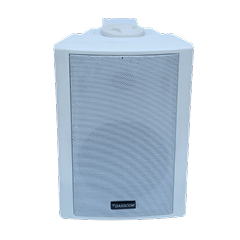
 Indoor Speakers
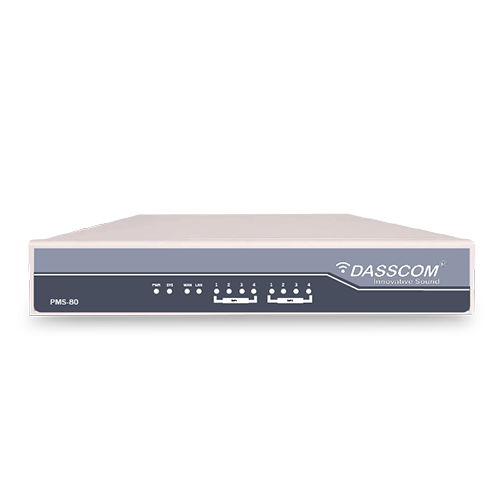 Paging Controller
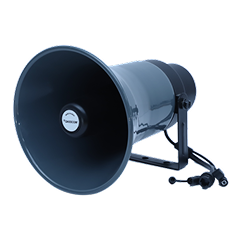 Outdoor Speakers
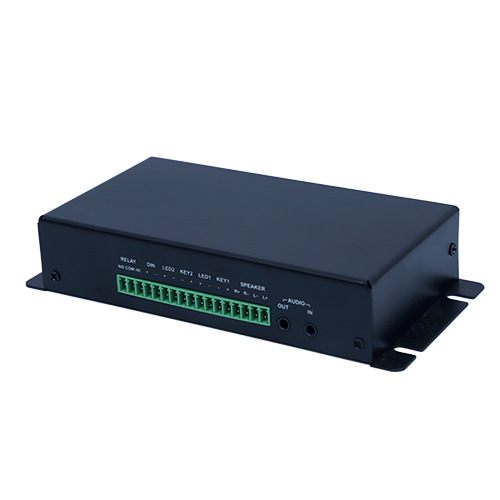 IP Amplifier & Gateway
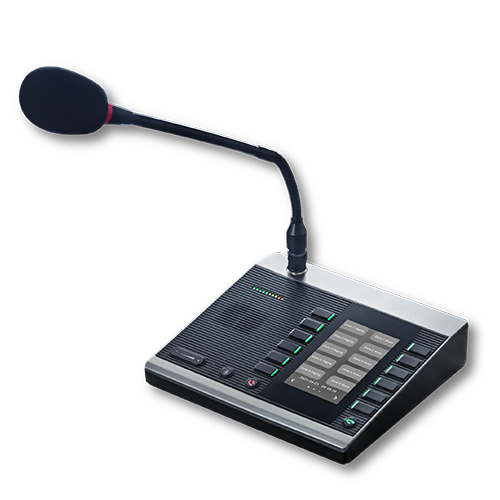 Paging Microphones
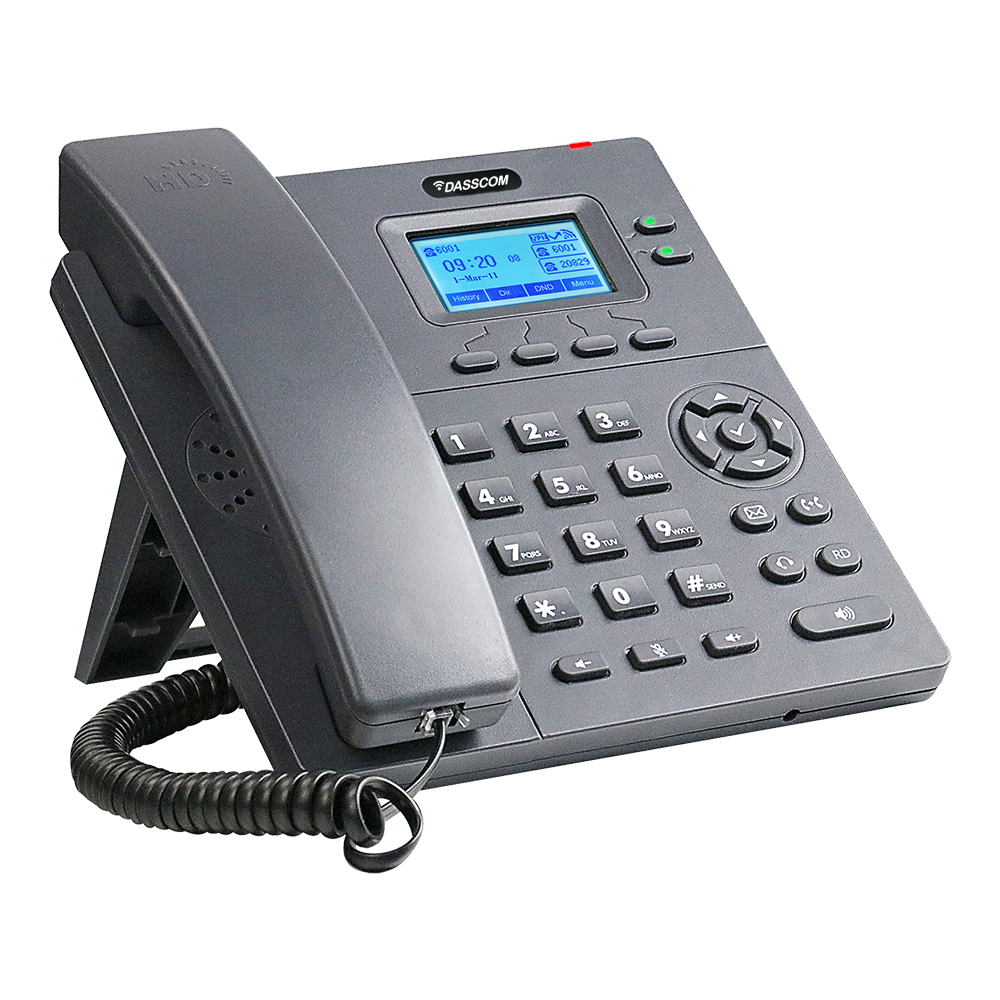 Basic IP Phones
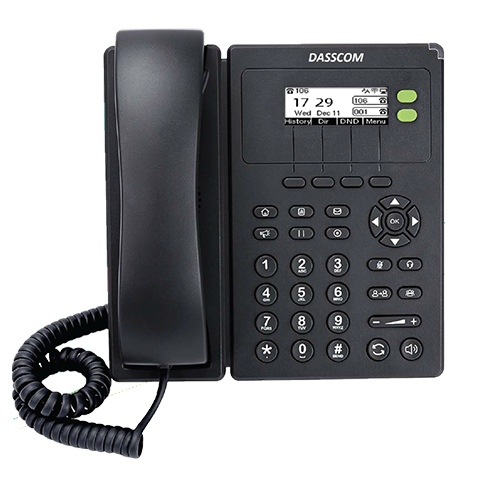 Wifi Phones
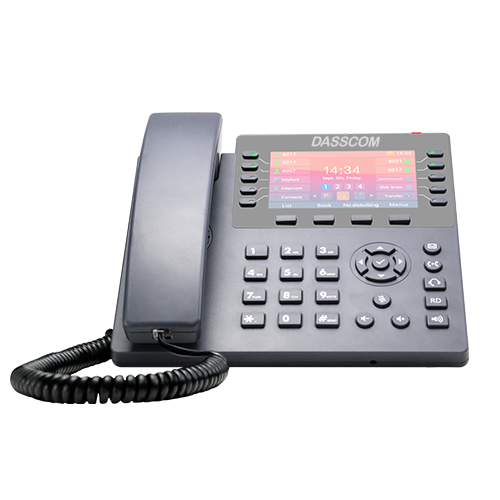 Executive IP Phones
 Video Phones
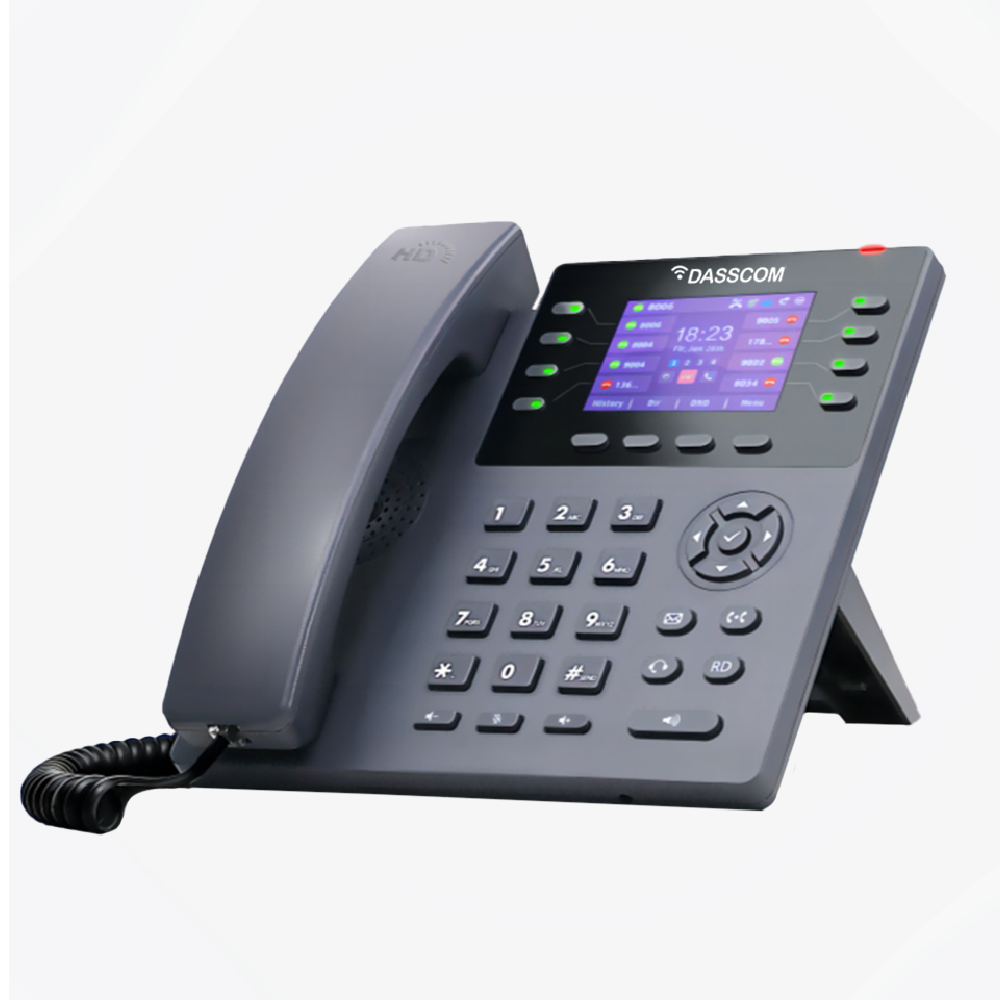
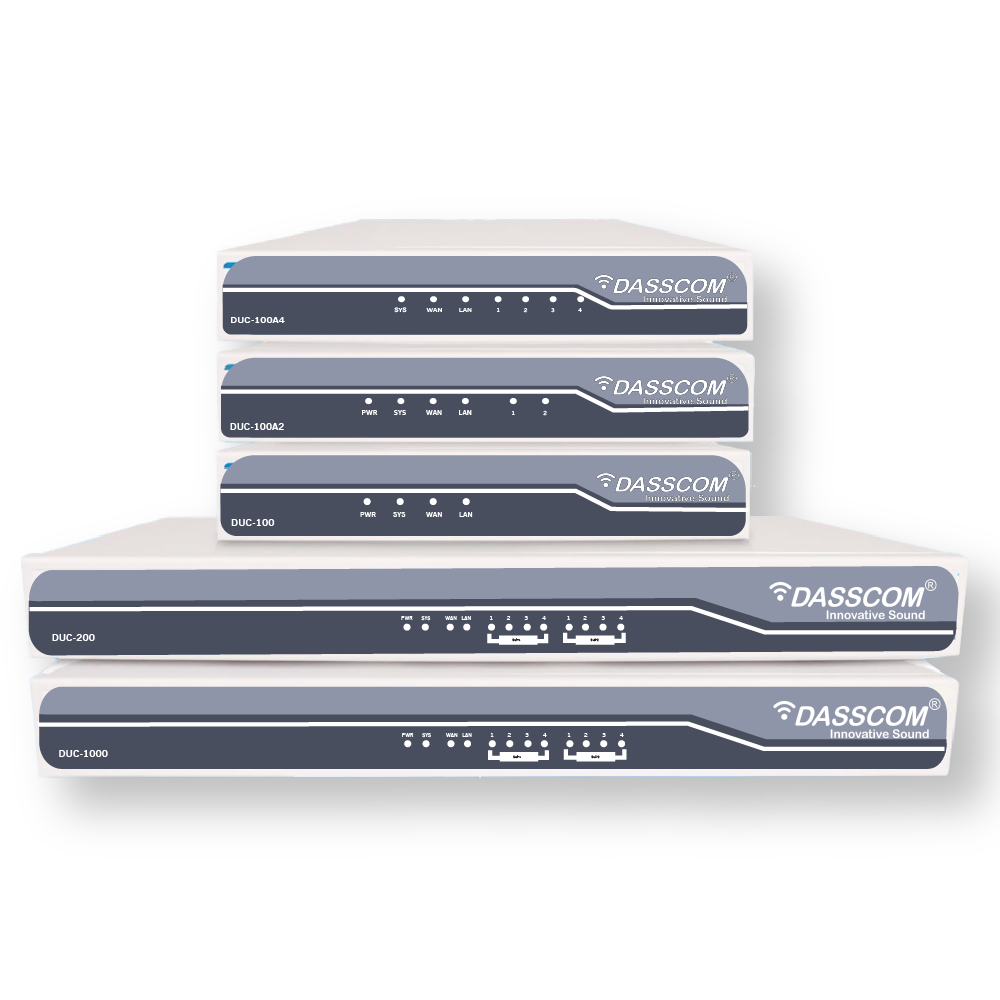
 Duc-series
 FXS/FXO Gateways
 E1/T1 Gateway

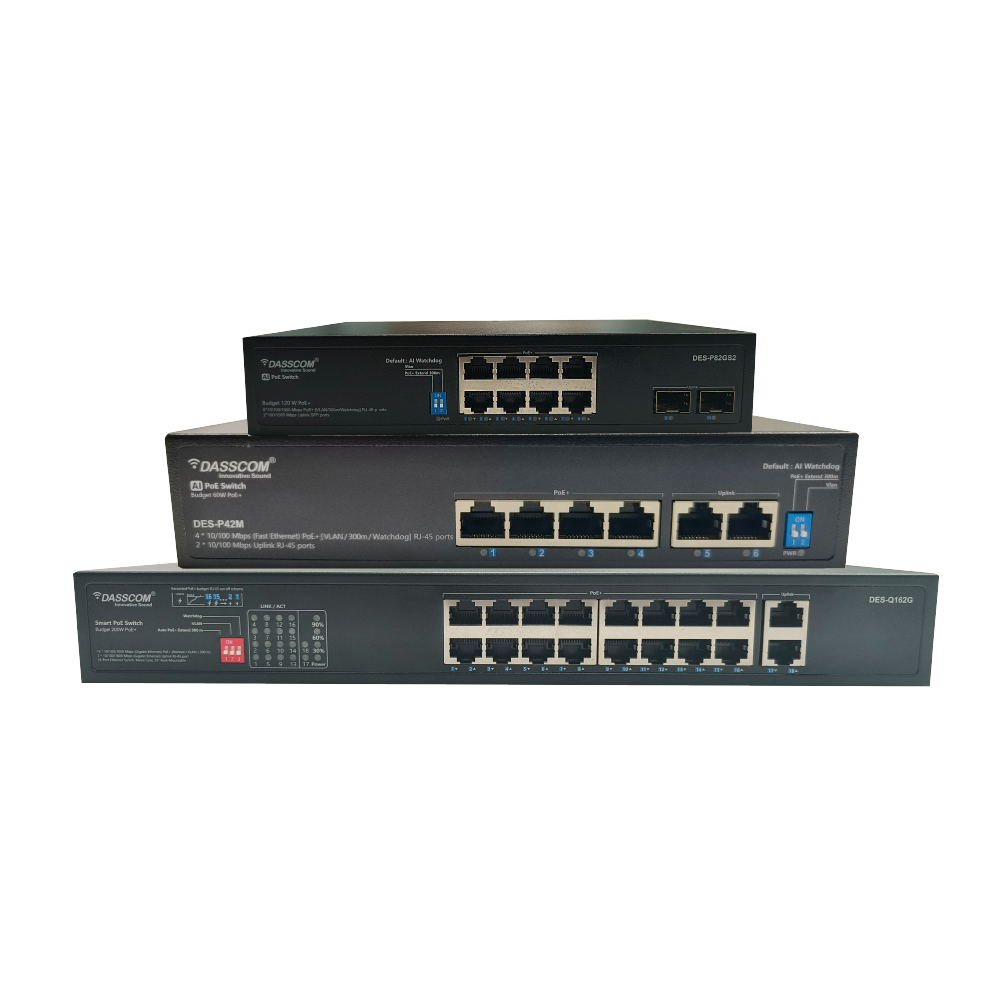
 Unmanaged Switches
 Managed Switches
 Industrial Switches
 Access Points
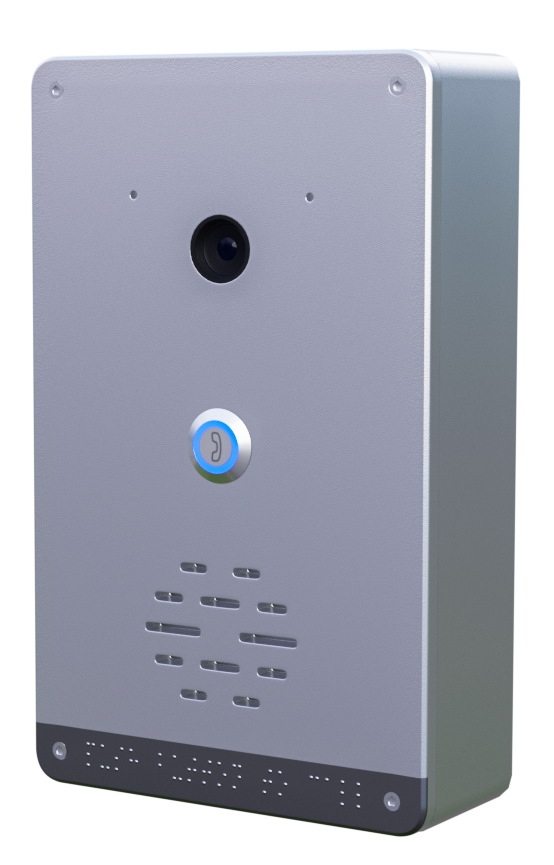 Safety Intercoms
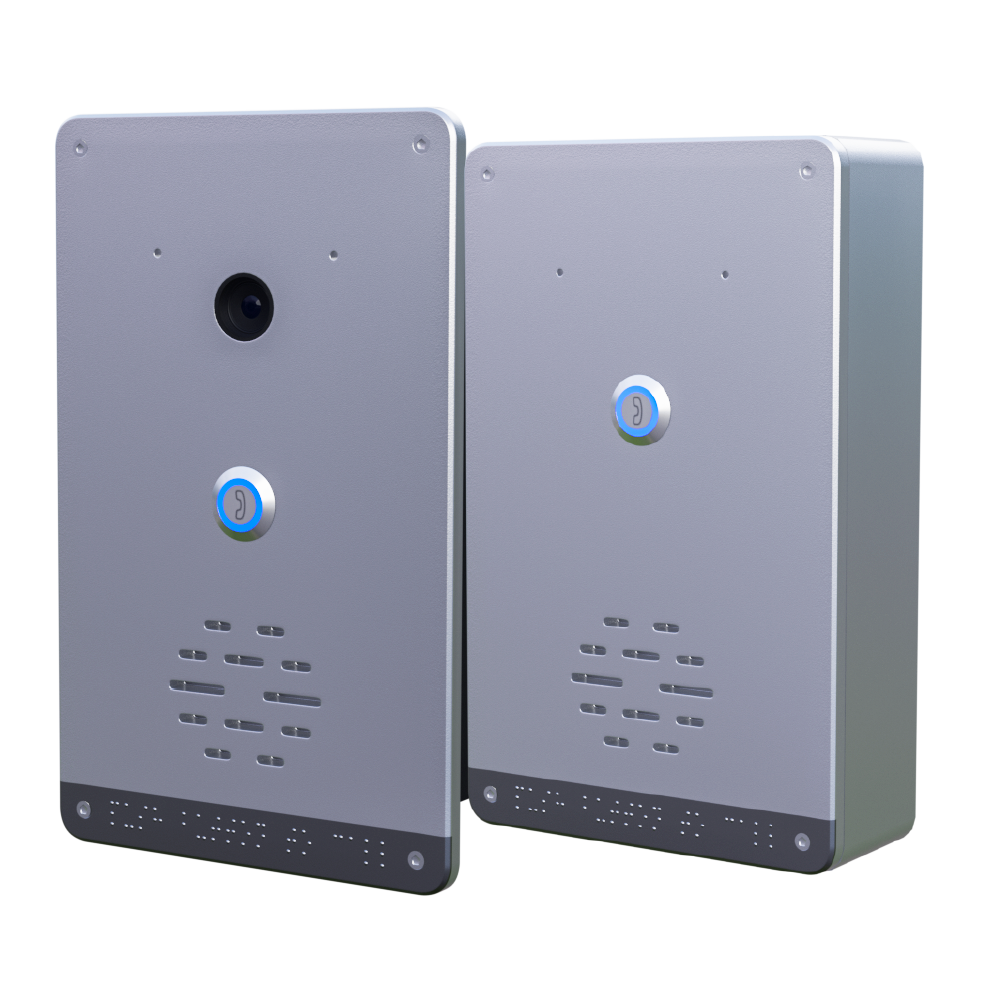
 Veda Series
 Divine Series
 Tatva Series
 VoIP Office
 Call Center Solutions
 Network Communications
 Public Safety
 Video & Security System
 Highway Communication
 Intercom System
 IP Paging Solutions

 Healthcare
 Hospitality
 School & Universities
 IT Office
 SMEs and SMBs
 Industries


 Public Address System
 VOIP Phones
 VOIP PBX
 VOIP Gateways
 Networking Solutions
 Call Center Headsets
 Emergency Intercom Stations


16 Port PoE Switch: How to Choose the Right Switch for CCTV & IP Cameras
This guide explains how to choose a 16 port PoE switch for CCTV and IP cameras, covering PoE power, bandwidth, ports, uplinks, network management, scalability, and installation.
fffs
Modern CCTV systems increasingly rely on IP cameras instead of traditional analog surveillance equipment. IP cameras transmit video over Ethernet networks, making network infrastructure a critical part of any surveillance installation. A properly selected PoE switch can simplify this infrastructure by providing both network connectivity and power to compatible cameras through Ethernet cable
For many small and medium-sized surveillance deployments, a 16 port POE switch offers a practical balance between capacity, installation simplicity, and future expansion. However, selecting the right model requires more than simply counting the number of available ports.
Factors such as PoE power budget, network speed, uplink capacity, camera requirements, transmission distance, and network management should all be considered before purchasing a switch.
What Is a 16 Port PoE Switch?
A 16 port POE switch is a network switch equipped with 16 Ethernet ports that can provide network connectivity and, when supported, electrical power to compatible PoE devices.
In a CCTV installation, this means IP cameras can typically connect directly to the switch using Ethernet cables without requiring an individual power adapter for every camera. This can reduce cabling complexity and make installation easier.
The switch connects the cameras to the wider network, allowing video streams to reach a Network Video Recorder (NVR), monitoring workstation, server, or other authorized devices.
For a surveillance system with up to 16 wired PoE cameras, a 16-port configuration can therefore be a convenient starting point.
Explore PoE Networking Solutions
Why Use PoE for CCTV Cameras?
PoE simplifies surveillance infrastructure by combining power and data transmission over a single Ethernet cable.
Traditional camera installations may require separate network and power connections. With PoE-compatible cameras and switches, the Ethernet connection can handle both functions.
This can offer several practical advantages. Installers can reduce the number of cables running to cameras, simplify deployment, and avoid installing a separate power outlet close to every camera location.
PoE is particularly useful for cameras installed on ceilings, walls, poles, warehouses, parking areas, and other locations where running separate power connections may be inconvenient.
How Many Cameras Can a 16-Port PoE Switch Support?
A 16-port switch provides 16 Ethernet ports, but the number of cameras it can effectively support depends on the switch configuration and the requirements of the cameras.
If every port supports PoE, the switch can potentially connect multiple PoE cameras directly. However, the total PoE power budget must be sufficient for the connected devices.
For example, cameras with additional features such as infrared illumination, pan-tilt-zoom functionality, or other higher-power capabilities may consume more power than basic fixed cameras.
Therefore, when choosing a 16 port POE switch, calculate the combined power requirement of all planned cameras and compare it with the switch’s available PoE budget
Key Factors to Consider Before Buying
1. Number of PoE Ports
Start with the number of cameras you need to connect. If your surveillance system has 12 cameras, for example, a 16-port switch provides additional ports for expansion or other compatible devices.
Avoid planning a network that uses every port immediately. Leaving some capacity available can make future camera additions easier.
2. PoE Power Budget
PoE power capacity is one of the most important specifications for a CCTV switch.
The total power budget determines how much power the switch can distribute across its PoE ports. The requirement of each camera should be considered before installation.
Do not assume that 16 PoE ports automatically mean the switch can supply the maximum supported power to all 16 devices simultaneously.
Talk to Our Network Experts
3. Ethernet Speed
Video surveillance generates continuous network traffic. Camera resolution, frame rate, compression, and bitrate can affect bandwidth requirements.
Gigabit Ethernet can provide higher bandwidth for modern surveillance networks, particularly when multiple cameras transmit video simultaneously.
The switch should therefore provide suitable port speeds for the cameras and adequate uplink capacity for transferring aggregated video traffic to the NVR or wider network.
4. Uplink Ports
Uplink connectivity is another important consideration.
The individual camera ports may be handling multiple video streams at the same time, while the uplink connects the switch to an NVR, core switch, router, or server.
A suitable high-speed uplink can help prevent the aggregated camera traffic from becoming a bottleneck.
5. Managed or Unmanaged Operation
For straightforward CCTV installations, an unmanaged switch may be sufficient. However, managed switching can provide greater control over network traffic and configuration.
A managed switch can support features such as VLAN configuration, traffic monitoring, QoS, and other network management capabilities, depending on the model.
For larger surveillance networks or installations where cameras share infrastructure with other business devices, these capabilities can become valuable
16 Port PoE Switch vs. 8 Port PoE Switch
Choosing between a 16 port POE switch and an 8 port POE switch largely depends on the size of the camera deployment.
An 8-port configuration can be appropriate for a small CCTV installation with a limited number of cameras. It is compact and can be sufficient for small offices, retail stores, homes, or small branch locations.
A 16-port configuration provides twice the port capacity and is more suitable when the surveillance system has a larger number of cameras or is expected to expand.
If your installation is likely to grow beyond eight cameras, starting with a 16-port switch can provide additional flexibility and reduce the need for an immediate infrastructure upgrade.
When Should You Consider a 24-Port Managed Switch?
For larger surveillance deployments, a 24 port managed switch may be more appropriate.
A 24-port configuration provides additional connectivity for larger numbers of cameras and can also accommodate other network devices. If the CCTV system is part of a larger business network containing IP phones, wireless access points, computers, servers, and other equipment, the additional capacity can be useful.
A 24 port managed switch can also provide more network management capabilities when VLANs, traffic prioritization, monitoring, or segmentation are required.
The decision should therefore be based on both the current camera count and the broader network architecture.
Find the Right Switch for Your Network
Consider Camera Location and Cable Distance
Camera placement also affects switch selection.
Ethernet cabling has distance limitations, so installations should consider the physical distance between the switch and each camera. Large facilities such as warehouses, campuses, factories, and multi-floor buildings may require careful network planning.
If cameras are located far from the network equipment, the installation may require appropriate network architecture, additional switching equipment, or other infrastructure depending on the deployment.
Planning cable routes before purchasing the switch can help avoid connectivity problems during installation.
Should You Choose a Managed PoE Switch for CCTV?
A managed PoE switch can be particularly useful when surveillance is part of a larger business network.
For example, an organization may want to separate CCTV traffic from employee computers or voice communication using VLANs. Network administrators may also need greater visibility into connected devices and traffic patterns.
For smaller standalone camera systems, advanced management may not always be necessary. But as the network becomes larger and more complex, managed functionality can provide greater control.
Common Buying Mistakes to Avoid
One of the most common mistakes is selecting a switch based only on the number of ports. A 16-port switch may provide sufficient physical connectivity but still lack the required PoE power budget or uplink capacity.
Another mistake is ignoring future expansion. If the business expects to add more cameras, access points, or other PoE devices, additional capacity should be considered from the beginning.
It is also important to avoid underestimating bandwidth requirements. Multiple high-resolution cameras can generate significant traffic, making port speed and uplink capacity important parts of the purchasing decision.
Quick Buying Checklist
Before purchasing a 16 port POE switch for CCTV and IP cameras, check:
- Number of PoE-enabled ports
- Total PoE power budget
- Power requirement of each camera
- Ethernet port speed
- Uplink speed and capacity
- Camera bandwidth requirements
- Cable distances
- Managed or unmanaged functionality
- VLAN and network segmentation requirements
- Future camera expansion
- Compatibility with the existing network and NVR
A switch that satisfies these requirements can provide a stronger foundation for a reliable IP surveillance network.
Final Thoughts
Choosing a CCTV switch requires consideration of more than port count. Evaluate PoE power, bandwidth, uplinks, cable distance, management, and future expansion. For many installations, a 16 port POE switch provides a practical foundation for reliable IP camera connectivity while keeping deployment simple and scalable.
types of call center

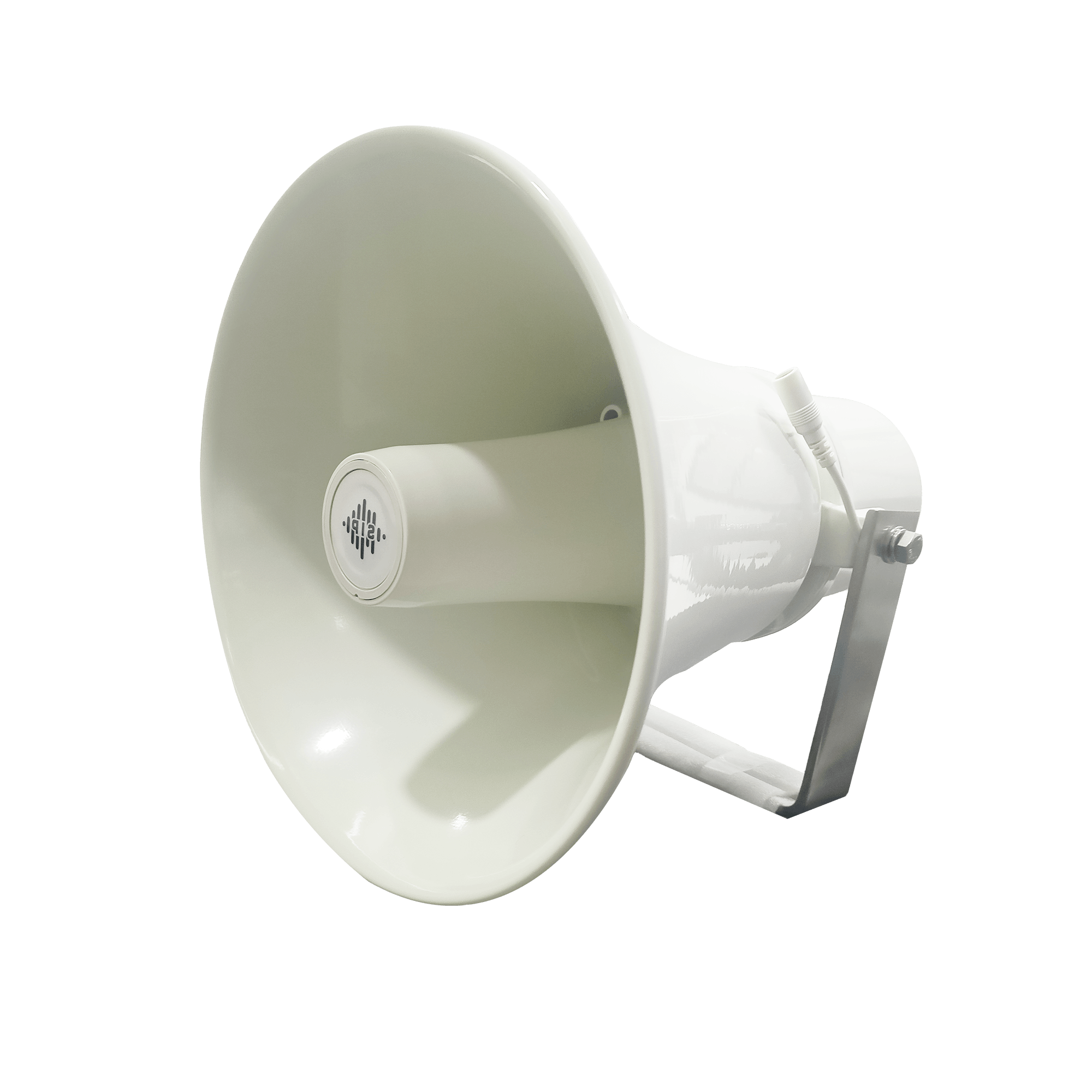
DS-15H
15 watt Horn speaker Support SIP IP 65 Rating Support BGM and announcement
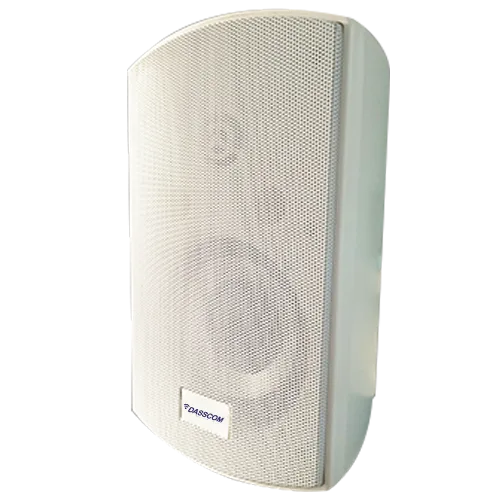
DS-10C
10 watt Ceiling Speaker Support SIP PoE enabled Support BGM & announcement
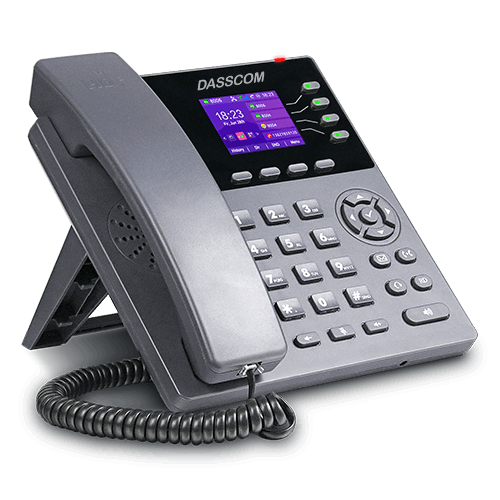
DS-15W
15 watt wall-mount speaker Support SIP PoE enabled Support BGM and announcement
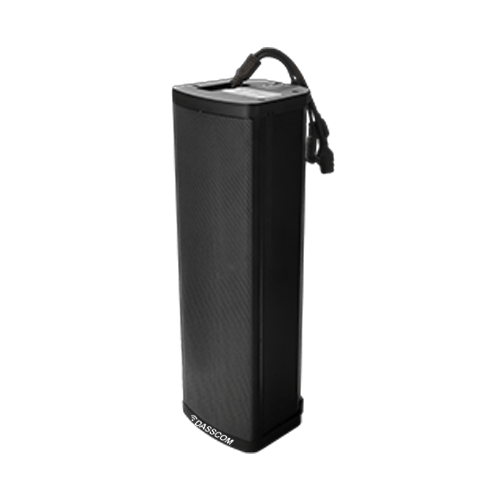
DXP-7200N
4 SIP Account PoE phone Colour Screen HD Voice
DS-30ECL
1.Built-in 30W amplifier, 2.Class D Amplifier
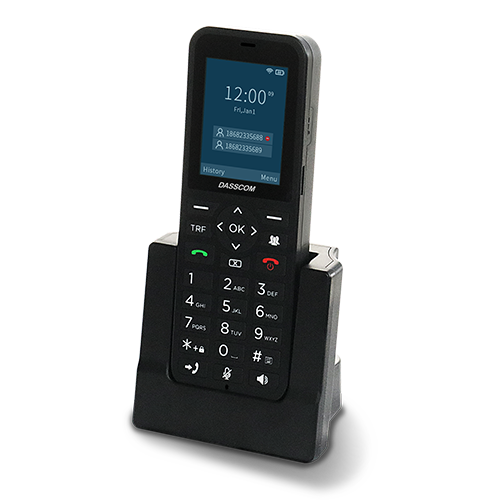
DW-100
2 SIP accounts Wi-fi Support Cordless Phone
Quick summary
See how Nextiva transforms the sales and support team productivity.
Frequently Asked Questions (FAQs)
Is a 16 port PoE switch good for CCTV?
Yes. A 16-port PoE switch can be a practical choice for CCTV installations requiring multiple IP cameras. The appropriate model should have sufficient PoE power, bandwidth, and uplink capacity for the planned deployment.
What is the difference between an 8 port PoE switch and a 16 port PoE switch?
The primary difference is port capacity. An 8 port POE switch provides eight Ethernet ports, while a 16 port POE switch provides sixteen. The larger configuration is better suited to bigger camera deployments and future expansion.
Do all 16 ports provide PoE?
Not necessarily. PoE availability depends on the specific switch model. Always check the product specifications to confirm the number of PoE-enabled ports and the total power budget.
When should I use a 24 port managed switch for CCTV?
A 24 port managed switch can be appropriate for larger surveillance networks or installations where CCTV cameras share the network with other business devices and require advanced network management.
How important is the PoE power budget?
It is extremely important. The total power requirement of all connected PoE cameras should remain within the switch’s available PoE power budget, with appropriate allowance for operational and future requirements.