A reliable network infrastructure is essential for businesses that depend on computers, IP phones, wireless access points, CCTV cameras, servers, and other connected devices. As the number of network devices grows, organizations need switches that can provide sufficient ports while offering better control, security, and performance.
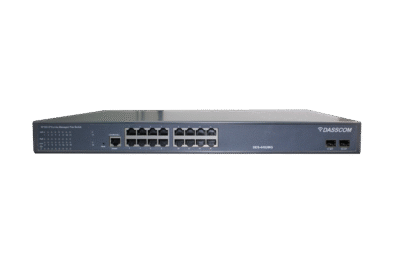
A 24 port managed switch is often an ideal choice for growing businesses because it provides enough connectivity for multiple devices while giving network administrators greater control over traffic and network configuration.
But not every switch is suitable for every business. Factors such as PoE requirements, port speed, VLAN support, network management, security, scalability, and power budget should be considered before making a purchase.
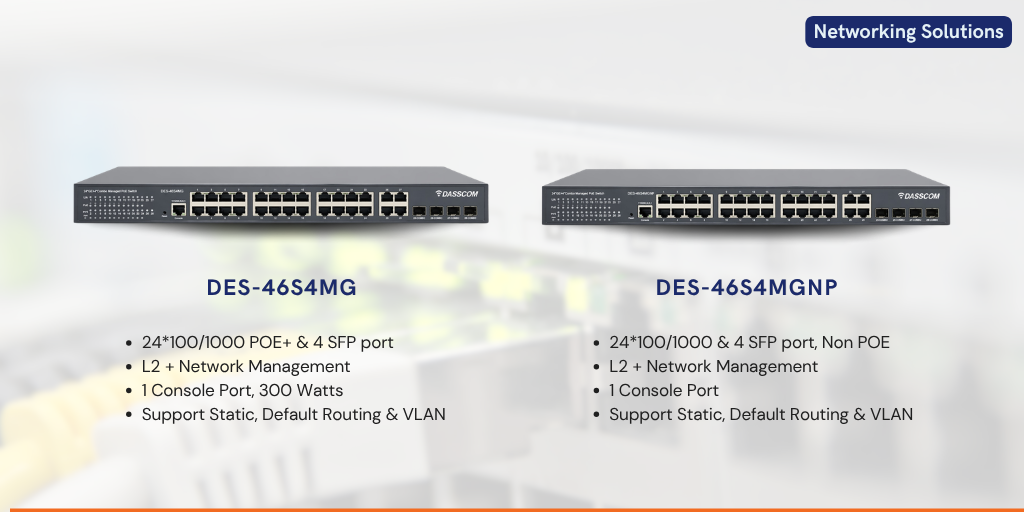
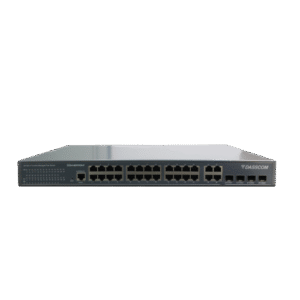
A 24 port managed switch is a network switch with 24 Ethernet ports that can be configured and monitored by a network administrator. Unlike an unmanaged switch, a managed switch provides greater control over how devices communicate across the network.
Businesses can use managed switches to configure VLANs, monitor network traffic, prioritize certain types of data, and apply security policies. This makes them particularly useful for offices, educational institutions, hotels, healthcare facilities, warehouses, and other environments with multiple connected devices.
A 24-port configuration provides a practical balance between capacity and cost. It can accommodate current requirements while leaving room for additional devices as the business grows.
Explore Managed Network Switches
The number of connected devices in a business can increase quickly. A typical office network may include desktop computers, laptops, IP phones, Wi-Fi access points, printers, CCTV cameras, servers, and IoT devices.
A 24-port switch provides sufficient connectivity for many small and medium-sized network deployments without requiring a large chassis or excessive infrastructure.
Another advantage is centralized management. Instead of treating every connected device as an isolated endpoint, administrators can configure and monitor network connectivity from the switch itself.
For organizations planning structured network expansion, a 24-port configuration can also reduce the need for frequent switch replacements.
The main difference between managed and unmanaged switches is the level of control they provide.
An unmanaged switch is generally designed for simple plug-and-play connectivity. It can be useful for smaller networks where advanced configuration is not required.
A managed switch provides additional functionality. Depending on the model, administrators may be able to configure VLANs, Quality of Service (QoS), port settings, access controls, link aggregation, and network monitoring.
For a business environment with multiple departments, applications, users, and security requirements, a managed switch generally provides greater flexibility.
Power over Ethernet (PoE) allows compatible devices to receive power and network connectivity through a single Ethernet cable. This can simplify installation and reduce the requirement for separate power adapters.
Before selecting a PoE model, businesses should evaluate both the number of PoE devices and their total power requirements. The switch’s overall PoE power budget is just as important as the number of PoE ports.
For example, if a network will support multiple cameras and access points, selecting a switch with an adequate power budget helps ensure reliable operation.
Request a Network Consultation
Port count should be based on the number of devices you need to connect today and the expected growth of your network.
A 24-port PoE configuration becomes more attractive when a business has a larger number of IP cameras, IP phones, wireless access points, or other powered devices.
The right choice is therefore not simply about selecting the largest switch. It is about matching port capacity and PoE power availability to the actual deployment.
Modern business networks generate significant amounts of data. Gigabit Ethernet ports can provide the bandwidth required for applications such as cloud services, video conferencing, file transfers, IP surveillance, and VoIP communication.
Businesses should also consider whether uplink ports provide higher-speed connectivity for connecting the switch to core network equipment.
Virtual LANs allow administrators to logically separate network traffic. For example, voice traffic, employee devices, guest users, and surveillance systems can be placed into different VLANs.
This can improve network organization, security, and traffic management.
QoS allows administrators to prioritize important traffic. Voice and video applications can benefit from traffic prioritization because delays or packet loss can affect communication quality.
For organizations using IP phones, video conferencing, and other real-time applications, QoS can therefore be an important consideration.
Different powered devices have different power requirements. The switch should provide sufficient capacity for all connected devices, with some additional headroom for future expansion.
Security features can help administrators control access to the network and reduce unauthorized connectivity.
Depending on the switch, features may include port security, access control mechanisms, VLAN segmentation, authentication, and monitoring capabilities.
A managed switch should provide practical management options. Depending on the model, these may include a web-based interface, command-line configuration, SNMP monitoring, or other management capabilities.
The management interface should be easy enough for administrators to configure the network without creating unnecessary operational complexity.
Talk to Our Network Experts
Port planning should account for both current devices and future requirements.
Start by listing every device that needs a wired network connection. Include computers, printers, IP phones, cameras, access points, servers, and other Ethernet-enabled equipment.
Next, consider future expansion. A switch that is completely filled on day one may quickly become a limitation when additional employees or devices are added.
A managed switch can support a wide range of business environments.
In offices, it can connect computers, IP phones, printers, servers, and wireless access points. In educational institutions, it can support classrooms, administrative systems, surveillance, and wireless connectivity.
For hotels and hospitality environments, switches can support access points, IP phones, security cameras, and other connected systems. Warehouses and industrial facilities can use managed switching to connect surveillance systems, access points, computers, and other network equipment.
The ability to segment and manage different types of traffic makes managed switching particularly useful in larger deployments.
One common mistake is focusing only on port count. A switch may have enough ports but lack the bandwidth, PoE capacity, management features, or security functionality required by the network.
Another mistake is underestimating future requirements. If an organization expects to add IP cameras, access points, or IP phones, those devices should be considered during switch selection.
Businesses should also avoid comparing switches solely on price. Network equipment is part of the organization’s core infrastructure, so reliability, manageability, scalability, and technical support should also influence the purchasing decision.
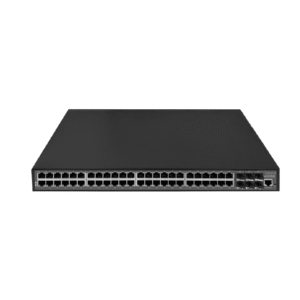
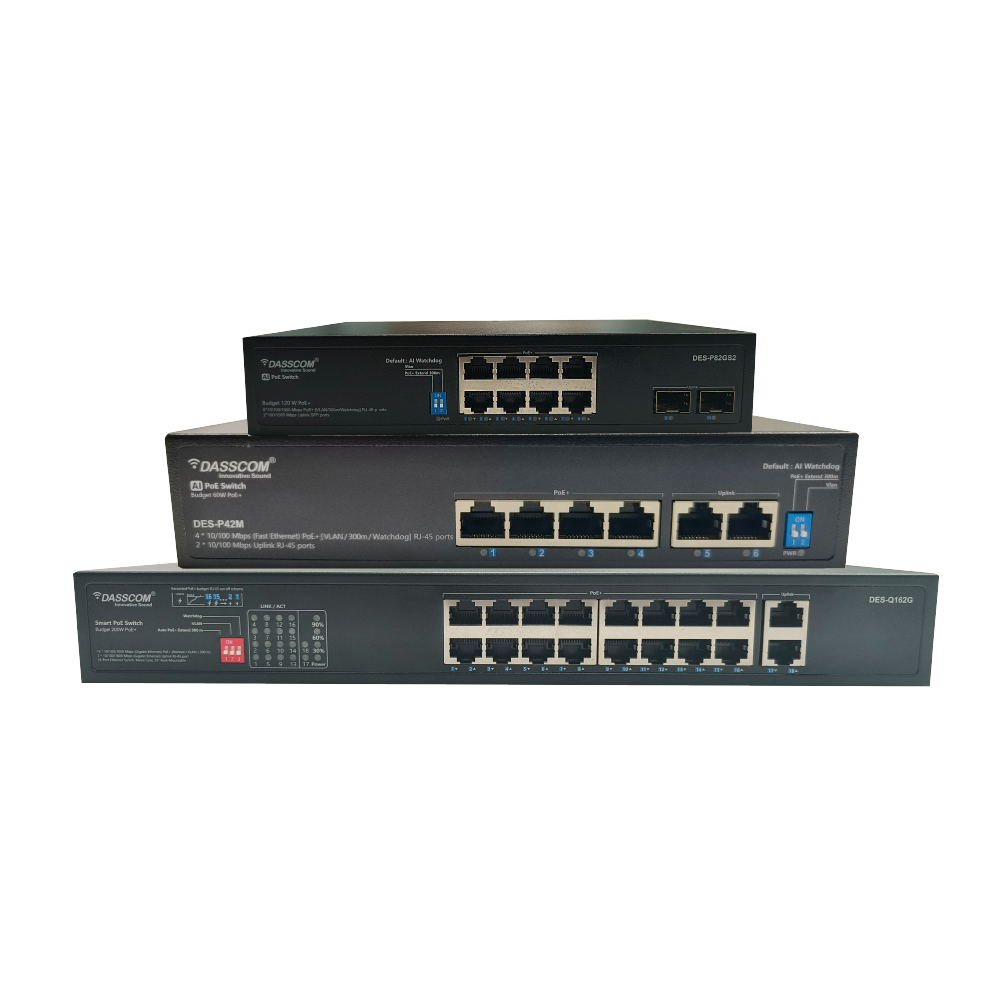
The choice between an 8 port POE switch, an 16 port POE switch, and a 24-port PoE configuration depends primarily on deployment size.
An 8-port model can work well for a small installation with limited powered devices. A 16-port model provides additional capacity for medium-sized deployments. A 24-port PoE switch is better suited to environments with a larger number of connected and powered
If the network is expected to expand, selecting additional port capacity from the beginning can help avoid premature infrastructure upgrades.
Network infrastructure should support business growth rather than become a constraint.
Managed switches give administrators greater visibility and control over connected devices. As the network becomes more complex, these capabilities become increasingly valuable.
For businesses building an integrated communication infrastructure, managed switching can also provide the foundation for IP phones, wireless networking, IP surveillance, and other connected technologies.
Explore Dasscom Networking Solutions
Choosing the right business switch requires more than counting Ethernet ports. Consider current devices, future growth, PoE requirements, bandwidth, security, and management features. For growing networks, a 24 port managed switch can provide the capacity, control, and flexibility needed to build a reliable, scalable, and well-managed business network.



 Indoor Speakers
 Paging Controller
 Outdoor Speakers
 IP Amplifier & Gateway
 Paging Microphones
 Basic IP Phones
 Wifi Phones
 Executive IP Phones
 Video Phones
 Duc-series
 FXS/FXO Gateways
 E1/T1 Gateway

 Unmanaged Switches
 Managed Switches
 Industrial Switches
 Access Points
 Safety Intercoms
 Veda Series
 Divine Series
 Tatva Series
 VoIP Office
 Call Center Solutions
 Network Communications
 Public Safety
 Video & Security System
 Highway Communication
 Intercom System
 IP Paging Solutions

 Healthcare
 Hospitality
 School & Universities
 IT Office
 SMEs and SMBs
 Industries


 Public Address System
 VOIP Phones
 VOIP PBX
 VOIP Gateways
 Networking Solutions
 Call Center Headsets
 Emergency Intercom Stations