
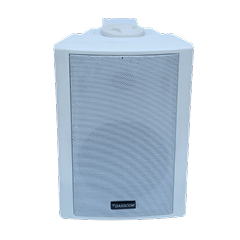
 Indoor Speakers
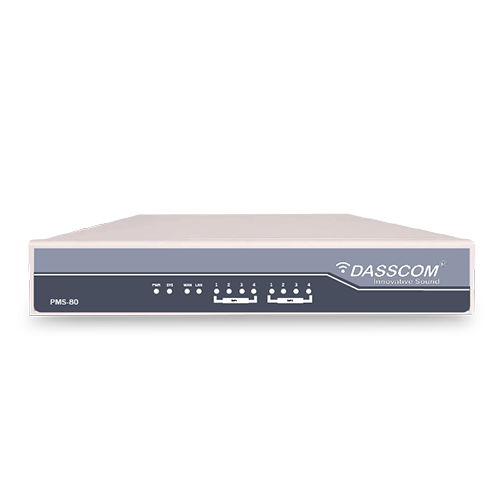 Paging Controller
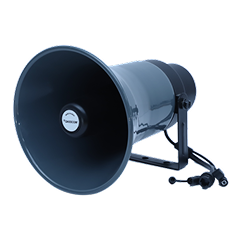 Outdoor Speakers
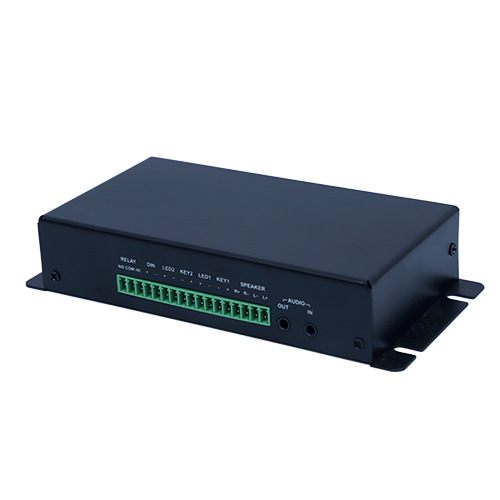 IP Amplifier & Gateway
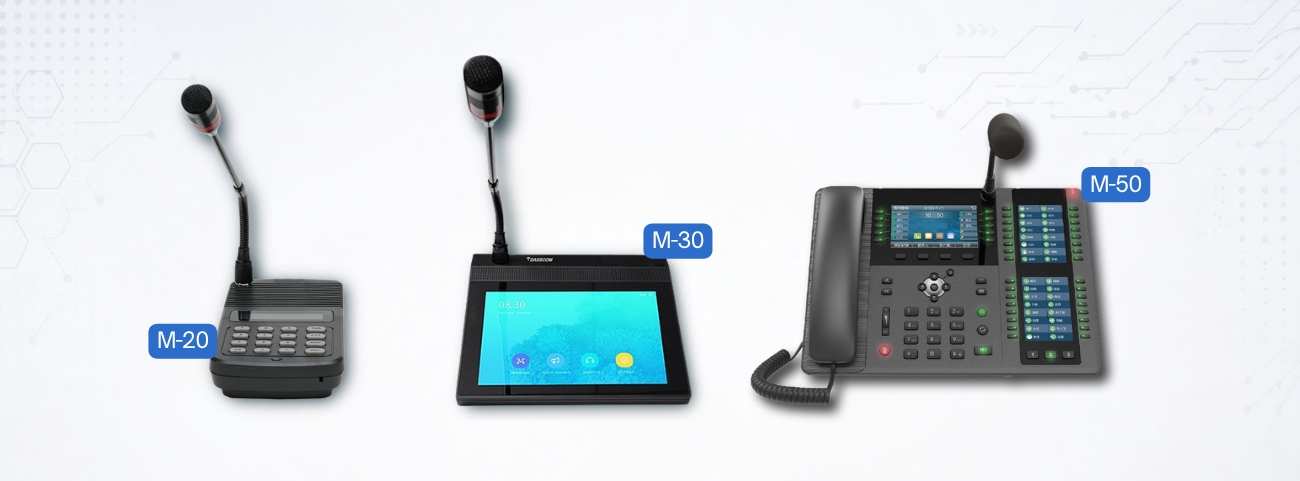
 Paging Microphones
 Basic IP Phones
 Wifi Phones
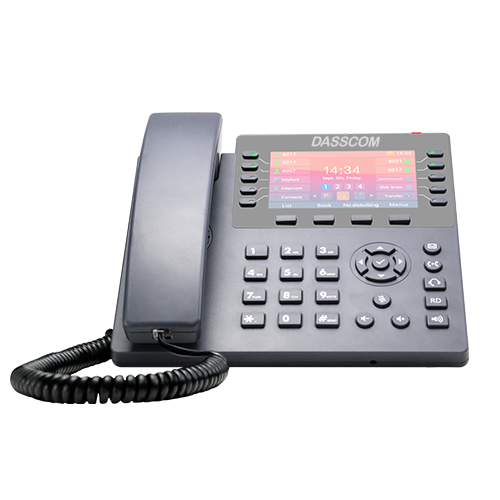 Executive IP Phones
 Video Phones
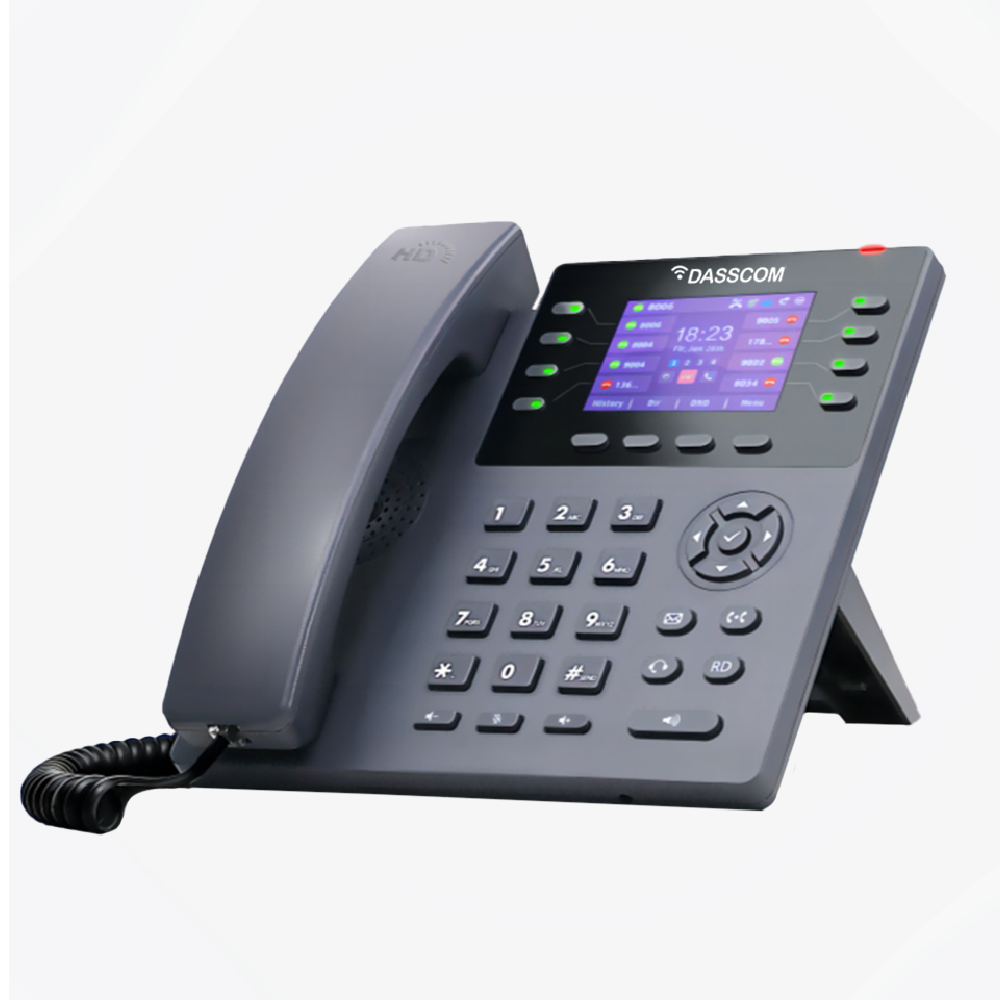
 Duc-series
 FXS/FXO Gateways
 E1/T1 Gateway

 Unmanaged Switches
 Managed Switches
 Industrial Switches
 Access Points
 Safety Intercoms
 Veda Series
 Divine Series
 Tatva Series
 VoIP Office
 Call Center Solutions
 Network Communications
 Public Safety
 Video & Security System
 Highway Communication
 Intercom System
 IP Paging Solutions

 Healthcare
 Hospitality
 School & Universities
 IT Office
 SMEs and SMBs
 Industries


 Public Address System
 VOIP Phones
 VOIP PBX
 VOIP Gateways
 Networking Solutions
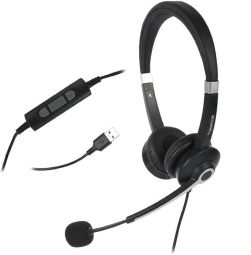
 Call Center Headsets
 Emergency Intercom Stations


8 Port PoE Switch: Complete Guide for Small Networks & CCTV
This guide explains how an 8 port PoE switch supports CCTV, IP cameras, and small networks, covering PoE power, bandwidth, uplinks, installation, expansion, and switch selection.
fffs
Small businesses, retail stores, offices, clinics, warehouses, and residential properties increasingly rely on IP cameras for security. Unlike traditional analog CCTV systems, IP cameras use network connectivity to transmit video, making the network switch an important part of the surveillance infrastructure.
For smaller installations, an 8 port POE switch can provide an efficient way to connect and power multiple IP cameras using Ethernet cables. PoE, or Power over Ethernet, combines power and data transmission through a single network cable, simplifying installation and reducing the need for separate power adapters.
However, choosing the right switch requires more than simply counting ports. Power budget, Ethernet speed, uplink capacity, camera requirements, cable distance, and future expansion should all be considered.
What Is an 8 Port PoE Switch?
An 8 port POE switch is a network switch designed with eight Ethernet ports that can provide both network connectivity and power to compatible PoE devices.
For CCTV installations, each compatible IP camera can connect directly to a PoE port. The Ethernet cable carries the camera’s network traffic while also supplying power.
This approach can simplify surveillance installation because cameras do not necessarily need separate local power adapters or electrical connections. It can be especially useful when cameras are mounted on ceilings, walls, poles, or other locations where access to power outlets may be inconvenient.
A small PoE switch can also connect other compatible devices, including wireless access points, VoIP phones, and intercom systems, depending on the network requirements and available PoE capacity.
Why Use PoE for CCTV and IP Cameras?
PoE provides a practical advantage for surveillance networks because power and data can travel through the same Ethernet connection.
Consider a small retail store with six IP cameras. A conventional installation may require network connectivity as well as individual power arrangements for each camera. With compatible PoE equipment, the cameras can connect directly to the PoE switch.
This can reduce cabling complexity and make the installation easier to organize. It can also simplify troubleshooting because network connectivity and power delivery are centralized at the switch.
For businesses expanding their security infrastructure, PoE can therefore provide a cleaner and more scalable approach to IP surveillance.
Explore Dasscom PoE Switches
How Many Cameras Can an 8-Port Switch Support?
An 8-port PoE switch can provide connectivity for up to eight directly connected PoE devices, subject to the specific model’s configuration.
However, the practical number of cameras depends on more than port count. You should consider the power requirements and bandwidth generated by each camera.
A basic fixed IP camera may require significantly less power than a camera with additional functions. Similarly, higher-resolution cameras can generate greater network traffic.
Before installation, calculate the total power requirements of the cameras and compare them with the switch’s total PoE power budget. This ensures that the switch can support the planned devices reliably.
Key Features to Check Before Buying
1. PoE Power Budget
The total PoE power budget is one of the most important specifications for CCTV deployments.
A switch may have eight PoE ports but still have a limited total power budget. If multiple cameras require higher power, the total consumption must remain within the switch’s available capacity.
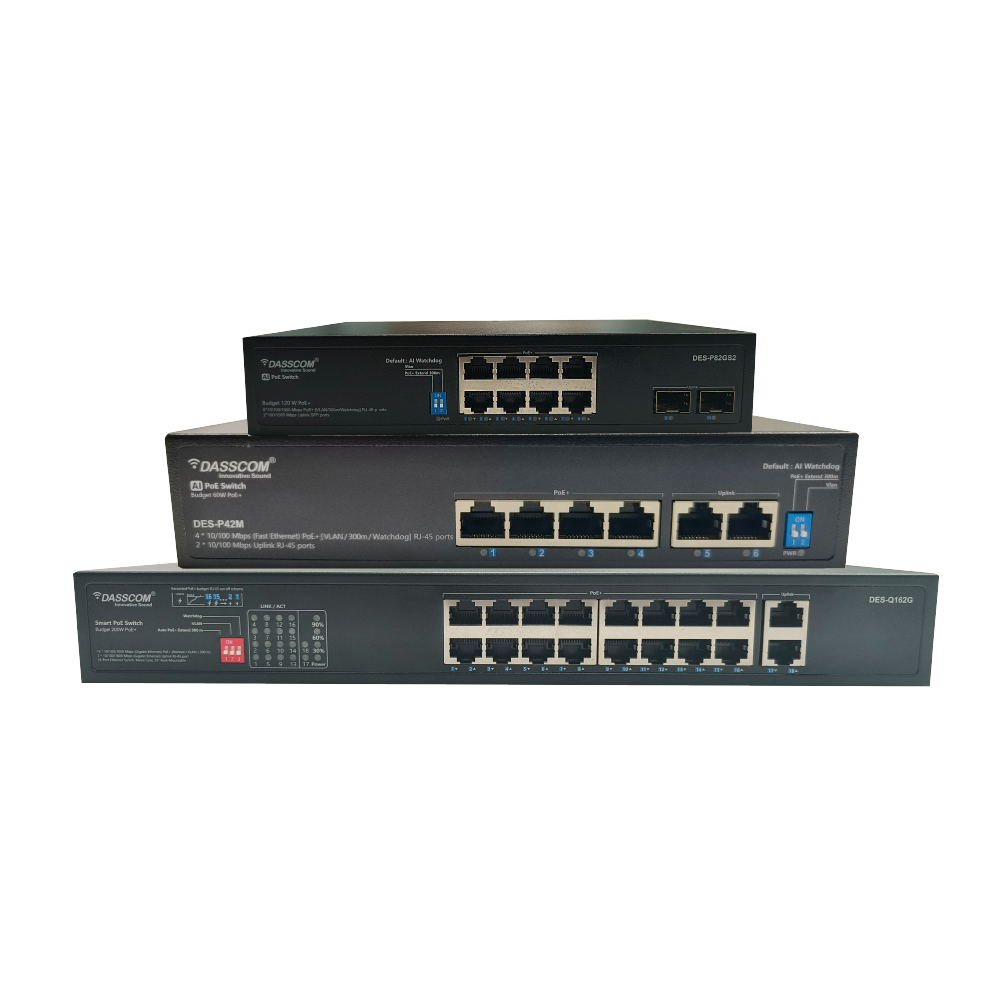
For example, Dasscom’s DES-82MG supports IEEE 802.3af/at, provides up to 30W per PoE port, and has a 120W total PoE budget.
2. Port Speed
Camera video streams continuously use network bandwidth. Resolution, frame rate, compression, and bitrate all influence bandwidth requirements.
When selecting an 8 port POE switch, check the speed of the camera-facing ports as well as the uplink ports.
Dasscom’s DES-P82GS2, for example, provides eight 10/100/1000Base-T PoE ports and two 100/1000Base-X SFP uplink slots, offering Gigabit connectivity on its PoE ports and fiber-capable uplinks.
3. Uplink Capacity
The uplink connects the PoE switch to equipment such as an NVR, router, server, or another network switch.
This becomes important when multiple cameras transmit video simultaneously. A suitable uplink helps move aggregated camera traffic from the access switch toward the NVR or wider network.
4. PoE Standard
Check which PoE standard the switch and cameras support.
Dasscom’s DES-P82M supports IEEE 802.3af/at, with its ports supporting up to 30W per port and a maximum PoE output of 96W. It is designed to support devices such as network surveillance cameras and wireless access points.
Compatibility between the switch and cameras should always be confirmed before deployment.
Dasscom 8-Port PoE Switches
Dasscom offers multiple 8-port PoE switching options for different network and surveillance requirements.
Dasscom DES-82MG
The DES-82MG is an unmanaged PoE switch with eight 10/100M PoE ports and two 10/100/1000M Gigabit uplink ports. It supports IEEE 802.3af/at, with up to 30W available per PoE port and a 120W total PoE power budget.
Its plug-and-play design makes it suitable for applications such as IP cameras, wireless access points, VoIP phones, and intercom systems. Dasscom positions the model for environments including SMBs, hotels, campuses, and factories.
View DES-82MG
Dasscom DES-P82M
The DES-P82M is a 10/100M unmanaged PoE switch with eight 10/100M PoE ports and two 10/100M uplink ports. Its PoE ports support IEEE 802.3af/at, with up to 30W per port and a maximum 96W PoE output.
The model also includes features such as port isolation/VLAN support and an extend mode designed for longer transmission distances under specified conditions. Its datasheet identifies applications including network surveillance cameras, wireless access points, VoIP devices, and visual intelligent building intercom systems.
Dasscom DES-P82GS2
For deployments requiring Gigabit PoE connectivity and SFP uplinks, the DES-P82GS2 provides eight 10/100/1000Base-T PoE ports and two 100/1000Base-X SFP uplink slots.
It supports IEEE 802.3af/at, offers up to 30W per port, and has a 120W PoE power budget. The model also supports features including port isolation/VLAN, AI-PoE network self-healing, and an AI Extend mode, according to its datasheet.
These options allow businesses to select an 8-port PoE solution based on their required port speed, uplink architecture, power budget, and deployment environment.
8-Port vs. 16-Port PoE Switch
An 16 port POE switch becomes a better option when the CCTV installation has more cameras or requires additional capacity for future expansion.
An 8-port solution is generally appropriate for smaller installations where the number of connected devices is limited. A 16-port switch provides additional ports and can accommodate a larger surveillance deployment without immediately requiring another switch.
For example, a small shop with four to six cameras may not need 16 PoE ports. A larger office with 10–14 cameras may benefit from moving to a 16-port configuration.
The decision should therefore be based on the current camera count, planned expansion, and the other PoE devices that will share the network.
When Do You Need a 24-Port Managed Switch?
A 24 port managed switch is generally more appropriate for larger or more complex networks.
If CCTV is only one part of the infrastructure and the same network also supports computers, IP phones, wireless access points, servers, and other devices, additional ports and management capabilities can become valuable.
A 24 port managed switch can also provide greater control through features such as VLANs, traffic management, monitoring, and network segmentation, depending on the model.
For a small standalone CCTV installation, however, an eight-port PoE switch may be a simpler and more economical solution.
Consider Cable Distance
Camera location should also influence switch selection.
Ethernet networks have distance limitations, so the physical distance between the switch and each IP camera should be considered during network planning.
For a small office, cameras may be located close enough to the network rack for standard Ethernet cabling. Larger facilities such as warehouses, campuses, and factories may require a more carefully planned network architecture.
Some Dasscom PoE models include extended transmission features. For example, the DES-P82M datasheet specifies an extend mode supporting up to 300 metres under its stated operating conditions and limitations.
Always evaluate the actual cable type, distance, bandwidth, and operating conditions before deploying long-distance camera connections.
Managed or Unmanaged PoE Switch?
For a simple CCTV installation, an unmanaged switch can offer plug-and-play deployment with minimal configuration.
Managed switching becomes more valuable when the network requires greater control. Businesses may need to separate surveillance traffic, voice traffic, employee devices, and guest connectivity using VLANs or monitor network performance.
A 24 port managed switch may therefore be appropriate for a larger business infrastructure, while an unmanaged 8-port PoE model can be a practical choice for a compact surveillance system.
The right choice depends on the complexity of the network rather than simply the size of the business.
Common Mistakes to Avoid
The first mistake is selecting a switch based only on the number of ports. PoE power capacity and uplink bandwidth are equally important.
The second is ignoring future expansion. If additional cameras are likely to be installed, leave sufficient port and power capacity.
Another mistake is overlooking camera power requirements. Cameras with additional functions may require more power than basic models.
Finally, do not overlook uplinks. Multiple camera streams need to reach the NVR or network core, so uplink capacity should be considered as part of the overall design.
Quick Buying Checklist
Before purchasing a PoE switch for CCTV, check:
- Number of cameras
- Number of PoE ports
- Total PoE power budget
- Maximum power per port
- Camera PoE compatibility
- Ethernet port speed
- Uplink speed
- NVR connectivity
- Cable distance
- Future expansion requirements
- Managed or unmanaged operation
- VLAN and isolation requirements
This checklist can help businesses avoid choosing a switch that looks suitable on paper but cannot meet the actual requirements of the surveillance installation.
Talk to Dasscom Network Experts
Final Thoughts
For small CCTV and business networks, an 8-port PoE switch can provide a compact and practical combination of connectivity and power. Before buying, evaluate camera count, PoE budget, bandwidth, uplinks, cable distances, and future growth. Dasscom’s 8-port PoE options provide different configurations for diverse surveillance and networking requirements.
types of call center

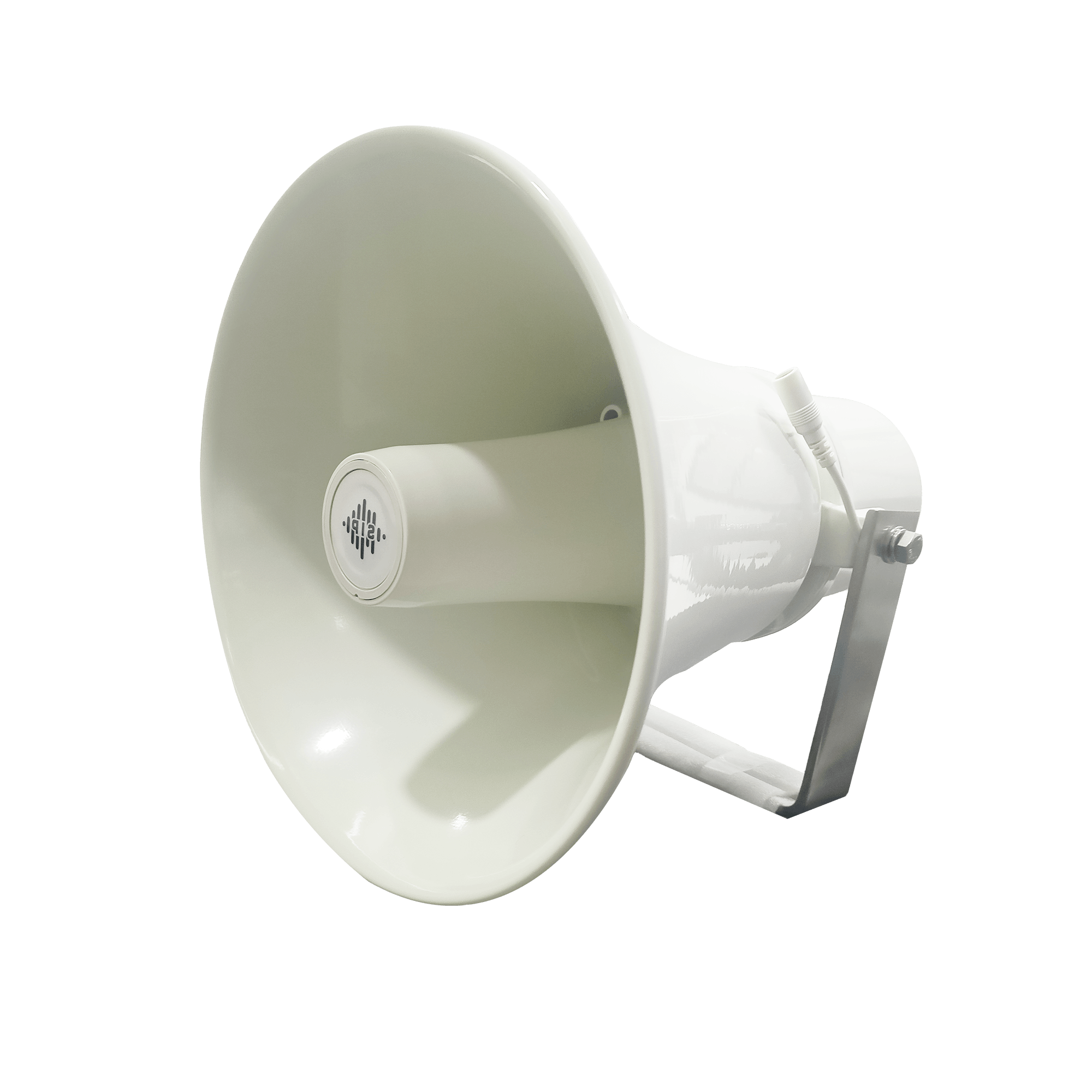
DS-15H
15 watt Horn speaker Support SIP IP 65 Rating Support BGM and announcement
DS-10C
10 watt Ceiling Speaker Support SIP PoE enabled Support BGM & announcement
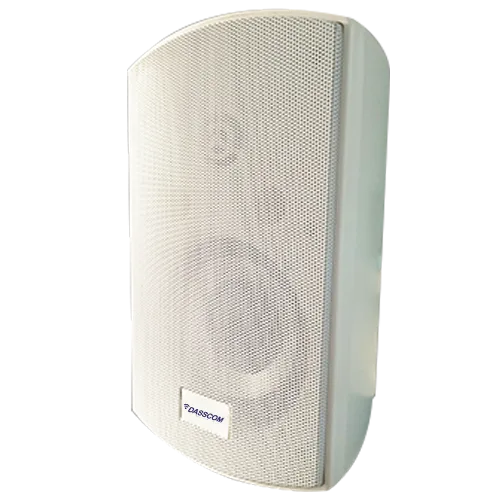
DS-15W
15 watt wall-mount speaker Support SIP PoE enabled Support BGM and announcement
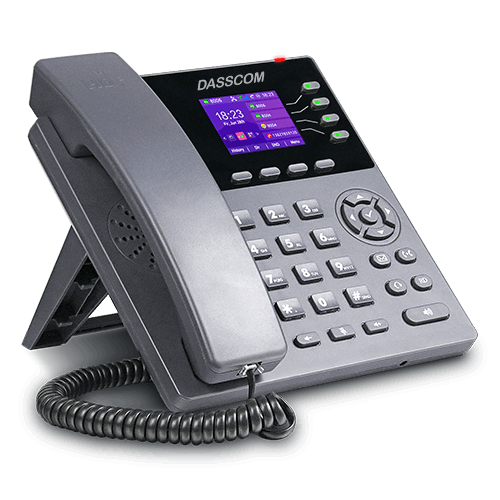
DXP-7200N
4 SIP Account PoE phone Colour Screen HD Voice
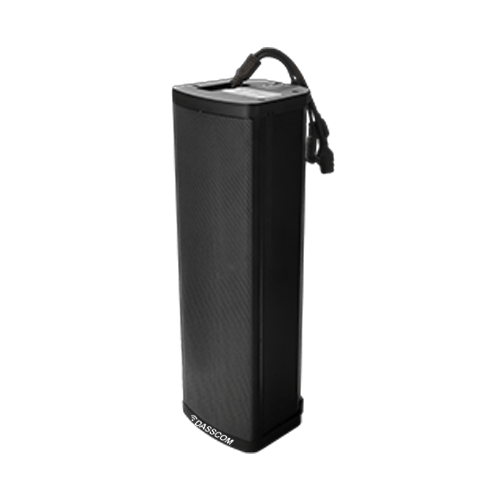
DS-30ECL
1.Built-in 30W amplifier, 2.Class D Amplifier
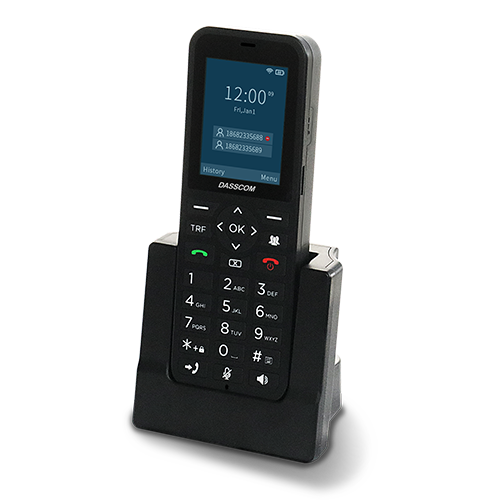
DW-100
2 SIP accounts Wi-fi Support Cordless Phone
Quick summary
See how Nextiva transforms the sales and support team productivity.
Frequently Asked Questions (FAQs)
Is an 8 port POE switch suitable for CCTV?
Yes. An 8 port POE switch can be a practical choice for small CCTV installations with a limited number of compatible IP cameras. The total PoE power budget and camera bandwidth requirements should be checked before deployment.
What is the main advantage of PoE for IP cameras?
PoE allows compatible cameras to receive power and network connectivity through the same Ethernet cable, simplifying installation and reducing the need for separate power connections.
Which Dasscom 8-port PoE switches can be used for IP cameras?
Dasscom offers models including the DES-82MG, DES-P82M, and DES-P82GS2. All are designed to support PoE devices including IP cameras, with different port speeds, uplink options, and power specifications.
Should I choose an 8-port or 16-port PoE switch?
Choose an 8-port model when your camera deployment is small and additional capacity is not immediately required. A 16-port PoE switch is better when you have more cameras or expect significant expansion.
When is a 24-port managed switch better?
A 24 port managed switch is more suitable for larger networks requiring additional ports and advanced management features such as VLANs, monitoring, traffic control, and network segmentation.
What should I check about PoE power?
Check both the maximum power available per port and the total PoE power budget. The combined requirements of all connected cameras should remain within the switch’s available power capacity.