
 Indoor Speakers
 Paging Controller
 Outdoor Speakers
 IP Amplifier & Gateway
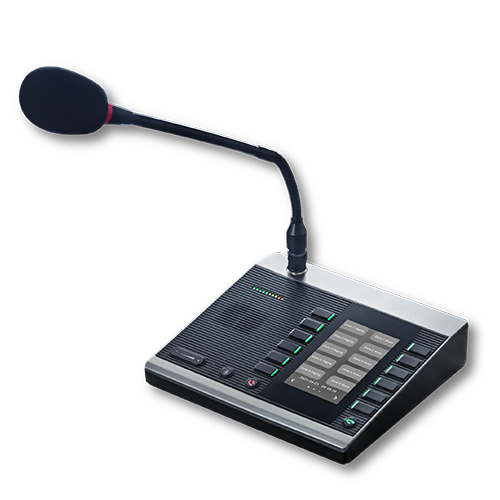 Paging Microphones
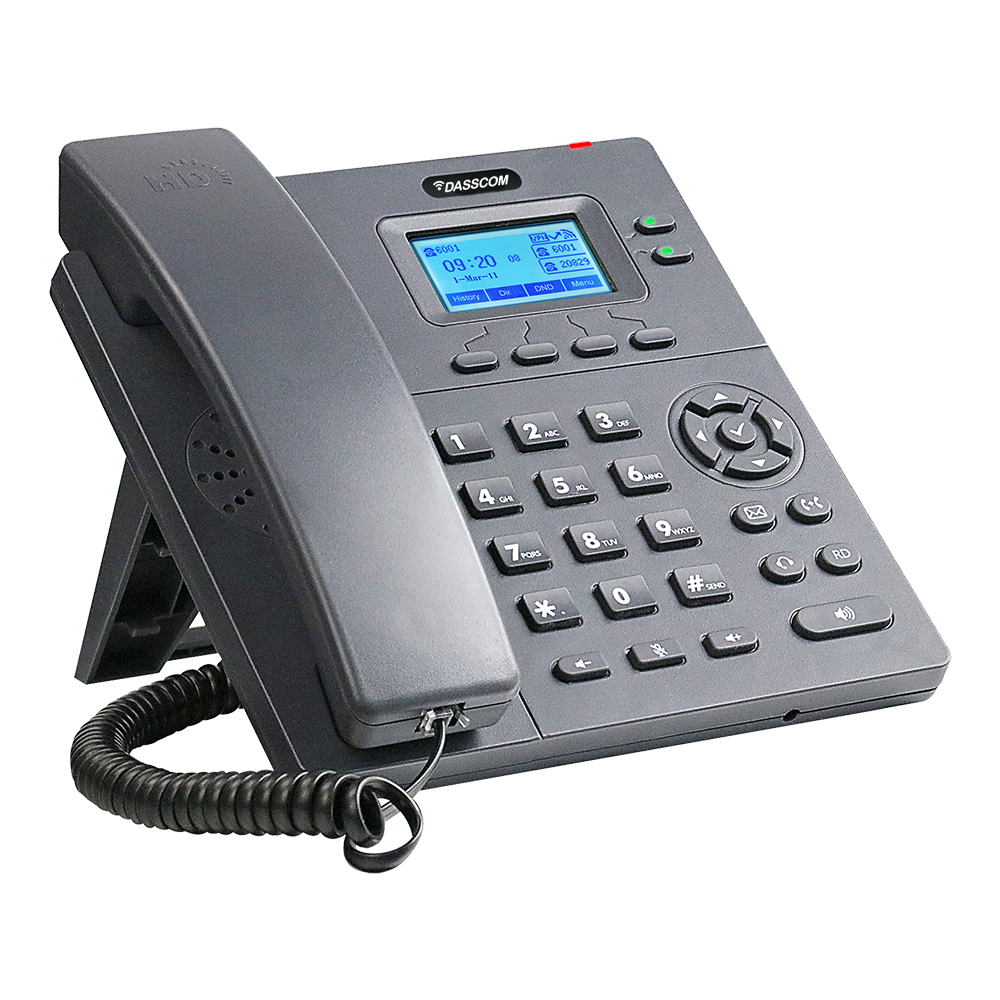 Basic IP Phones
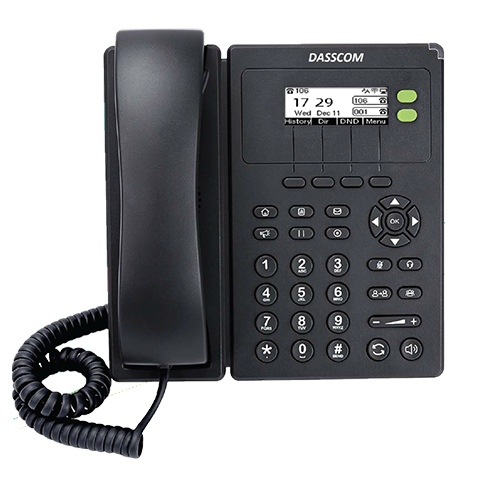 Wifi Phones
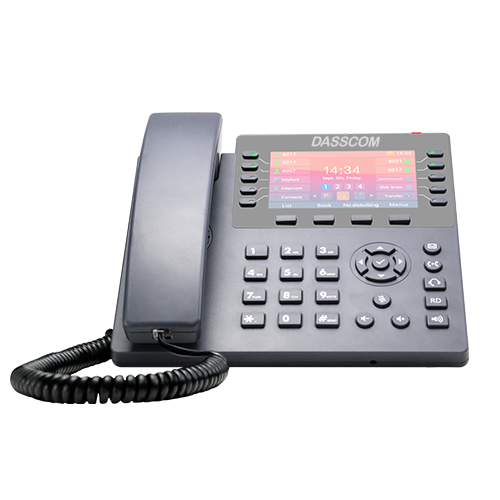 Executive IP Phones
 Video Phones
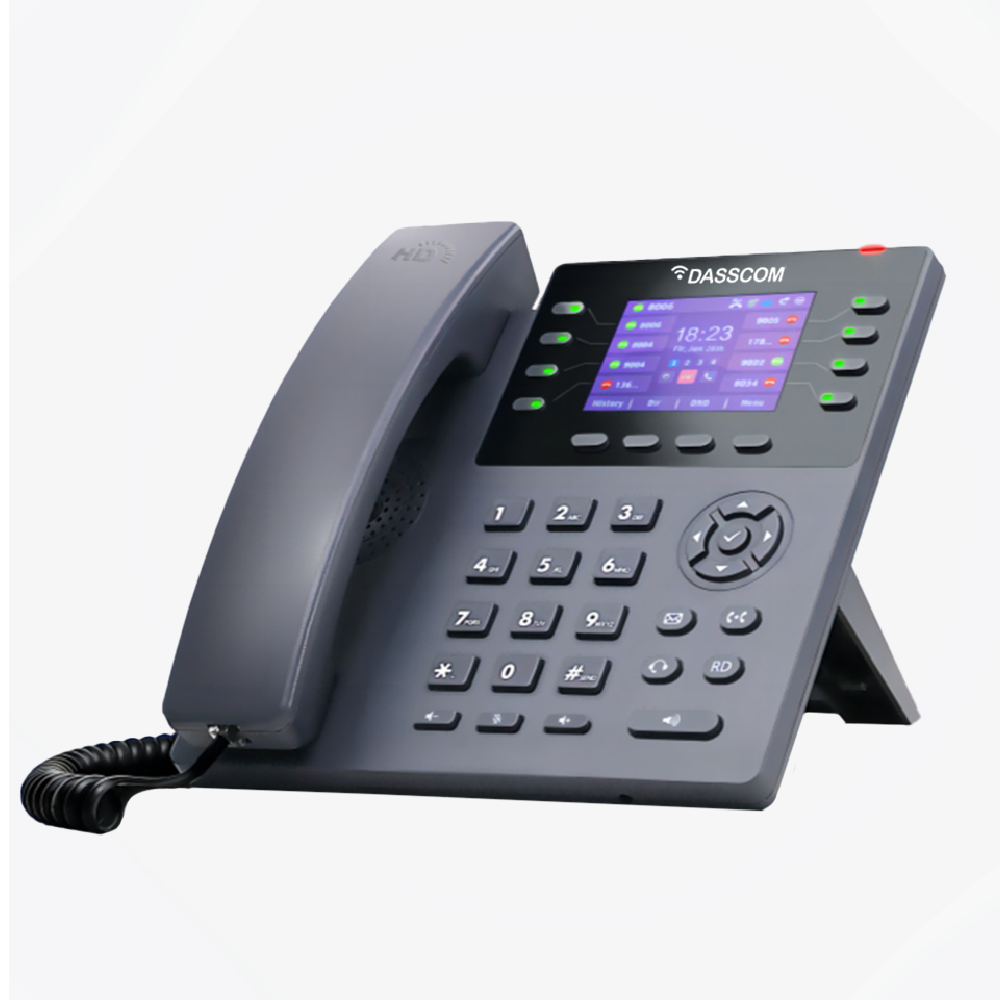
 Duc-series
 FXS/FXO Gateways
 E1/T1 Gateway
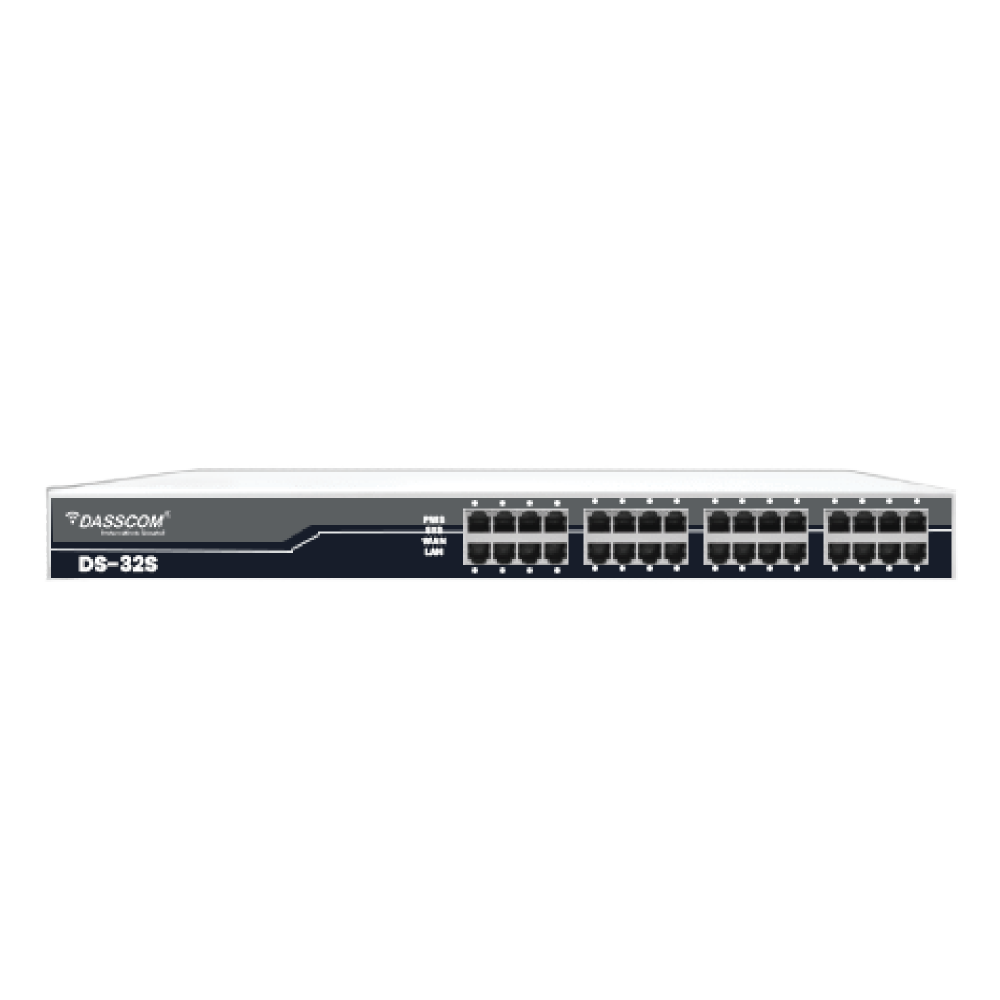
 Unmanaged Switches
 Managed Switches
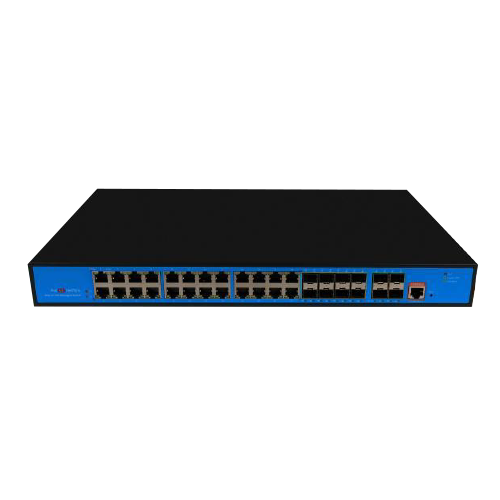 Industrial Switches
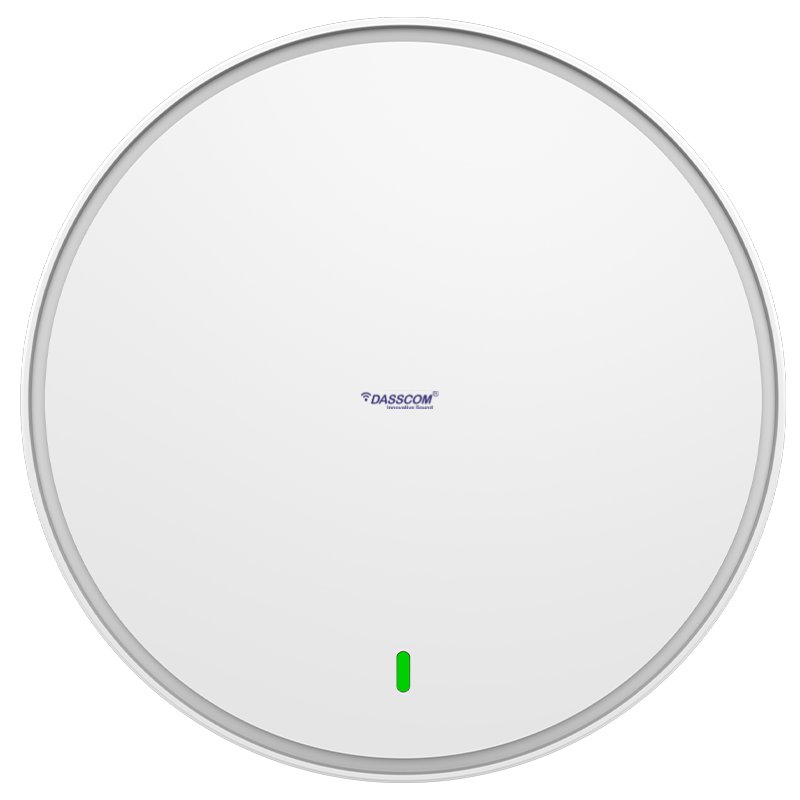 Access Points
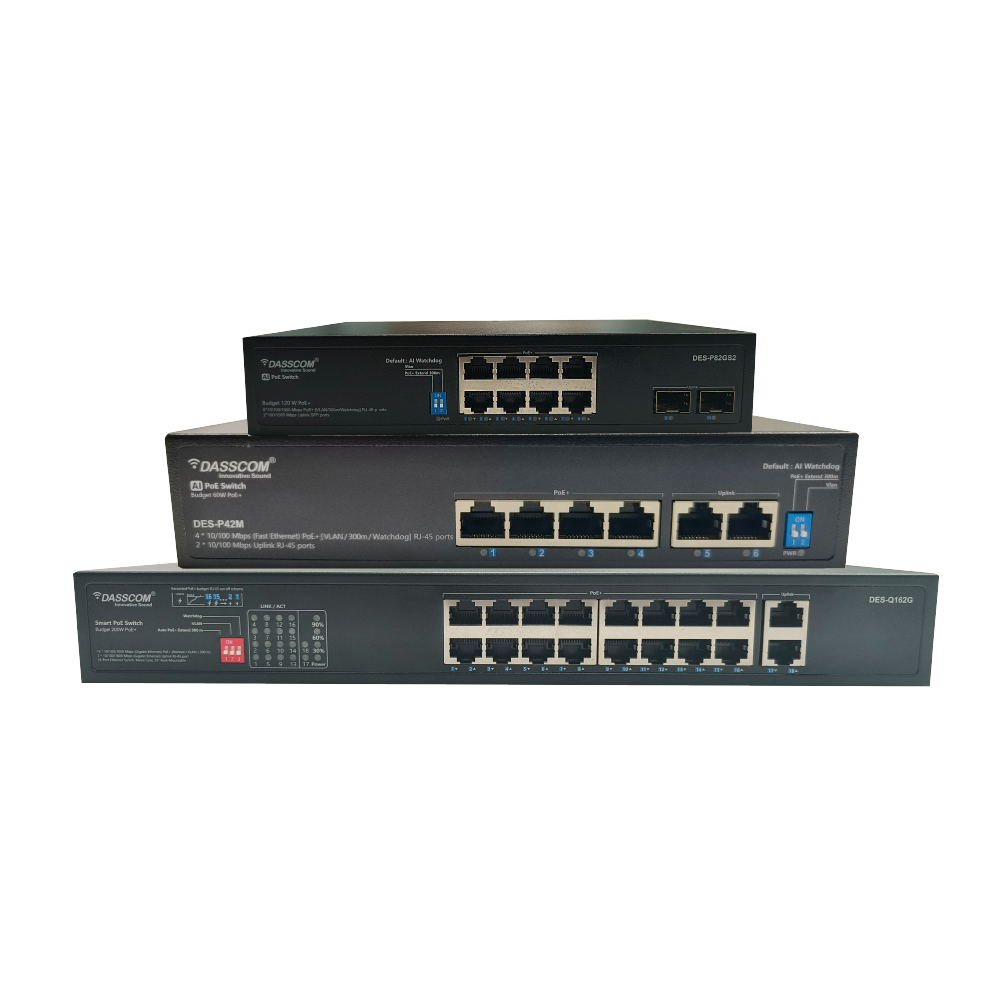
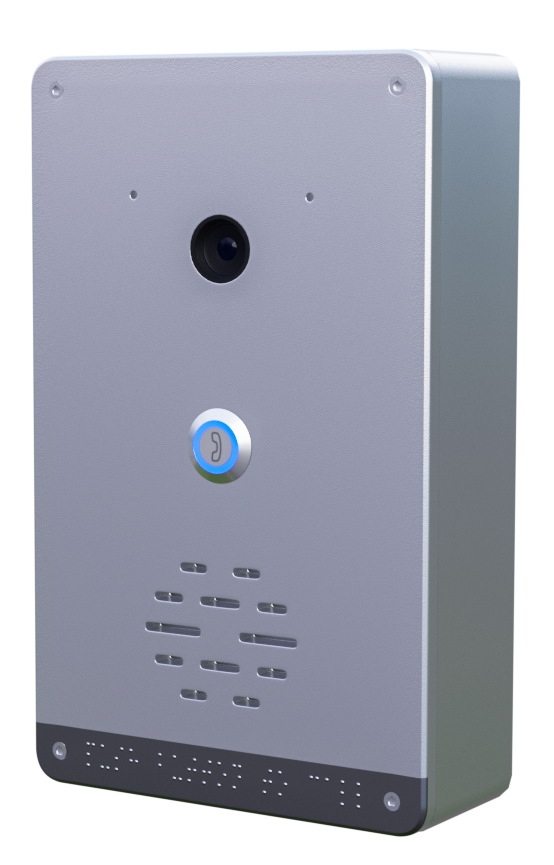 Safety Intercoms
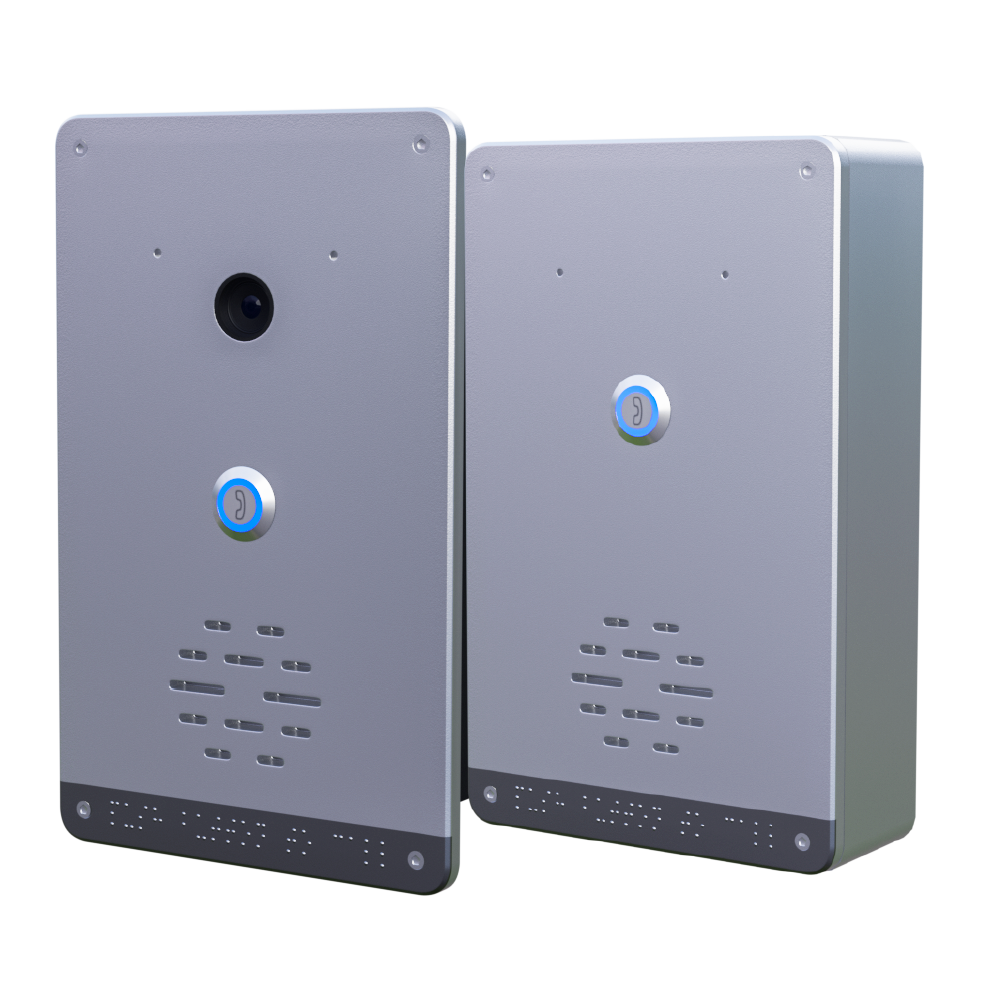
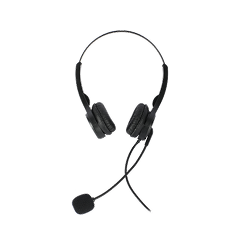 Veda Series
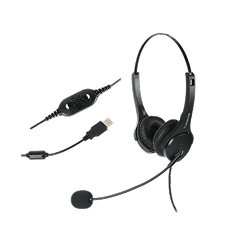 Divine Series
 Tatva Series
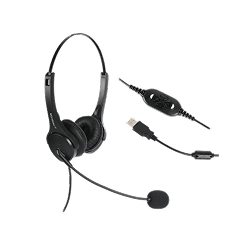
 VoIP Office
 Call Center Solutions
 Network Communications
 Public Safety
 Video & Security System
 Highway Communication
 Intercom System
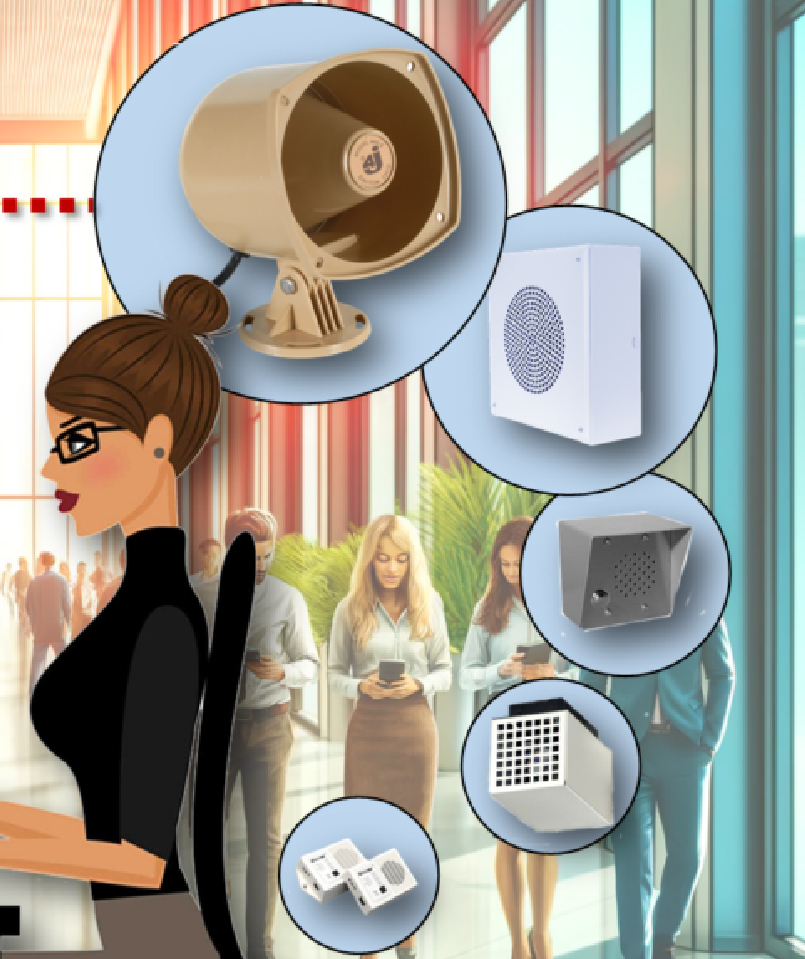 IP Paging Solutions

 Healthcare
 Hospitality
 School & Universities
 IT Office
 SMEs and SMBs
 Industries


 Public Address System
 VOIP Phones
 VOIP PBX
 VOIP Gateways
 Networking Solutions
 Call Center Headsets
 Emergency Intercom Stations



High-Density Wi-Fi Planning for Offices, Hotels and Campuses
fffs
What Is High-Density Wi-Fi?
High-density Wi-Fi refers to a wireless network designed to serve many connected devices within a relatively limited area. Typical environments include corporate offices, conference rooms, hotel lobbies, university classrooms, libraries, auditoriums, and campus common areas.
In these locations, the challenge is not simply providing a strong wireless signal. The network must distribute available capacity efficiently among multiple users who may be browsing, streaming, downloading files, or participating in video calls simultaneously.
A well-designed high-density deployment considers both coverage and capacity. Coverage ensures users can connect where they need to, while capacity determines whether the network can handle demand during busy periods.
Why Offices, Hotels and Campuses Need High-Density Wi-Fi Planning
Different environments create different wireless challenges.
Offices: Employees may use multiple devices, cloud applications, VoIP communication, and video conferencing throughout the day. Meeting rooms can experience sudden increases in demand when teams gather for presentations or calls.
Hotels: Guest rooms, reception areas, restaurants, conference facilities, and recreational spaces have different connectivity requirements. Guest access must also be separated appropriately from internal business systems.
Educational campuses: Classrooms, libraries, lecture halls, laboratories, and hostels may have large numbers of students connecting simultaneously. Network demand can increase sharply between classes and during online examinations.
These environments benefit from a design that considers user behaviour, building layout, and peak usage rather than relying on a basic coverage estimate.
Key Elements of High-Density Wi-Fi Planning
1. Start With a Wireless Site Survey
A site survey helps establish where access points are needed and what may affect wireless performance.
A predictive survey uses floor plans and environmental information to estimate coverage and capacity. An on-site survey measures real conditions, while a post-installation survey helps validate the deployed network.
Building materials, walls, floors, furniture, neighbouring wireless networks, and sources of interference can all affect the final design.
Before installation, map the main areas requiring coverage, identify locations with concentrated users, and estimate how many devices will connect during peak periods.
2. Plan for Capacity, Not Just Coverage
A strong signal does not automatically mean a fast connection. An access point may cover an entire meeting room but struggle when dozens of devices compete for wireless airtime.
Capacity planning should account for simultaneous users, the number of devices per user, application traffic, and peak usage periods.
A high-density access point should be evaluated against the expected workload and its published capabilities—not simply its advertised maximum user count.
For example, a classroom used for online assessments may need a different design from an office floor where most users perform routine browsing and email tasks.
3. Place Access Points Strategically
Access point placement directly affects coverage, interference, and the quality of connections.
Installing access points centrally in suitable locations can help distribute coverage. However, high-density environments may require more detailed placement based on room layouts, walls, ceiling heights, and the number of users in each zone.
Avoid assuming that placing an access point in a corridor will automatically provide good coverage inside every room. Validate the signal in the actual areas where people work, stay, or study.
Also, avoid placing multiple access points too close together without a channel and transmit-power plan. Overlapping wireless cells can increase interference and reduce available capacity.
4. Manage Channels and Interference
Nearby access points may compete for the same wireless channels. This can increase contention and reduce performance, particularly in buildings with many access points or neighbouring networks.
Channel planning helps distribute access points across suitable channels. Channel width should also match the deployment environment: wider channels can offer higher peak throughput, but they consume more spectrum and may reduce channel reuse in crowded environments.
The objective is not to maximize every radio setting. It is to balance performance, channel availability, and interference for the actual site.
Choosing the Right Access Point for High-Density Environments
Hardware selection should follow the network design rather than determine it.
A suitable enterprise Wi-Fi access point should be evaluated for its Wi-Fi generation, supported frequency bands, throughput specifications, Ethernet connectivity, power requirements, security capabilities, and management options.
Wi-Fi 6 can improve efficiency in environments with many connected devices. Wi-Fi 7 introduces additional capabilities for higher potential throughput when supported by the access point, client devices, and network infrastructure.
Dasscom offers several models for businesses to evaluate:
- DAP-1100C: Wi-Fi 6, stated wireless throughput of up to 1.5 Gbps, Gigabit WAN/LAN, support for up to 128 users, WPA3, and Mesh support.
- DAP-2200C: Wi-Fi 6, stated wireless throughput of up to 3 Gbps, support for up to 128 users, and Mesh capability.
- DAP-3300C: Wi-Fi 7, stated wireless throughput of up to 5 Gbps, 2.5G WAN connectivity, PoE++ support, and capacity for up to 256 users.
These are published product specifications, not guarantees of real-world throughput. Actual performance depends on client devices, interference, configuration, and deployment conditions.
The DAP-1100C, DAP-2200C, and DAP-3300C can therefore be considered when evaluating different wireless capacity and connectivity requirements.
When Should You Consider a High-Density Access Point?
A high-density access point is worth evaluating when a location experiences heavy simultaneous usage, such as a lecture hall, conference facility, busy hotel lobby, or shared office.
However, hardware alone cannot resolve every performance issue. Poor channel planning, limited wired uplinks, inadequate internet bandwidth, and incorrect placement can continue to affect the network even after newer access points are installed.
The right model should be selected after assessing both the wireless environment and the supporting network infrastructure.
Design for Each Environment
Offices and Corporate Workspaces
An access point for office deployments should be selected according to employee density, meeting-room usage, cloud application requirements, and the number of connected devices.
Open-plan offices may require a different layout from offices divided into small rooms. Meeting rooms often deserve special attention because many users can connect in the same space for short periods.
Businesses should also plan suitable wired uplinks and PoE capacity so access points receive the connectivity and power required for operation.
Hotels and Hospitality
Hotel wireless planning should consider guest rooms, corridors, lobbies, restaurants, event spaces, and back-office operations separately.
Guest traffic should be appropriately isolated from internal business systems. Coverage should be tested inside rooms rather than assumed from corridor signal strength alone.
A well-planned business Wi-Fi network can also account for staff mobility and guest movement between areas. Authentication, access policies, and bandwidth allocation should align with the hotel’s operational requirements.
Schools and University Campuses
Campus networks often need to support classrooms, laboratories, libraries, hostels, administrative offices, and outdoor common areas.
User density varies throughout the day, so planning should consider both normal activity and peak periods. Large lecture halls may need capacity-focused designs, while administrative offices may prioritize consistent coverage for everyday applications.
Optimize the Supporting Network Infrastructure Wireless performance
Wireless performance depends on more than the access point itself.
The Ethernet switch, uplink capacity, internet connection, cabling, and PoE supply all influence the end-user experience. If multiple access points share an undersized uplink, congestion may occur even when wireless coverage appears adequate.
Security also requires attention. Separate corporate, guest, and IoT traffic where appropriate, apply suitable authentication, and review access permissions.
A properly designed business Wi-Fi network should also include monitoring to help identify overloaded access points, unusual traffic patterns, and coverage complaints.
Common High-Density Wi-Fi Planning Mistakes
Several mistakes can undermine an otherwise capable wireless deployment.
First, installing more access points without a channel plan can increase interference. Second, relying only on maximum user specifications can result in insufficient capacity during busy periods. Third, ignoring wired uplinks and PoE requirements can create bottlenecks outside the wireless layer.
Another common mistake is testing the network only when few people are connected. Performance should be validated under realistic usage conditions wherever possible.
Finally, avoid treating the whole building as a single wireless zone. Offices, hotel rooms, conference halls, and campus spaces often have different needs and should be planned accordingly.
Final Thoughts
types of call center

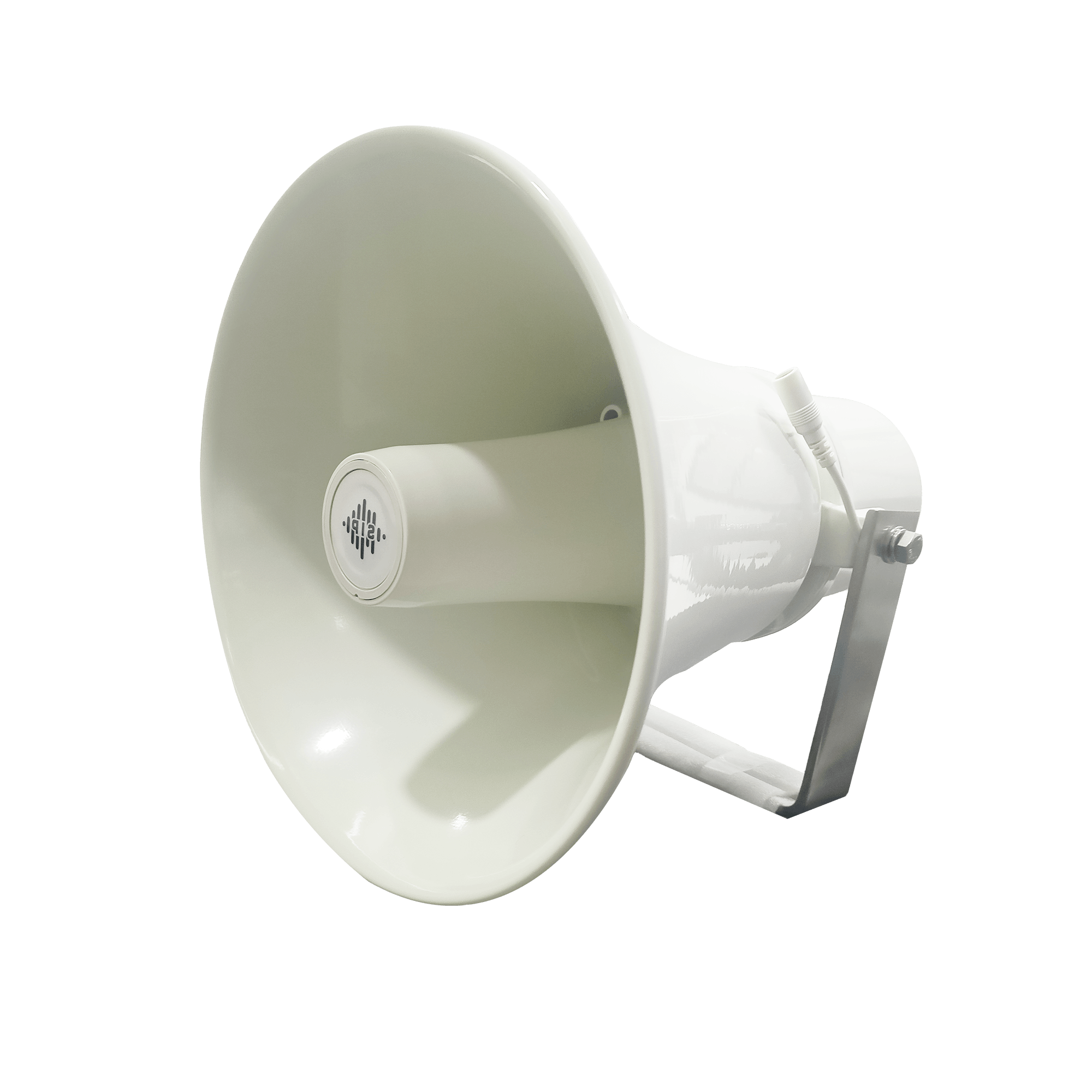
DS-15H
15 watt Horn speaker Support SIP IP 65 Rating Support BGM and announcement
DS-10C
10 watt Ceiling Speaker Support SIP PoE enabled Support BGM & announcement
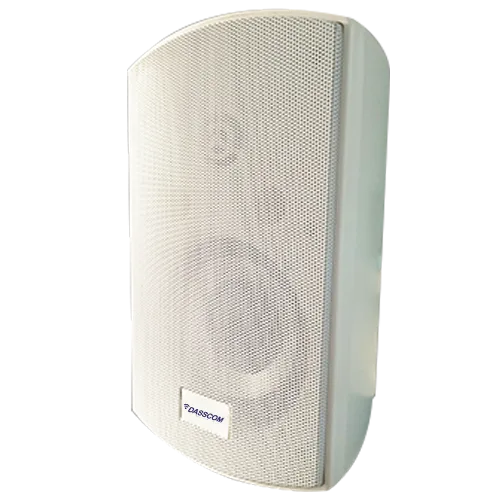
DS-15W
15 watt wall-mount speaker Support SIP PoE enabled Support BGM and announcement
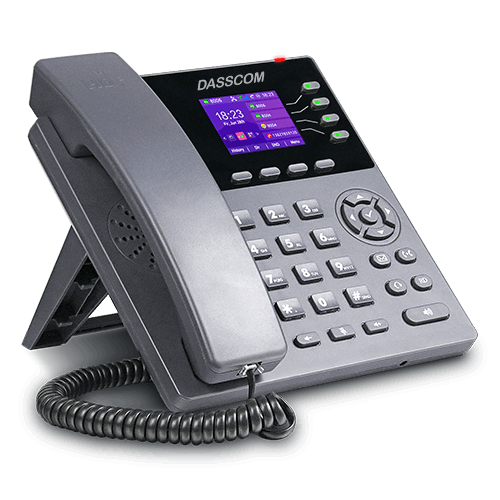
DXP-7200N
4 SIP Account PoE phone Colour Screen HD Voice
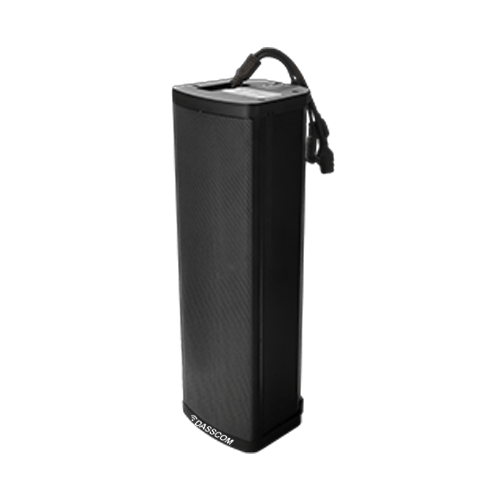
DS-30ECL
1.Built-in 30W amplifier, 2.Class D Amplifier
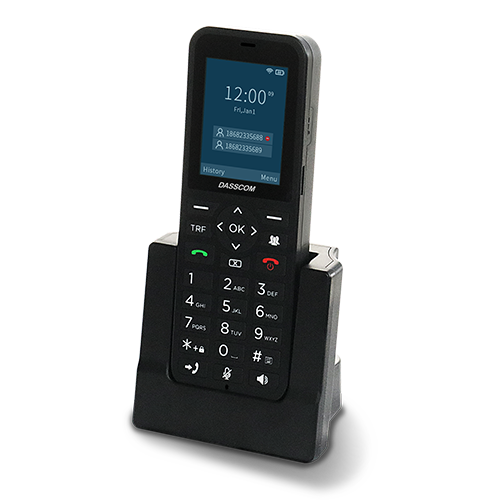
DW-100
2 SIP accounts Wi-fi Support Cordless Phone
Quick summary
See how Nextiva transforms the sales and support team productivity.
Frequently Asked Questions (FAQs)
1. What is high-density Wi-Fi planning?
High-density Wi-Fi planning is the process of designing wireless networks to support many simultaneous users and devices. It involves site surveys, capacity planning, access point placement, channel management, and performance validation.
2. How many access points does an office or campus need?
There is no universal number. The requirement depends on building size, construction materials, user density, application demand, access point capabilities, and interference. A site survey helps determine an appropriate deployment.
3. Which Dasscom access points are suitable for high-density environments?
Dasscom lists the DAP-1100C and DAP-2200C as Wi-Fi 6 options, with the DAP-3300C offering Wi-Fi 7 capabilities. Compare their published specifications with the site’s capacity, connectivity, and management requirements.
4. Does adding more access points always improve Wi-Fi performance?
No. Additional access points can increase capacity when properly planned, but poor placement and channel overlap may create more interference. Access point density, transmit power, channel selection, and wired capacity must work together.
5. What is the difference between a business access point and a consumer access point?
The distinction depends on the individual product. For business deployments, evaluate management options, security, PoE support, network compatibility, capacity, and the requirements of the installation rather than relying on the product label alone.
Related Products
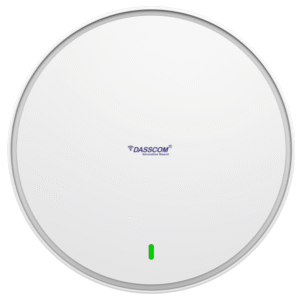
Wi-Fi 6 DAP-1100C
View Product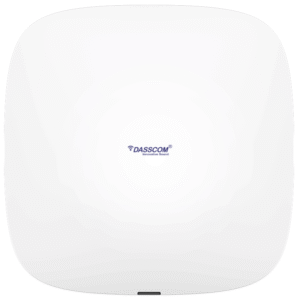
WiFi 5 DAP-1000C
View Product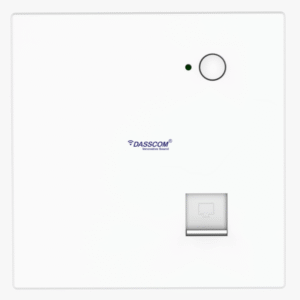
WiFi 5 DAP-500IN
View Product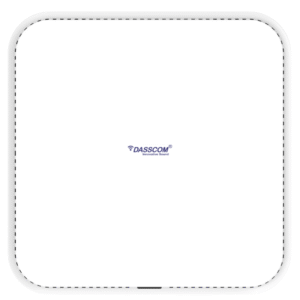
WiFi 6 DAP-2200C
View Product WiFi 6 DAP-2205C
View Product WiFi 7 DAP-3300C
View Product
X-10
View ProductRelated Blogs
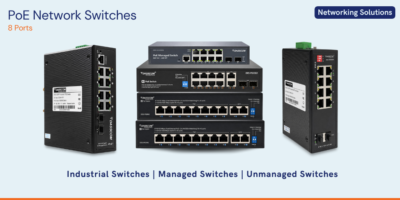
PoE Switch Power Budget: How to Size Your Network for IP Phones and Access Points
Read More
Wi-Fi 6 vs Wi-Fi 7 Access Points: Which Is Right for Your Business?
Read More
Best Noise Cancelling Headset for Call Centers: 2026 Buying Guide
Read More