 Indoor Speakers
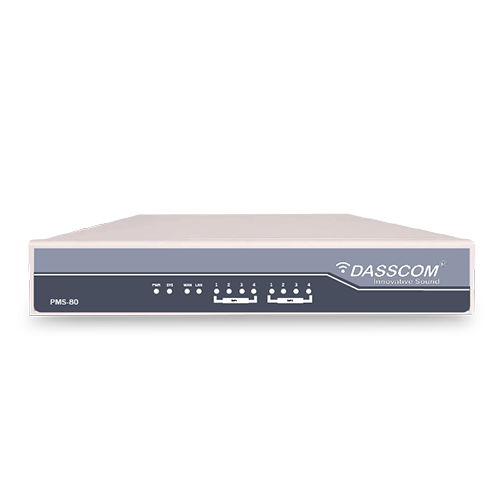 Paging Controller
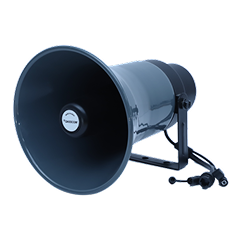 Outdoor Speakers
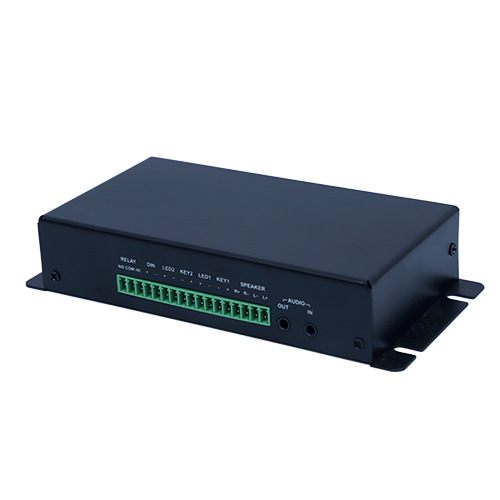 IP Amplifier & Gateway
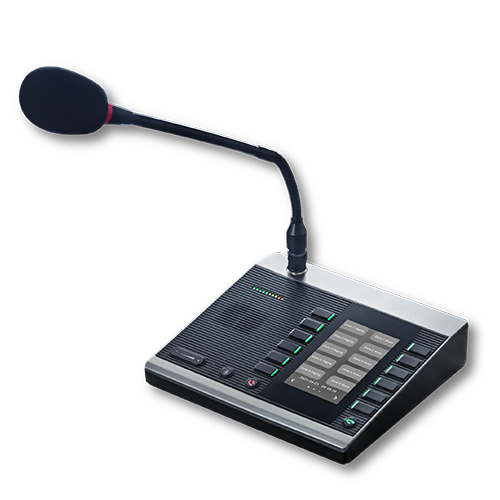 Paging Microphones
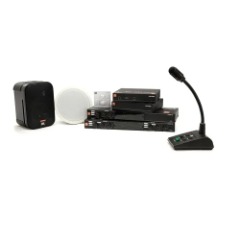
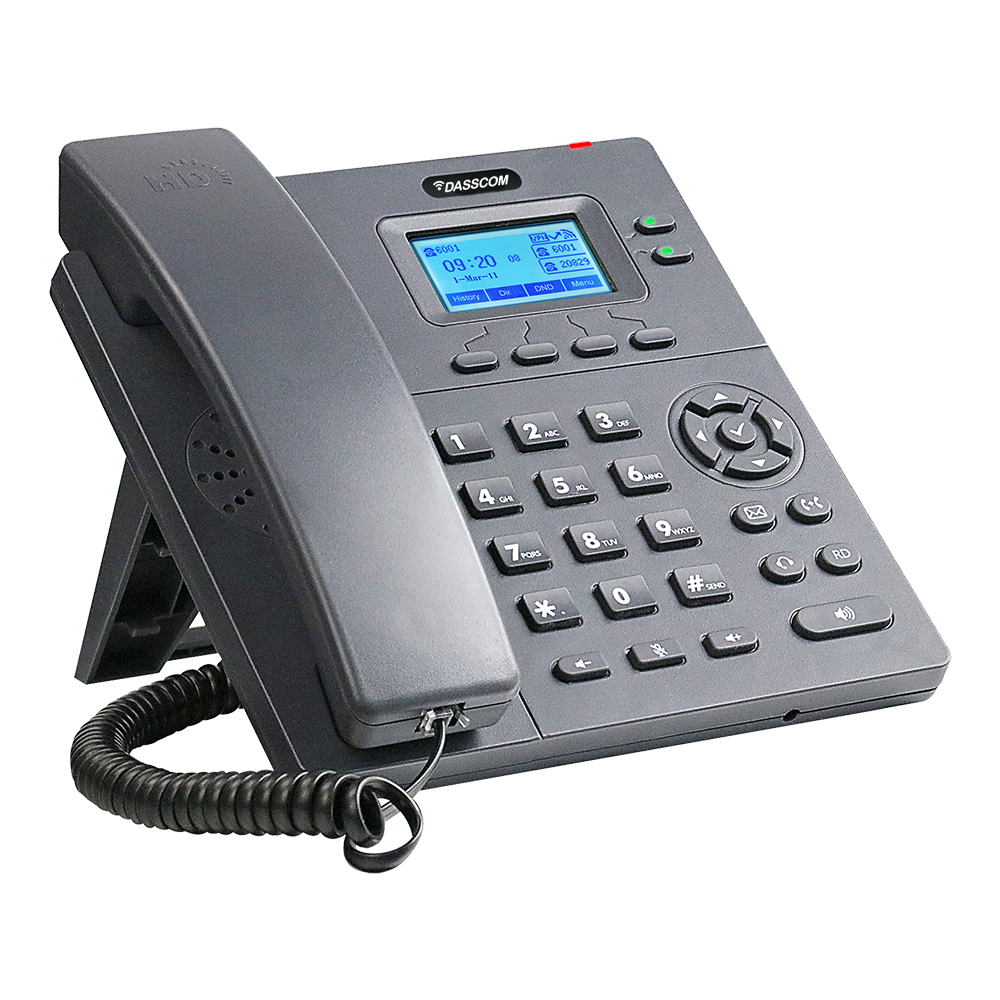 Basic IP Phones
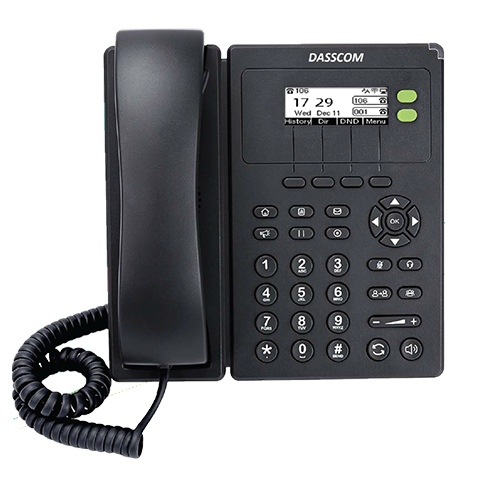 Wifi Phones
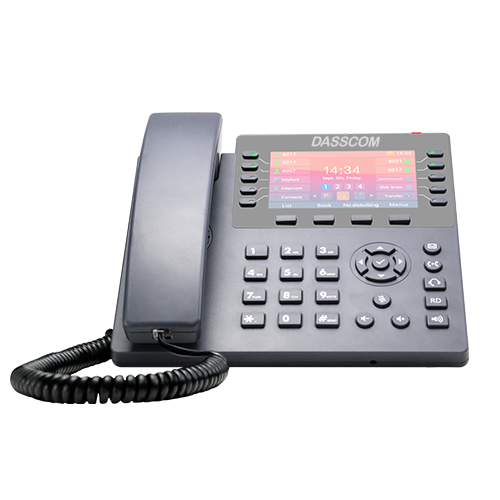 Executive IP Phones
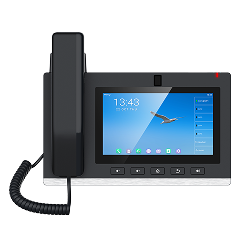 Video Phones
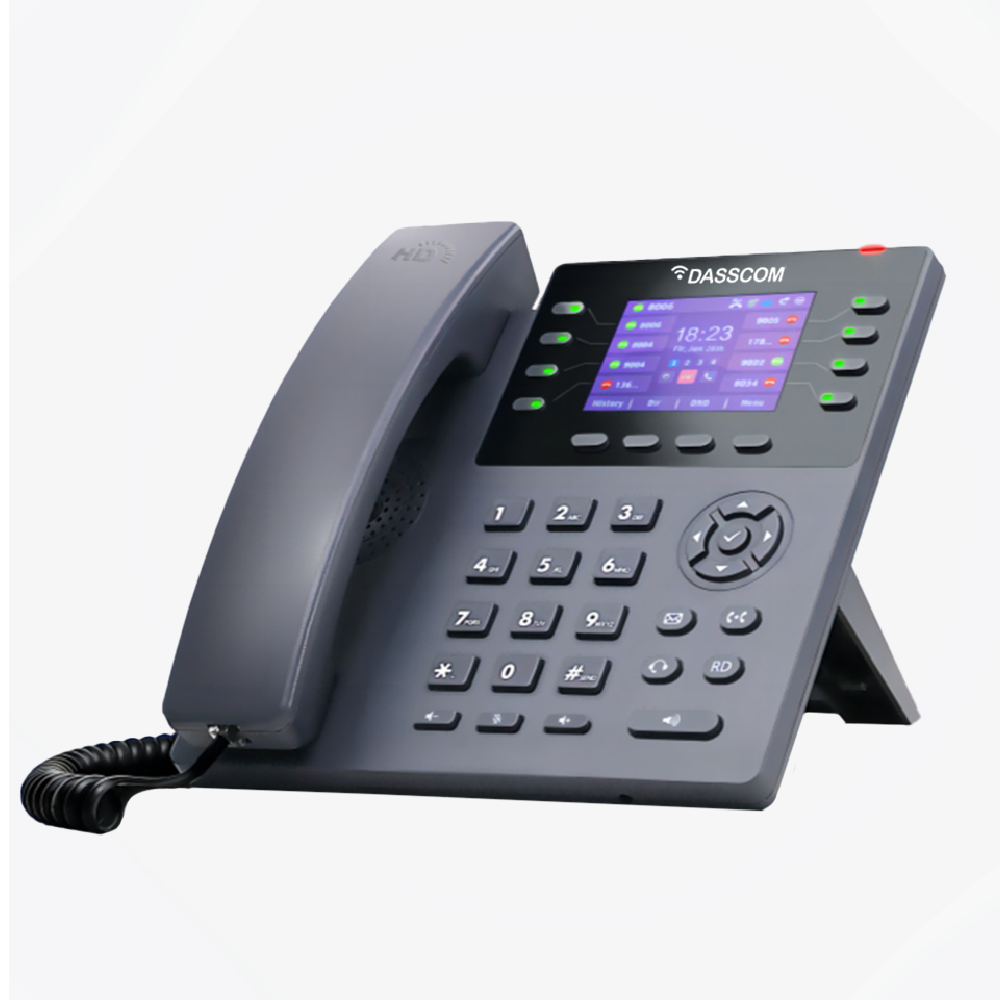
 Duc-series
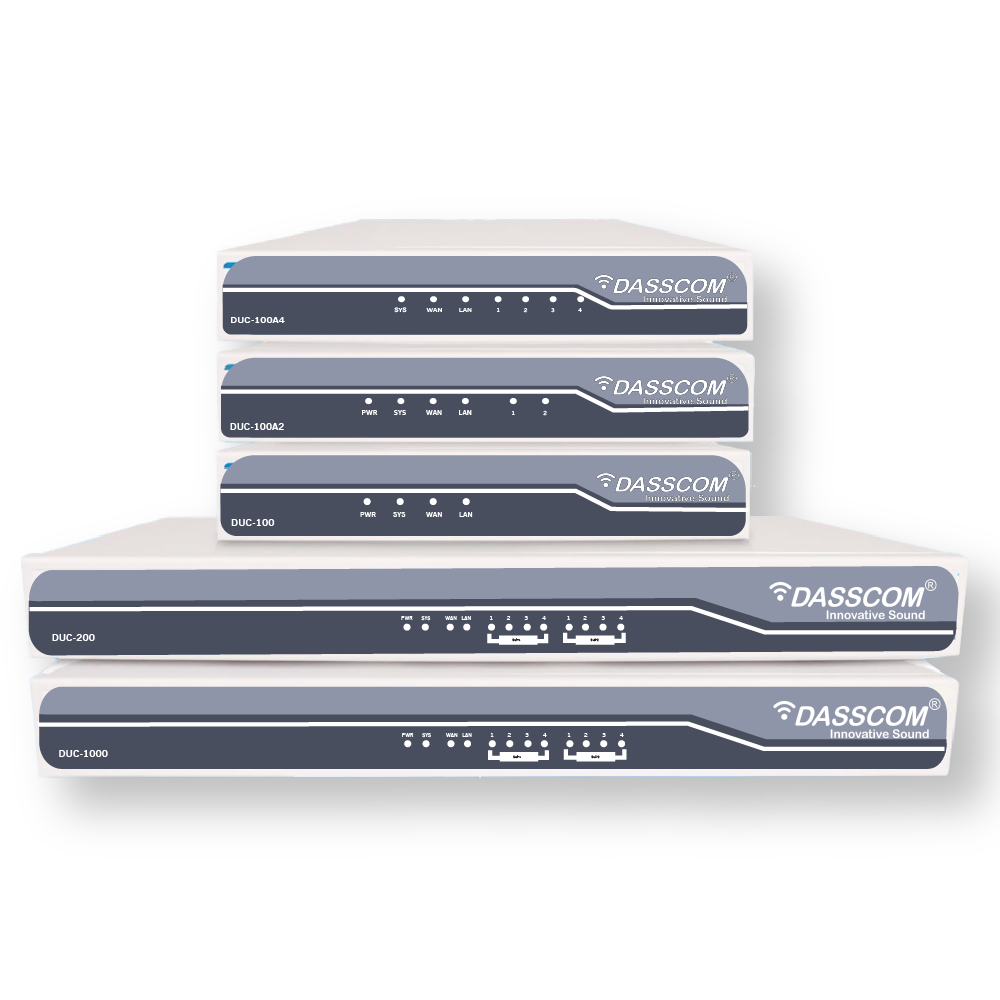
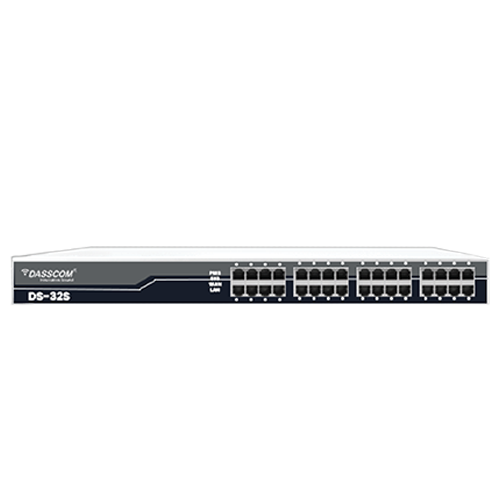 FXS/FXO Gateways
 E1/T1 Gateway
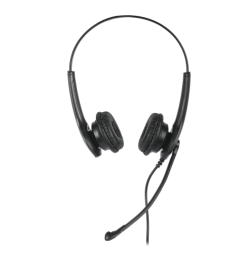
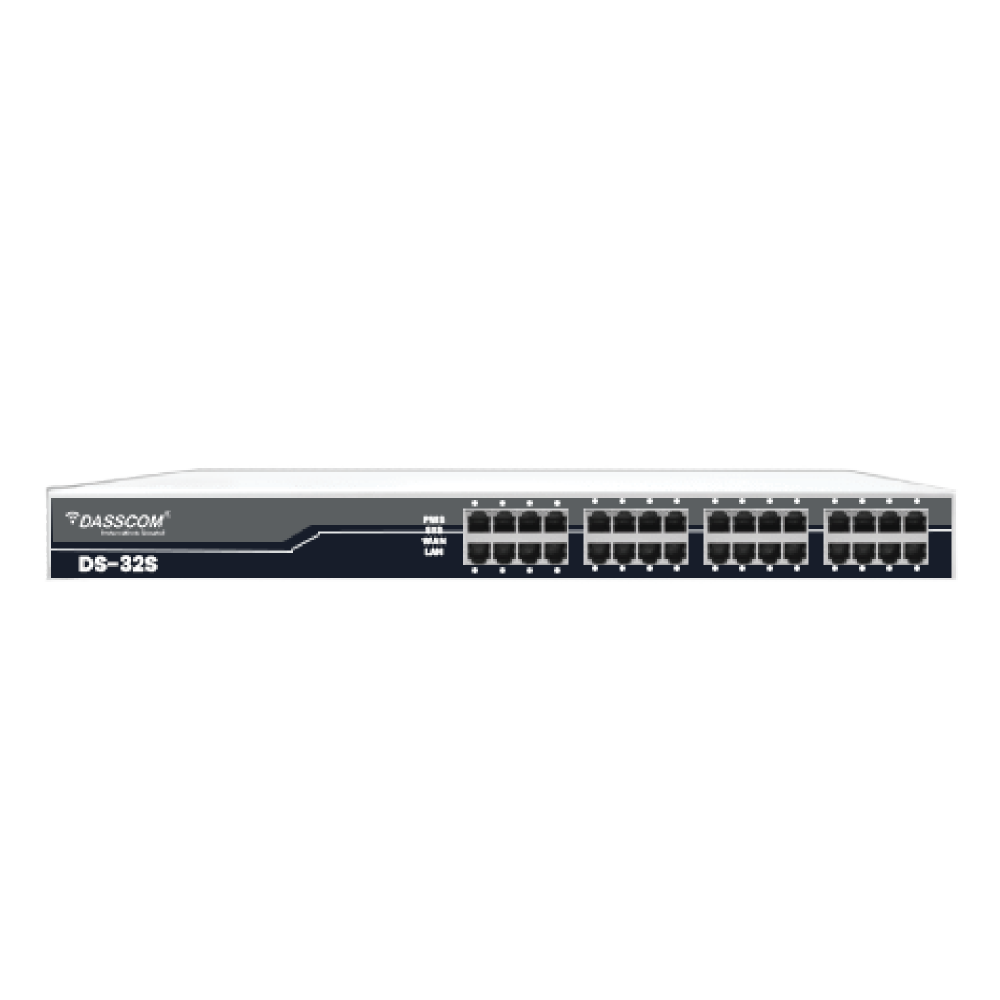
 Unmanaged Switches
 Managed Switches
 Industrial Switches
 Access Points
 Safety Intercoms
 Veda Series
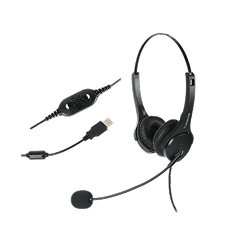 Divine Series
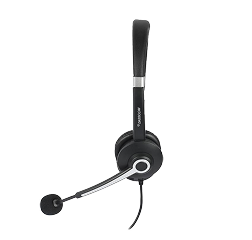 Tatva Series
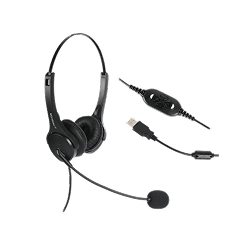
 VoIP Office
 Call Center Solutions
 Network Communications
 Public Safety
 Video & Security System
 Highway Communication
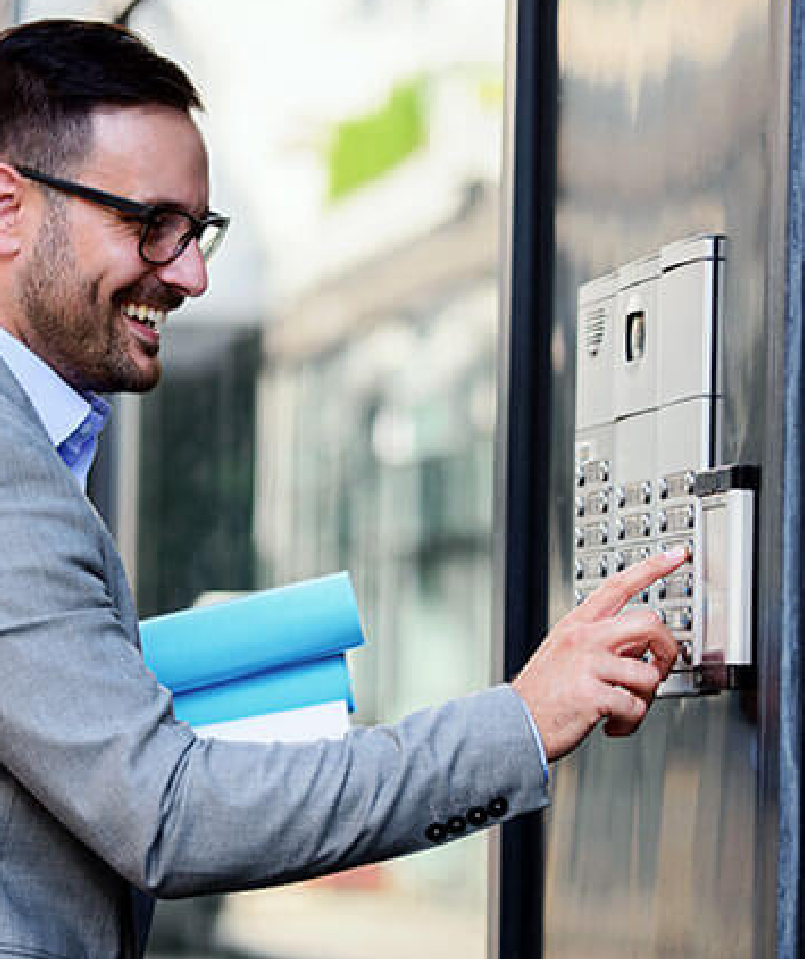 Intercom System
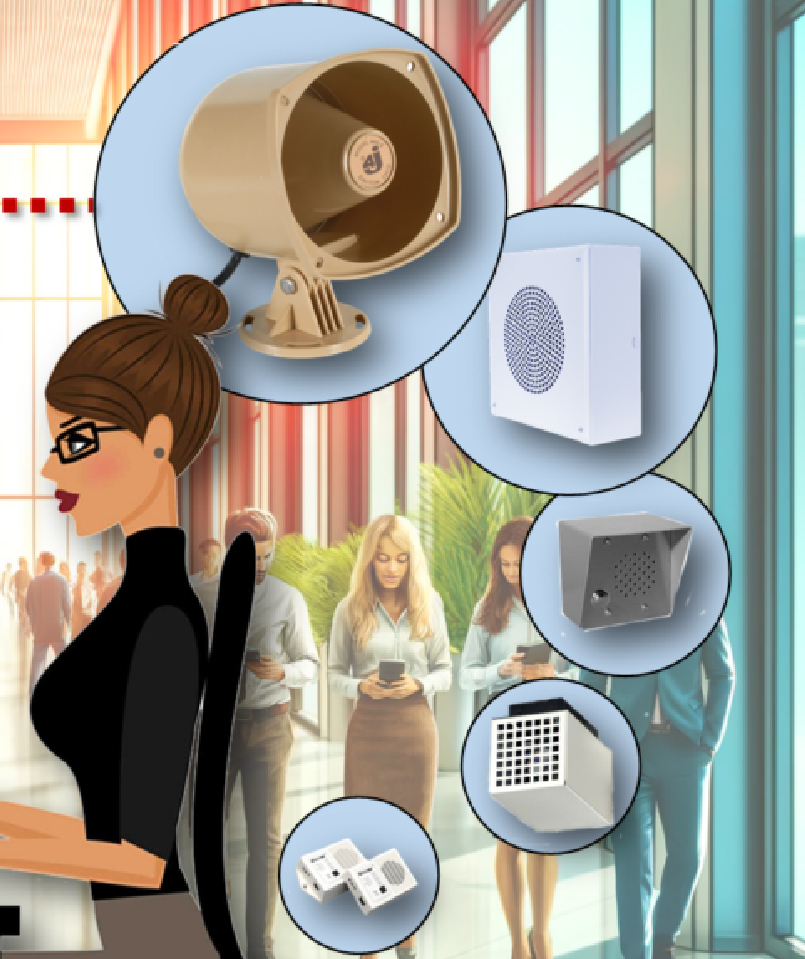 IP Paging Solutions

 Healthcare
 Hospitality
 School & Universities
 IT Office
 SMEs and SMBs
 Industries

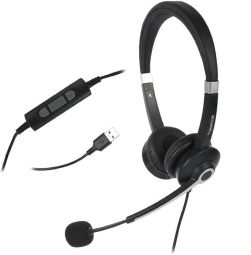

 Public Address System
 VOIP Phones
 VOIP PBX
 VOIP Gateways
 Networking Solutions
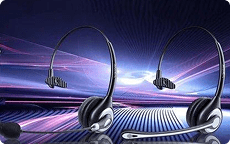 Call Center Headsets
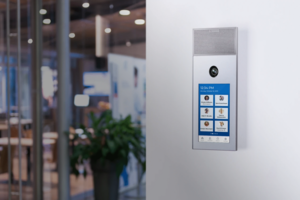 Emergency Intercom Stations


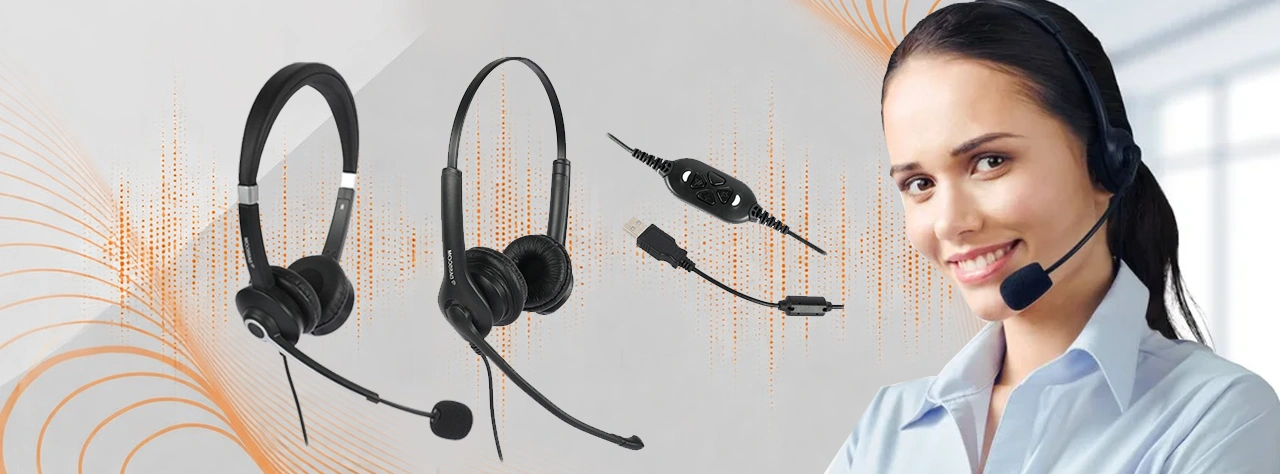
What Are the Best Features to Look For in a USB Noise-Cancelling Headset?
Choosing the right headset is no longer just a comfort decision—it’s a productivity decision. As businesses shift to hybrid work, virtual collaboration, cloud telephony, and VoIP platforms, high-quality noise headphones have become essential for maintaining professional communication.
fffs
Choosing the right headset is no longer just a comfort decision—it’s a productivity decision. As businesses shift to hybrid work, virtual collaboration, cloud telephony, and VoIP platforms, high-quality noise headphones have become essential for maintaining professional communication.
USB headsets, in particular, are now the go-to choice for call centers, offices, remote workers, and customer-facing professionals. But with so many models available—wired, wireless, USB-A, USB-C, on-ear, over-ear—how do you decide which one is right for you?
This guide breaks down the features that truly matter when selecting the best noise cancelling headset, along with insights into how noise-cancelling technology works, what USB connectivity offers, and why both comfort and durability directly impact work performance.
What Makes USB Noise-Cancelling Headsets So Popular?
USB headsets have a clear advantage: they provide digital audio processing, making voice transmission more stable and accurate compared to analog 3.5mm jacks. When paired with noise reduction headphones with mic technology, they significantly improve clarity in meetings, support queues, and customer conversations.
Modern users demand:
- Clear voice quality
- Background noise filtering
- Long-wearing comfort
- Plug-and-play compatibility
- Stable digital connectivity
USB noise-cancelling headphones deliver all of these, making them one of the best noise reduction headset choices for modern workplaces.
Key Features to Look for in USB Noise-Cancelling Headsets
Below is a detailed breakdown of the features that actually matter and directly affect your communication quality.
1. Advanced Noise-Cancelling Microphone (Must-Have)
The microphone is the heart of any professional headset. If it captures too much background noise, your callers struggle—not you. A noise cancelling headset must have:
- Directional microphone
- ENC (Environmental Noise Cancellation)
- Wind and pop filters
- Background noise suppression algorithms
If your goal is clear customer communication, choose noise reduction headphones with mic, especially those designed for BPOs, customer support, telesales, and remote meetings.
2. Comfortable, Long-Wear Ergonomics
Hours of meetings or calls require a headset that’s comfortable enough for extended use. When selecting noise headphones with USB connectivity, check for:
- Soft, breathable ear cushions
- Lightweight design
- Adjustable headband
- Rotatable microphone boom
- Low clamping force
Comfort affects posture, productivity, and call quality—so never compromise here.
3. USB Digital Connectivity (USB-A or USB-C)
USB connectivity ensures stable digital audio processing with no signal loss. USB headsets are available in two interface types:
USB-A
- Ideal for desktops
- Widely supported
- Perfect for call centers
USB-C
- Compatible with modern laptops, tablets, and smartphones
- Sleek and future-ready
Choosing usb noise cancelling headphones or noise cancelling usb c headphones depends entirely on your device ecosystem.
4. High-Definition Audio Output
Whether you’re listening to customers, attending team meetings, or reviewing recordings, audio clarity is everything. The best noise cancelling headset must offer:
- Wideband HD audio
- Balanced mids and highs
- Low distortion
- Acoustic shock protection
High-definition sound ensures crisp communication, reducing misunderstandings and the need for repetition.
types of call center

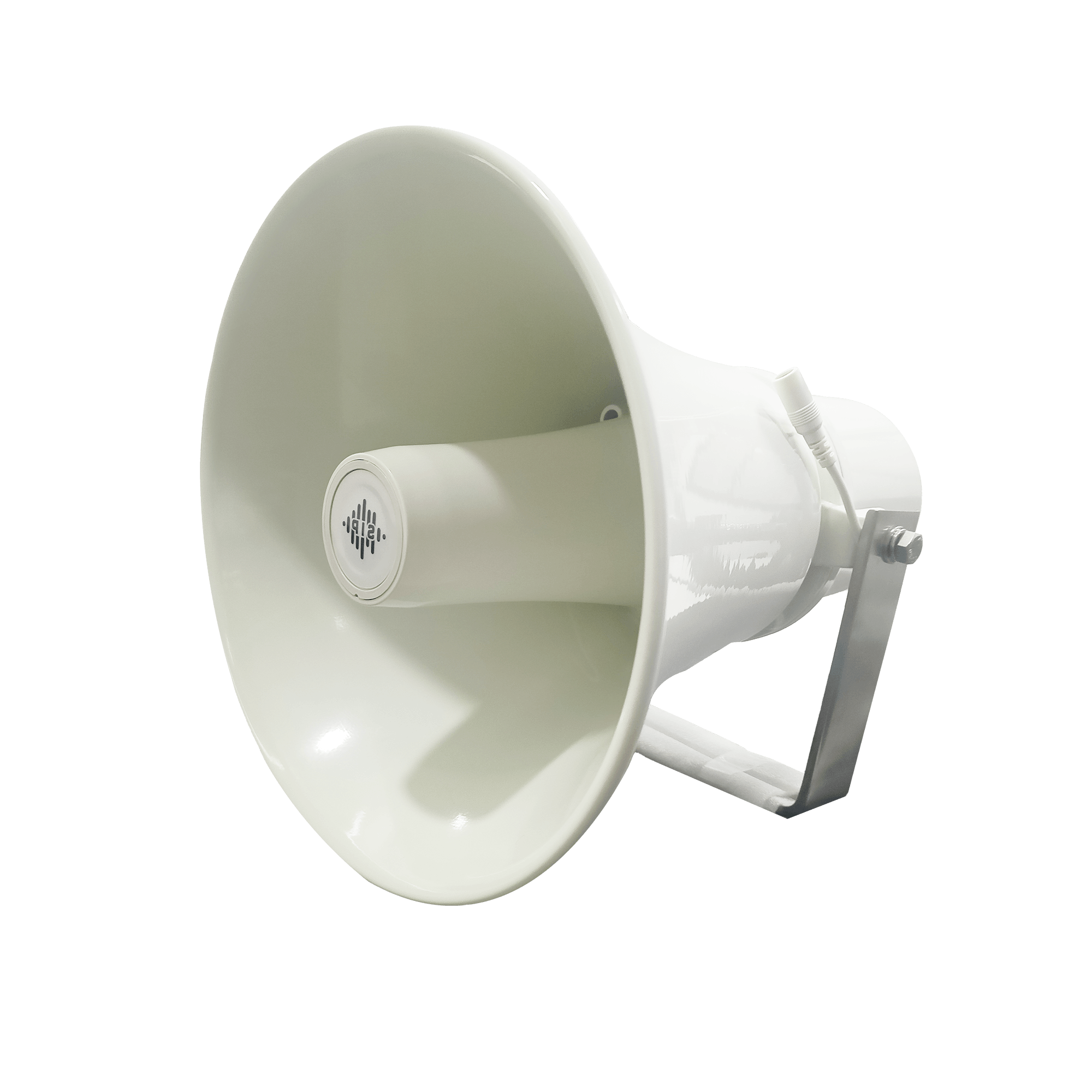
DS-15H
15 watt Horn speaker Support SIP IP 65 Rating Support BGM and announcement
DS-10C
10 watt Ceiling Speaker Support SIP PoE enabled Support BGM & announcement
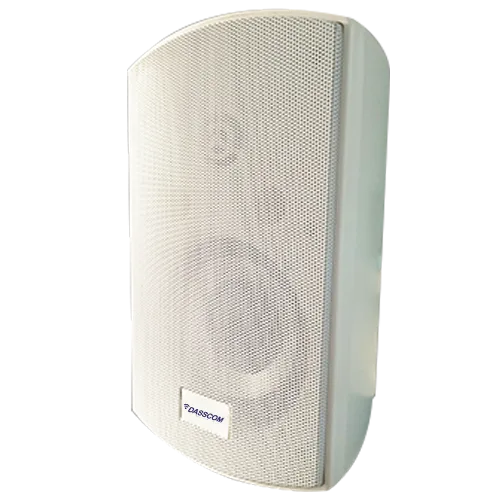
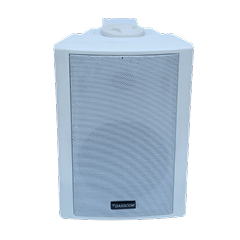
DS-15W
15 watt wall-mount speaker Support SIP PoE enabled Support BGM and announcement
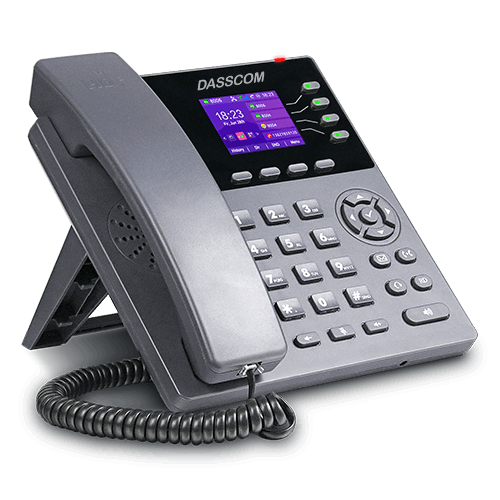
DXP-7200N
4 SIP Account PoE phone Colour Screen HD Voice
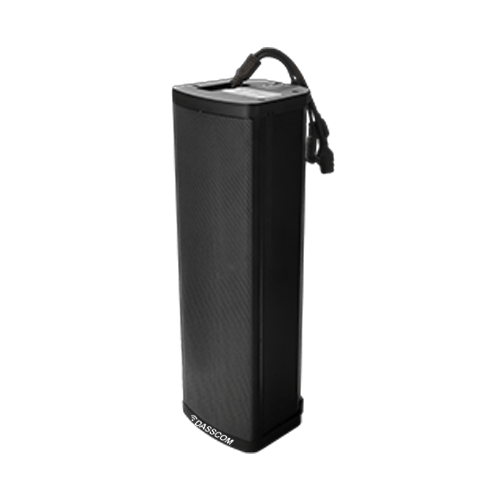
DS-30ECL
1.Built-in 30W amplifier, 2.Class D Amplifier
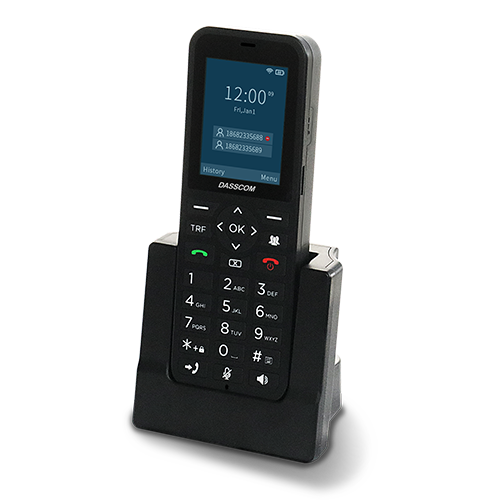
DW-100
2 SIP accounts Wi-fi Support Cordless Phone
5. Wired vs Wireless: Which Should You Choose?
While this guide focuses on USB, many modern headsets offer hybrid connectivity. Understanding the difference is important:
Wired USB Headsets
- Stable audio
- No battery
- Suitable for BPOs & offices
- Lower cost
Wireless Noise Cancelling Head Phones
- Freedom to move
- Best for executives and remote workers
- Bluetooth or USB dongle pairing
- Batteries required
If mobility matters, wireless noise cancelling head phones are ideal. For call centers and long shift environments, wired USB headsets are more practical.
6. Build Quality and Durability
Professional usage demands strong construction. When selecting the best noise reduction headset, ensure that:
- The cable is reinforced and tangle-free
- Connectors are strong
- Microphone boom is flexible but durable
- Materials are sweat-resistant
- Joints and hinges withstand daily use
Cheap headsets break fast; durable ones save cost long-term.
7. Compatibility With UC & VoIP Platforms
Your headset must work seamlessly with:
- Zoom
- Microsoft Teams
- Google Meet
- Cisco Webex
- Softphone apps
- IP PBX systems
- CRM integrations
USB ensures most plug-and-play compatibility, but enterprise environments benefit from headsets tested with UC platforms.
8. Inline Controls or Touch Controls
Essential controls include:
- Volume up/down
- Mic mute/unmute
- Call answer/end
- Busy indicator (optional)
Inline controls help maintain workflow without switching windows.
9. Noise Isolation & Ear Cushion Design
Beyond microphone noise cancellation, the ear cushions themselves should reduce external distractions. Look for:
- Passive noise isolation
- Secure but breathable seal
- Over-ear or on-ear design depending on comfort
This helps users stay focused even in noisy environments.
10. Pricing, Warranty & Support
The best noise cancelling headset is a long-term tool—not a one-use gadget. Always check:
- Warranty period
- Availability of replacement parts
- Local customer support
- Cost-to-feature ratio
Organizations should consider reliability as much as audio quality.
Recommended USB Noise-Cancelling Headsets
Dasscom offers three professional-grade models suitable for different business needs:
- 1. Veda Series (DS-52): Lightweight, durable & ideal for long operational work.
- 2. Tatva Series (DS-1100): Multi-interface support with robust noise cancellation for busy call floors.
- 3. Divine Series (DS-900): Premium noise isolation and wideband audio for executive communication.
Quick summary
See how Nextiva transforms the sales and support team productivity.
Call Center Software FAQs
1. What makes noise headphones better for office or call center use?
2. What is the best noise cancelling headset for professional calling?
3. How does the best noise reduction headset differ from standard headphones?
4. Why choose noise reduction headphones with a mic for business communication?
They give clearer outbound audio, essential for customer calls, remote meetings, and technical support environments.
5. Are wireless noise cancelling headphones reliable for long meetings?
6. What are USB noise cancelling headphones best suited for?
7. Are noise cancelling USB C headphones better than USB-A?
8. What should I check before buying a noise cancelling headset?
Related Products
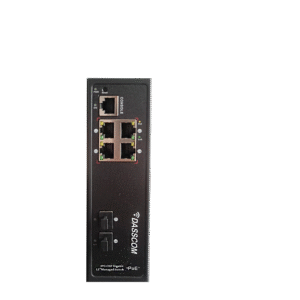
DES-22S2MG-IND
View Product
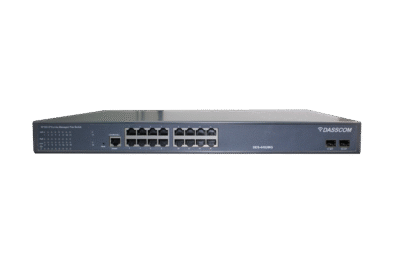
DES-42S2MG
View Product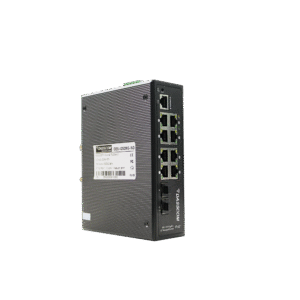
DES-42S2MG-IND
View Product