 Indoor Speakers
 Paging Controller
 Outdoor Speakers
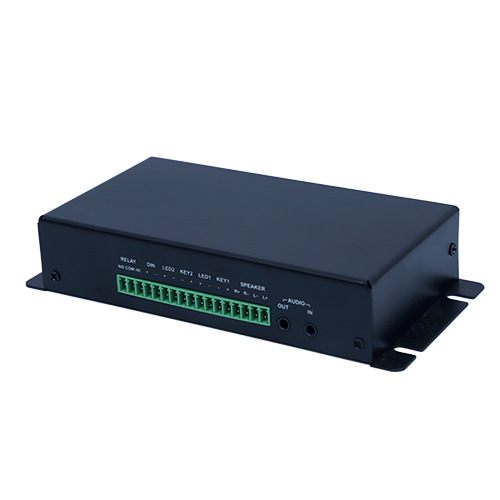 IP Amplifier & Gateway
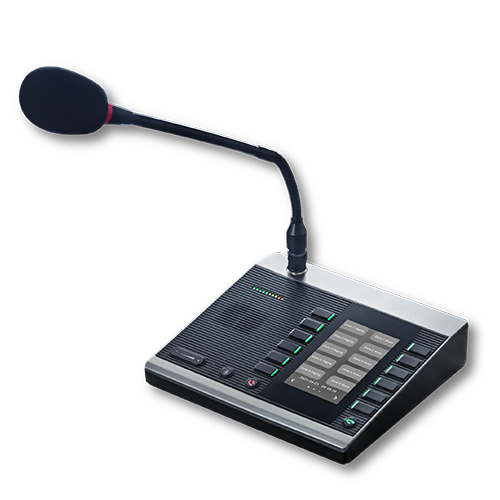 Paging Microphones
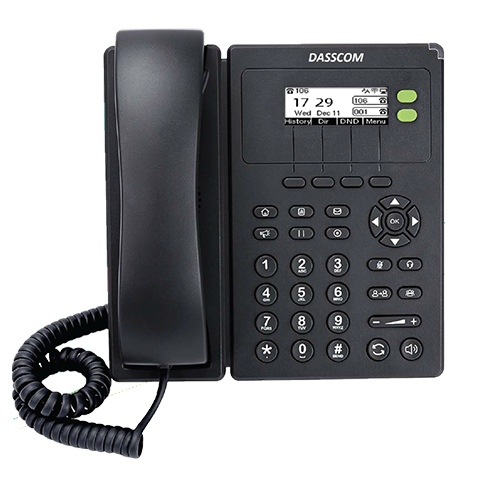
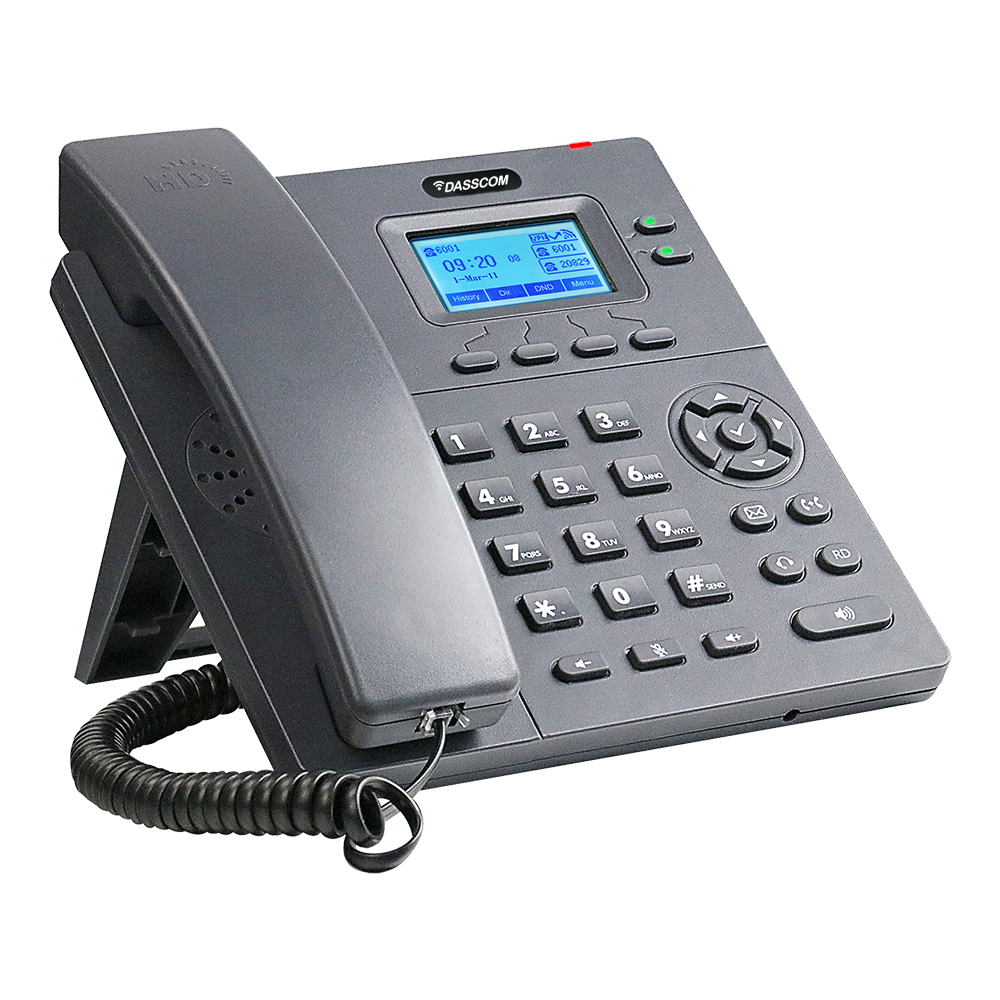 Basic IP Phones
 Wifi Phones
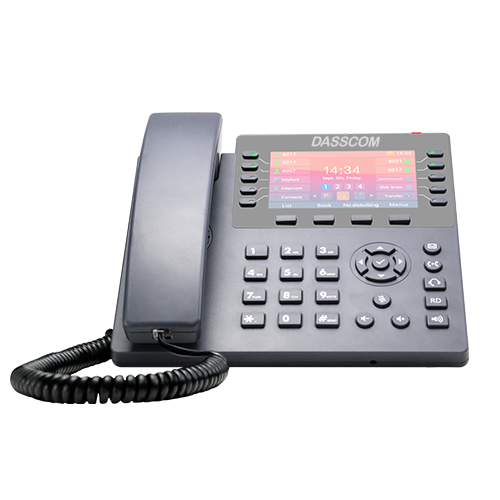 Executive IP Phones
 Video Phones
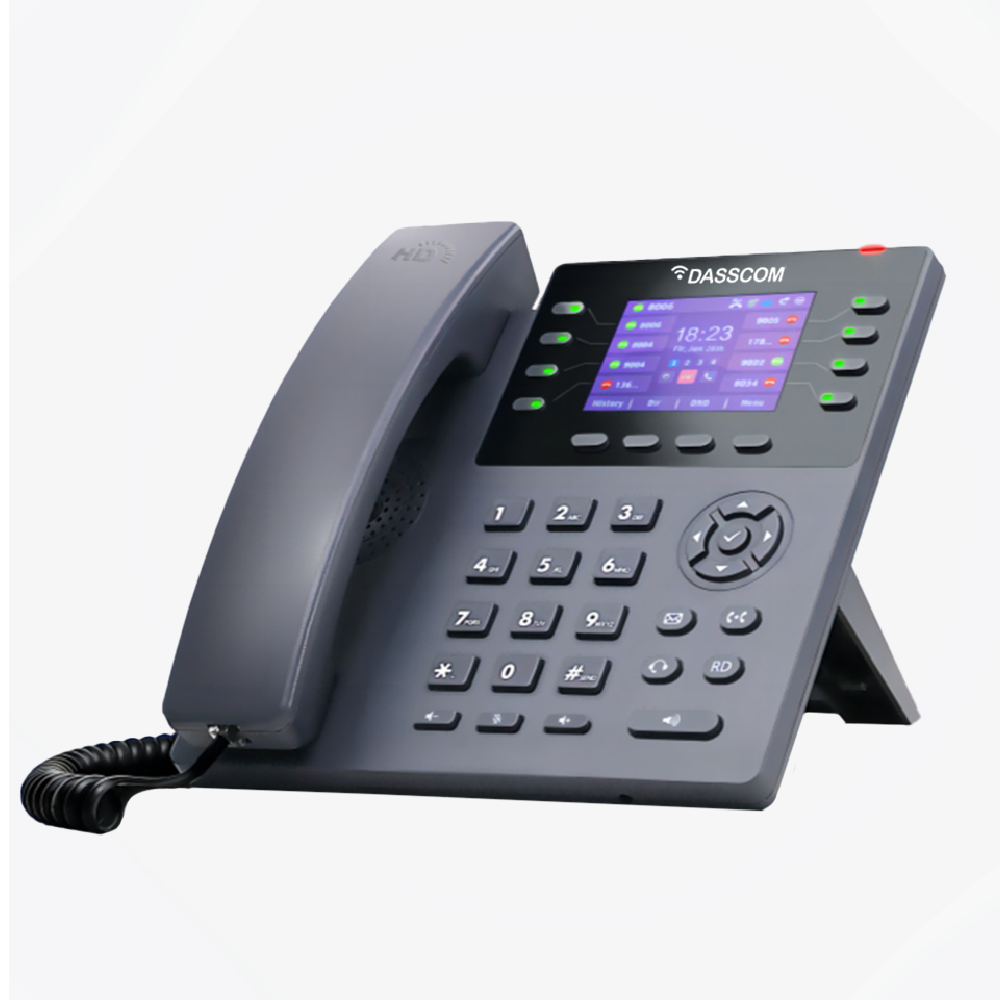
 Duc-series
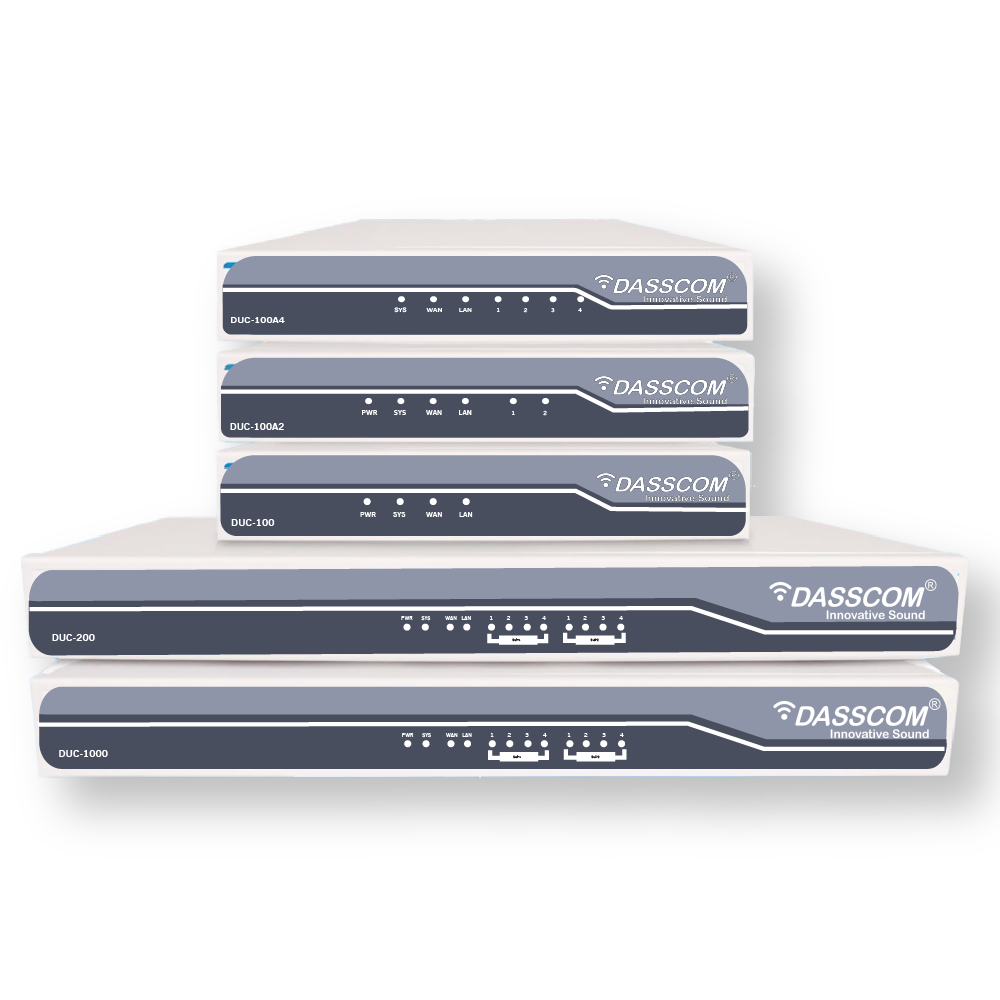
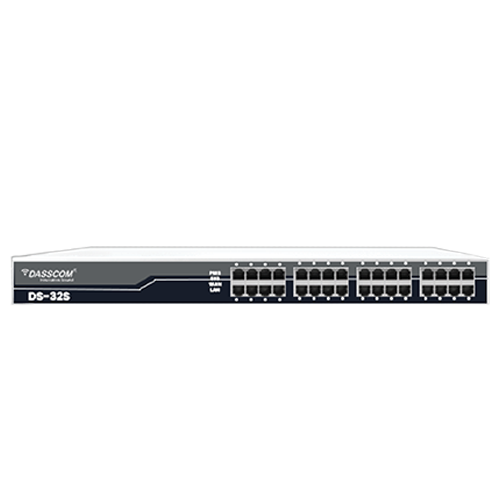 FXS/FXO Gateways
 E1/T1 Gateway

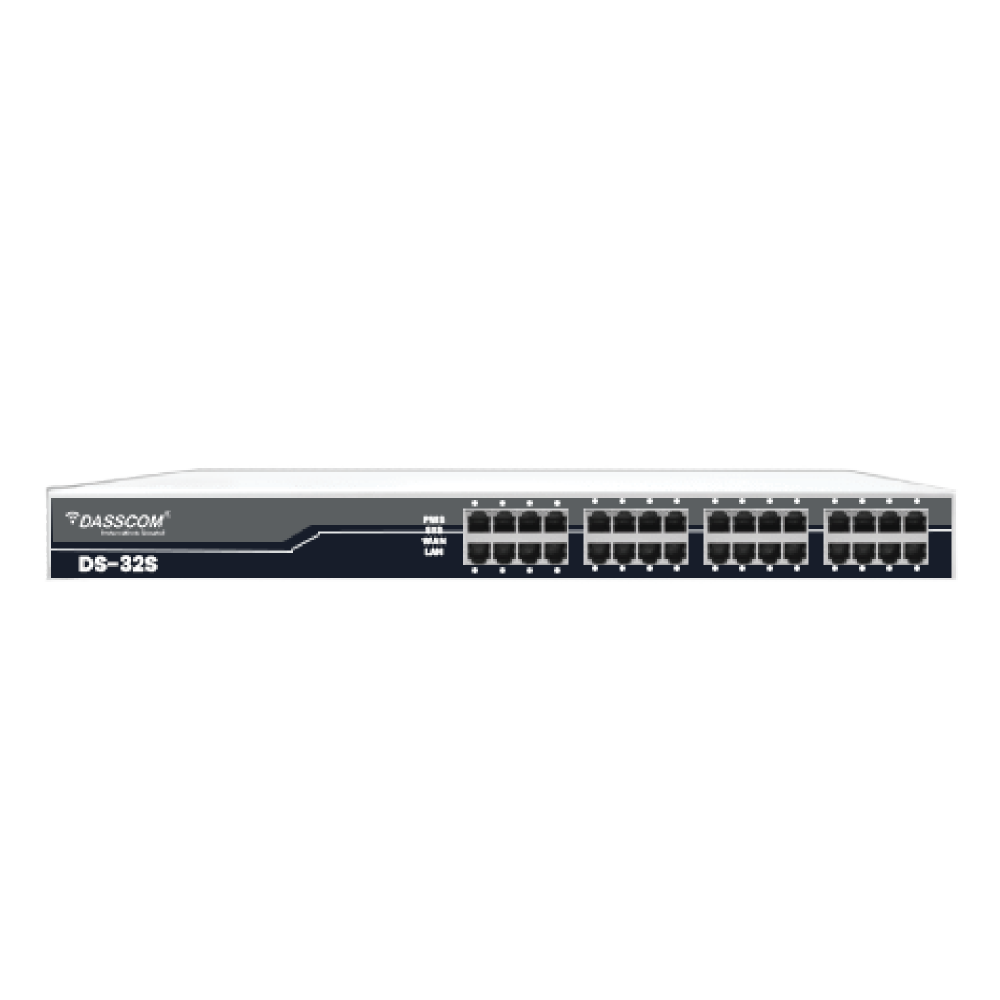
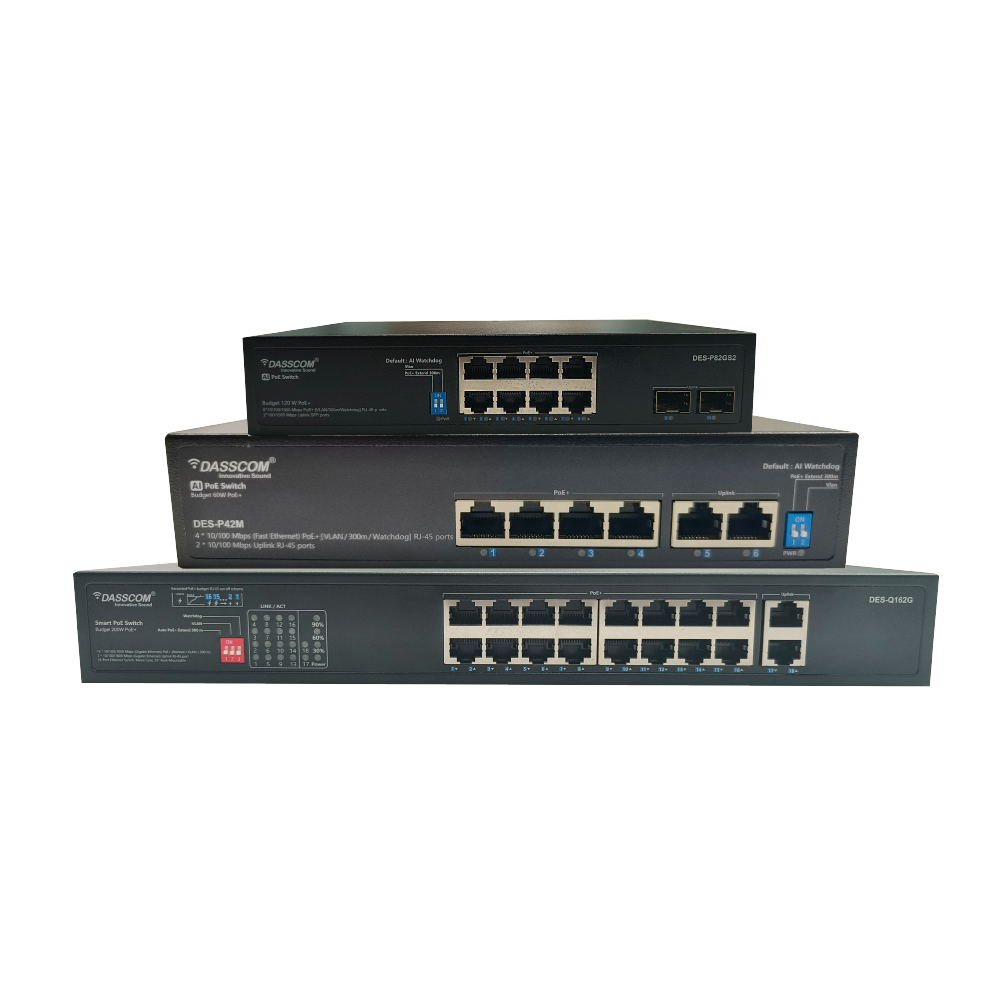
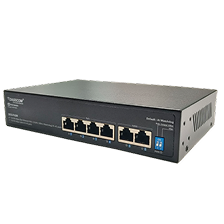 Unmanaged Switches
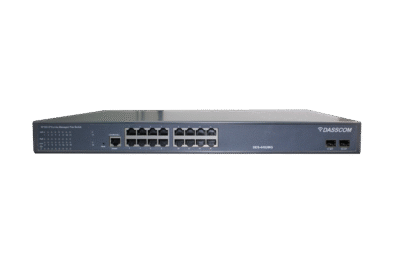
 Managed Switches
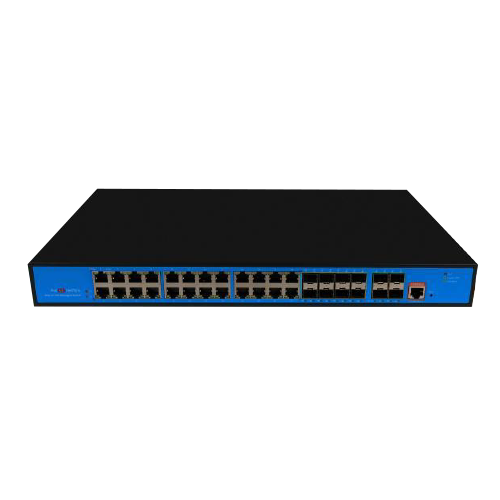 Industrial Switches
 Access Points
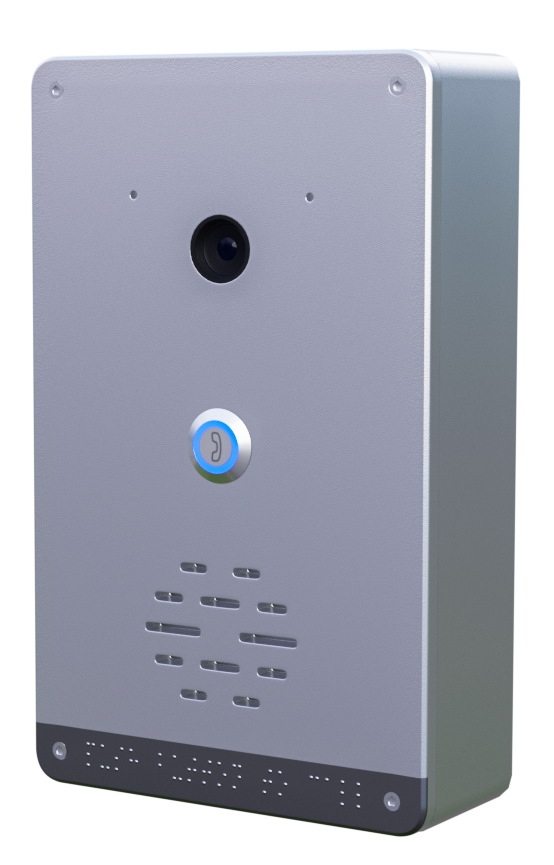 Safety Intercoms
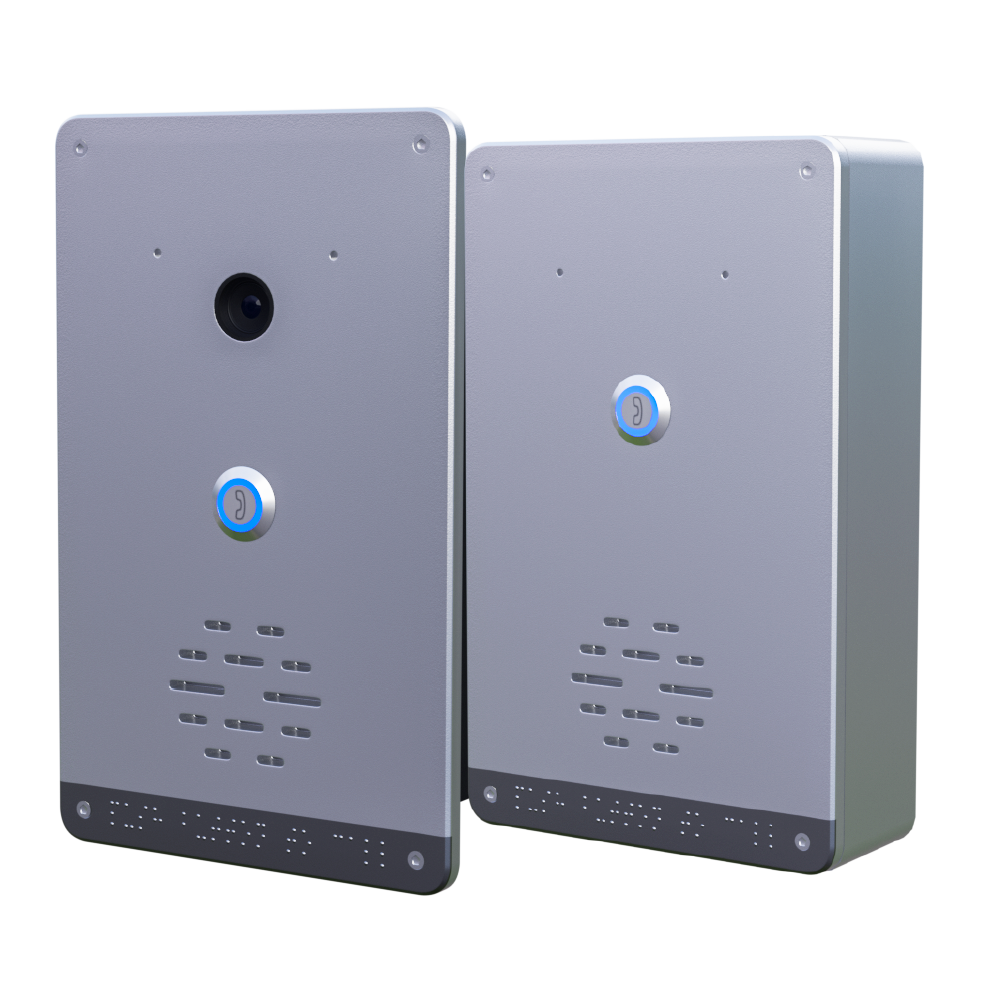
 Veda Series
 Divine Series
 Tatva Series
 VoIP Office
 Call Center Solutions
 Network Communications
 Public Safety
 Video & Security System
 Highway Communication
 Intercom System
 IP Paging Solutions

 Healthcare
 Hospitality
 School & Universities
 IT Office
 SMEs and SMBs
 Industries


 Public Address System
 VOIP Phones
 VOIP PBX
 VOIP Gateways
 Networking Solutions
 Call Center Headsets
 Emergency Intercom Stations


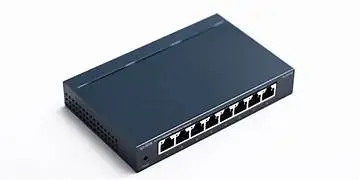
Why Your Network Needs a 24-Port Managed PoE Switch
In today’s connected world, reliable data flow is the backbone of every digital operation—from small offices to large industrial facilities. At the center of this connectivity sits the Network Switch, a fundamental device that enables multiple devices to communicate efficiently within a local area network (LAN). Understanding how it works and which type to choose can significantly impact performance, security, and scalability.
fffs
In today’s connected world, reliable data flow is the backbone of every digital operation—from small offices to large industrial facilities. At the center of this connectivity sits the Network Switch, a fundamental device that enables multiple devices to communicate efficiently within a local area network (LAN). Understanding how it works and which type to choose can significantly impact performance, security, and scalability.
This guide explains what a network switch is, how it works, the different types available, and how businesses can select the right switch for their environment.
What Is a Network Switch?
A Network Switch is a networking device that connects multiple devices—such as computers, IP phones, servers, printers, and access points—within a LAN. It receives data packets from one device and intelligently forwards them only to the intended destination device.
Unlike older hub-based networks that broadcast data to all connected devices, a network switch makes communication faster, more secure, and more efficient.
How Does a Network Switch Work?
A network switch operates primarily at Layer 2 (Data Link Layer) of the OSI model, though advanced switches may also operate at Layer 3.
Here’s how it works step by step:
- 1. Device Connection: Each device connects to a port on the switch using an Ethernet cable.
- 2. MAC Address Learning: When data enters the switch, it reads the source MAC address and stores it in a MAC address table.
- 3. Intelligent Forwarding: The switch checks the destination MAC address and forwards the data only to the relevant port.
- 4. Reduced Traffic: By avoiding unnecessary broadcasting, a Network Switch minimizes congestion and improves network speed.
This intelligent packet handling is what makes switches essential for modern business networks.
Why Network Switches Are Critical for Businesses
Businesses rely on consistent uptime and fast data transfer. A Network Switch ensures:
- Faster internal communication
- Improved network reliability
- Better security than shared networks
- Easy scalability as devices increase
From office VoIP systems to surveillance networks, switches play a central role in daily operations.
Types of Network Switches
Not all switches are the same. Choosing the right type depends on network size, control requirements, and operating environment.
1. Unmanaged Network Switch
An unmanaged network switch is a plug-and-play device that requires no configuration. Simply connect devices, and it starts working automatically.
Key Characteristics
- No configuration or monitoring
- Fixed functionality
- Lower cost
- Ideal for basic networking needs
Best Use Cases
- Small offices
- Home offices
- Temporary setups
An unmanaged network switch is suitable when simplicity is more important than control. However, it lacks advanced features such as traffic prioritization and security policies.
2. Managed Network Switch
A managed network switch offers complete control over network traffic and performance. Network administrators can configure, monitor, and optimize network behavior.
Key Characteristics
- VLAN support
- Traffic prioritization (QoS)
- Network monitoring and diagnostics
- Enhanced security features
Best Use Cases
- Enterprises
- Data centers
- IP telephony and video networks
A managed network switch is essential where performance optimization, segmentation, and security are critical.
3. Industrial Network Switch
An industrial network switch is designed for harsh environments where standard switches cannot operate reliably.
Key Characteristics
- Wide temperature tolerance
- Rugged metal enclosures
- Resistance to dust, vibration, and electrical noise
- Long operational life
Best Use Cases
- Manufacturing plants
- Transportation systems
- Power and utility infrastructure
- Outdoor installations
An industrial network switch ensures stable communication in mission-critical environments where downtime is not an option.
types of call center

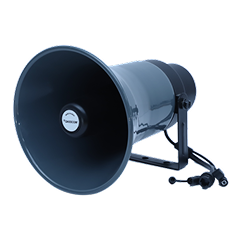
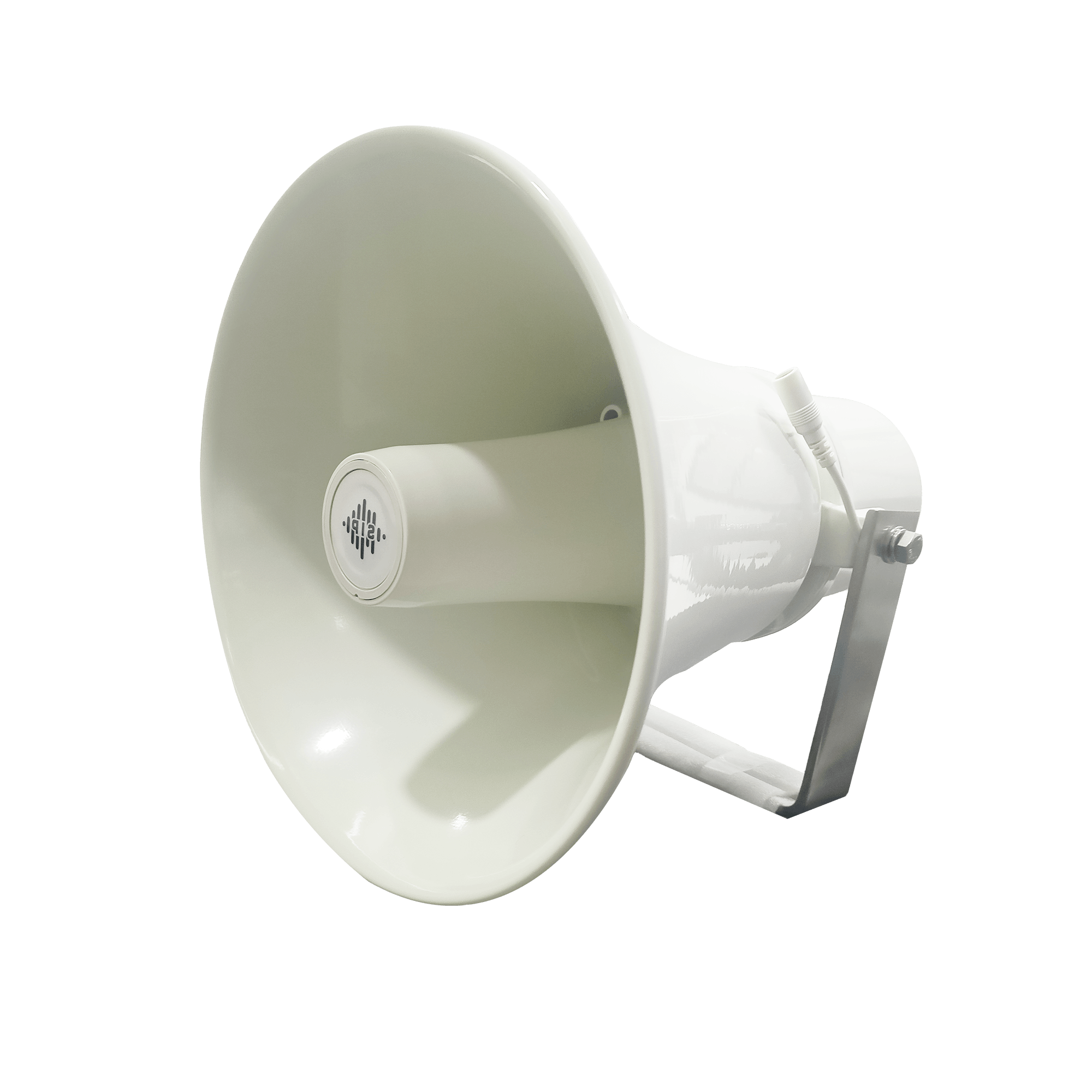
DS-15H
15 watt Horn speaker Support SIP IP 65 Rating Support BGM and announcement
DS-10C
10 watt Ceiling Speaker Support SIP PoE enabled Support BGM & announcement
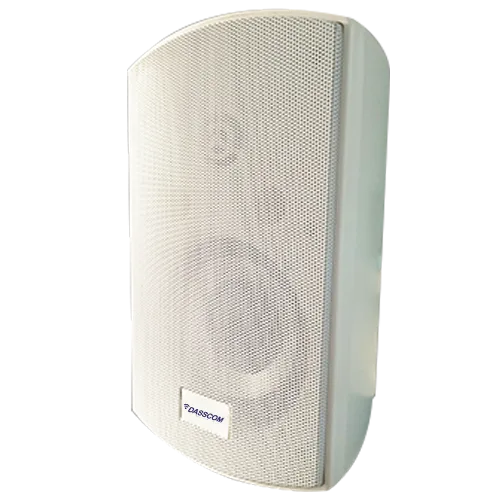
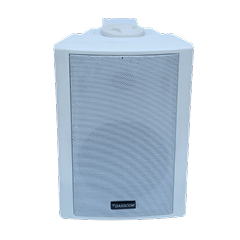
DS-15W
15 watt wall-mount speaker Support SIP PoE enabled Support BGM and announcement
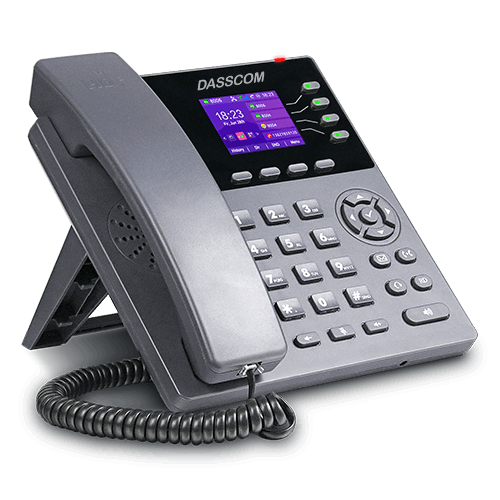
DXP-7200N
4 SIP Account PoE phone Colour Screen HD Voice
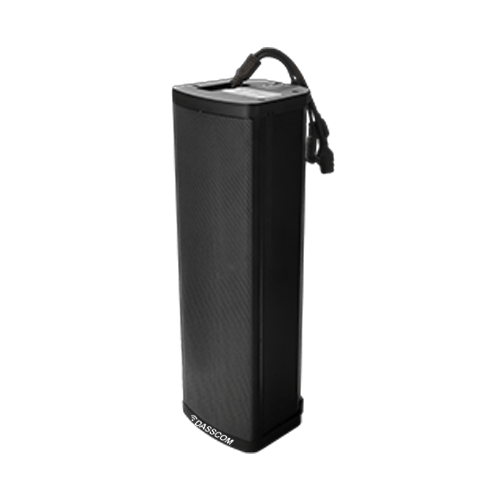
DS-30ECL
1.Built-in 30W amplifier, 2.Class D Amplifier
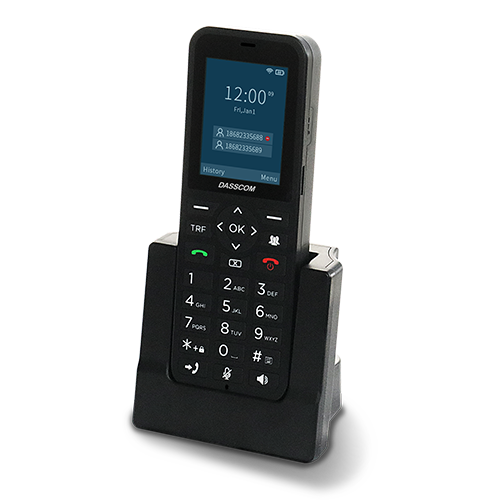
DW-100
2 SIP accounts Wi-fi Support Cordless Phone
Managed vs Unmanaged vs Industrial: Quick Comparison
| Feature | Unmanaged | Industrial | Managed |
| Configuration | None | Limited | Advanced |
| VLAN Support | No | Basic | Full |
| Monitoring | No | Limited | Yes |
| Security Controls | No | Basic | Advanced |
| Cost | Low | Medium | Higher |
This comparison helps businesses align network needs with the right switch type.
How to Choose the Right Network Switch
When selecting a Network Switch, consider the following factors:
- 1. Network Size: Small networks may work well with an unmanaged network switch, while large deployments benefit from managed options.
- 2. Control & Security Needs: If traffic segmentation, access control, or monitoring is required, a managed network switch is the right choice.
- 3. Scalability: A manageable network switch is ideal for organizations planning to expand gradually.
- 4. Environment: For extreme conditions, always choose an industrial network switch built for reliability.
Network Switches in Modern Business Applications
Network switches support a wide range of applications:
- IP telephony and unified communications
- Video surveillance systems
- Enterprise Wi-Fi networks
- Industrial automation
- Data centers and cloud connectivity
Each application places different demands on the switch, reinforcing the importance of choosing the right type.
Final Thoughts
A Network Switch is more than just a connectivity device—it is the foundation of efficient, secure, and scalable networks. Whether you choose an unmanaged network switch for simplicity, a manageable network switch for growing needs, a managed network switch for enterprise-grade control, or an industrial network switch for harsh environments, the right decision directly impacts network performance and reliability.
Understanding how switches work and where each type fits ensures smarter investments and stronger network infrastructure for the future.
Quick summary
See how Nextiva transforms the sales and support team productivity.
Call Center Software FAQs
1. What is the main purpose of a Network Switch in a business network?
A Network Switch connects multiple devices within a local area network and ensures data is delivered only to the intended device. This improves speed, reduces congestion, and enhances overall network reliability.
2. What is the difference between a managed network switch and an unmanaged network switch?
A managed network switch allows configuration, monitoring, and traffic control, while an unmanaged network switch works on a plug-and-play basis with no customization options. Managed switches are ideal for enterprises, whereas unmanaged ones suit small or simple networks.
3. When should I choose a manageable network switch?
A manageable network switch is suitable for small and medium businesses that need basic control such as VLANs and simple monitoring, without the complexity or cost of a fully managed switch.
4. What makes an industrial network switch different from regular switches?
An industrial network switch is built for harsh environments. It can withstand extreme temperatures, dust, vibration, and electrical noise, making it ideal for factories, outdoor installations, and critical infrastructure.
5. Can a Network Switch improve network security?
6. Is a managed network switch necessary for VoIP and video applications?
For networks running VoIP, video conferencing, or surveillance systems, a managed network switch is recommended as it supports traffic prioritization and ensures consistent performance.
7. How do I decide which Network Switch is right for my business?
The right Network Switch depends on network size, required control, scalability plans, and operating environment. Small setups may use unmanaged switches, growing offices benefit from manageable switches, enterprises need managed switches, and harsh environments require industrial switches.
8. Can different types of network switches be used in the same network?
Related Products
DES-412S6MG
View Product
DES-42S2MG-IND
View Product
DES-42S2MG
View Product