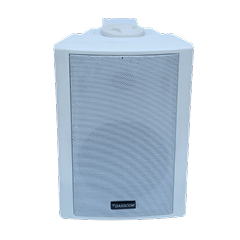
 Indoor Speakers
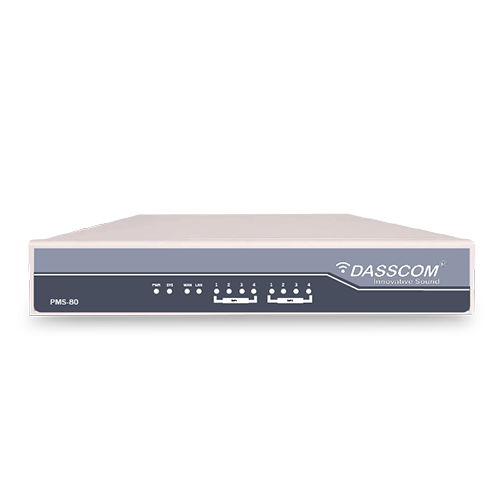 Paging Controller
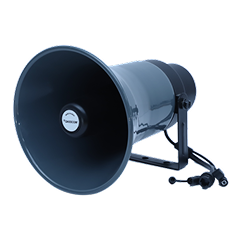 Outdoor Speakers
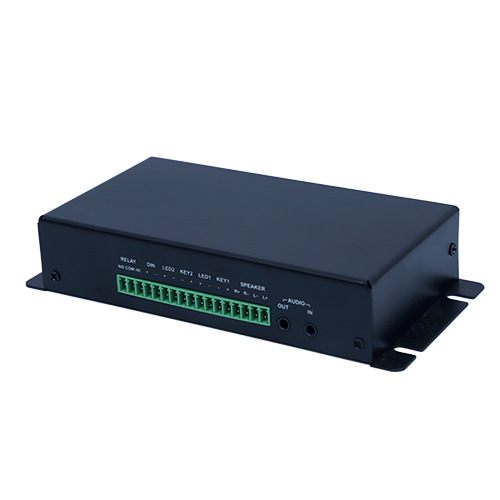 IP Amplifier & Gateway
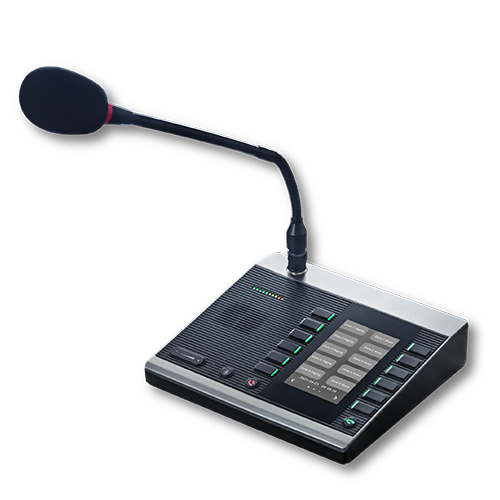 Paging Microphones
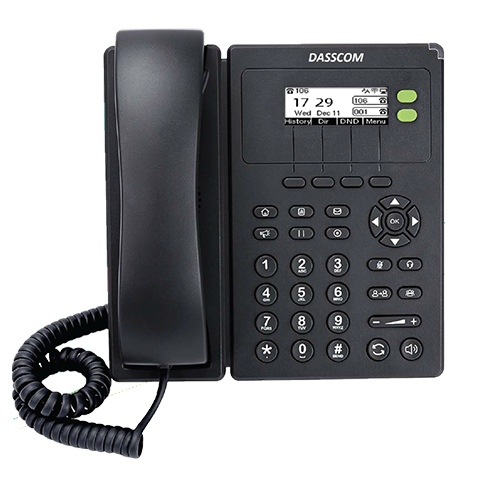
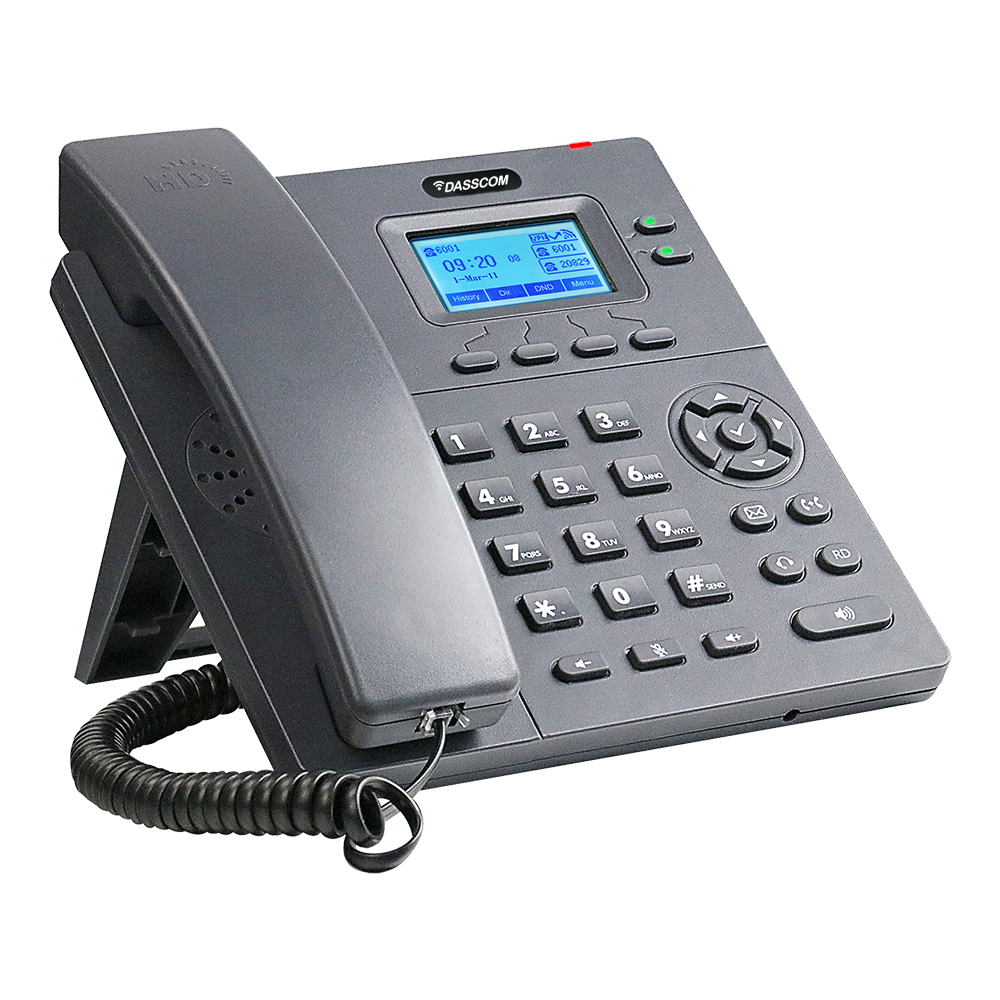 Basic IP Phones
 Wifi Phones
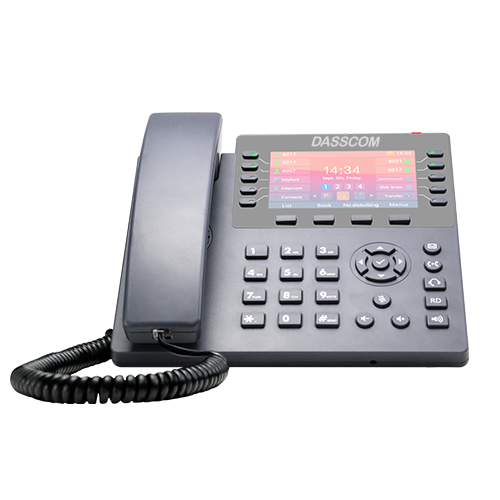 Executive IP Phones
 Video Phones
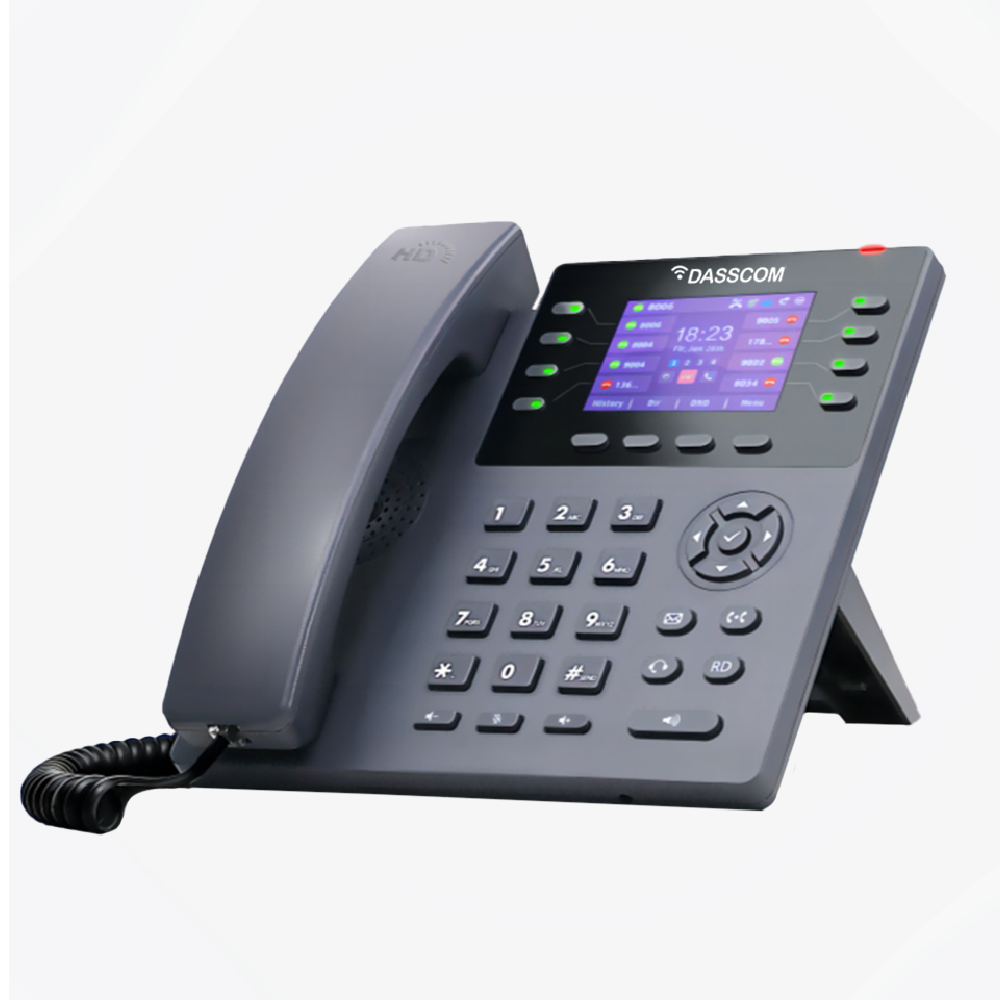
 Duc-series
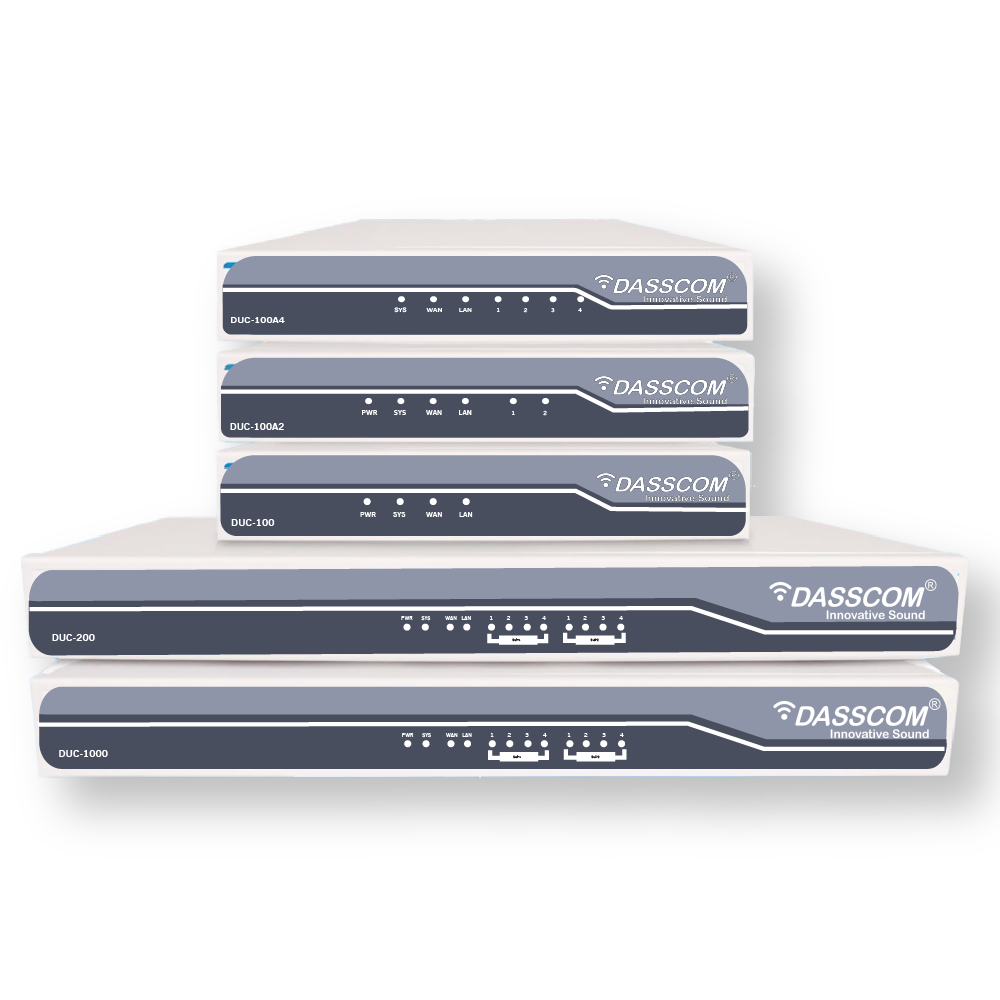
 E1/T1 Gateway

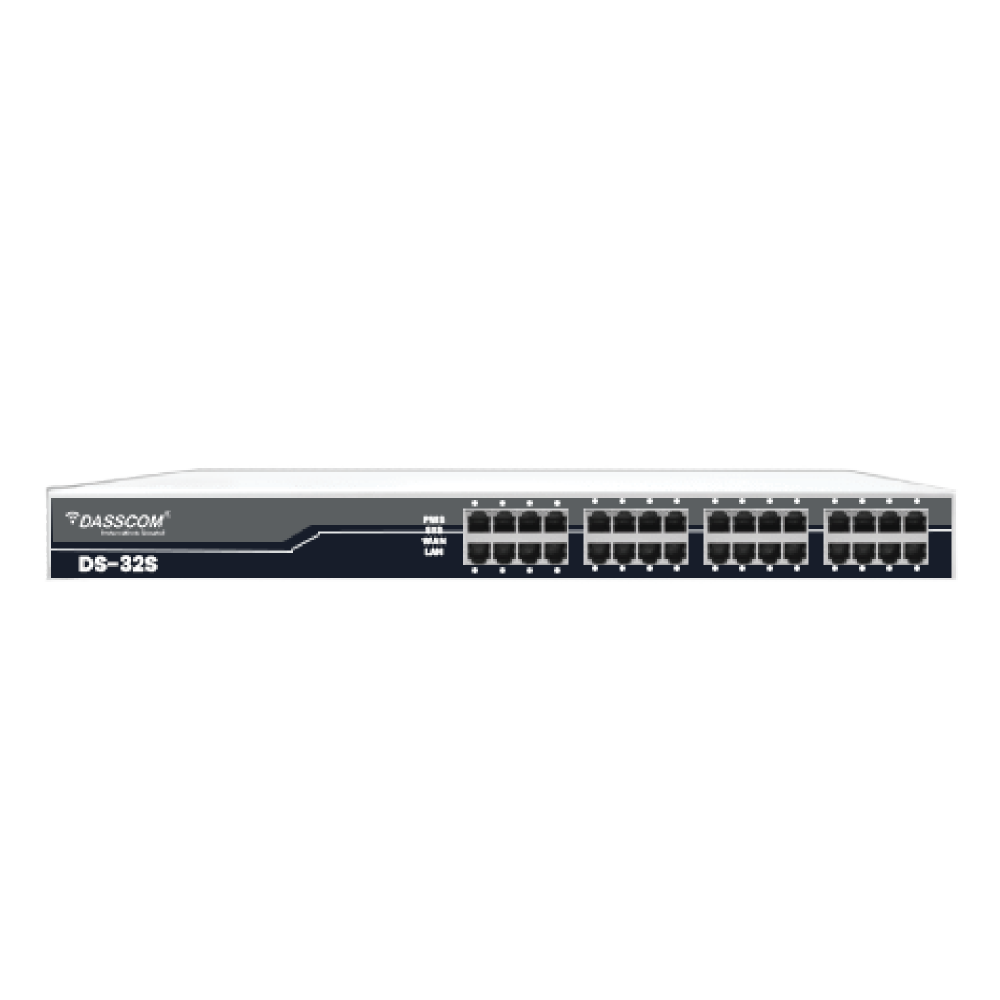
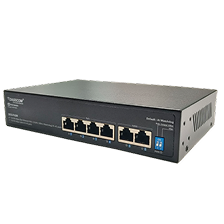 Unmanaged Switches
 Managed Switches
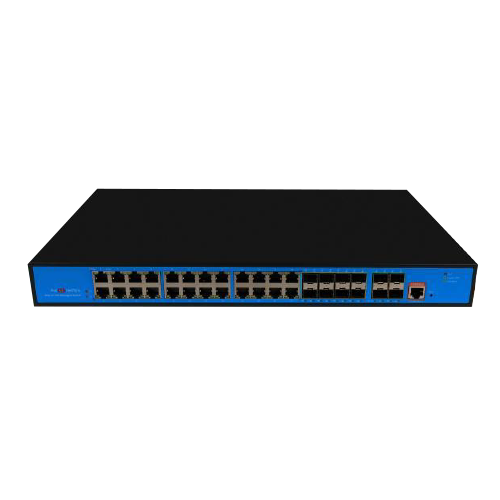 Industrial Switches
 Access Points
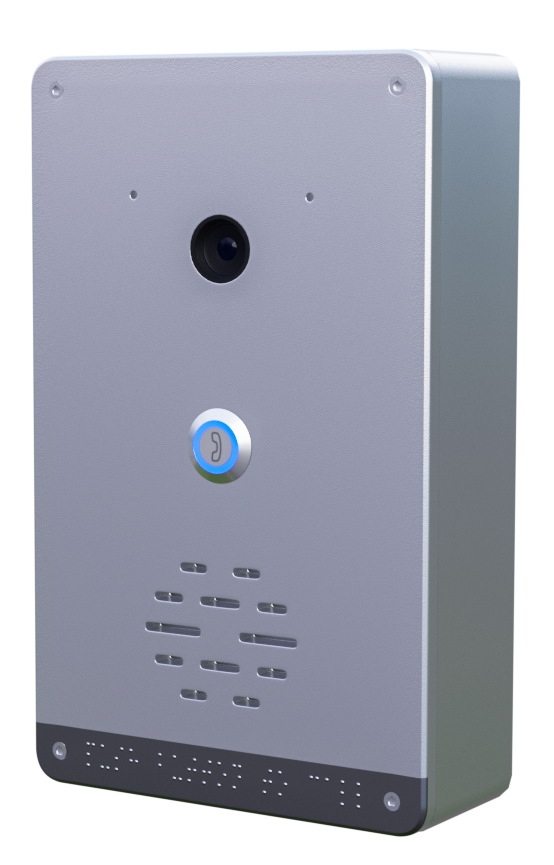 Safety Intercoms
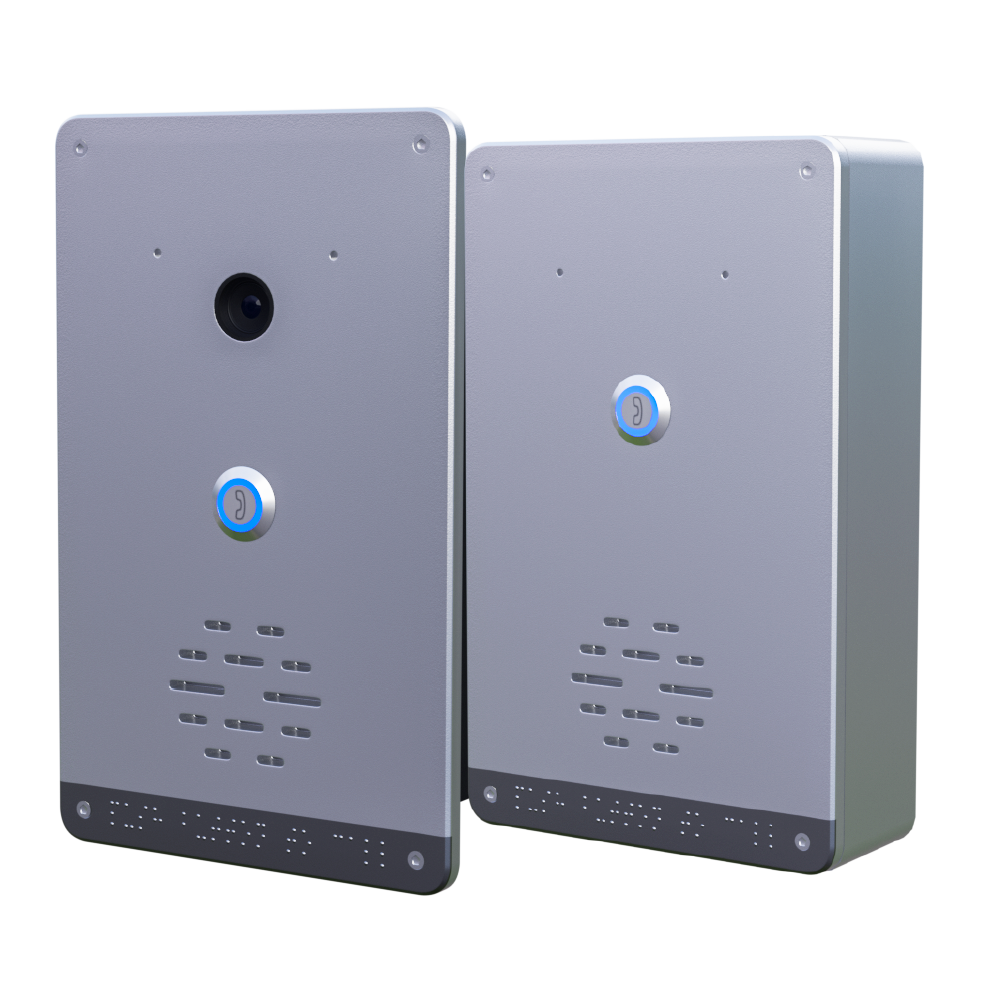
 Veda Series
 Divine Series
 Tatva Series
 VoIP Office
 Call Center Solutions
 Network Communications
 Public Safety
 Video & Security System
 Highway Communication
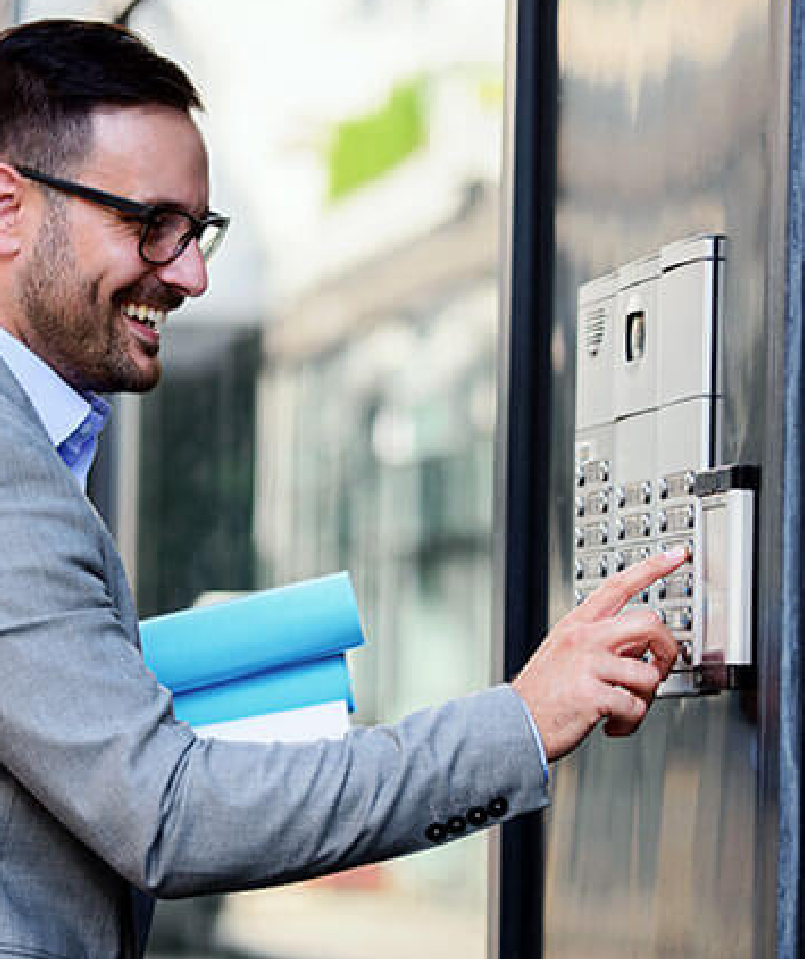 Intercom System
 IP Paging Solutions

 Healthcare
 Hospitality
 School & Universities
 IT Office
 SMEs and SMBs
 Industries


 Public Address System
 VOIP Phones
 VOIP PBX
 VOIP Gateways
 Networking Solutions
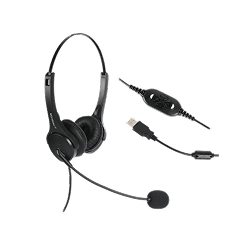
 Call Center Headsets
 Emergency Intercom Stations


Intercom System: Use Cases and Benefits


Intercom System: Use Cases and Benefits
An effective intercom system has become a core component of modern communication infrastructure—whether in offices, commercial buildings, residential complexes, factories, hospitals, or public facilities. As organizations shift towards smart, secure, and connected environments, intercoms play a critical role in daily coordination, security management, emergency response, and workflow efficiency.
fffs
Today’s intercoms have evolved significantly. From simple audio communication panels, they have transformed into advanced IP-based platforms that support video intercom, wireless intercom, mobile connectivity, and VoIP integration. This evolution has made intercom solutions more reliable, scalable, and easier to deploy across large or distributed spaces.
In this guide, we explore the major use cases, benefits, and business applications of modern intercom technology—particularly for enterprises looking to deploy an office intercom system or a commercial intercom system that meets operational, security, and communication needs.
What Is an Intercom System and How Does It Work?
An intercom system is a communication platform that allows two-way voice—or voice and video—interaction between designated points. It typically consists of call panels, indoor stations, speakers, microphones, and a communication controller (analog or IP-based).
Modern intercoms include:
- Audio intercoms
- Video intercom systems
- Wireless intercom system solutions
- VoIP-enabled intercoms
- Commercial-grade intercoms for large buildings
These systems integrate into access control, CCTV, announcement systems, and workplace communication workflows, offering a centralized solution for both security and communication.
1. Office Intercom System: Enhancing Workplace Communication
An office intercom system improves real-time communication within teams, departments, and floors. It supports voice calling, paging announcements, emergency alerts, and secure entry management.
Where office intercoms are used:
- Reception-to-desk communication
- Entry verification and visitor screening
- Meeting room coordination
- Internal announcements
- Emergency communication
Benefits for offices:
- Faster collaboration
- Streamlined visitor management
- Improved safety
- Hands-free communication
- Seamless integration with VoIP and PBX
For modern workplaces adopting hybrid models, IP-based and wireless intercom solutions make deployment easier without heavy cabling.
2. Commercial Intercom System: Scalable for Large Facilities
A commercial intercom system is critical for facilities like malls, hospitals, warehouses, corporate campuses, hotels, and large industrial buildings. These environments require structured communication to maintain both operations and security.
Key use cases:
- Multi-zone announcements
- Staff coordination
- Access control integration
- Loading area communication
- Emergency and evacuation alerts
Commercial benefits:
- Supports large layouts
- Highly scalable architecture
- Consistent communication across departments
- Remote monitoring through IP networks
- Seamless integration with PA systems
Because commercial spaces deal with high foot traffic and sensitive operations, choosing wired or wireless intercom system models depends on infrastructure layout.
3. Wireless Intercom Systems: Flexible & Fast Deployment
A wireless intercom system is ideal for spaces where cabling is difficult or costly—such as heritage buildings, outdoor facilities, warehouses, schools, or large open areas.
Benefits of wireless intercom solutions:
- Quick installation
- No structural modifications needed
- Supports mobility
- Cost-effective for multi-building layouts
- Ideal for temporary or movable setups
The rise of Wi-Fi and IP-based communication has made wireless intercom options highly reliable, with low latency and secure encrypted channels.
4. Video Intercom Systems: Reinforcing Identity Verification
A video intercom adds face-to-face verification before granting entry or responding to an alert. This significantly enhances security for residential and commercial buildings.
Where video intercom is used:
- Building entrances
- Visitor lobbies
- Security checkpoints
- Hospitals and restricted areas
- Parking zones
Key advantages:
- Live video monitoring
- Accurate visitor verification
- Enhanced access control
- Reduced security risk
- Recording options for compliance
For businesses, integrating a video intercom with access control and CCTV creates a unified security environment.
types of call center

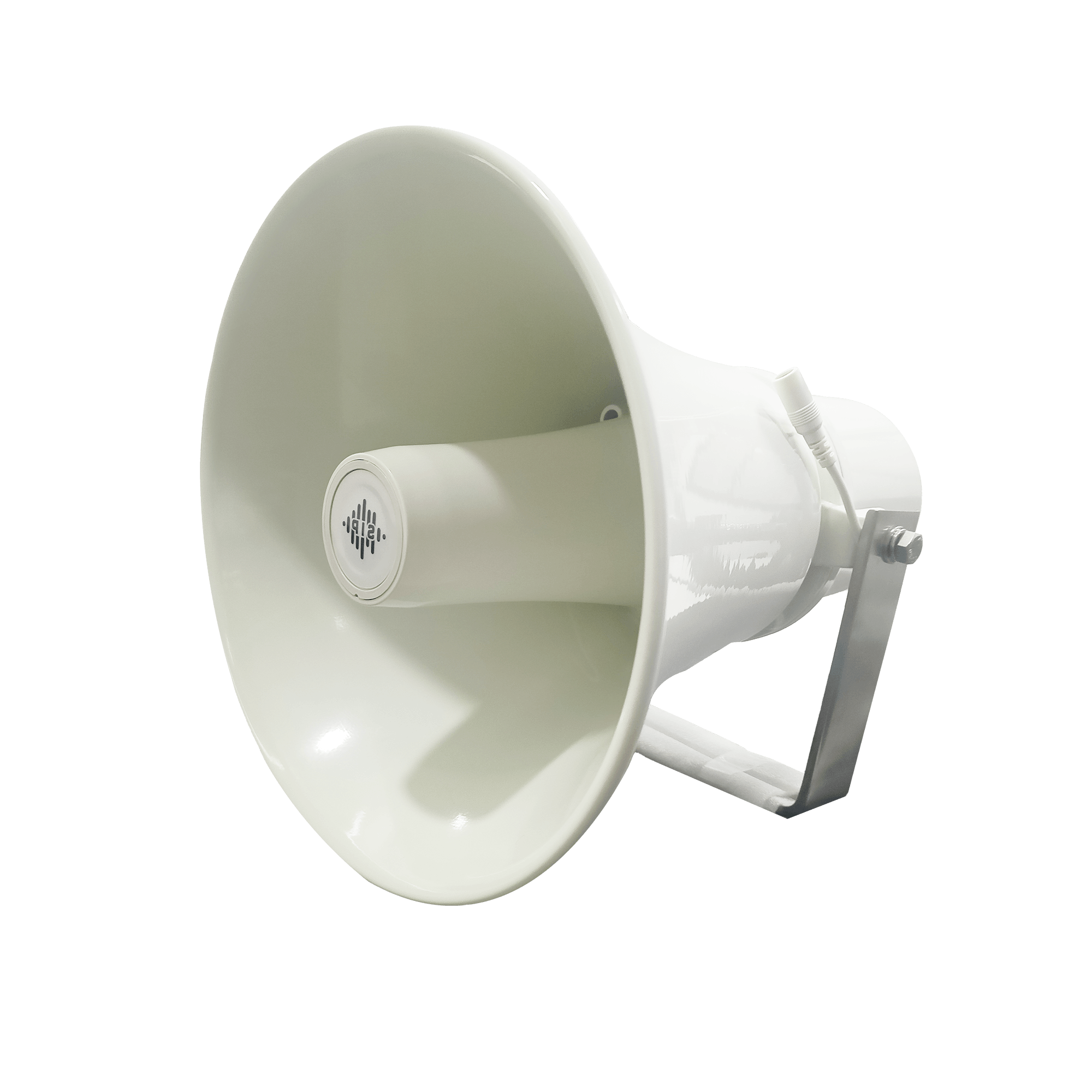
DS-15H
15 watt Horn speaker Support SIP IP 65 Rating Support BGM and announcement
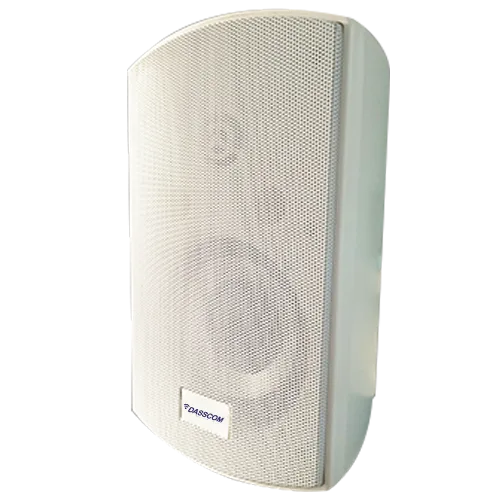
DS-10C
10 watt Ceiling Speaker Support SIP PoE enabled Support BGM & announcement
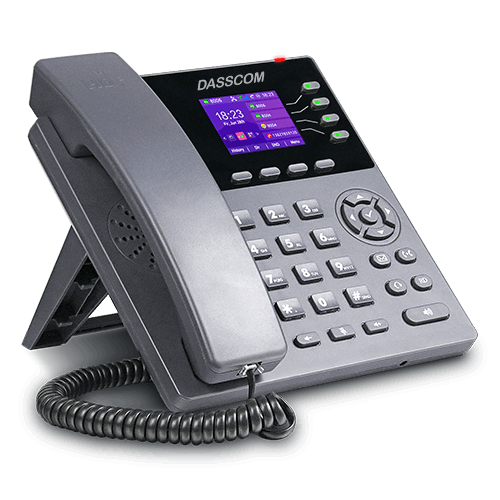
DS-15W
15 watt wall-mount speaker Support SIP PoE enabled Support BGM and announcement
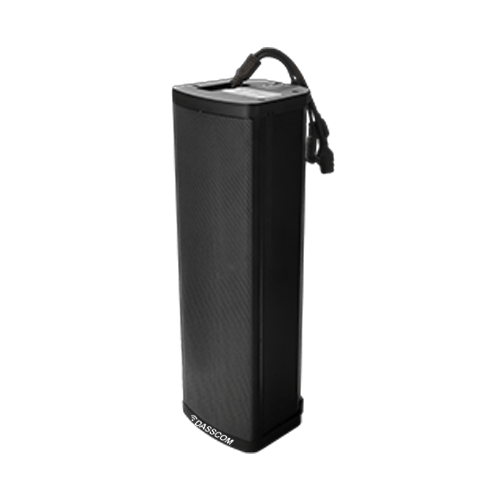
DXP-7200N
4 SIP Account PoE phone Colour Screen HD Voice
DS-30ECL
1.Built-in 30W amplifier, 2.Class D Amplifier
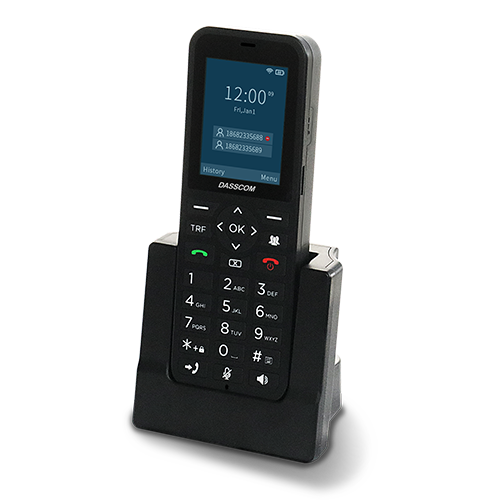
DW-100
2 SIP accounts Wi-fi Support Cordless Phone
5. VoIP Intercom Systems: Modern, Scalable & Network-Ready
A voip intercom connects directly to the organization’s IP network. This allows it to communicate with IP phones, softphones, mobile devices, and PBX systems without separate wiring.
VoIP intercom benefits:
- Centralized administration
- SIP-based calling
- Remote monitoring
- Easy scalability
- Integration with VoIP phone systems
VoIP-based intercoms also enhance intercom system for business environments by supporting cloud-based communication and multi-location connectivity.
Use Cases Across Different Industries
Modern intercom systems serve a wide range of use cases across various business sectors. Below are real-world examples:
Healthcare
- Nurse call points
- Emergency panic stations
- Restricted area access
- Bed-to-station communication
Education
- Classroom announcements
- Gate entry verification
- Playground surveillance communication
- Two-way emergency alerts
Retail & Malls
- Staff coordination
- Emergency alerts
- Store-to-storage communication
- Parking area interaction
Industrial Facilities
- Warehouse coordination
- Factory floor communication
- Operator-to-control-room contact
- Safety alerts and SOS points
Residential & Hospitality
- Apartment entry intercom
- Visitor verification
- Room-to-reception communication
- Security desk coordination
Top Benefits of Deploying an Intercom System for Business
A modern intercom system for business offers advantages that improve both security and operational efficiency.
- 1. Enhanced Workplace Security: Intercoms enable controlled entry, surveillance pairing, and real-time verification, reducing unauthorized access.
- 2. Faster Internal Communication: Teams communicate instantly without relying on phones for every interaction.
- 3. Better Emergency Response: During fire alarms, evacuation calls, or accidents, intercom points allow immediate communication with control rooms.
- 4. Increased Productivity: Quicker decision-making and smoother coordination improve workflow efficiency.
- 5. Scalability & Network Integration: IP and voip intercom systems scale easily as businesses grow.
- 6. Cost Efficiency: Wireless and VoIP-based options reduce installation and maintenance costs substantially.
- 7. Enhanced Visitor & Access Management: Video and audio verification ensure safer and more organized entry handling.
Quick summary
See how Nextiva transforms the sales and support team productivity.
Call Center Software FAQs
1. What is the purpose of an intercom system?
2. Why should offices invest in an office intercom system?
3. Is a wireless intercom system reliable for business use?
4. Where is a video intercom most useful?
5. What is a commercial intercom system used for?
6. Can intercom systems integrate with VoIP networks?
7. Which intercom system works best for business environments?
8. Are IP-based intercom systems scalable?

TEC-Certified Dasscom VoIP Phones: Redefining Trust and Compliance in India
TEC-Certified Dasscom VoIP Phones: Redefining Trust and Compliance in India
TEC-Certified Dasscom VoIP Phones: Redefining Trust and Compliance in India
India’s telecom landscape is evolving rapidly, driven by digital transformation, cloud adoption, and the growing demand for secure, scalable communication. In this environment, compliance is no longer optional—it is critical. Dasscom’s VoIP Phone Series being officially TEC Certified marks a significant milestone, reinforcing trust, regulatory compliance, and long-term reliability for Indian enterprises and service providers.
fffs
India’s telecom landscape is evolving rapidly, driven by digital transformation, cloud adoption, and the growing demand for secure, scalable communication. In this environment, compliance is no longer optional—it is critical. Dasscom’s VoIP Phone Series being officially TEC Certified marks a significant milestone, reinforcing trust, regulatory compliance, and long-term reliability for Indian enterprises and service providers.
This certification is not just a badge—it is a strong assurance to customers that every certified ip phone from Dasscom meets stringent Indian telecom standards and is ready for mission-critical deployments.
What Is TEC Certification and Why It Matters
TEC (Telecommunication Engineering Centre) certification is issued under the Department of Telecommunications (DoT), Government of India. It validates that telecom products comply with national standards related to safety, security, performance, and interoperability.
For organizations deploying voip phones at scale, TEC certification ensures:
- Seamless compatibility with Indian telecom networks
- Adherence to government-mandated security norms
- Reduced deployment risks and approval delays
- Confidence for enterprise and public-sector projects
In short, TEC certification builds trust at every level of deployment.
Dasscom VoIP Phones: Now TEC Certified
Dasscom’s range of VoIP desk phones has successfully achieved TEC certification, strengthening our commitment to quality and regulatory alignment. Each certified voip ip phone is tested to meet India-specific telecom requirements, making them suitable for both private enterprises and operator-led rollouts.
This achievement directly benefits:
- Enterprises modernizing legacy telephony
- VoIP service providers deploying endpoints at scale
- Government and PSU projects requiring compliant devices
- System integrators working on regulated networks
What TEC Certification Means for Customers
- 1. Guaranteed Interoperability: TEC-certified Dasscom phones are proven to work reliably with Indian telecom infrastructure and voip phone system deployments, reducing integration challenges.
- 2. Enhanced Reliability & Performance: Rigorous testing ensures stable performance under real-world network conditions, essential for enterprise-grade voip system usage.
- 3. Compliance with Government Guidelines: Certified devices meet safety, security, and quality norms defined by the Government of India—crucial for regulated industries.
- 4. Confidence for Large-Scale Deployments: From corporate offices to nationwide rollouts by voip service providers, certification ensures readiness for scale.
TEC-Certified Dasscom VoIP Phone Models
Dasscom’s certified portfolio includes popular desk phone models used across enterprises and service providers. These models are designed for different usage scenarios—from basic office extensions to advanced enterprise communication.
TEC-certified Dasscom VoIP phone models include:
- Basic IP Phones: DXP-5150N, DXP-6100HP, DXP-7200N
- Executive IP Phones: DXP-7250, DXP-7500G, DXP-9100
- Wi-fi IP Phones: DW-100, DXP-4100
These models deliver consistent performance, making them ideal ip phone choices for compliant deployments.
Why TEC Certification Is Critical for VoIP Deployments in India
India has unique regulatory and network requirements. Using non-certified equipment can lead to:
- Network incompatibility
- Security vulnerabilities
- Delays in approvals and audits
- Increased operational risk
By choosing TEC-certified Dasscom voip phones, organizations avoid these challenges while aligning with national telecom policies.
Benefits for VoIP Service Providers and Enterprises
For VoIP Service Providers
- Faster customer onboarding
- Reduced support issues
- Compliance-ready endpoints for enterprise clients
- Improved credibility among best voip service providers
For Enterprises
- Smooth integration with existing voip phone system setups
- Secure internal and external communication
- Better long-term ROI on communication infrastructure
Supporting Make in India & Digital Transformation
Dasscom’s TEC certification aligns with India’s broader digital and telecom modernization goals. By offering Make-in-India ready voip solutions, we actively contribute to strengthening the nation’s communication backbone.
Our certified devices support:
- Cloud-based telephony
- Enterprise unified communications
- Secure voice deployments across industries
This positions Dasscom as a trusted partner in India’s digital growth story.
Cost, Value, and Compliance
Organizations often weigh compliance against cost. With Dasscom, compliance does not mean higher complexity. Our certified models offer a competitive voip phone price, making it easier to adopt compliant communication without inflating budgets.
For businesses comparing value across vendors, Dasscom delivers:
- Certified hardware
- Reliable performance
- Competitive pricing
- Long-term support
Wireless and Desk-Based VoIP Ecosystems
While desk phones remain the backbone of enterprise voice, many deployments combine them with a wireless voip phone for mobility-focused roles. Dasscom’s certified desk phones integrate smoothly into such hybrid environments, supporting flexible and scalable voip system architectures.
Why Dasscom Stands Out
- TEC-certified product portfolio
- Strong compatibility with Indian networks
- Trusted by enterprises and voip service providers
- Designed for scalability and security
- Aligned with Make-in-India initiatives
For organizations evaluating voip solutions, Dasscom offers a rare combination of compliance, reliability, and affordability.
Conclusion
TEC certification marks a defining moment for Dasscom and a clear advantage for our customers. By choosing TEC-certified Dasscom voip ip phone models, businesses and service providers gain compliance assurance, network reliability, and long-term confidence.
In a market where trust and regulation matter as much as performance, Dasscom’s certified voip phones set a new benchmark for enterprise communication in India.
types of call center
DS-15H
15 watt Horn speaker Support SIP IP 65 Rating Support BGM and announcement
DS-10C
10 watt Ceiling Speaker Support SIP PoE enabled Support BGM & announcement
DS-15W
15 watt wall-mount speaker Support SIP PoE enabled Support BGM and announcement
DXP-7200N
4 SIP Account PoE phone Colour Screen HD Voice
DS-30ECL
1.Built-in 30W amplifier, 2.Class D Amplifier
DW-100
2 SIP accounts Wi-fi Support Cordless Phone
Quick summary
See how Nextiva transforms the sales and support team productivity.
Call Center Software FAQs
1. What does TEC certification mean for an IP phone?
2. Why should enterprises choose TEC-certified VoIP phones?
TEC-certified voip phones reduce deployment risk, ensure regulatory compliance, and work reliably with Indian telecom networks.
3. Are all Dasscom VoIP phones TEC certified?
4. How does TEC certification help VoIP service providers?
5. Does TEC certification affect voip phone price?
6. Can TEC-certified phones be used in large enterprise VoIP systems?
7. Are TEC-certified phones compatible with cloud VoIP solutions?
Absolutely. They integrate seamlessly with modern voip solutions and hosted PBX platforms.
8. How do I choose the best VoIP service providers with certified devices?
Look for best voip service providers that deploy TEC-certified endpoints like Dasscom phones to ensure compliance and reliability.
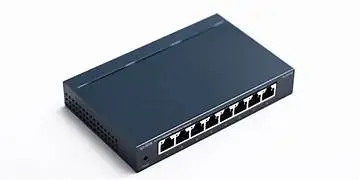
What Is a Network Switch and How Does It Work?
What Is a Network Switch and How Does It Work?
Why Your Network Needs a 24-Port Managed PoE Switch
In today’s connected world, reliable data flow is the backbone of every digital operation—from small offices to large industrial facilities. At the center of this connectivity sits the Network Switch, a fundamental device that enables multiple devices to communicate efficiently within a local area network (LAN). Understanding how it works and which type to choose can significantly impact performance, security, and scalability.
fffs
In today’s connected world, reliable data flow is the backbone of every digital operation—from small offices to large industrial facilities. At the center of this connectivity sits the Network Switch, a fundamental device that enables multiple devices to communicate efficiently within a local area network (LAN). Understanding how it works and which type to choose can significantly impact performance, security, and scalability.
This guide explains what a network switch is, how it works, the different types available, and how businesses can select the right switch for their environment.
What Is a Network Switch?
A Network Switch is a networking device that connects multiple devices—such as computers, IP phones, servers, printers, and access points—within a LAN. It receives data packets from one device and intelligently forwards them only to the intended destination device.
Unlike older hub-based networks that broadcast data to all connected devices, a network switch makes communication faster, more secure, and more efficient.
How Does a Network Switch Work?
A network switch operates primarily at Layer 2 (Data Link Layer) of the OSI model, though advanced switches may also operate at Layer 3.
Here’s how it works step by step:
- 1. Device Connection: Each device connects to a port on the switch using an Ethernet cable.
- 2. MAC Address Learning: When data enters the switch, it reads the source MAC address and stores it in a MAC address table.
- 3. Intelligent Forwarding: The switch checks the destination MAC address and forwards the data only to the relevant port.
- 4. Reduced Traffic: By avoiding unnecessary broadcasting, a Network Switch minimizes congestion and improves network speed.
This intelligent packet handling is what makes switches essential for modern business networks.
Why Network Switches Are Critical for Businesses
Businesses rely on consistent uptime and fast data transfer. A Network Switch ensures:
- Faster internal communication
- Improved network reliability
- Better security than shared networks
- Easy scalability as devices increase
From office VoIP systems to surveillance networks, switches play a central role in daily operations.
Types of Network Switches
Not all switches are the same. Choosing the right type depends on network size, control requirements, and operating environment.
1. Unmanaged Network Switch
An unmanaged network switch is a plug-and-play device that requires no configuration. Simply connect devices, and it starts working automatically.
Key Characteristics
- No configuration or monitoring
- Fixed functionality
- Lower cost
- Ideal for basic networking needs
Best Use Cases
- Small offices
- Home offices
- Temporary setups
An unmanaged network switch is suitable when simplicity is more important than control. However, it lacks advanced features such as traffic prioritization and security policies.
2. Managed Network Switch
A managed network switch offers complete control over network traffic and performance. Network administrators can configure, monitor, and optimize network behavior.
Key Characteristics
- VLAN support
- Traffic prioritization (QoS)
- Network monitoring and diagnostics
- Enhanced security features
Best Use Cases
- Enterprises
- Data centers
- IP telephony and video networks
A managed network switch is essential where performance optimization, segmentation, and security are critical.
3. Industrial Network Switch
An industrial network switch is designed for harsh environments where standard switches cannot operate reliably.
Key Characteristics
- Wide temperature tolerance
- Rugged metal enclosures
- Resistance to dust, vibration, and electrical noise
- Long operational life
Best Use Cases
- Manufacturing plants
- Transportation systems
- Power and utility infrastructure
- Outdoor installations
An industrial network switch ensures stable communication in mission-critical environments where downtime is not an option.
types of call center
DS-15H
15 watt Horn speaker Support SIP IP 65 Rating Support BGM and announcement
DS-10C
10 watt Ceiling Speaker Support SIP PoE enabled Support BGM & announcement
DS-15W
15 watt wall-mount speaker Support SIP PoE enabled Support BGM and announcement
DXP-7200N
4 SIP Account PoE phone Colour Screen HD Voice
DS-30ECL
1.Built-in 30W amplifier, 2.Class D Amplifier
DW-100
2 SIP accounts Wi-fi Support Cordless Phone
Managed vs Unmanaged vs Industrial: Quick Comparison
| Feature | Unmanaged | Industrial | Managed |
| Configuration | None | Limited | Advanced |
| VLAN Support | No | Basic | Full |
| Monitoring | No | Limited | Yes |
| Security Controls | No | Basic | Advanced |
| Cost | Low | Medium | Higher |
This comparison helps businesses align network needs with the right switch type.
How to Choose the Right Network Switch
When selecting a Network Switch, consider the following factors:
- 1. Network Size: Small networks may work well with an unmanaged network switch, while large deployments benefit from managed options.
- 2. Control & Security Needs: If traffic segmentation, access control, or monitoring is required, a managed network switch is the right choice.
- 3. Scalability: A manageable network switch is ideal for organizations planning to expand gradually.
- 4. Environment: For extreme conditions, always choose an industrial network switch built for reliability.
Network Switches in Modern Business Applications
Network switches support a wide range of applications:
- IP telephony and unified communications
- Video surveillance systems
- Enterprise Wi-Fi networks
- Industrial automation
- Data centers and cloud connectivity
Each application places different demands on the switch, reinforcing the importance of choosing the right type.
Final Thoughts
A Network Switch is more than just a connectivity device—it is the foundation of efficient, secure, and scalable networks. Whether you choose an unmanaged network switch for simplicity, a manageable network switch for growing needs, a managed network switch for enterprise-grade control, or an industrial network switch for harsh environments, the right decision directly impacts network performance and reliability.
Understanding how switches work and where each type fits ensures smarter investments and stronger network infrastructure for the future.
Quick summary
See how Nextiva transforms the sales and support team productivity.
Call Center Software FAQs
1. What is the main purpose of a Network Switch in a business network?
A Network Switch connects multiple devices within a local area network and ensures data is delivered only to the intended device. This improves speed, reduces congestion, and enhances overall network reliability.
2. What is the difference between a managed network switch and an unmanaged network switch?
A managed network switch allows configuration, monitoring, and traffic control, while an unmanaged network switch works on a plug-and-play basis with no customization options. Managed switches are ideal for enterprises, whereas unmanaged ones suit small or simple networks.
3. When should I choose a manageable network switch?
A manageable network switch is suitable for small and medium businesses that need basic control such as VLANs and simple monitoring, without the complexity or cost of a fully managed switch.
4. What makes an industrial network switch different from regular switches?
An industrial network switch is built for harsh environments. It can withstand extreme temperatures, dust, vibration, and electrical noise, making it ideal for factories, outdoor installations, and critical infrastructure.
5. Can a Network Switch improve network security?
6. Is a managed network switch necessary for VoIP and video applications?
For networks running VoIP, video conferencing, or surveillance systems, a managed network switch is recommended as it supports traffic prioritization and ensures consistent performance.
7. How do I decide which Network Switch is right for my business?
The right Network Switch depends on network size, required control, scalability plans, and operating environment. Small setups may use unmanaged switches, growing offices benefit from manageable switches, enterprises need managed switches, and harsh environments require industrial switches.
8. Can different types of network switches be used in the same network?

How Public Address Systems Improve Safety and Operations in Public Spaces
How Public Address Systems Improve Safety and Operations in Public Spaces
How Public Address Systems Improve Safety and Operations in Public Spaces
This blog explores how PA Systems enhance safety and streamline operations in public spaces. It covers its role in emergency communication, crowd management, and daily announcements, along with key features like automation, zoning, and system integration—helping readers understand how these solutions improve coordination, response times, and overall efficiency.
fffs
In high-traffic public environments, clear and timely communication can prevent chaos, reduce risk, and improve everyday operations. From transportation hubs and educational institutions to malls, hospitals, and industrial campuses, public address systems play a critical role in ensuring safety, coordination, and efficiency.
Modern PA technologies have evolved far beyond simple loudspeakers. Today’s solutions—including wireless and IP-based platforms—enable centralized control, zoning, automation, and real-time emergency broadcasting. This blog explores how public address systems enhance safety and operational effectiveness across public spaces and how to choose the right solution for different environments.
What Are Public Address Systems?
Public address systems are communication solutions designed to broadcast voice messages, alerts, and announcements to a large audience. They typically include microphones, amplifiers, speakers, and a control unit that manages message distribution.
In modern deployments, PA systems integrate with IP networks, wireless infrastructure, and emergency systems—making them a core component of public safety and facility management strategies.
Why Public Address Systems Are Essential in Public Spaces
Public spaces face unique challenges: large crowds, noise, emergencies, and constant movement. A reliable PA system ensures messages are heard clearly and instantly.
Key benefits include:
- Rapid emergency communication
- Crowd control and guidance
- Improved operational coordination
- Reduced reliance on manual interventions
Well-designed public address systems help authorities respond faster and operate more efficiently.
Enhancing Safety Through Public Address Systems
- Emergency Alerts & Evacuation: In fire, security threats, or natural disasters, clear announcements can guide people to safety. PA systems reduce panic by providing calm, authoritative instructions in real time.
- Real-Time Incident Response: Security teams can broadcast zone-specific messages to isolate incidents without disrupting entire facilities—especially when using an ip pa system.
- Compliance with Safety Regulations: Many public and industrial spaces are required to install PA systems as part of emergency preparedness and occupational safety norms.
An effectively deployed outdoor PA System is especially critical in open areas such as campuses, parking zones, and transport terminals.
Operational Efficiency Beyond Emergencies
Public address systems are not only for emergencies—they streamline daily operations.
- Routine Announcements: Scheduling, directional guidance, and service updates can be automated to reduce manual workload.
- Zoned Communication: Different messages can be broadcast simultaneously to different areas using modern PA architectures.
- Integration with Digital Systems: An ip pa system integrates with CCTV, access control, and building management platforms, enabling smarter operations.
Types of Public Address Systems Used Today
Wireless PA System
A wireless PA system eliminates extensive cabling, making installation faster and more flexible.
Advantages:
- Quick deployment
- Easy scalability
- Ideal for retrofitting existing buildings
A wireless public address system is widely used in schools, offices, and temporary venues where infrastructure changes frequently.
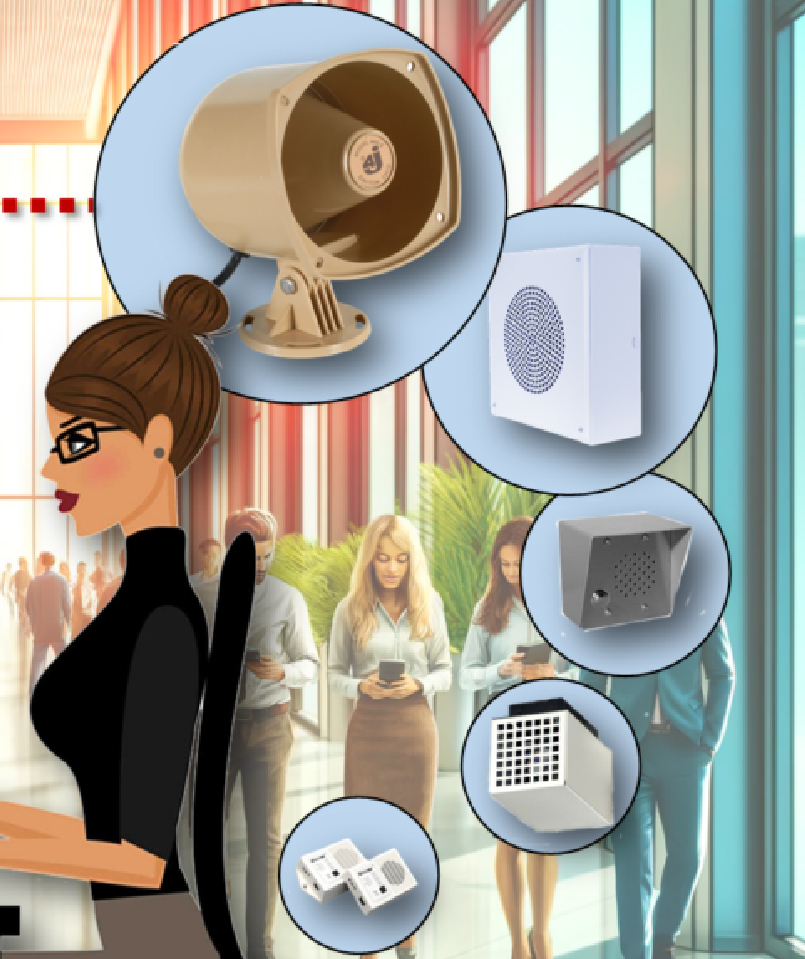
IP PA System includes the following:
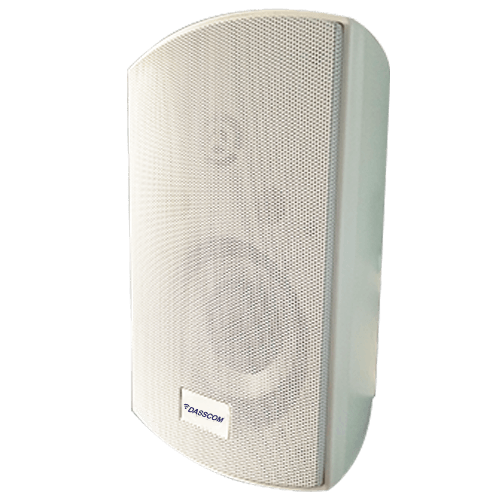
Indoor Speakers
Delivers superior sound clarity within enclosed environments
Outdoor Speakers
Engineered for environments that powerful, weatherproof sound solutions
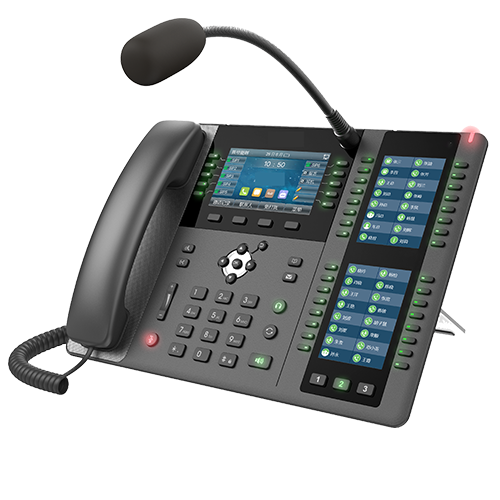
Paging Microphones
Offers precise, professional-grade voice transmission for real-time announcements
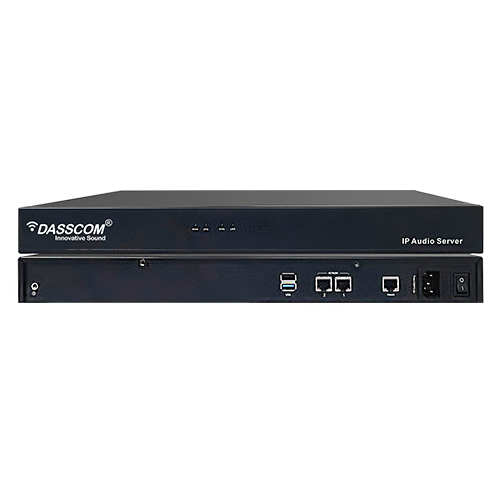
Paging Controllers
Brain behind a centralized communication system
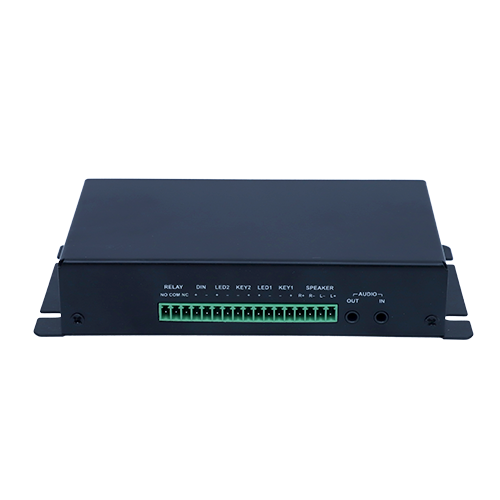
Amplifier & Gateways
Forms the backbone of robust PA network
Wireless PA System for Schools: A wireless pa system for schools supports daily announcements, bell scheduling, and emergency alerts without complex wiring.
Key benefits for education campuses:
- Campus-wide coverage
- Classroom-level zoning
- Fast emergency communication
Schools increasingly adopt wireless systems to balance safety and cost efficiency.
Outdoor PA System
An outdoor pa system is designed to withstand harsh environmental conditions such as heat, rain, dust, and wind.
Common applications:
- Stadiums and sports complexes
- Industrial yards
- Transportation terminals
- Public parks
Durability and sound clarity over long distances make outdoor systems vital for large open spaces.
IP PA System
An IP PA system uses IP networks to transmit audio, offering centralized control and advanced features.
Why organizations prefer IP-based PA:
- Remote monitoring and control
- Integration with IT infrastructure
- High audio clarity
- Easy expansion across locations
IP systems are becoming the backbone of modern enterprise and city-wide PA deployments.
How PA Systems Improve Different Public Spaces
- Airports & Railway Stations: PA systems manage boarding announcements, delays, emergency alerts, and crowd movement.
- Hospitals: Clear communication supports patient safety, staff coordination, and emergency codes without adding panic.
- Malls & Commercial Complexes: Announcements support promotions, lost-and-found alerts, and evacuation guidance.
- Industrial Facilities: An outdoor PA system combined with IP control enables rapid alerts during safety incidents.
Choosing the Best PA System for Your Needs
Selecting the best PA system depends on several factors:
- 1. Environment
Indoor spaces focus on clarity and acoustics, while outdoor spaces require weather-resistant hardware.
- 2. Coverage Area
Large campuses benefit from IP-based zoning and centralized control.
- 3. Flexibility
A wireless PA system is ideal where layout changes are frequent.
- 4. Audio Quality
For indoor environments like auditoriums and offices, investing in the best indoor speakers ensures intelligibility without distortion.
A well-planned system balances performance, scalability, and long-term reliability.
Role of Speakers in PA Performance
Speakers define how well a message is understood. Using the best indoor speakers improves voice clarity, reduces echo, and ensures even sound distribution.
For outdoor use, ruggedized speakers paired with an outdoor pa system ensure announcements remain audible even in noisy environments.
Future of Public Address Systems
PA systems are evolving into intelligent communication platforms. Trends include:
- AI-driven alert prioritization
- Cloud-based management
- Integration with IoT and smart city infrastructure
- Mobile and remote access
Advanced public address systems will continue to play a vital role in public safety and operational excellence.
Conclusion
From emergency preparedness to everyday coordination, public address systems are indispensable in public spaces. Whether deploying a wireless pa system, a robust outdoor PA system, or a centralized IP PA system, the right solution enhances safety, improves response time, and streamlines operations.
Investing in the best PA system ensures clear communication when protecting people and improving how public spaces function.
Quick summary
Public address systems enhance safety and efficiency in crowded public spaces by enabling clear, real-time communication. They support emergency alerts, evacuation guidance, and crowd control while streamlining daily operations through automated announcements, zoning, and integration with digital systems ensuring better coordination, faster response, and improved overall facility management.
Frequently Asked Questions (FAQs)
Frequently Asked Questions (FAQs)
1. What are public address systems mainly used for?
Public address systems are used to broadcast announcements, safety alerts, and emergency instructions across public and private spaces.
2. Is a wireless PA system reliable for large campuses?
Yes. A wireless pa system is reliable for large areas when properly designed, offering flexibility and quick scalability.
3. What is the difference between an IP PA system and a traditional PA system?
An ip pa system uses network infrastructure, allowing centralized control, zoning, and integration with other digital systems, unlike traditional analog PA setups.
4. Are outdoor PA systems weatherproof?
Yes. An outdoor pa system is built to withstand environmental conditions such as rain, heat, dust, and wind.
5. Which PA system is best for schools?
A wireless pa system for schools is ideal due to easy installation, campus-wide coverage, and quick emergency communication.
6. How do I choose the best PA system for my facility?
The best pa system depends on space size, indoor or outdoor use, required control level, and future expansion plans.
7. Do speakers affect PA system performance?
Absolutely. Using the best indoor speakers improves clarity, reduces distortion, and ensures announcements are clearly understood.
8. Can a wireless public address system support emergency alerts?
Yes. A wireless public address system can broadcast instant emergency alerts across predefined zones.
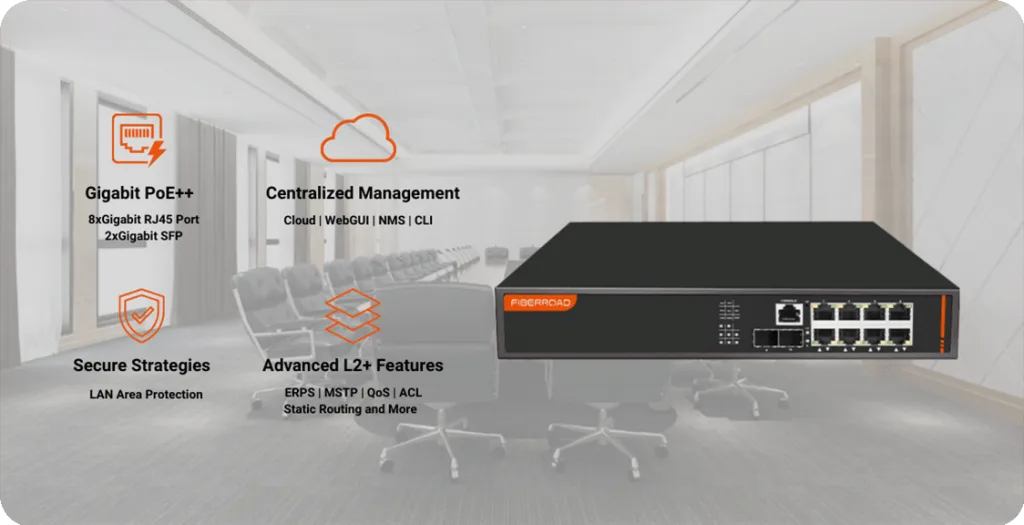
Why Your Network Needs a 24-Port Managed PoE Switch
Why Your Network Needs a 24-Port Managed PoE Switch
Why Your Network Needs a 24-Port Managed PoE Switch
fffs
As businesses scale their digital operations, the network becomes the backbone of productivity, security, and growth. From IP phones and wireless access points to surveillance cameras and IoT devices, modern workplaces depend on reliable connectivity and power delivery. This is where a 24 port PoE switch becomes a strategic investment—especially when it’s a managed one.
Understanding the Role of an Ethernet Switch
An ethernet switch connects multiple devices within a local area network (LAN) and ensures data is delivered efficiently between them. Unlike hubs that broadcast data to all devices, switches intelligently forward traffic only where it’s needed—improving speed, security, and reliability.
As networks grow in size and complexity, the type of ethernet switch you choose directly impacts performance and scalability.
What Is a 24-Port Managed PoE Switch?
A 24 port PoE switch combines two critical functions:
- 1. Connectivity – 24 Ethernet ports for connecting multiple devices
- 2. Power over Ethernet (PoE) – Supplies power and data through a single cable
When paired with advanced management features, it becomes a managed network switch that offers control, visibility, and optimization across the network.
A 24 port managed switch is ideal for environments with:
- High device density
- Centralized IT management
- Growing bandwidth and power demands
Why 24 Ports Is the Sweet Spot for Businesses
For many organizations, 24 ports strike the perfect balance between capacity and cost. It supports current needs while leaving room for expansion.
Common devices powered and connected via a 24 port PoE switch include:
- IP phones
- Wireless access points
- IP cameras
- Access control systems
- IoT sensors
This makes it a versatile choice for offices, campuses, retail chains, and smart infrastructure projects.
A managed network switch provides:
- VLANs for network segmentation
- QoS for traffic prioritization
- Network monitoring and diagnostics
- Security controls and access policies
A 24 port managed switch allows IT teams to fine-tune performance and prevent issues before they affect users—something an unmanaged network switch simply cannot do.
Power and Data: The Advantage of PoE
PoE simplifies installations by eliminating separate power cables. With a 24 port PoE switch, devices receive both power and data through one Ethernet cable.
Key advantages include:
- Reduced cabling and installation costs
- Centralized power management
- Easier deployment of remote devices
- Cleaner, more organized infrastructure
For enterprises deploying VoIP, Wi-Fi, or surveillance, PoE-enabled switching is no longer optional—it’s essential.
Dasscom Offerings
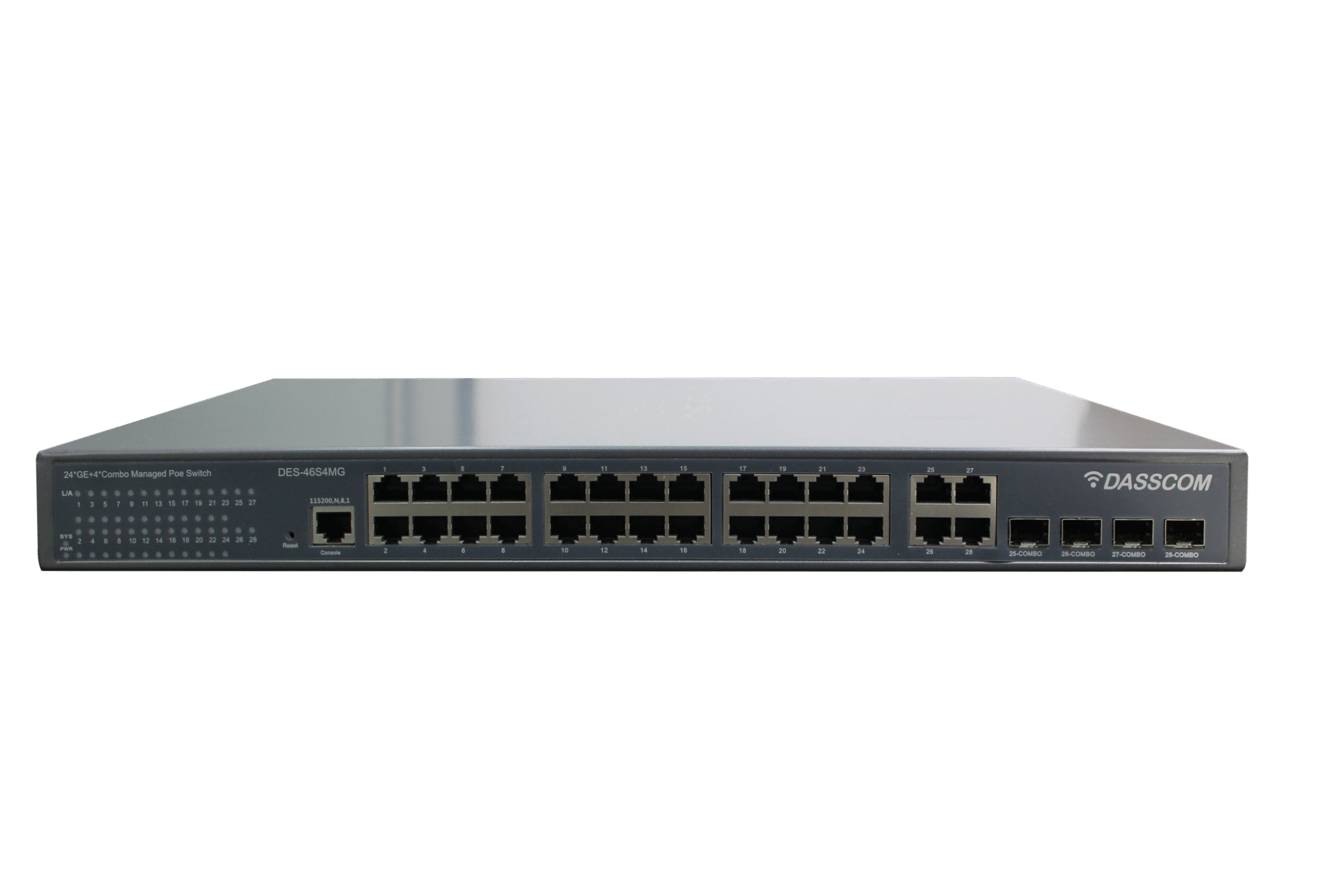
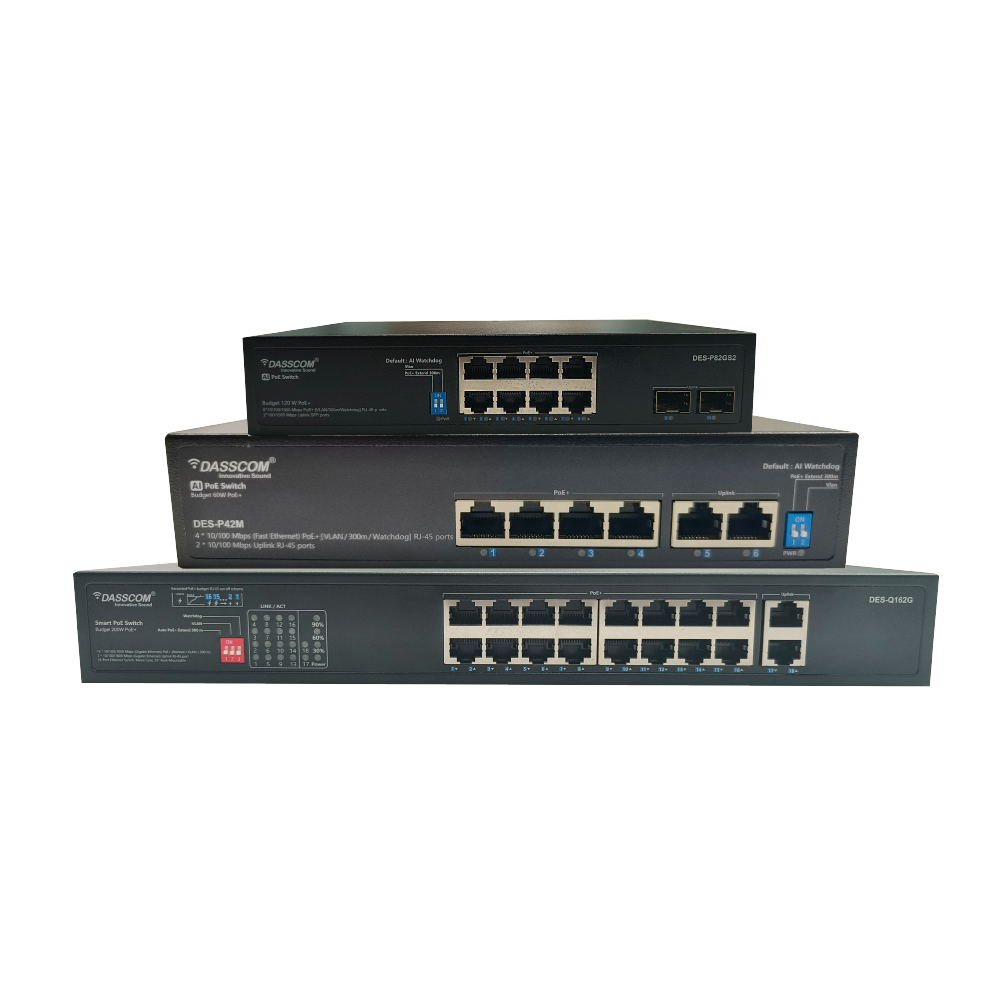
DES-46S4MG
24 port managed ethernet switch with 4 Gigabit combo uplink ports

DES-P242MGS1
24 port high-performance unmanaged PoE switch
Performance Optimization with a Managed Network Switch
A managed network switch enables intelligent traffic handling that improves user experience and application performance.
Key capabilities include:
- QoS (Quality of Service): Prioritize voice and video traffic
- VLANs: Separate departments or applications securely
- Monitoring: Identify bottlenecks and failures quickly
- Redundancy: Improve uptime with failover mechanisms
These features ensure consistent performance across all connected devices.
When Industrial Environments Demand More
In manufacturing plants, utilities, and transport infrastructure, networks face harsh conditions. This is where an industrial ethernet switch or industrial network switch becomes critical.
Compared to standard office switches, these are designed for:
- Wide temperature ranges
- Resistance to dust, vibration, and electrical noise
- Long operational life
For such use cases, a managed industrial switch offers both durability and advanced control which ensures stable operations in mission-critical environments.
Enterprise vs Industrial Switching: Choosing the Right Fit
Not all networks require ruggedized hardware. However, understanding the difference helps in long-term planning.
- Enterprise deployments: Offices, campuses, retail → 24 port managed switch
- Harsh environments: Factories, utilities → industrial ethernet switch
- Critical infrastructure: Smart cities, transport → managed industrial switch
In many smart infrastructure projects, enterprises combine a 24 port PoE switch at the access layer with an industrial network switch in field locations.
Security Benefits of a Managed 24-Port Switch
Security threats don’t only come from outside the network. Internal risks such as unauthorized access or misconfigured devices can be just as damaging.
A managed network switch enhances security through:
- Port-based access control
- VLAN isolation
- Traffic monitoring and alerts
- Policy enforcement
These capabilities are absent in an unmanaged network switch, making managed solutions the safer choice for business-critical environments.
Scalability for Growing Networks
Growth is inevitable—new employees, devices, and applications are added constantly. A 24 port managed switch supports this growth without requiring a complete network overhaul.
Benefits include:
- Easy addition of new devices
- Centralized configuration and updates
- Support for higher bandwidth uplinks
- Compatibility with future technologies
This scalability makes it a future-ready investment.
Cost Efficiency Over the Long Term
While an unmanaged network switch may seem cheaper initially, it often leads to higher costs over time due to:
- Lack of visibility
- Increased downtime
- Manual troubleshooting
- Limited scalability
A 24 port PoE switch with management capabilities reduces operational costs by simplifying maintenance and improving reliability.
Real-World Use Cases
- Corporate Offices: Power IP phones and access points while managing traffic efficiently across departments.
- Education Campuses: Deploy PoE-powered devices with centralized control using a 24 port managed switch.
- Surveillance Networks: Support multiple IP cameras with reliable power and secure segmentation.
- Industrial Facilities: Combine access-layer switches with an industrial ethernet switch for rugged field deployments.
Final Thoughts
A 24 port PoE switch is more than just a connectivity device—it’s a foundation for modern, scalable, and secure networks. When equipped with advanced management features, a 24 port managed switch empowers organizations to optimize performance, support growth, and maintain control.
Whether you’re building an enterprise network or planning deployments that require an industrial network switch or managed industrial switch, choosing the right switching solution today ensures reliability and efficiency tomorrow.
Investing in the right ethernet switch is not just an IT decision—it’s a business strategy.
Frequently Asked Questions (FAQs)
1. What makes a 24 port PoE switch better than smaller switches?
A 24 port PoE switch offers the ideal balance between capacity and scalability. It supports multiple devices such as IP phones, access points, and cameras while leaving room for future expansion—making it suitable for growing business networks.
2. How is a managed network switch different from an unmanaged network switch?
A managed network switch allows configuration, monitoring, traffic prioritization, and security control, whereas an unmanaged network switch is plug-and-play with no visibility or customization. Managed switches are better suited for businesses that require stability, performance optimization, and security.
3. Why should businesses choose a 24 port managed switch instead of a basic Ethernet switch?
A 24 port managed switch provides advanced features such as VLANs, QoS, monitoring, and access control. These capabilities help businesses manage traffic efficiently, reduce downtime, and ensure consistent performance—benefits not available in basic ethernet switches.
4. Can a 24 port PoE switch be used in industrial environments?
Yes, but for harsh conditions like factories or outdoor installations, an industrial ethernet switch or industrial network switch is recommended. In controlled industrial environments, a managed PoE switch can be combined with ruggedized switches for optimal performance.
5. What is a managed industrial switch and when is it required?
A managed industrial switch combines advanced network management features with rugged, industrial-grade design. It is required in environments with extreme temperatures, vibration, or electrical noise where both durability and control are critical.
6. How does PoE simplify network deployment?
PoE allows both power and data to be delivered over a single Ethernet cable. With a 24 port PoE switch, installation becomes faster, cabling is reduced, and centralized power management improves reliability.
7. Is a 24 port managed switch suitable for future network expansion?
Yes. A 24 port managed switch is highly scalable and supports network growth through additional devices, higher bandwidth uplinks, and centralized management—making it a future-ready investment
8. Can a managed network switch improve network security?
VoIP Gateways Explained: How They Work & Why They Matter
VoIP Gateways Explained: How They Work & Why They Matter
VoIP Gateways Explained: How They Work & Why They Matter
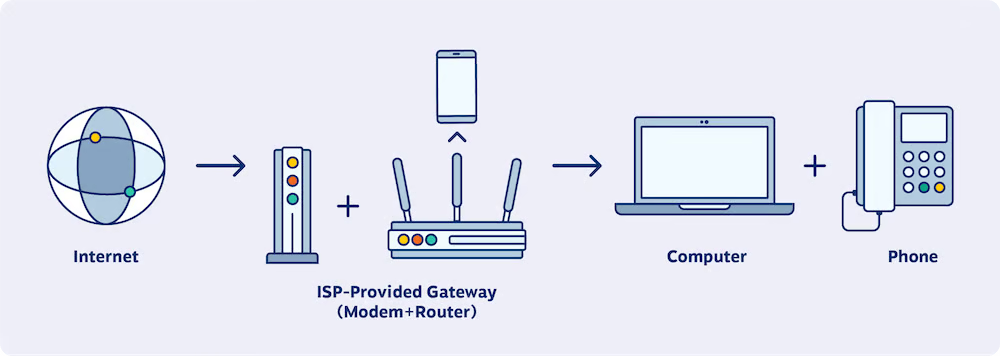
Many organizations still rely on legacy telephony lines, analog devices, or GSM connectivity. This is where a VoIP gateway plays a critical role by bridging the gap between traditional voice systems and modern IP networks. Learn more on how these VoIP Gateways work.
fffs
As businesses modernize their communication infrastructure, VoIP has become the foundation of cost-effective, scalable, and flexible voice communication. However, many organizations still rely on legacy telephony lines, analog devices, or GSM connectivity. This is where a VoIP gateway plays a critical role—bridging the gap between traditional voice systems and modern IP networks.
In this blog, we explain what VoIP gateways are, how they work, the different types available, and why choosing the best VoIP gateway is essential for reliable business communication.
What is a VoIP Gateway?
A VoIP gateway is a device that converts voice signals between traditional telephony networks (PSTN, analog, GSM) and IP-based VoIP systems. It allows businesses to connect legacy phones, PRI/FXO lines, or mobile networks to an IP PBX or cloud-based VoIP platform.
In simple terms, a VoIP gateway enables organizations to:
- Reuse existing telecom infrastructure
- Transition smoothly to IP-based calling
- Reduce communication costs
- Improve flexibility and scalability
How does a VoIP Gateway work?
A VoIP gateway acts as a translator between different communication technologies.
Step-by-Step Process
- 1. Voice Signal Capture: The gateway receives voice from analog, digital, or mobile networks
- 2. Signal Conversion: Voice is digitized and packetized into IP packets
- 3. Protocol Handling: SIP or other protocols manage call setup and routing
- 4. IP Transmission: Voice packets are transmitted over the IP network
- 5. Reverse Conversion: On the receiving end, packets are converted back into voice signals
A digital VoIP gateway ensures minimal latency, stable call quality, and reliable connectivity across hybrid environments.
Why VoIP Gateways matter for businesses
Many organizations cannot switch to VoIP overnight. A gateway enables gradual migration without service disruption.
Key business benefits include:
- Seamless integration with IP PBX systems
- Business continuity during network or ISP outages
- Cost optimization using least-cost routing
- Support for remote and multi-location operations
For enterprises, gateways are the backbone of hybrid communication strategies.
Dasscom Offerings
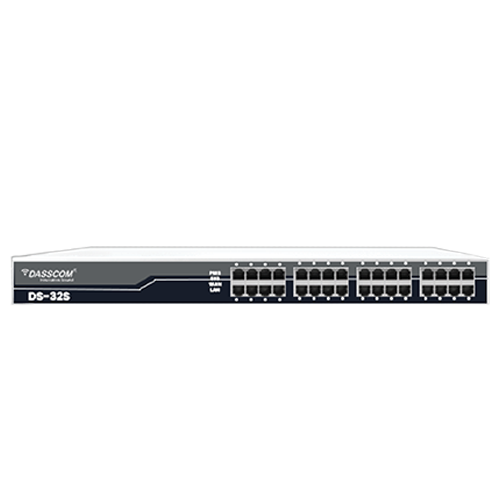
FXS/FXO Gateway
Dasscom’s FXS/FXO gateways bridge the gap between traditional analog systems and modern VoIP infrastructure.
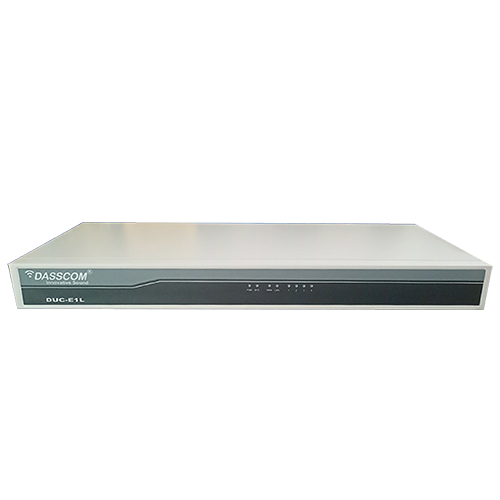
E1/T1 Gateway
Enterprise-grade PRI Gateway designed for seamless and high-quality transmission via E1/T1 ports
Types of VoIP Gateways explained
Digital VoIP Gateway
A digital VoIP gateway connects digital telecom lines such as PRI (E1/T1) with IP-based systems. It is widely used in enterprises with high call volumes.
Ideal for:
- Enterprises with PRI lines
- Call centers
- Large corporate offices
Digital gateways deliver high capacity, consistent quality, and centralized control.
FXO VoIP Gateway
An FXO VoIP gateway connects analog PSTN lines to VoIP systems. It is commonly used to retain existing landlines while adopting VoIP.
Key advantages:
- Uses existing analog lines
- Enables failover calling
- Reduces PSTN dependency
An FXO VoIP gateway is perfect for SMBs transitioning from analog telephony.
4G VoIP Gateway
A 4G VoIP gateway routes voice calls through cellular networks, making it ideal for locations with limited wired connectivity.
Best suited for:
- Remote offices
- Backup calling during ISP failures
- Mobile and temporary deployments
A 4G VoIP gateway ensures business continuity when fixed networks are unavailable.
8 Port VoIP Gateway
An 8 port VoIP gateway supports multiple simultaneous calls, making it suitable for growing businesses.
Use cases include:
- Small enterprises
- Branch offices
- Multi-extension setups
It balances capacity and affordability while offering reliable VoIP connectivity.
SIP VoIP Gateway
A SIP VoIP gateway uses SIP protocol to integrate seamlessly with IP PBX systems, softswitches, and cloud VoIP platforms.
Benefits include:
- Broad compatibility
- Flexible call routing
- Easy configuration
SIP-based gateways are essential for modern unified communication environments.
How to Choose the Best VoIP Gateway
Selecting the best VoIP gateway depends on your network, call volume, and connectivity requirements.
Key Considerations:
- Type of telecom lines (FXO, PRI, GSM)
- Number of concurrent calls
- Compatibility with IP PBX or cloud VoIP
- Redundancy and failover features
- Security and encryption support
A well-chosen gateway ensures long-term reliability and scalability.
VoIP Gateways and Cost Optimization
VoIP gateways help reduce communication expenses by allowing businesses to leverage their existing telecom lines while transitioning to IP-based calling. By enabling least-cost routing, they ensure calls are automatically directed through the most economical paths, significantly lowering local and international call charges. At the same time, VoIP gateways minimize the need for frequent hardware upgrades by extending the life of legacy infrastructure. Together, these benefits make VoIP gateways a strategic and cost-effective investment for organizations focused on optimizing communication budgets.
Security and Reliability
Modern gateways include:
- SIP authentication
- Firewall and access control
- Redundant routing options
- Real-time monitoring
These features ensure stable and secure voice communication.
Real-World Applications
- Enterprises: Hybrid VoIP + PSTN deployments
- Call Centers: High-volume digital VoIP gateway setups
- Remote Locations: 4G VoIP gateway connectivity
- SMBs: FXO and 8 port VoIP gateway deployments
Each use case highlights why gateways remain essential in modern networks.
Future of VoIP Gateways
As VoIP evolves, gateways are becoming smarter—supporting:
- Cloud integration
- Advanced analytics
- AI-driven routing
- Enhanced security protocols
The best VoIP gateway today is designed to adapt to tomorrow’s communication demands.
final Thoughts
A VoIP gateway is not just a connector—it’s a critical enabler of modern business communication. Whether you deploy a digital VoIP gateway, FXO VoIP gateway, 4G VoIP gateway, or an 8 port VoIP gateway, the right solution ensures flexibility, reliability, and cost efficiency.
Choosing the best VoIP gateway empowers businesses to modernize communication while protecting existing investments.
Frequently Asked Questions (FAQs)
What is a VoIP gateway used for?
A VoIP gateway connects traditional telecom networks with IP-based VoIP systems, enabling hybrid communication.
What is the difference between FXO and digital VoIP gateways?
An FXO VoIP gateway connects analog lines, while a digital VoIP gateway connects PRI/E1/T1 lines for higher capacity.
When should a business use a 4G VoIP gateway?
A 4G VoIP gateway is ideal for remote locations or as a backup during internet outages.
Is an 8 port VoIP gateway suitable for growing businesses?
Yes, an 8 port VoIP gateway supports multiple concurrent calls and is ideal for SMBs.
What makes a SIP VoIP gateway important?
A SIP VoIP gateway ensures compatibility with modern IP PBX and cloud VoIP platforms.
How do I choose the best VoIP gateway for my business?
Consider call volume, line type, redundancy needs, and system compatibility to select the best VoIP gateway.