
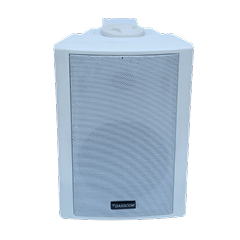
 Indoor Speakers
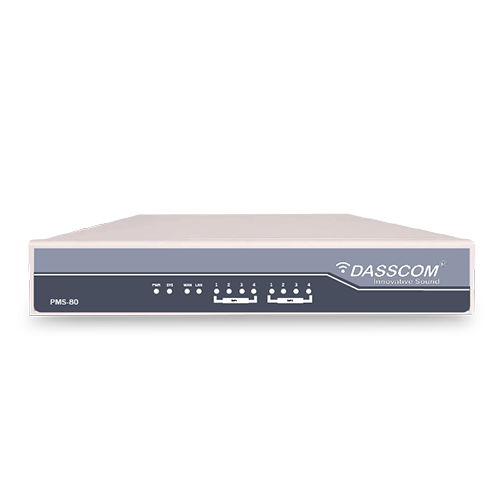 Paging Controller
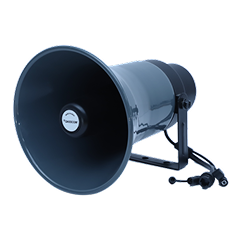 Outdoor Speakers
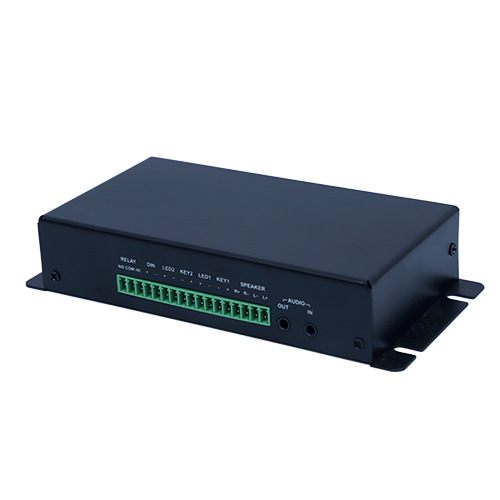 IP Amplifier & Gateway
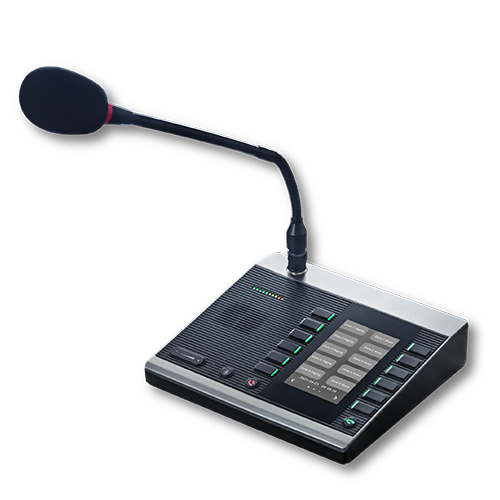 Paging Microphones
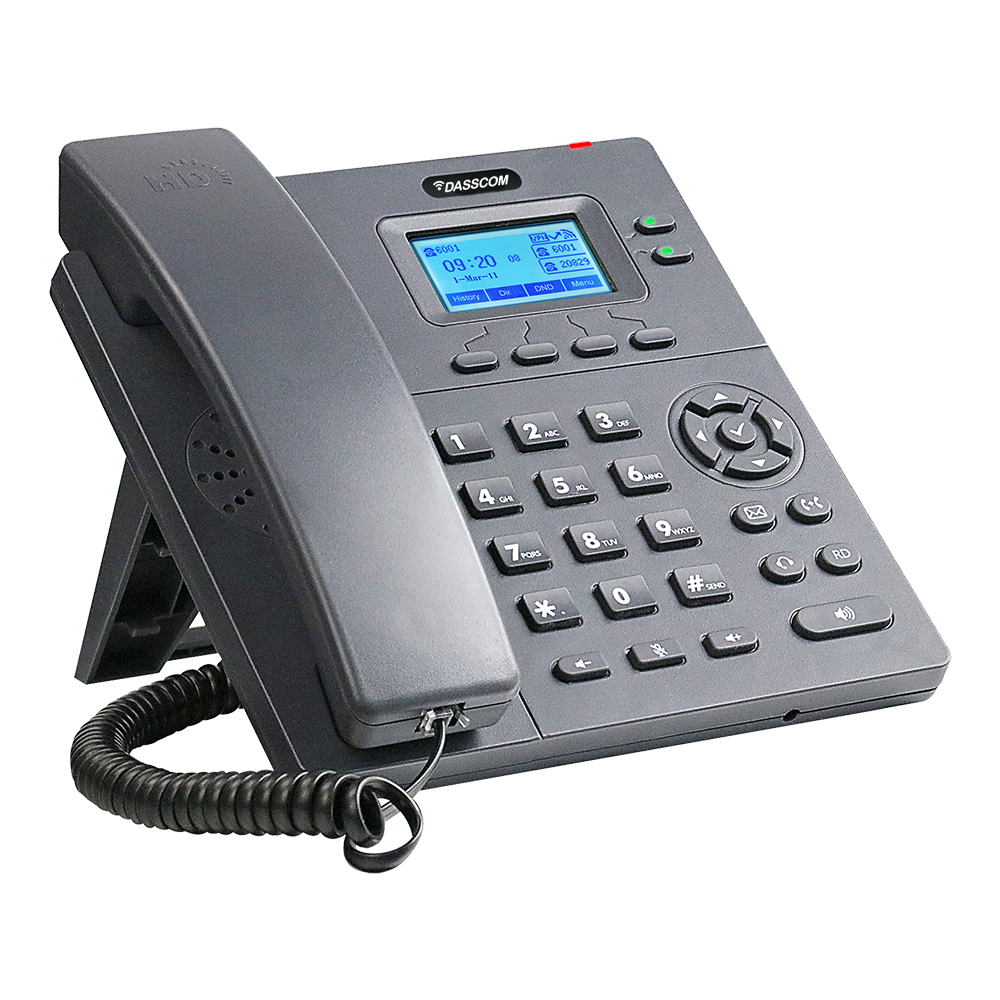 Basic IP Phones
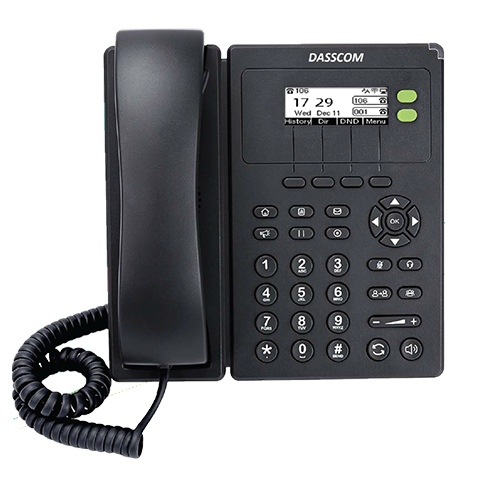 Wifi Phones
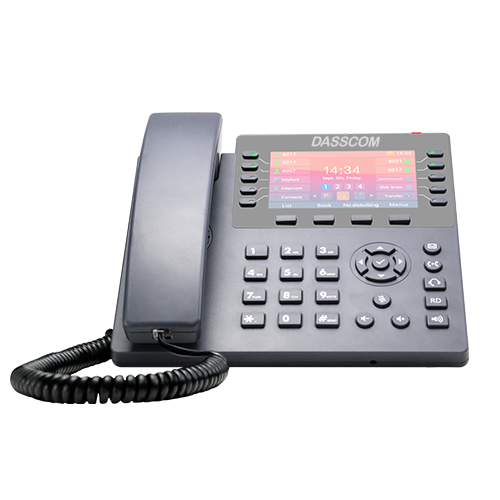 Executive IP Phones
 Video Phones
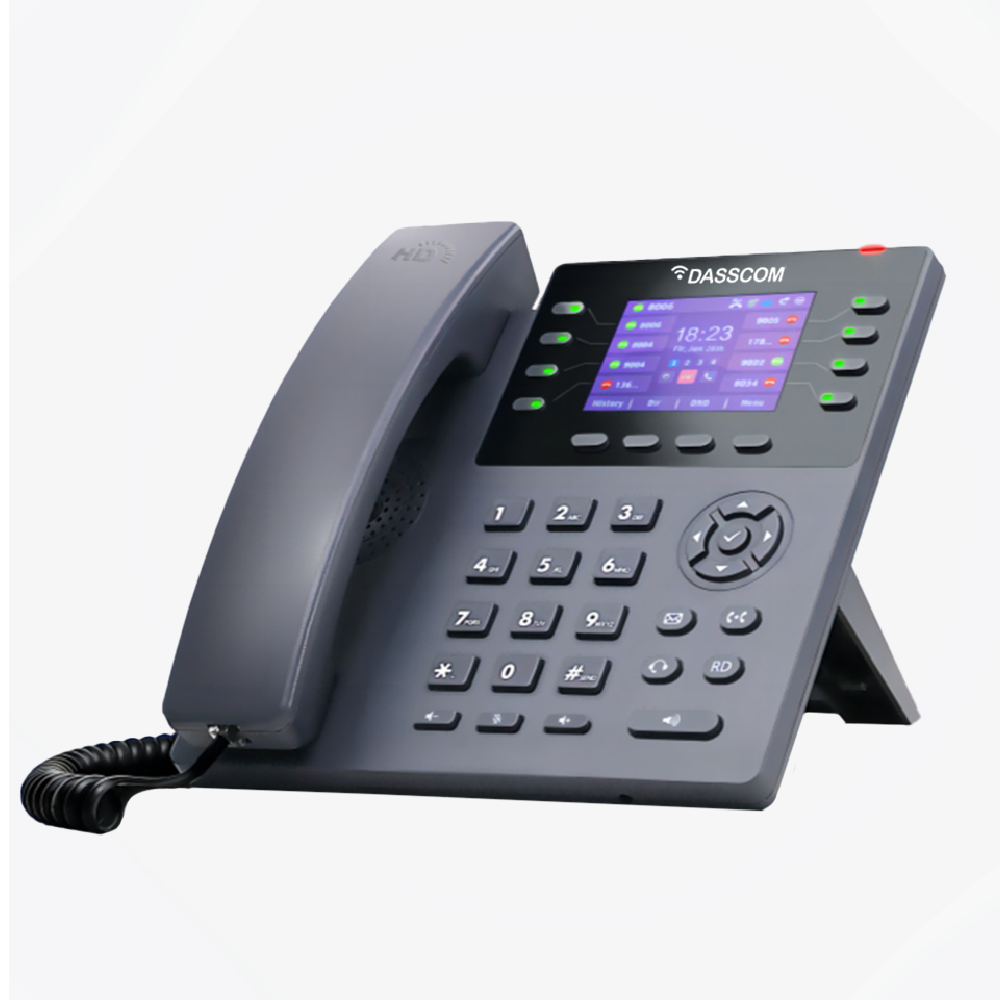
 Duc-series
 FXS/FXO Gateways
 E1/T1 Gateway

 Unmanaged Switches
 Managed Switches
 Industrial Switches
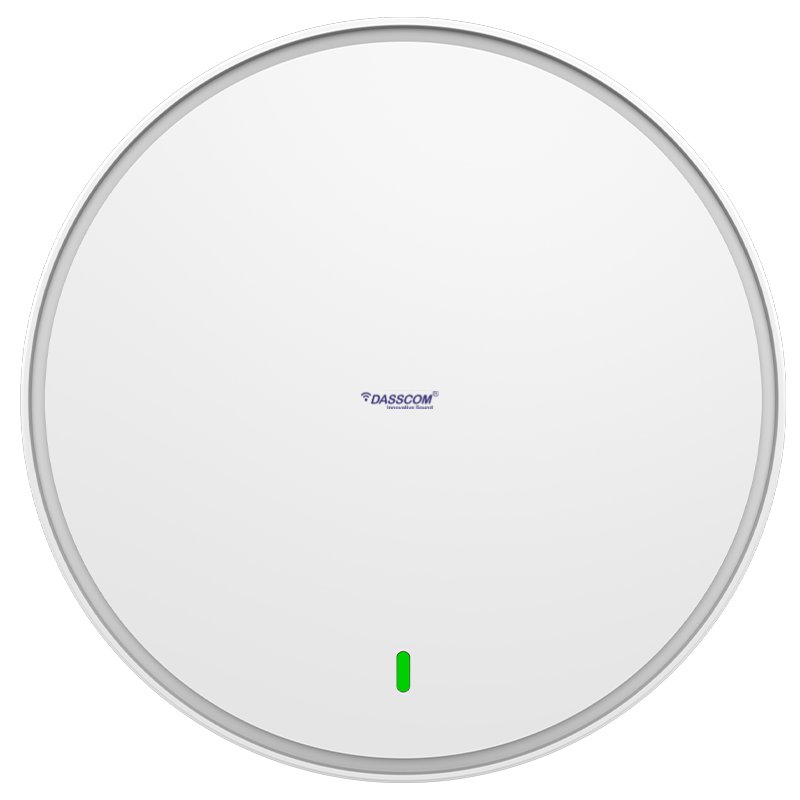 Access Points
 Safety Intercoms
 Veda Series
 Divine Series
 Tatva Series
 VoIP Office
 Call Center Solutions
 Network Communications
 Public Safety
 Video & Security System
 Highway Communication
 Intercom System
 IP Paging Solutions

 Healthcare
 Hospitality
 School & Universities
 IT Office
 SMEs and SMBs
 Industries


 Public Address System
 VOIP Phones
 VOIP PBX
 VOIP Gateways
 Networking Solutions
 Call Center Headsets
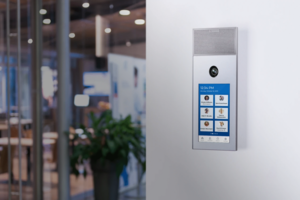 Emergency Intercom Stations



Wi-Fi 6 vs Wi-Fi 7 Access Points: Which Is Right for Your Business?
This guide compares Wi-Fi 6 and Wi-Fi 7 access points, explaining their performance, capacity, business applications, costs, and compatibility to help you choose the right wireless network for your organization.
fffs
Wireless connectivity is now essential for everyday business operations. Employees use cloud applications, video conferencing, wireless devices, and business software throughout the working day. As the number of connected devices increases, organizations need access points that can handle growing demands without unnecessary infrastructure upgrades.
When evaluating Wi-Fi 6 vs Wi-Fi 7, businesses should consider more than the latest technology. Wi-Fi 6 offers a mature option for many existing networks, while Wi-Fi 7 introduces newer capabilities designed to support higher potential throughput and demanding wireless environments.
What Is the Difference Between Wi-Fi 6 and Wi-Fi 7?
Wi-Fi 6 vs Wi-Fi 7: Key Differences
Feature | Wi-Fi 6 | Wi-Fi 7 |
Wi-Fi standard | IEEE 802.11ax | IEEE 802.11be |
Maximum theoretical channel bandwidth | Up to 160 MHz | Up to 320 MHz |
Multi-Link Operation | Not a standard Wi-Fi 6 feature | Supported by Wi-Fi 7 |
Network efficiency | Designed for busy wireless environments | Adds capabilities for higher performance |
Device compatibility | Suitable for Wi-Fi 6 and compatible earlier-generation devices | Supports Wi-Fi 7 capabilities with compatible devices |
Best fit | Many everyday business networks | Higher-performance and future-focused deployments |
These are standard-level capabilities, not guaranteed speeds for every access point. The actual capabilities of a product depend on its hardware, supported bands, antenna configuration, firmware, and regulatory restrictions.
Understanding Wi-Fi 6 Access Points
These specifications make them options to evaluate for business environments with different wireless capacity requirements. Actual results will depend on deployment conditions and connected devices.
Understanding Wi-Fi 7 Access Points
The advertised throughput is a product specification, not a promise that each device will achieve that speed. Real-world results depend on client capabilities, network conditions, and configuration.
Which Is Better for Your Business?
Small and Medium-Sized Offices
For everyday office tasks such as email, cloud applications, browsing, and video meetings, Wi-Fi 6 may provide sufficient capability when properly planned and deployed.
If your current network is performing well and your devices do not need newer Wi-Fi features, upgrading solely to adopt the latest standard may not be necessary.
High-Density Workplaces
Businesses Planning Long-Term Upgrades
However, an upgrade should also consider switching infrastructure, cabling, internet bandwidth, and client-device support.
What Should You Check Before Buying?
1. Number of Connected Devices
Manufacturer-listed user capacity should not be interpreted as a guarantee that every user will receive the same speed or application experience
2. Internet and Wired Network Capacity
Check the access point’s Ethernet port speed and ensure that the connected network switch can support the expected traffic. For Wi-Fi 7 deployments, a 2.5G uplink can help provide additional wired capacity where the rest of the network supports it.
3. Security Requirements
4. Management and Deployment
Consider whether the business needs centralized management, Mesh functionality, PoE, or other deployment features.
A well-selected business access point should match the site’s layout and network architecture. The number of access points, their placement, and the quality of the wired connection can be just as important as the Wi-Fi generation.
Can Wi-Fi 7 Work With Older Devices?
This means businesses with mostly older laptops and phones may not see the full benefit of upgrading immediately. A gradual transition can be practical: deploy newer access points where they provide a clear benefit while continuing to support existing devices.
Is Wi-Fi 7 Worth the Investment in 2026?
Final Recommendation
When comparing Wi-Fi 6 vs Wi-Fi 7, prioritize real business needs over specifications alone. Dasscom’s DAP-1100C, DAP-2200C, and DAP-3300C provide published options across these generations, allowing businesses to evaluate connectivity, capacity, and deployment requirements against their plans.
Contact Dasscom for Access Point Guidance
Final Thoughts
types of call center

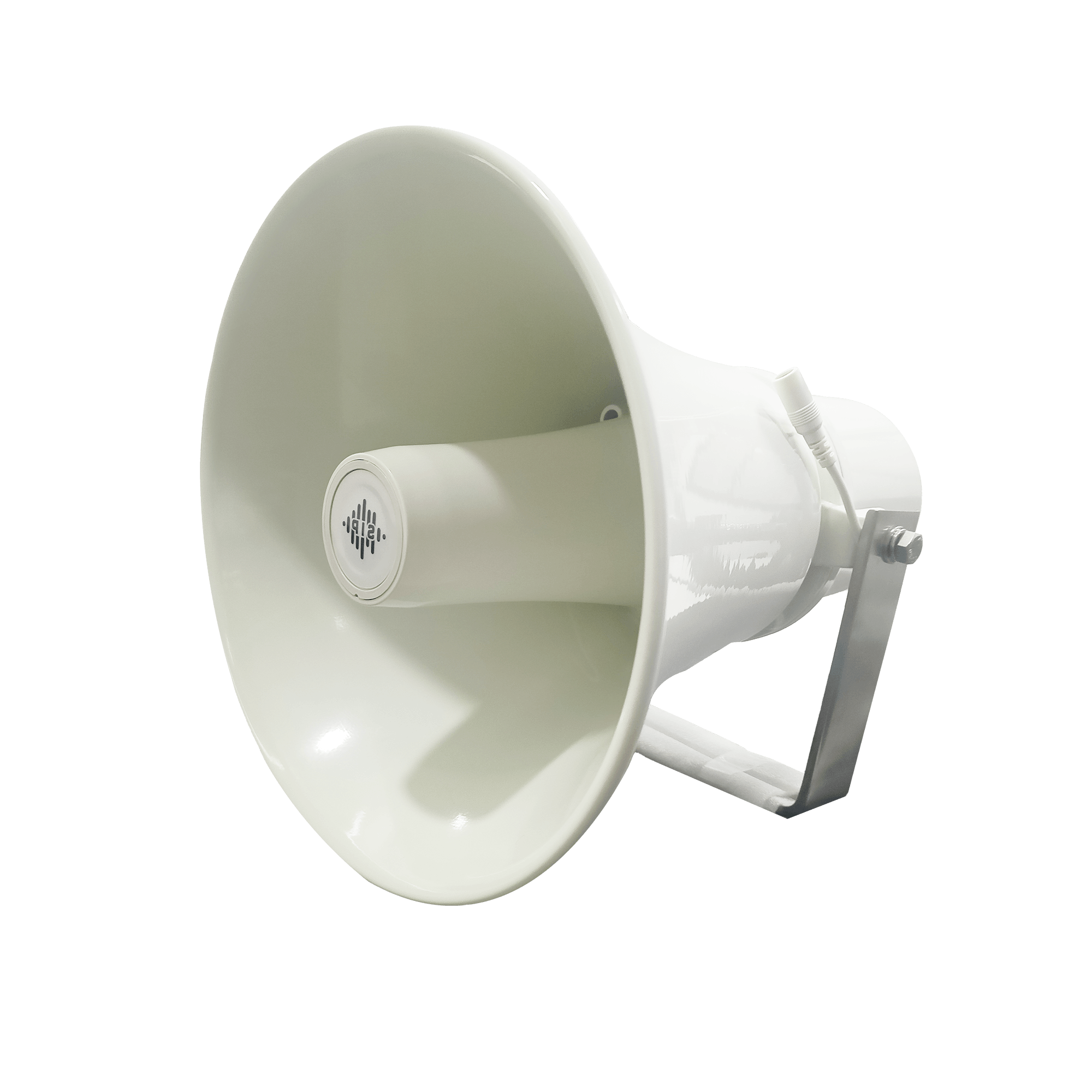
DS-15H
15 watt Horn speaker Support SIP IP 65 Rating Support BGM and announcement
DS-10C
10 watt Ceiling Speaker Support SIP PoE enabled Support BGM & announcement
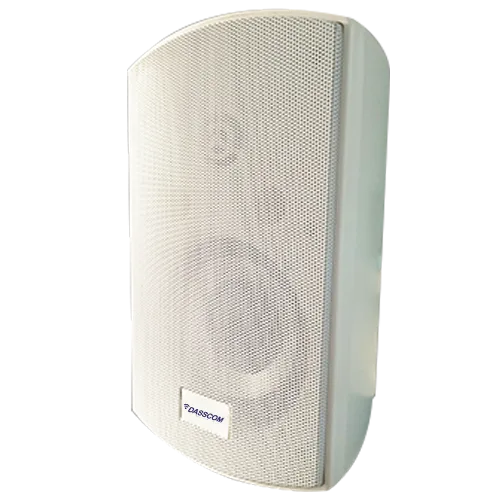
DS-15W
15 watt wall-mount speaker Support SIP PoE enabled Support BGM and announcement
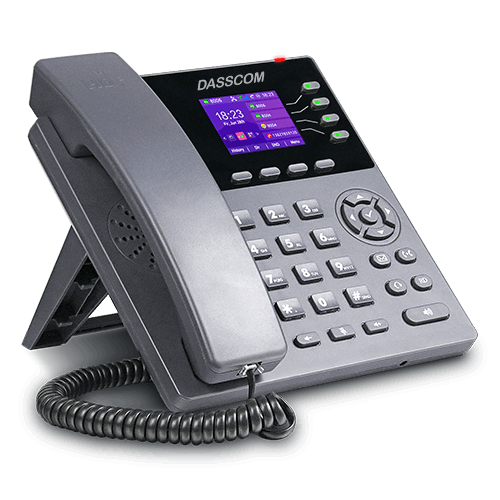
DXP-7200N
4 SIP Account PoE phone Colour Screen HD Voice
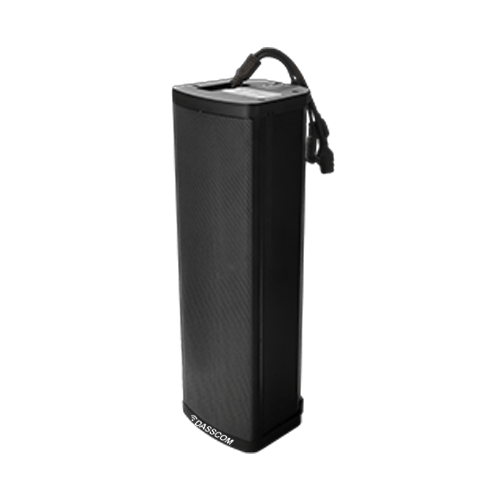
DS-30ECL
1.Built-in 30W amplifier, 2.Class D Amplifier
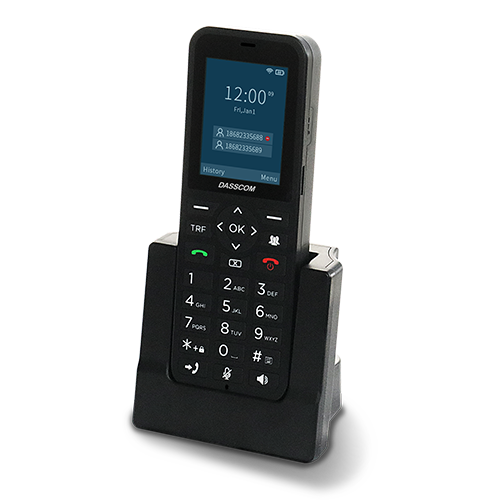
DW-100
2 SIP accounts Wi-fi Support Cordless Phone
Quick summary
See how Nextiva transforms the sales and support team productivity.
Frequently Asked Questions (FAQs)
1. Is Wi-Fi 7 better than Wi-Fi 6 for businesses?
2. Which Dasscom access points support Wi-Fi 6 and Wi-Fi 7?
3. Do businesses need to replace all devices to use Wi-Fi 7?
No. Compatible earlier-generation devices can generally connect to a Wi-Fi 7 access point, but they will not gain Wi-Fi 7-only capabilities unless they support them.
4. What matters more: Wi-Fi generation or access point placement?
Both matter. A newer standard cannot compensate for poor placement, interference, inadequate wired uplinks, or insufficient coverage planning. A site assessment can help determine the right design. .
Related Products
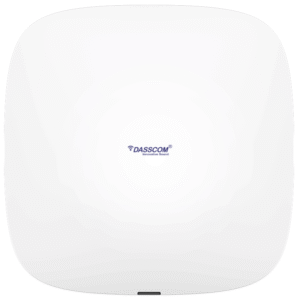
WiFi 5 DAP-1000C
View Product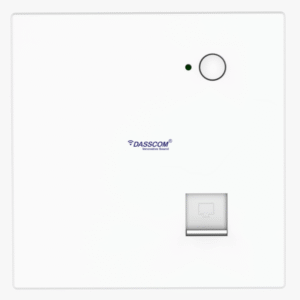
WiFi 5 DAP-500IN
View Product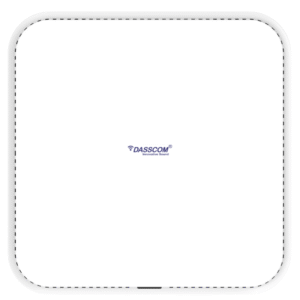
WiFi 6 DAP-2200C
View Product WiFi 6 DAP-2205C
View Product WiFi 7 DAP-3300C
View Product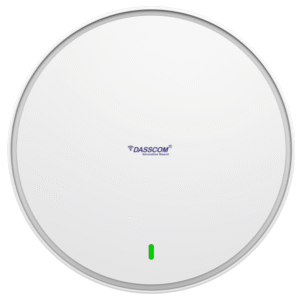
Wi-Fi 6 DAP-1100C
View ProductRelated Blogs
PoE Switch Power Budget: How to Size Your Network for IP Phones and Access Points
Read More
High-Density Wi-Fi Planning for Offices, Hotels and Campuses
Read More
Best Noise Cancelling Headset for Call Centers: 2026 Buying Guide
Read More