
 Indoor Speakers
 Paging Controller
 Outdoor Speakers
 IP Amplifier & Gateway
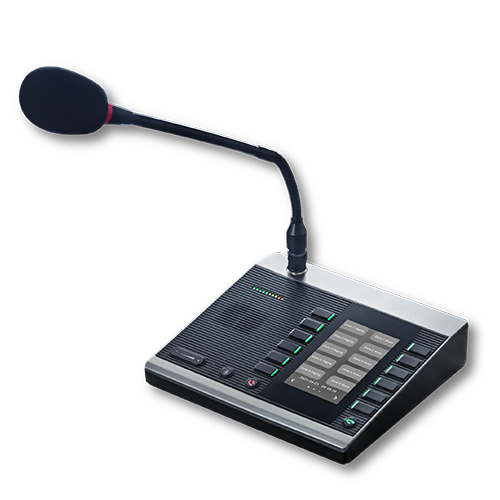 Paging Microphones
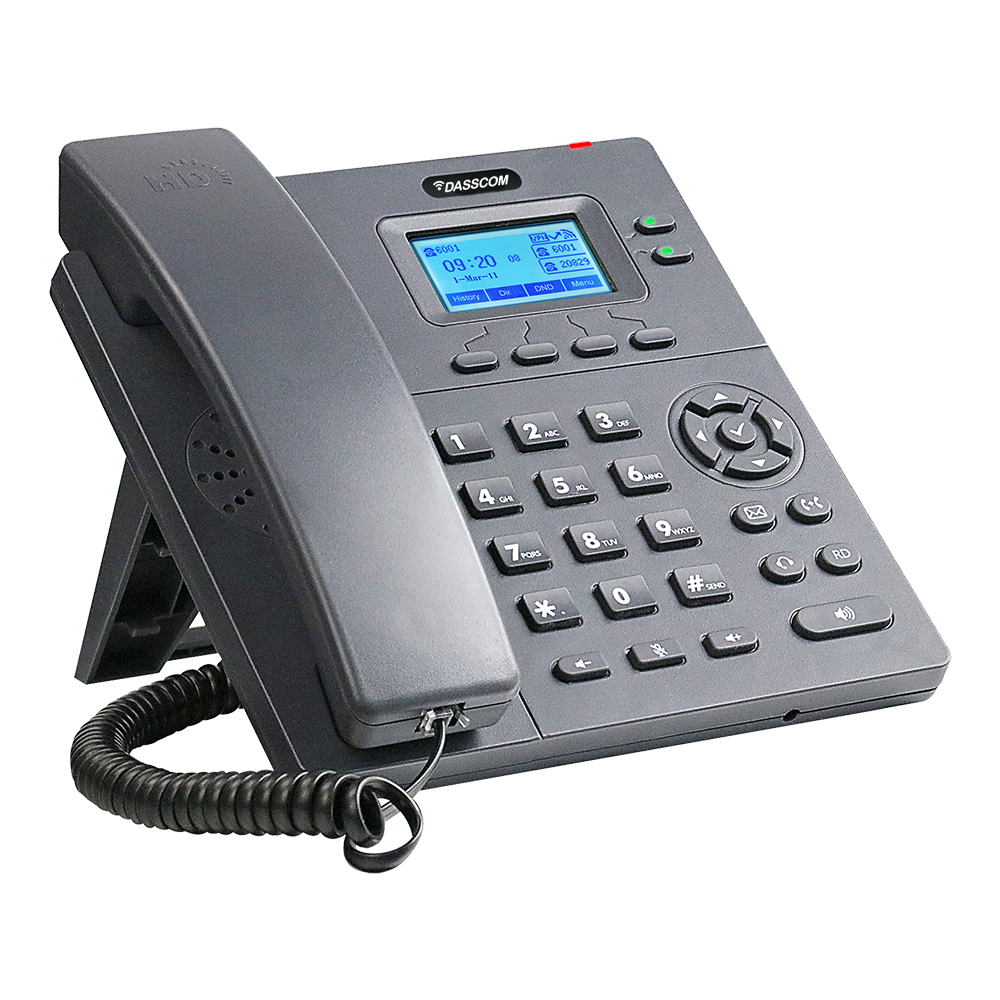 Basic IP Phones
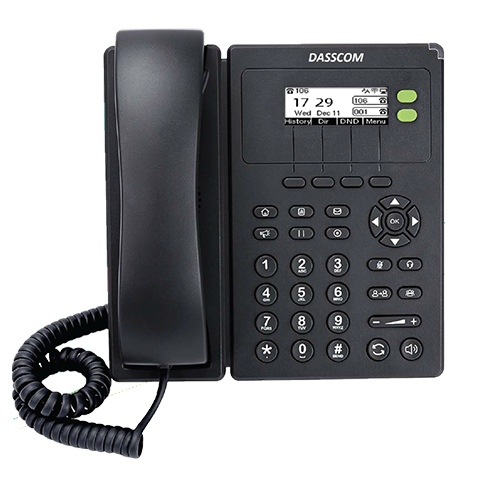 Wifi Phones
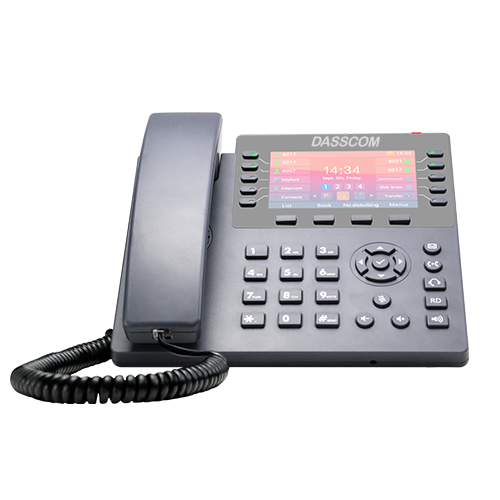 Executive IP Phones
 Video Phones
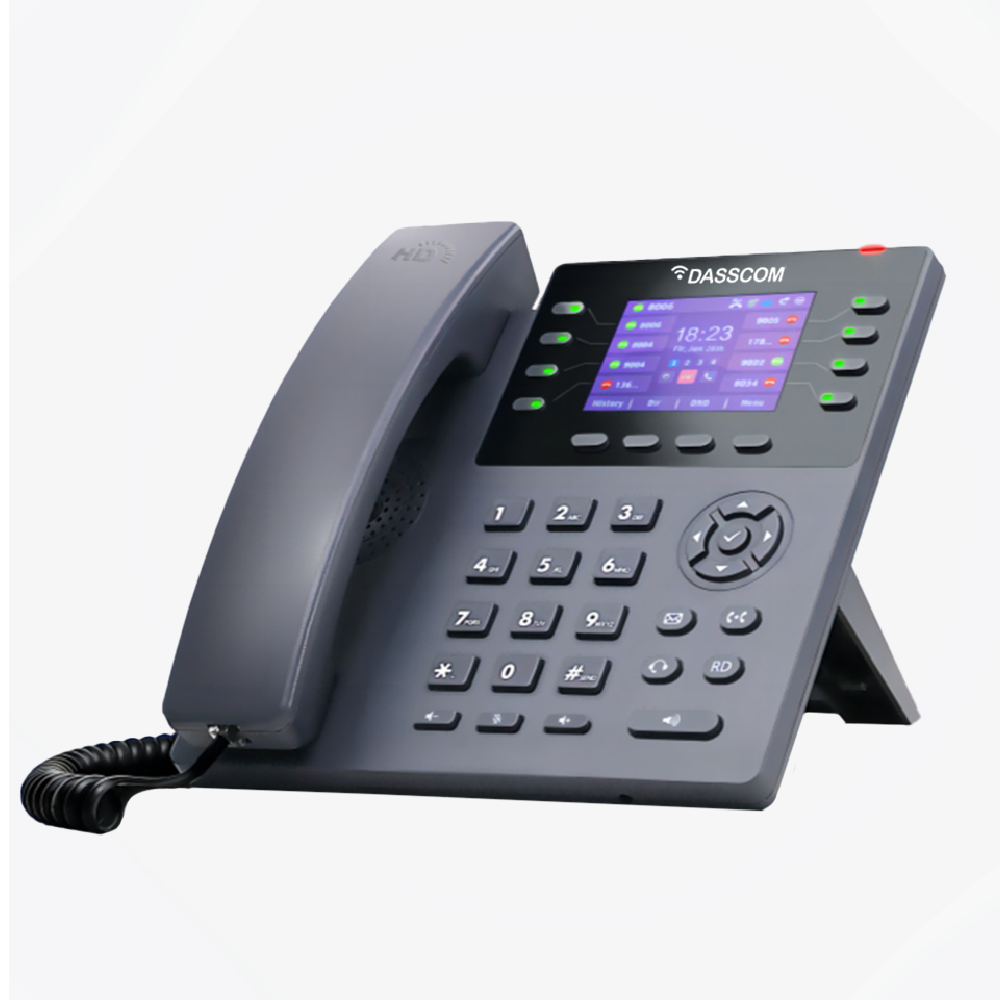
 Duc-series
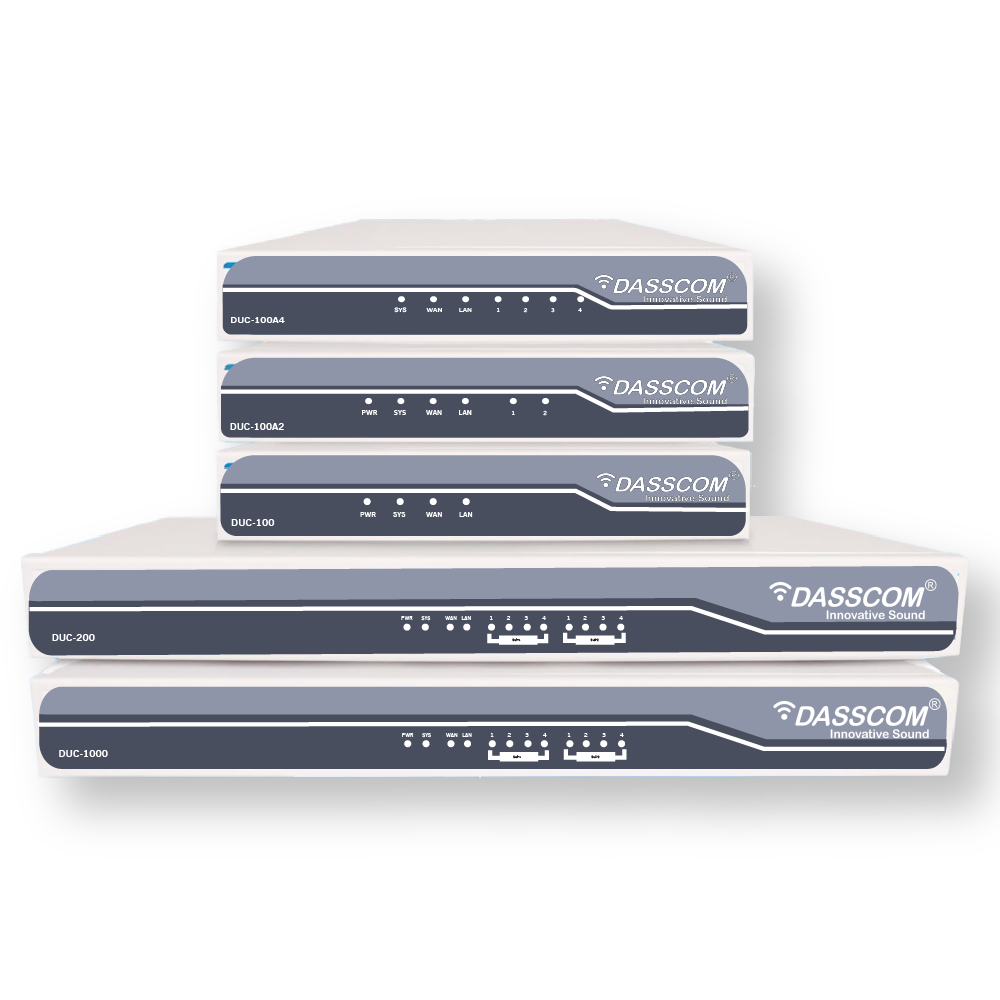
 FXS/FXO Gateways
 E1/T1 Gateway
 Unmanaged Switches
 Managed Switches
 Industrial Switches
 Access Points
 Safety Intercoms
 Veda Series
 Divine Series
 Tatva Series
 VoIP Office
 Call Center Solutions
 Network Communications
 Public Safety
 Video & Security System
 Highway Communication
 Intercom System
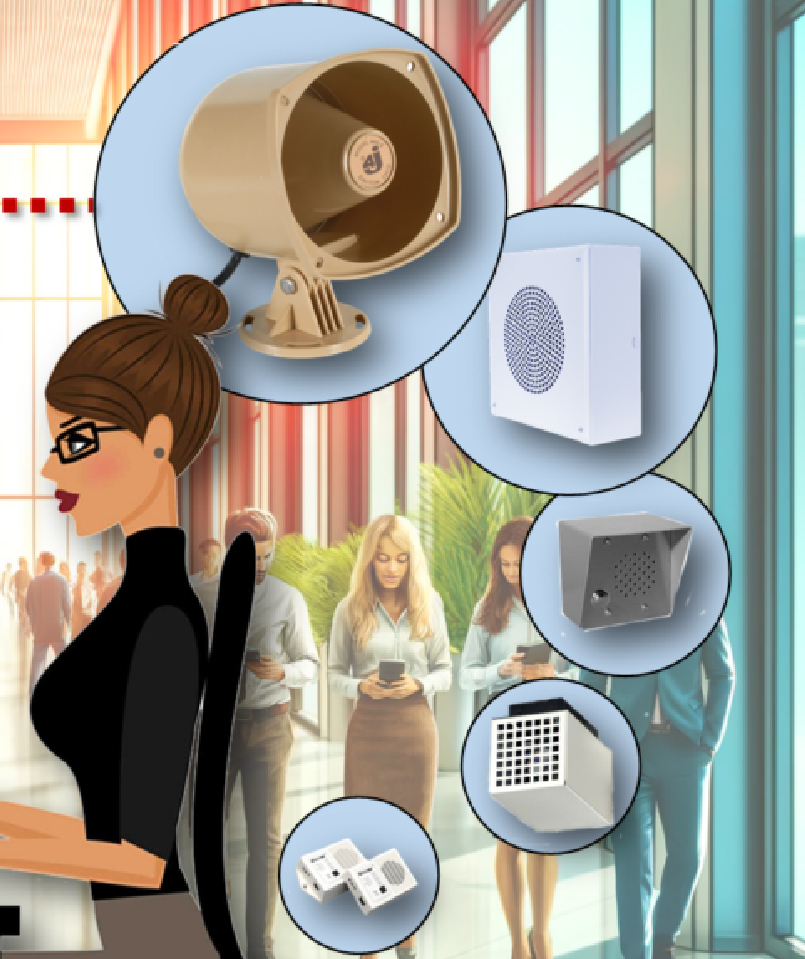 IP Paging Solutions

 Healthcare
 Hospitality
 School & Universities
 IT Office
 SMEs and SMBs
 Industries


 Public Address System
 VOIP Phones
 VOIP PBX
 VOIP Gateways
 Networking Solutions
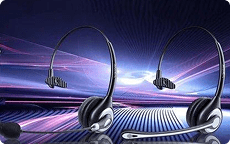 Call Center Headsets
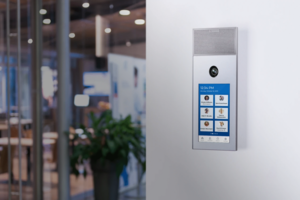 Emergency Intercom Stations


How to Choose a Noise-Cancelling Microphone Headset for a Busy Call Centre
Learn how to choose the right headset for a busy call centre by comparing microphone noise cancellation, audio clarity, comfort, connectivity, durability, and compatibility with business communication systems.
fffs
In a busy call centre, clear communication is essential. Agents handle customer enquiries, sales calls, technical support requests, and service complaints while conversations and background noise continue around them. The wrong headset can make it difficult to hear customers clearly and prevent customers from hearing agents properly.
A noise-cancelling microphone headset helps address this challenge by reducing unwanted background sounds captured by the microphone. When combined with comfortable construction, reliable connectivity, and clear audio, it can support professional communication throughout long working shifts
For businesses choosing headsets, the priority should be understanding the working environment, identifying the right noise-reduction features, and selecting equipment compatible with the existing telephone or computer setup.
Why Does a Call Centre Need a Noise-Cancelling Headset?
Call centres often operate with multiple agents working in close proximity. Conversations, keyboard sounds, office equipment, and other background noise can interfere with customer calls.
A suitable headset helps agents concentrate on conversations and communicate without holding a telephone handset. Microphone noise reduction can also help reduce unwanted environmental sounds transmitted to customers.
This is especially useful for BPOs, customer service departments, sales teams, IT helpdesks, and technical support centres where employees handle calls throughout the day.
However, not all noise-cancellation technologies work in the same way. Understanding the difference between microphone noise cancellation and headphone noise cancellation is an important first step.
Microphone Noise Cancellation vs. Headphone Noise Cancellation
These two features address different problems.
Microphone noise cancellation focuses on reducing unwanted sounds picked up by the microphone and transmitted to the other person on the call. It is particularly important when agents work in shared spaces.
Headphone noise cancellation focuses on reducing the background noise an agent hears. Depending on the technology, this may involve passive isolation from the ear cushions or active noise cancellation.
When evaluating a noise-cancelling microphone headset, prioritize microphone performance if your main concern is preventing customers from hearing surrounding conversations. If agents also struggle to concentrate because of office noise, consider the headset’s listening-side isolation as well.
Do not assume that a noise-cancelling microphone automatically means the headset includes active noise cancellation for the wearer. Check the specifications of the particular model.
6 Important Features to Check Before Buying
1. Microphone Quality and Noise Reduction
Microphone performance should be one of the first considerations when selecting professional headsets.
Look for a microphone designed for voice communication, with suitable noise-reduction characteristics and an adjustable boom that can be positioned correctly. Directional pickup patterns can help focus on the speaker’s voice, depending on the microphone design.
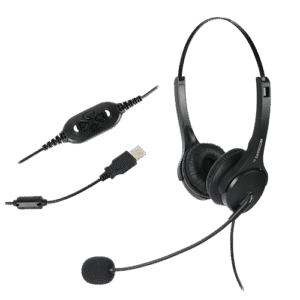
Dasscom’s DS-52 datasheet specifies a bidirectional microphone with a noise-cancelling pickup pattern, along with a flexible microphone boom.
Before purchasing in bulk, test the headset in a realistic working environment. Have agents make calls while colleagues are speaking nearby and assess whether the customer’s side of the conversation remains clear.
2. Comfort for Long Working Hours
Call centre agents may wear headsets for extended periods, so comfort directly affects day-to-day usability.
Look for lightweight construction, an adjustable headband, comfortable ear cushions, and a microphone boom that can be positioned without repeated adjustments.
Dasscom’s call centre range includes features such as adjustable headbands, cushioned ear interfaces, and lightweight designs intended for professional use.
Whenever possible, let agents test shortlisted models before ordering equipment for an entire team. Individual comfort preferences can differ.
3. Connectivity With Existing Equipment
A headset must work with the equipment agents use every day. Some call centres operate through desktop computers and softphones, while others use desk phones or IP phones.
Common connection options include USB, RJ-09, 3.5mm, 2.5mm, and Quick Disconnect (QD), depending on the headset model and configuration.
A USB headset for calls can be a practical choice for PC-based communication because it connects directly to a compatible computer. For desk-phone deployments, verify the headset’s connector and compatibility with the specific telephone model.
4. Audio Clarity
Both the agent and the customer should be able to hear conversations comfortably.
Look for a headset designed for professional voice communication, with specifications appropriate for telephone calls. The microphone should capture the agent’s voice clearly, while the headphone speakers should reproduce customer speech intelligibly.
Wideband audio can support a broader voice frequency range where the headset, telephone system, and communication platform all support it.
Remember that call quality also depends on the telephone system, network connection, software, and the audio settings used by the organization.
5. Durability and Maintenance
Headsets in busy contact centres experience frequent daily use. Employees may repeatedly wear, remove, adjust, and reposition them throughout their shifts.
Consider build quality, cable durability, replaceable parts, availability of accessories, and after-sales support. For larger deployments, standardizing on a few suitable models can also simplify purchasing, maintenance, and replacement.
6. In-Line Controls and Ease of Use
Depending on the model, in-line controls can make everyday call handling more convenient. Features may include volume adjustment and microphone mute.
Check which controls are available and whether they work as expected with the intended communication setup. Simple, consistent operation can be especially useful when onboarding large teams.
Which Dasscom Headset Should You Consider?
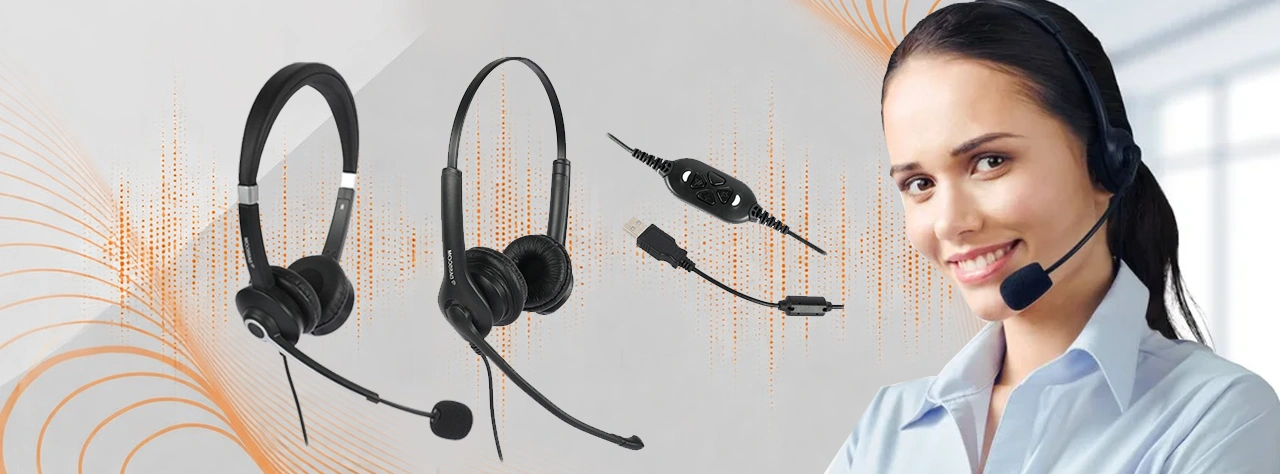
Dasscom offers three models in its professional call centre headset range: the DS-52, DS-900, and DS-1100. Their published configurations provide different connectivity options for business communication environments.
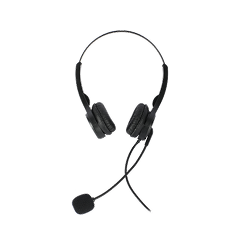
Dasscom DS-52 — Veda Series
The DS-52 is a lightweight binaural headset with an adjustable headband and soft leatherette ear cushions. Its published specifications identify a noise-cancelling microphone pickup pattern and options for USB, 3.5mm, and RJ-09 connectivity, depending on the configuration.
It is worth considering for businesses that need a straightforward headset for desk phones, IP phones, computers, or compatible mobile devices.
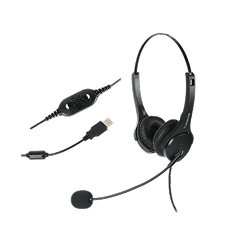
Dasscom DS-900 — Divine Series
The DS-900 is designed for professional communication environments and is available in configurations for desk phones, IP phones, soft dialers, laptops, and PCs. The specific connection depends on the selected version.
It can be considered by organizations that need flexibility across different communication setups.
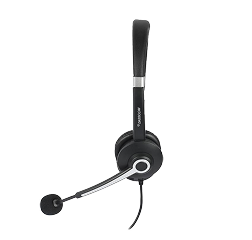
Dasscom DS-1100 — Tatva Series
The DS-1100 offers multiple interface options, including USB, 3.5mm, 2.5mm, RJ, and QD configurations, depending on the version. Dasscom positions it for high-volume call centre environments that need connectivity flexibility.
For larger teams, confirm the exact interface, microphone features, and compatibility requirements before standardizing on this model.
The best choice depends on the equipment already in use, the noise conditions, and the comfort preferences of your agents—not just the model name.
Wired or Wireless: Which Is Better for a Call Centre?
Wired headsets are often practical for fixed workstations. They do not require battery charging and can simplify deployment across large teams.
Wireless headsets offer more freedom of movement, which can be useful for supervisors or employees who need to move away from their desks. However, battery life, charging arrangements, wireless connectivity, and device management must be considered.
For a traditional fixed-desk contact centre, wired equipment may provide the simplest solution. For more mobile workflows, wireless options may be worth evaluating.
How to Test a Headset Before Bulk Purchasing
Before ordering headsets for dozens or hundreds of agents, conduct a practical evaluation.
First, test microphone performance in the actual call centre environment. Ask someone on the other end of a call to assess how clearly the agent’s voice comes through while other people are speaking nearby.
Next, assess comfort over a representative working period. Check headband pressure, ear-cushion comfort, microphone positioning, and ease of adjustment.
Then verify compatibility with the existing telephone or computer setup. Test volume controls, mute functionality, and call handling where supported.
Finally, collect feedback from the agents who will use the equipment daily. This can help identify usability problems before they affect an entire team.
How to Test a Headset Before Bulk Purchasing
One common mistake is focusing only on headphone noise cancellation while overlooking the microphone. In a busy call centre, the sounds transmitted to customers can be just as important as the sounds the agent hears.
Another mistake is purchasing headsets without checking connector compatibility. A USB model may not connect directly to a desk phone that requires a different interface.
Businesses should also avoid selecting equipment based only on price. Comfort, durability, compatibility, maintenance, and replacement availability all contribute to long-term value.
Finally, do not assume every headset in a product range has identical features. Confirm the exact model and configuration before purchasing.
Final Thoughts
Choosing the right headset means balancing microphone noise reduction, comfort, connectivity, durability, and compatibility. Test shortlisted models in realistic working conditions before bulk purchasing. Dasscom’s DS-52, DS-900, and DS-1100 offer options for different professional communication setups and contact centre requirements.
types of call center

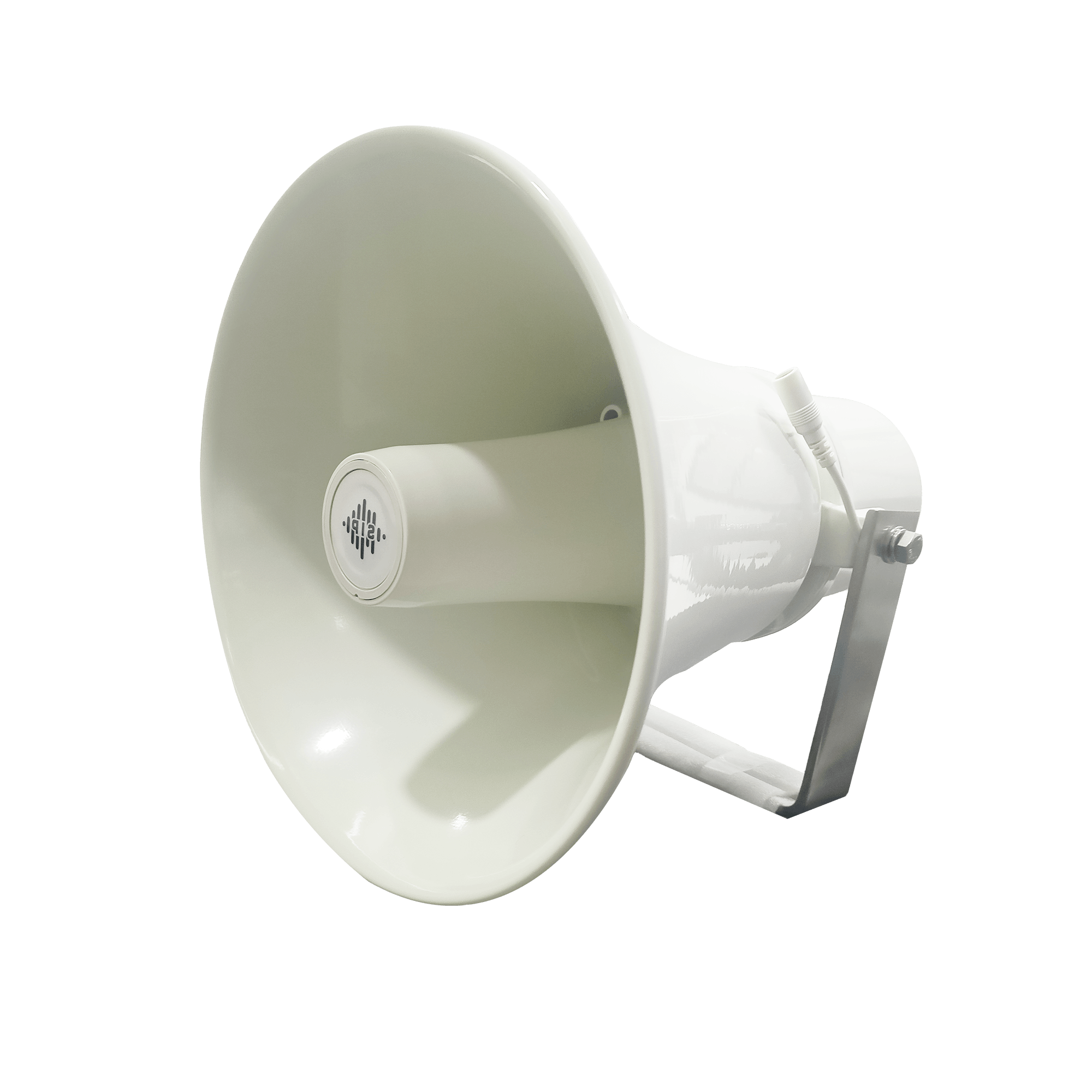
DS-15H
15 watt Horn speaker Support SIP IP 65 Rating Support BGM and announcement
DS-10C
10 watt Ceiling Speaker Support SIP PoE enabled Support BGM & announcement
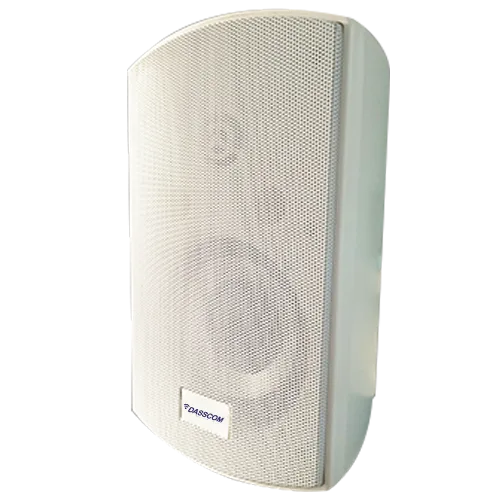
DS-15W
15 watt wall-mount speaker Support SIP PoE enabled Support BGM and announcement
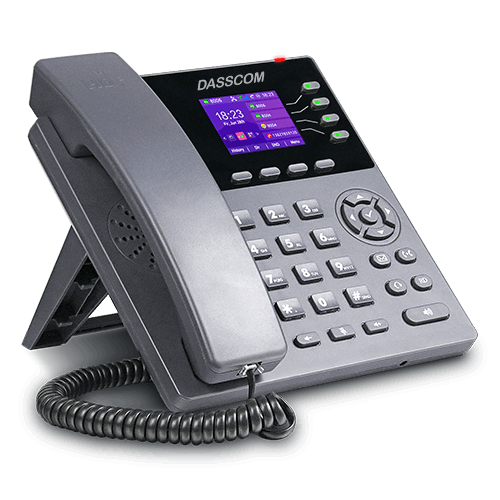
DXP-7200N
4 SIP Account PoE phone Colour Screen HD Voice
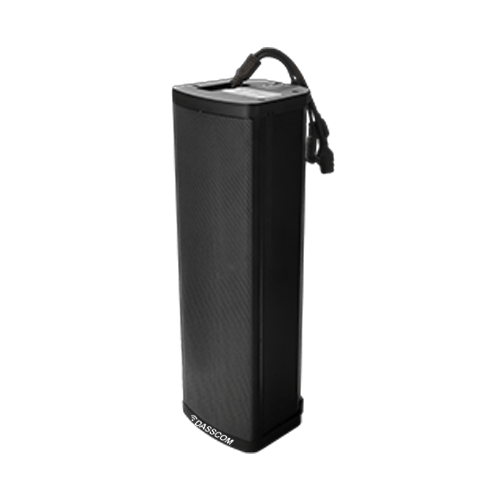
DS-30ECL
1.Built-in 30W amplifier, 2.Class D Amplifier
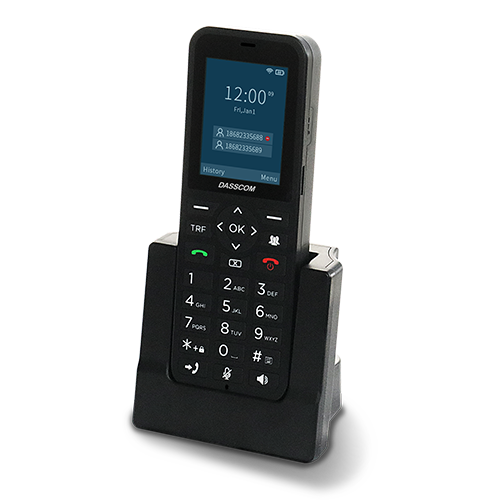
DW-100
2 SIP accounts Wi-fi Support Cordless Phone
Quick summary
See how Nextiva transforms the sales and support team productivity.
Frequently Asked Questions (FAQs)
1. What is a noise-cancelling microphone headset?
It is a headset with a microphone designed to reduce unwanted background sounds captured during voice communication. Its effectiveness depends on the microphone design, processing, and surrounding conditions.
2. Are call centre headsets different from regular headphones?
Professional call centre headsets are designed for voice communication and frequent calling. Depending on the model, they may offer a boom microphone, business-focused connectivity, adjustable construction, and features suited to extended use.
3. Is a USB headset for calls suitable for a busy contact centre?
Yes, if agents use compatible computers or softphones. Before deployment, confirm operating-system and application compatibility, microphone performance, and the controls available on the selected headset.
4. Which Dasscom headset should I choose for my call centre?
Consider the DS-52, DS-900, and DS-1100 based on your devices, connector requirements, microphone needs, and working environment. Confirm the precise configuration with Dasscom before purchasing.
5. How important is headset microphone noise cancellation?
It is important in shared workspaces because it can help reduce surrounding sounds transmitted to customers. Testing the microphone in the actual environment is the best way to assess whether it meets your needs.
Related Products
DS-52
View Product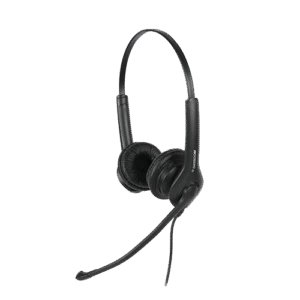
DS-900
View Product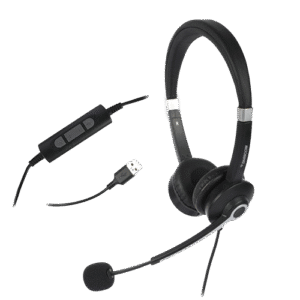
DS-1100
View Product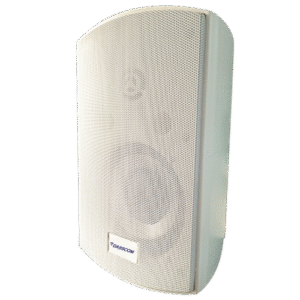
DS-15W
View Product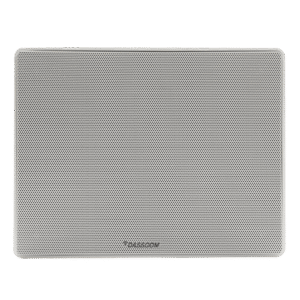
DS-15EWM
View Product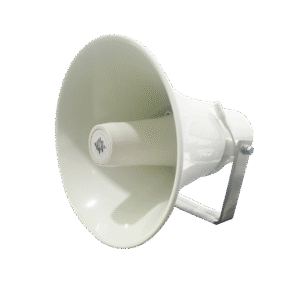
DS-30EH
View ProductRelated Blogs

SIP Speaker Buying Guide: Ceiling, Wall-Mount or Horn Speaker?
Read More
How to Choose an IP PBX System for a 20–100 Employee Office
Read More
PoE Switch Power Budget: How to Size Your Network for IP Phones and Access Points
Read More