 Indoor Speakers
 Paging Controller
 Outdoor Speakers
 IP Amplifier & Gateway
 Paging Microphones
 Basic IP Phones
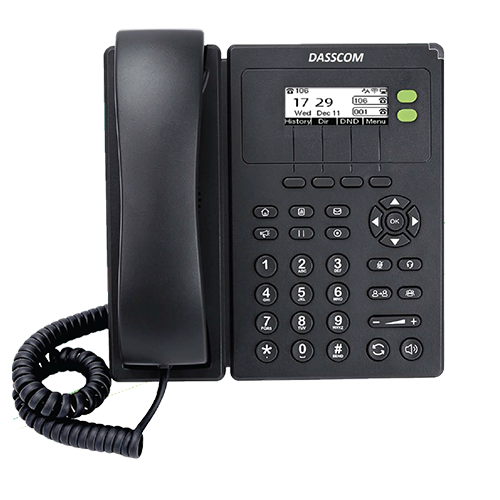 Wifi Phones
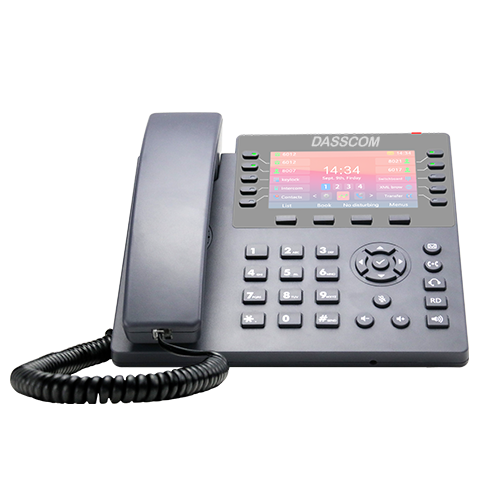 Executive IP Phones
 Video Phones
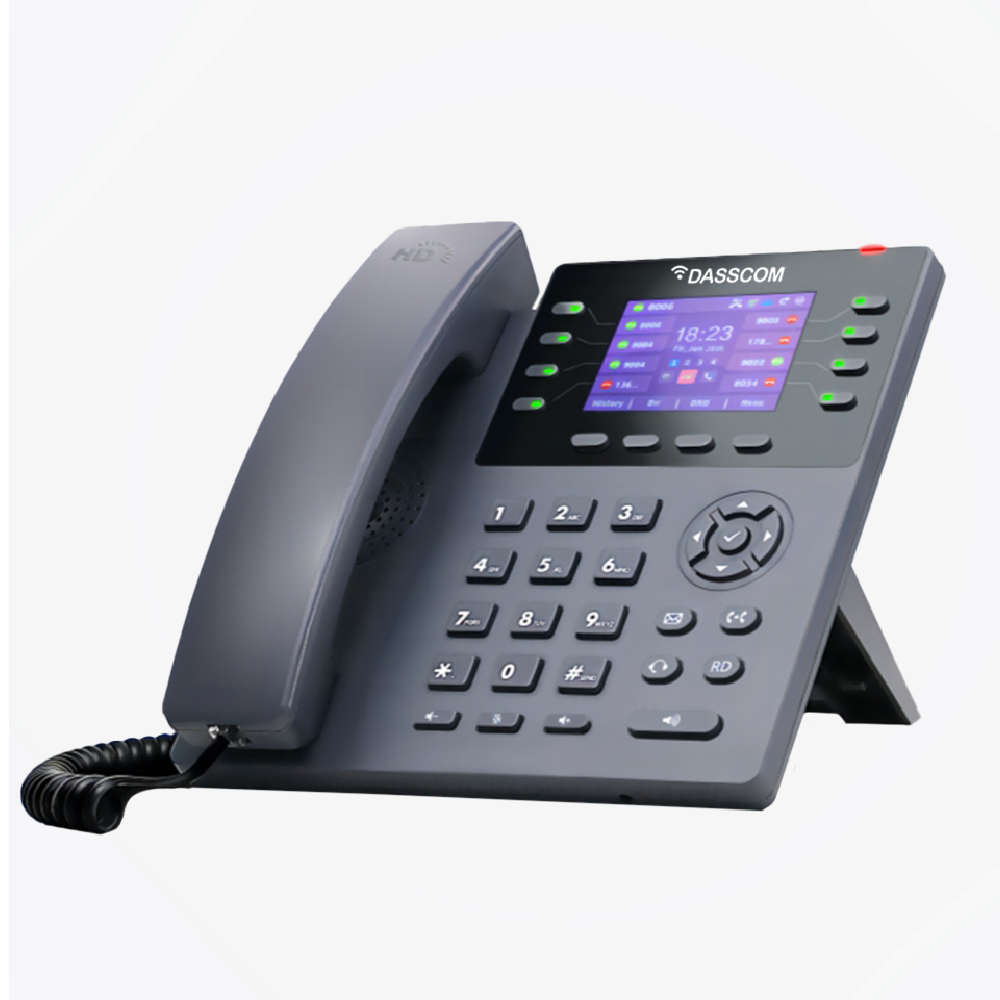
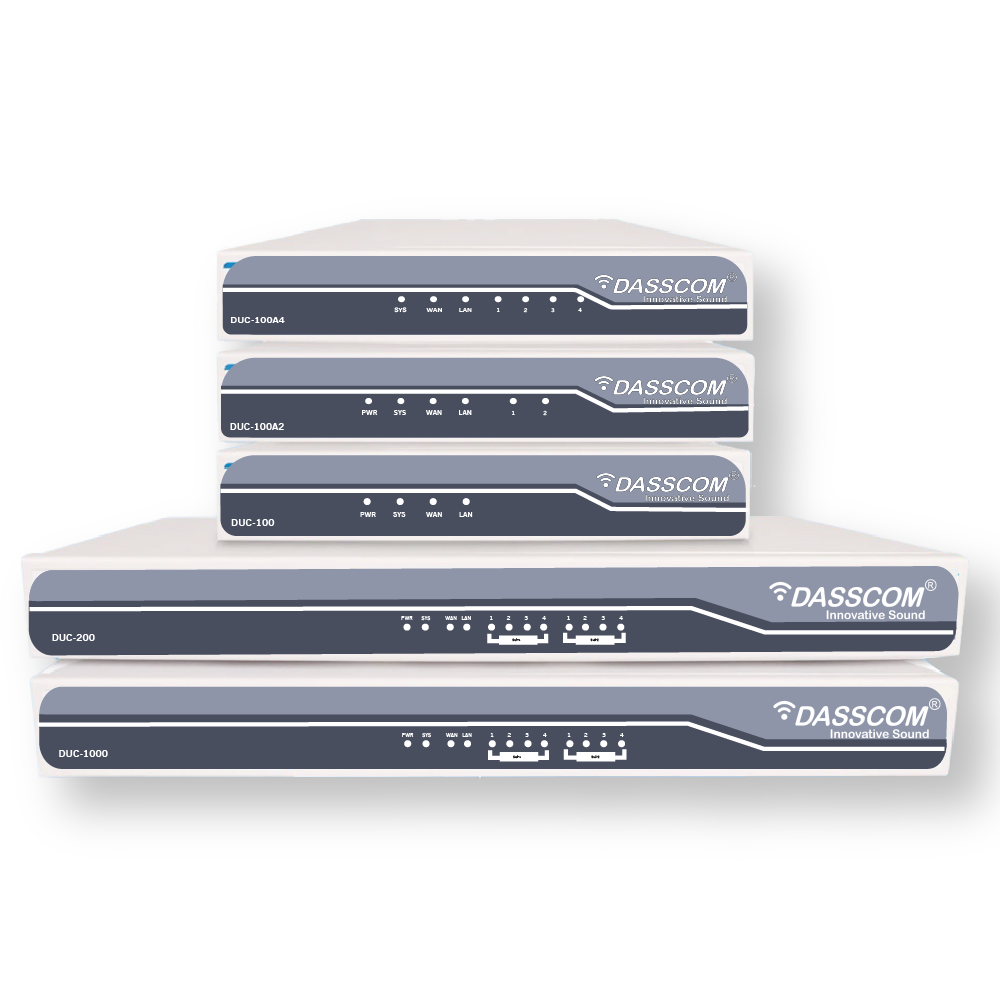
 Duc-series
 FXS/FXO Gateways
 E1/T1 Gateway
 Unmanaged Switches
 Managed Switches
 Industrial Switches
 Access Points
 Safety Intercoms
 Veda Series
 Divine Series
 Tatva Series
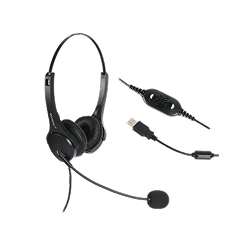
 VoIP Office
 Call Center Solutions
 Network Communications
 Public Safety
 Video & Security System
 Highway Communication
 Intercom System
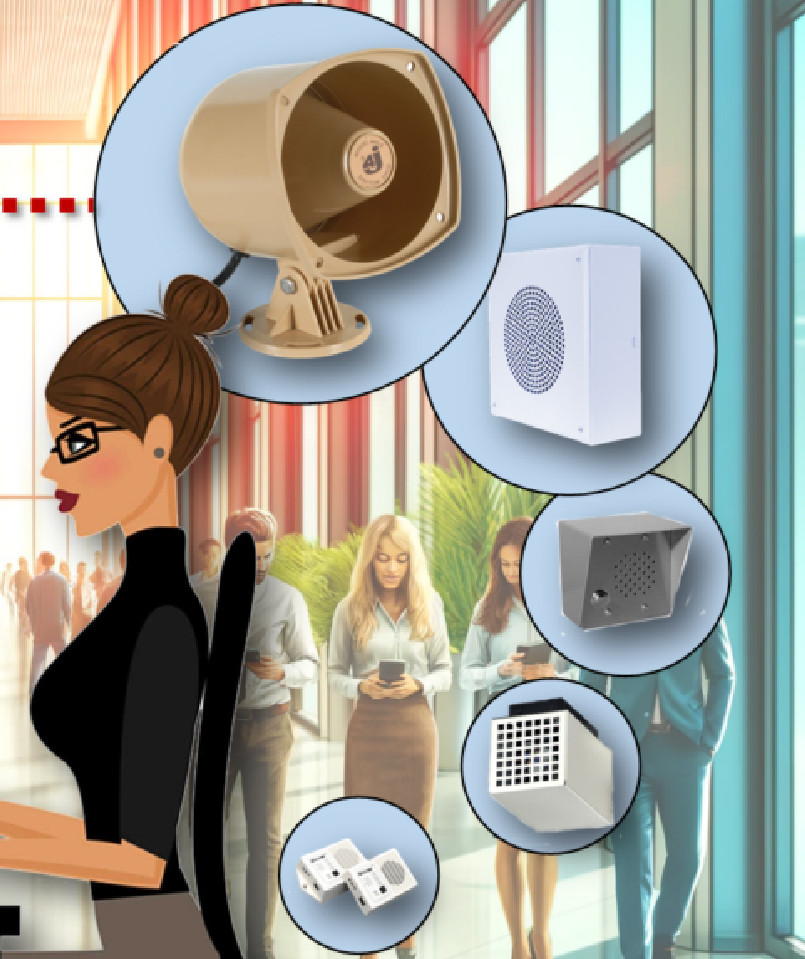 IP Paging Solutions

 Healthcare
 Hospitality
 School & Universities
 IT Office
 SMEs and SMBs
 Industries


 Public Address System
 VOIP Phones
 VOIP PBX
 VOIP Gateways
 Networking Solutions
 Call Center Headsets
 Emergency Intercom Stations


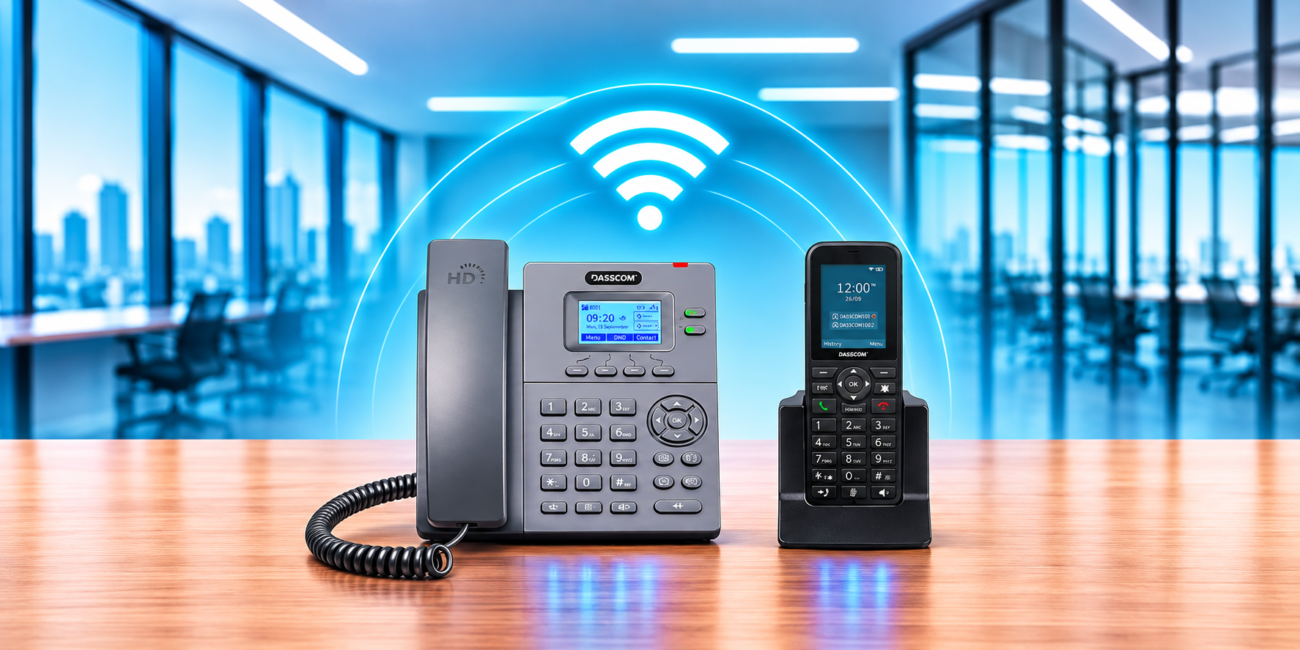
Choose the Right WiFi Phone for Business: Features, Compatibility, and Deployment
Choosing the right business phone involves more than selecting a device with wireless connectivity. This guide explains essential features, compatibility requirements, network planning and deployment considerations to help businesses choose a reliable communication solution.
fffs
What Is a WiFi Phone for Business?
A WiFi phone is a business communication device that connects to a wireless network to make and receive voice calls using Voice over Internet Protocol (VoIP). Instead of depending entirely on a physical Ethernet connection, it uses the organisation’s WiFi infrastructure to communicate with an IP PBX or compatible VoIP platform.
For businesses with mobile employees, multiple departments, warehouses, hospitals or large office spaces, wifi phones offer greater flexibility in phone placement and everyday communication. Employees can move around within the available wireless coverage while remaining connected to the business phone system.
A wireless VoIP phone is particularly useful when installing network cables at every workstation is inconvenient. However, wireless connectivity alone does not guarantee reliable calls. The device must be compatible with the communication platform, and the WiFi network must provide sufficient coverage, capacity and security.
Why Should Businesses Consider a WiFi Phone?
Traditional desk phones generally remain connected to a fixed workstation through physical cabling. While this arrangement works well for employees who spend most of their time at a desk, it may not suit teams that move frequently between departments or work areas.
A wifi voip phone can help address this limitation by using the existing wireless network for voice communication. Businesses can position compatible devices in areas where wired connectivity is difficult, subject to network coverage and power requirements.
The main advantages include:
1. Greater workplace mobility: Employees can use their phones in different covered areas instead of remaining tied to a fixed desk. This is helpful for supervisors, healthcare staff, warehouse teams and operational personnel.
2. Flexible installation: A wireless device can reduce the need for Ethernet cabling at every phone location. This can simplify deployment in existing buildings, temporary workspaces and expanding offices.
3. Flexible workspace planning: Organisations can rearrange workstations or departments without necessarily relocating physical network connections for every phone.
4. Integration with business telephony: Compatible devices can register with an IP PBX or supported VoIP platform, allowing businesses to manage extensions and calling features through their communication infrastructure.
Key Features to Check Before Buying
Not every wireless phone offers the same capabilities. Before selecting a wifi ip phone, evaluate the following features according to your business requirements.
1. WiFi Connectivity and Network Support
Start by checking the wireless standards and frequency bands supported by the device. For example, a phone designed for 2.4 GHz WiFi must be deployed on a network that supports the same band.
Also consider the distance between access points, physical obstructions, interference and the number of connected devices. A phone may support wireless connectivity, but poor signal strength can still affect call performance.
2. SIP Account Compatibility
Session Initiation Protocol (SIP) is commonly used to establish and manage VoIP calls. Check how many SIP accounts the device supports and whether this meets your extension and call-handling requirements.
For example, a phone with two SIP accounts may be suitable for users who need to manage more than one business identity or line. Confirm that the device supports the SIP configuration required by your IP PBX or service provider.
3. HD Voice and Audio Quality
Clear communication is essential for customer-facing teams and internal coordination. Look for HD voice support, suitable audio codecs, echo cancellation and full-duplex hands-free functionality where required.
A wireless VoIP phone should deliver understandable conversations in the actual working environment. Test audio quality in busy areas, meeting rooms and locations where background noise is common.
4. Battery Life and Charging
Battery performance is particularly important for cordless devices. Check talk time, standby time, charging arrangements and how long the phone takes to recharge.
For employees who use their devices throughout a shift, consider charging locations and whether spare charging facilities are needed. A cordless phone with insufficient battery capacity may interrupt communication during working hours.
5. Security Features
Business calls can involve confidential customer, employee or operational information. Review the phone’s supported security protocols and configuration options.
Depending on the model, useful capabilities may include TLS for signalling security, SRTP for voice encryption, HTTPS management and secure authentication. Confirm that the communication server and network are configured to use compatible security settings.
6. Provisioning and Management
For organisations deploying several devices, remote configuration can save administration time. Look for auto-provisioning, web-based management and firmware update support.
These capabilities help IT teams configure devices consistently and manage changes without manually setting up every phone.
Understanding Compatibility: Phone, Network and IP PBX
Before purchasing devices, check three areas of compatibility: the wireless network, the communication platform and the device configuration.
WiFi Network Compatibility
The phone must support the wireless frequency and security configuration used by the organisation. Check whether the network has adequate coverage in all intended calling areas.
Businesses should also review access point capacity, channel interference, roaming behaviour and network congestion. A network designed mainly for browsing and email may need additional planning before it can support business voice traffic reliably.
IP PBX and SIP Compatibility
A wifi voip phone generally needs to register with an IP PBX or compatible hosted VoIP service. Confirm the SIP version, authentication method, codecs and required network settings.
Standard SIP support helps with interoperability, but it does not automatically guarantee that every feature will work with every platform. Test essential functions such as call transfer, hold, conferencing, voicemail and extension registration before a large deployment.
Network Security and Voice Traffic
IT teams should review VLAN configuration, firewall rules, Quality of Service (QoS) policies and access controls. Where supported, prioritising voice traffic can help manage competition between calls and other network applications.
A wifi ip phone should also be included in the organisation’s device security policy. Use strong credentials, restrict administrative access and keep firmware updated according to the manufacturer’s guidance.
Explore Dasscom Access Points
How to Deploy WiFi Phones in Your Business
A successful deployment starts with planning rather than simply connecting devices to the nearest wireless network.
Step 1: Identify User Requirements
List the departments and employees who need wireless communication. A warehouse supervisor, hospital staff member and office executive may have different requirements.
Determine whether users need a cordless device, multiple SIP accounts, hands-free calling, long battery life or access to specific PBX features.
Step 2: Conduct a WiFi Site Survey
Map the areas where employees will use their phones. Check signal strength, coverage gaps, interference and network capacity.
Pay attention to corridors, lifts, storage areas, staircases and rooms with thick walls. These locations may experience weaker signals than open office spaces.
Step 3: Verify IP PBX Configuration
Obtain the required SIP extension details, authentication credentials, server address and supported codec information. Confirm the device’s compatibility with the existing communication platform.
For a larger rollout, test a small number of extensions first. This helps identify configuration issues before they affect the entire organisation.
Step 4: Configure Security and Network Policies
Set up appropriate wireless authentication and access controls. Review firewall permissions, voice traffic prioritisation and encryption settings.
IT administrators should also establish a process for firmware updates, password management and device replacement.
Step 5: Test Calls Across Different Locations
Make internal and external calls from all intended operating areas. Test call quality while moving between covered zones, where applicable.
Check registration stability, audio clarity, battery performance and essential calling features. Resolve coverage or configuration issues before handing devices to employees.
Step 6: Train Employees and Monitor Performance
Provide simple instructions for calling, transferring calls, charging devices and reporting connectivity problems.
After deployment, monitor user feedback, call quality and recurring network issues. Regular reviews help businesses identify areas that need additional access points or configuration changes.
Which Businesses Can Benefit from WiFi Phones?
Different industries have different mobility requirements. A suitable wifi phone can support communication in environments where employees do not always work from a fixed desk.
Hospitals and healthcare facilities: Doctors, nurses and support staff often move between wards, departments and workstations. Wireless communication can support coordination across covered areas.
Warehouses and manufacturing facilities: Supervisors and operational teams may need to communicate while moving between storage sections, production areas and administrative spaces. Network coverage must be assessed carefully in industrial environments.
Hotels and hospitality: Staff working across reception, housekeeping and service departments can benefit from flexible communication arrangements.
Large offices and campuses: Employees who regularly move between meeting rooms, departments and shared workspaces may find wireless devices more convenient than fixed desk phones.
Educational institutions: Administrative staff and campus operations teams can use wireless communication in areas supported by the institution’s network.
In each case, the organisation should assess the working environment, network conditions and calling requirements before selecting devices.
Dasscom WiFi Phones for Business Communication
Dasscom offers wireless IP phone options for organisations looking for flexible business communication. Its WiFi phone category includes the DW-100 and DXP-4100, designed for different usage requirements. Explore Dasscom WiFi Phones and review the specifications before choosing a model.
Dasscom DW-100
The DW-100 is a cordless wireless IP phone designed for users who need mobility within a covered workplace. Its listed features include 2.4 GHz WiFi support, two VoIP accounts, HD voice, a colour display and full-duplex hands-free communication.
The product datasheet also lists TLS and SRTP security, local three-way conferencing, remote provisioning and over-the-air management capabilities. Its specified battery performance is more than 10 hours of talk time and more than 10 days of standby time. Actual performance can vary with usage and operating conditions.
View the DW-100 datasheet.
Dasscom DXP-4100
The DXP-4100 is another option in Dasscom’s WiFi phone category. Its published specifications include two SIP accounts, HD voice and 2.4 GHz WiFi support. The DXP-4100 series datasheet also lists features such as local three-way conferencing, programmable keys, VLAN support and security options including TLS and SRTP.
Businesses should confirm the exact model variant and its power and connectivity requirements before deployment.
The right choice depends on how employees work. A cordless device may suit users who regularly move around a facility, while another wireless model may better match a fixed workstation or department-specific requirement.
Common Mistakes to Avoid When Choosing a WiFi Phone
One common mistake is assuming that strong internet connectivity automatically means strong voice performance. Voice calls depend on wireless coverage, network capacity, latency and configuration.
Another mistake is overlooking compatibility. Always verify SIP registration, PBX support, codecs and required security settings before purchasing devices in bulk.
Businesses should also avoid selecting devices based only on price. Battery life, audio quality, management features and long-term support can have a greater impact on operational convenience.
Finally, do not skip pilot testing. A small deployment helps confirm that the device works as expected in the actual workplace before the organisation expands its rollout.
Final Thoughts
Choosing the right business phone requires balancing mobility, audio quality, security and compatibility. Evaluate your wireless infrastructure, verify SIP and IP PBX support, and test devices before deployment. With careful planning, businesses can build a flexible communication environment that supports employees across different workspaces without compromising operational requirements.
Frequently Asked Questions (FAQs)
1. What is the difference between a WiFi phone and a traditional IP phone?
A traditional IP phone commonly connects through an Ethernet cable, while a WiFi phone uses a wireless network for connectivity. Both can use SIP and VoIP technology to communicate through a compatible IP PBX.
2. Can a WiFi phone work with an existing IP PBX?
Yes, if the phone and IP PBX support compatible SIP configurations. Check registration requirements, codecs, authentication and calling features before deployment.
3. Is a WiFi phone suitable for large offices?
It can be suitable when the wireless network provides sufficient coverage and capacity. Large offices should conduct a site survey and test call quality across all intended operating areas.
4. What should I check before buying a wireless business phone?
Review WiFi support, SIP accounts, HD voice, battery life, security protocols, PBX compatibility and provisioning features. Also consider how employees will use the device during their working day.
5. Can businesses use WiFi phones without Ethernet cabling?
Yes. A wireless device can connect through the organisation’s WiFi network instead of requiring an Ethernet connection at its location. However, it still needs a suitable power source and reliable wireless coverage. The exact requirements depend on the phone model.
Related Products
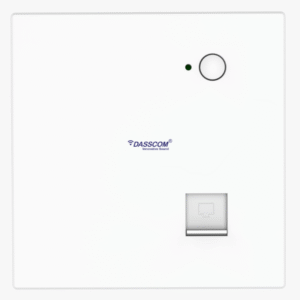
WiFi 5 DAP-500IN
View Product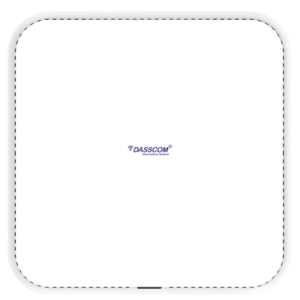
WiFi 6 DAP-2200C
View Product WiFi 6 DAP-2205C
View Product WiFi 7 DAP-3300C
View ProductRelated Blogs
4 Port Network Switch: Features, Applications, and Benefits for Network Connectivity
Read More
What Is a SIP Phone? Features, Types, and Business Uses
Read More
Choose the Right Ethernet Switch for Your Business Network
Read More