 Indoor Speakers
 Paging Controller
 Outdoor Speakers
 IP Amplifier & Gateway
 Paging Microphones
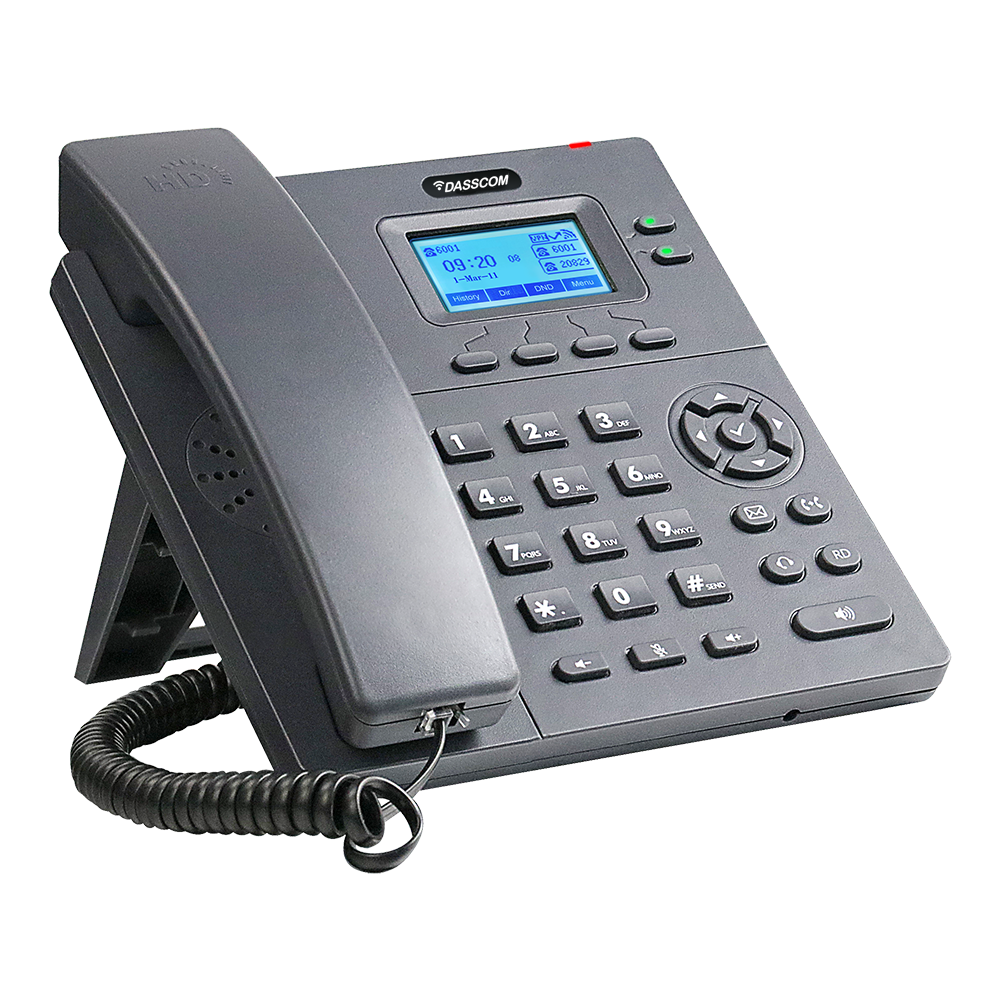 Basic IP Phones
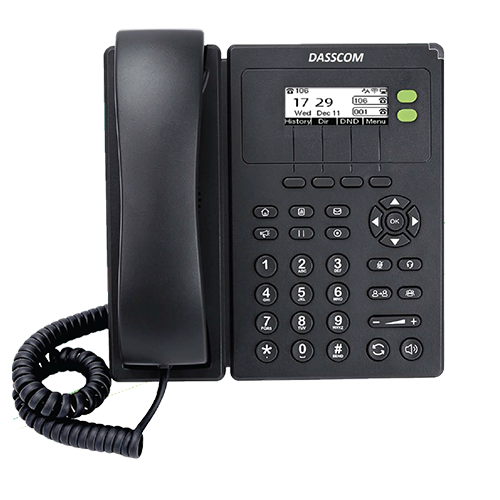 Wifi Phones
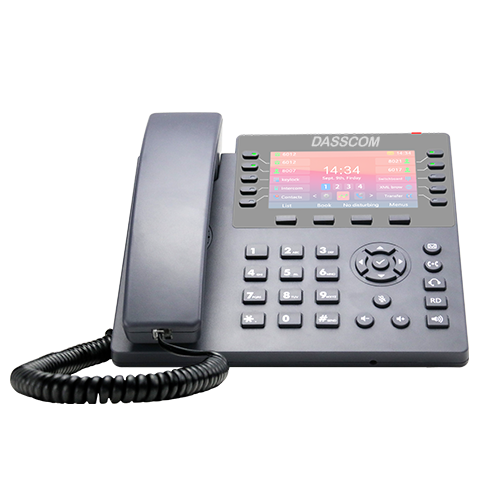 Executive IP Phones
 Video Phones
 Duc-series
 FXS/FXO Gateways
 E1/T1 Gateway
 Unmanaged Switches
 Managed Switches
 Industrial Switches
 Access Points
 Safety Intercoms
 Veda Series
 Divine Series
 Tatva Series
 VoIP Office
 Call Center Solutions
 Network Communications
 Public Safety
 Video & Security System
 Highway Communication
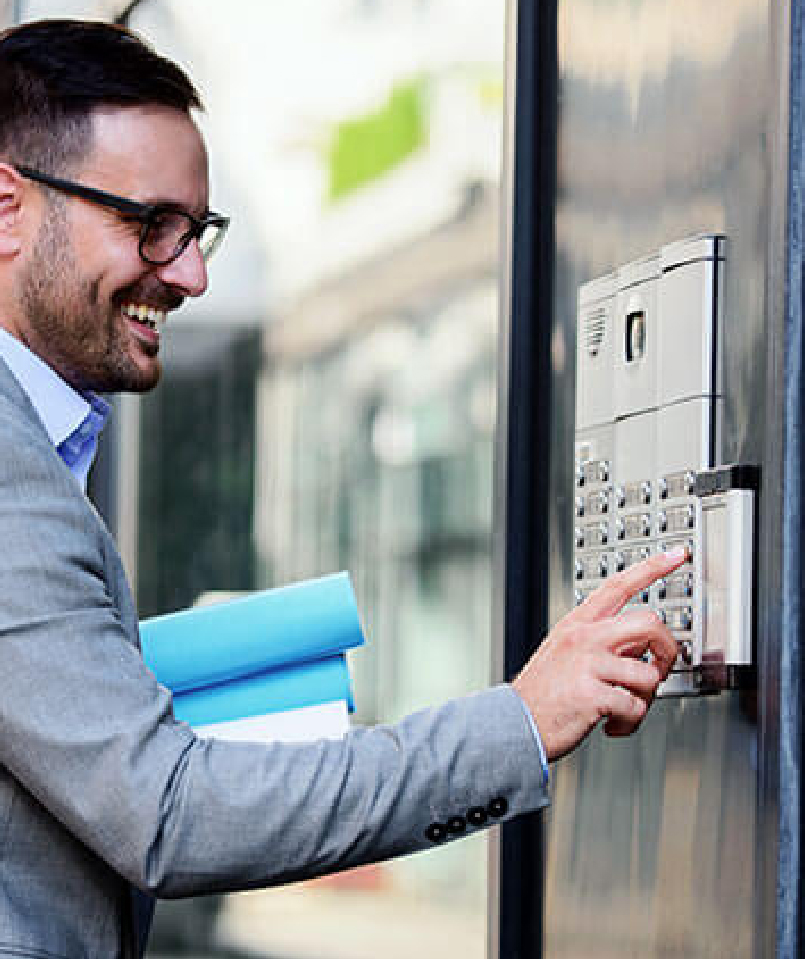 Intercom System
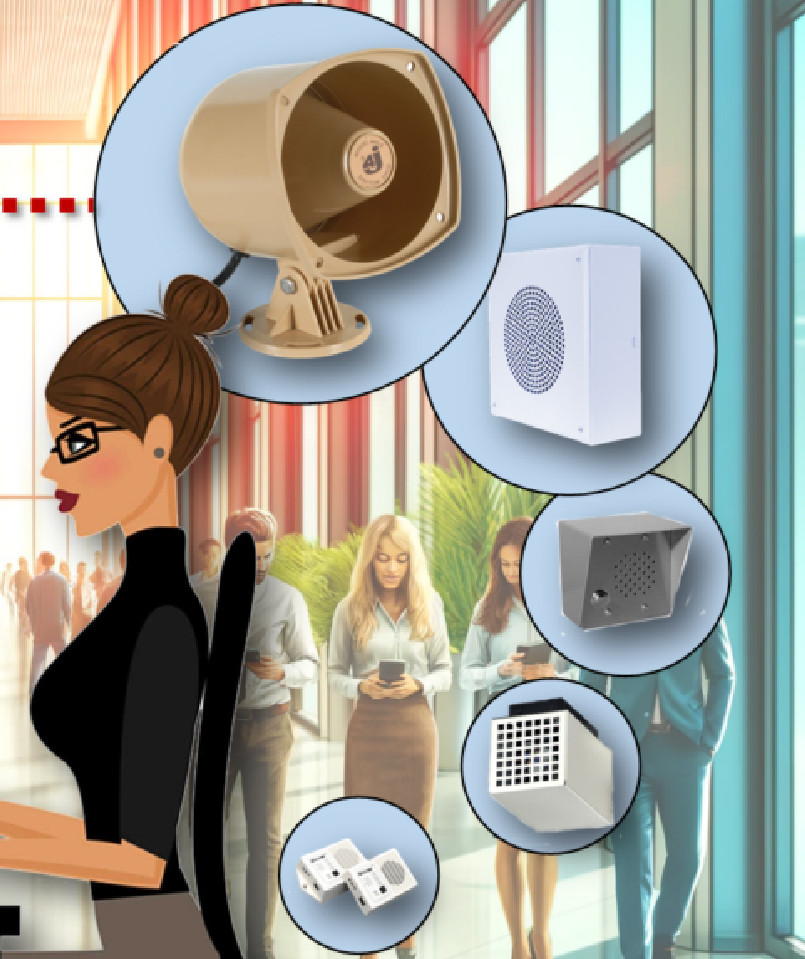 IP Paging Solutions

 Healthcare
 Hospitality
 School & Universities
 IT Office
 SMEs and SMBs
 Industries


 Public Address System
 VOIP Phones
 VOIP PBX
 VOIP Gateways
 Networking Solutions
 Call Center Headsets
 Emergency Intercom Stations


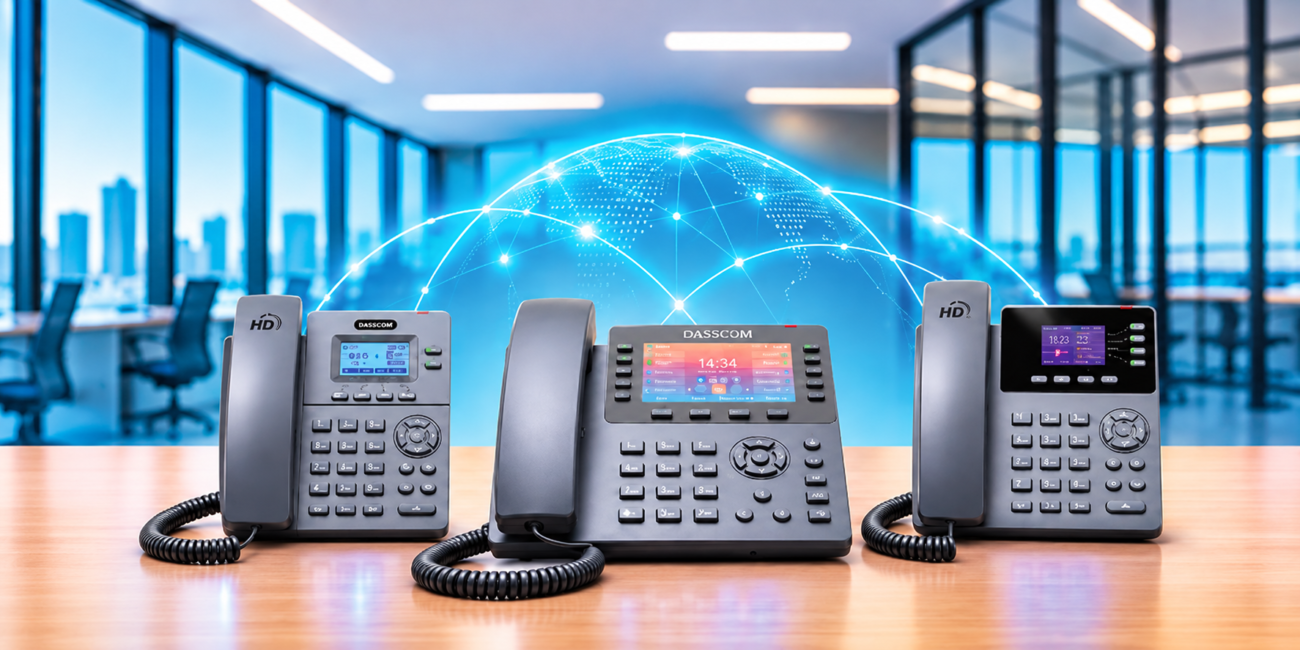
What Is a SIP Phone? Features, Types, and Business Uses
Understand what SIP phones are, how they work, their key features, and business applications. Explore different phone types and how SIP technology supports modern business communication.
fffs
Business communication has evolved beyond traditional telephone lines. Today, organizations use IP networks to manage internal calls, connect remote employees, communicate with customers, and coordinate different departments. One of the technologies supporting this transformation is the Session Initiation Protocol (SIP).
So, what is a SIP phone? A SIP phone is a communication device that uses SIP to establish, manage, and end voice or video communication sessions over an IP network. It allows businesses to make and receive calls through compatible IP PBX systems or VoIP service providers.
For organizations looking to modernize their communication infrastructure, sip phones offer flexibility, multiple account support, and integration with IP-based telephone systems. The right model depends on the number of users, connectivity requirements, calling features, and working environment.
What Is a SIP Phone and How Does It Work?
SIP stands for Session Initiation Protocol. It is a communication protocol used to establish, modify, and terminate multimedia sessions, including voice and video calls.
A SIP phone uses this protocol to communicate with a SIP server, IP PBX, or compatible VoIP service. When a user makes a call, the phone sends a session request through the network. The communication system helps establish the connection with the intended recipient.
Once the call is connected, voice is generally transmitted using a media protocol such as Real-time Transport Protocol (RTP).
A typical SIP-based setup includes:
SIP-enabled IP phones
An IP PBX or compatible SIP server
A SIP trunk or VoIP service provider for external calling
Network switches and routers
Ethernet or Wi-Fi connectivity, depending on the phone
The term sip ip phone is commonly used to describe an IP telephone that supports SIP-based communication. These devices can connect to compatible business telephone systems and provide features beyond basic voice calling.
SIP and VoIP: What Is the Difference?
Although people often use SIP and VoIP interchangeably, they are not the same technology.
VoIP stands for Voice over Internet Protocol. It describes the broader technology of transmitting voice communication over IP networks instead of relying exclusively on traditional telephone infrastructure.
SIP is one of the protocols used to establish and manage communication sessions in VoIP systems.
In simple terms, VoIP describes the communication method, while SIP provides a standardized way to initiate, manage, and terminate sessions.
Understanding sip and voip helps businesses evaluate telephone equipment and communication platforms more accurately. A VoIP system may use SIP, but SIP is not the only protocol that can support IP-based voice communication.
Key Features of SIP Phones
Modern SIP-enabled telephones offer features designed to improve everyday business communication.
1. HD Voice Quality
Many business IP phones support HD voice codecs such as G.722, depending on the model and communication platform. Compatible devices and networks can provide clearer voice reproduction than traditional narrowband calling.
2. Multiple SIP Accounts
Some models support multiple SIP accounts, allowing users to manage different extensions or communication accounts from one device.
This can be useful for executives, receptionists, and employees handling calls for multiple departments.
3. Call Transfer and Forwarding
Call transfer allows users to redirect an ongoing call to another extension or telephone number. Call forwarding can redirect incoming calls when an employee is unavailable.
These features help businesses manage customer enquiries and internal communication more efficiently.
4. Conference Calling
Supported models may offer local or network-based conferencing, allowing multiple participants to join a conversation.
This is useful for team discussions, coordination, and customer communication.
5. Power over Ethernet
PoE-enabled models can receive network connectivity and electrical power through a compatible Ethernet cable. This reduces the need for a separate power adapter at every desk.
6. Programmable Keys and BLF
Busy Lamp Field (BLF) keys can show the status of selected extensions when supported by the phone and PBX configuration. Programmable keys can provide shortcuts to frequently used functions.
7. Wireless Connectivity
Some IP phones support Wi-Fi, allowing installation in locations where wired Ethernet connectivity may be inconvenient.
Different Types of SIP Phones
Businesses have different communication requirements, so SIP-enabled phones are available in several configurations.
1. Basic Desk IP Phones
Basic desk phones are designed for everyday business calling. They generally provide essential functions such as call handling, speed dial, call transfer, and voicemail integration, depending on the model.
They are suitable for employees, administrative teams, reception areas, and small offices.
Dasscom models in this category include the DXP-5150N, DXP-6100HP, and DXP-7200N. The published product range includes options with HD voice, PoE, and multiple SIP accounts.
2. Executive SIP Phones
Executive phones are designed for professionals who need additional call-handling capabilities and a more advanced interface.
Depending on the model, features may include colour displays, multiple SIP accounts, programmable keys, Gigabit Ethernet, and Wi-Fi.
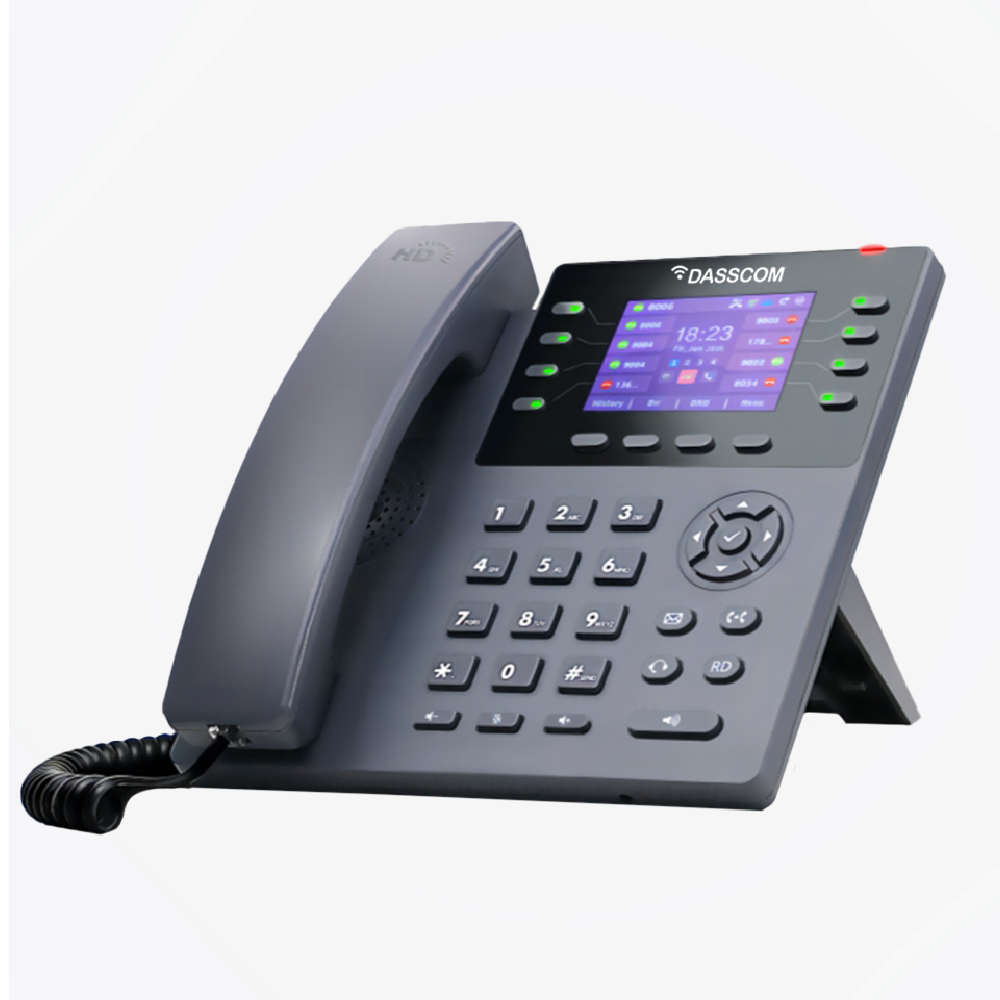
Dasscom’s executive range includes the DXP-7250, DXP-7500G, and DXP-9100. Their published specifications vary, with options including multiple SIP accounts, HD voice, PoE, and wireless connectivity.
3. Wireless SIP Phones
Wireless phones provide greater mobility within an organization’s network coverage area.
They can be useful in hospitals, warehouses, hotels, and large offices where employees may need to communicate while moving between work areas.
Dasscom offers the DW-100 cordless Wi-Fi IP phone, which supports two VoIP accounts, HD voice, and call-handling features.
4. Video IP Phones
Video-enabled IP phones combine voice communication with video calling capabilities.
They can be useful for employees who need face-to-face communication without depending entirely on a computer-based video meeting application.
Dasscom’s DXV-3050 is listed as a video IP phone with support for multiple SIP accounts, a built-in camera, and Wi-Fi connectivity.
What Does SIP on a Phone Mean?
The phrase SIP on phone refers to the use of SIP technology within an IP telephone to establish and manage communication sessions.
When a compatible phone is configured with SIP account details, it can register with a SIP server or IP PBX. Once registered, it can make and receive calls according to the permissions and services configured by the communication system.
A typical setup requires:
A SIP account or extension.
The SIP server or IP PBX address.
Authentication credentials.
Network connectivity.
Compatible audio codecs and call settings.
The exact configuration depends on the phone and PBX platform.
Business Uses of SIP Phones
Corporate Offices
Offices use IP phones for internal communication, customer calls, department coordination, and executive communication. Multiple extensions make it easier for employees to reach one another without relying on individual mobile numbers.
Call Centres
Call centres need communication equipment that supports frequent calling and efficient call handling. Multi-account support, programmable keys, and compatibility with the organization’s telephone platform can be useful for agents and supervisors.
Hotels and Hospitality
Hotels use telephone systems to connect reception, housekeeping, maintenance, and other departments. SIP-enabled phones can support internal communication and guest-facing telephone services when integrated with a suitable PBX.
Healthcare Facilities
Hospitals and clinics require communication between reception desks, administrative offices, medical departments, and other operational areas. Compatible IP phones can support internal calling across these locations.
Multi-Branch Businesses
Organizations with multiple offices can use a centralized or interconnected communication architecture to manage extensions across locations, depending on the PBX and network configuration.
For these environments, ip phones for business can provide a structured approach to managing communication across teams and departments.
SIP Phones and a VoIP Phone System for Business
A phone alone does not provide the complete communication infrastructure. It needs a compatible communication platform and network.
A typical voip phone system for business includes IP phones, an IP PBX or hosted communication platform, network infrastructure, and a SIP service for external calling.
The IP PBX manages extensions, call routing, voicemail, and other supported features. The SIP service connects the system to external telephone networks through a service provider.
When evaluating sip and voip solutions, businesses should confirm that the phones, PBX, and service provider support compatible protocols and configurations.
Dasscom offers both SIP-compatible IP phones and IP PBX systems, allowing businesses to evaluate products across their communication infrastructure.
What Is a SIP System?
A sip system is a communication setup that uses SIP-compatible equipment and services to establish and manage voice or video sessions over an IP network.
It may include desk phones, wireless phones, video phones, an IP PBX, SIP trunks, and network infrastructure.
A properly planned system should account for the number of users, simultaneous calls, extension requirements, network bandwidth, security, and future expansion.
The term sip on phone is also relevant when configuring individual devices within this larger setup. Each compatible phone needs the correct account details and network configuration to communicate with the SIP server.
How to Choose the Right SIP Phone for Your Business
Before purchasing, identify the actual communication requirements of each employee or department.
Number of SIP accounts: Check how many accounts or lines the phone supports.
Connectivity: Decide whether Ethernet, PoE, Wi-Fi, or a combination is required.
Audio quality: Review supported codecs and HD voice capabilities.
Display and controls: Consider screen size, programmable keys, and ease of operation.
Compatibility: Verify support for your IP PBX or SIP service provider.
Security: Review supported authentication and encryption features.
Scalability: Choose models that fit the organization’s expected communication growth.
A suitable sip ip phone should match the employee’s daily responsibilities rather than simply offer the highest number of features.
Common SIP Phone Setup Considerations
Before deploying sip phones, businesses should prepare their network and communication platform.
Ensure that the LAN provides stable connectivity and sufficient bandwidth for expected calls. Where supported, QoS can help prioritize voice traffic during network congestion.
Use appropriate authentication credentials and security settings. Remote extensions should be configured using secure access methods, and firewall rules should be reviewed to prevent unnecessary exposure.
Finally, test calling, transfers, voicemail, conferencing, and other required functions before deploying phones across the organization.
Dasscom Offerings

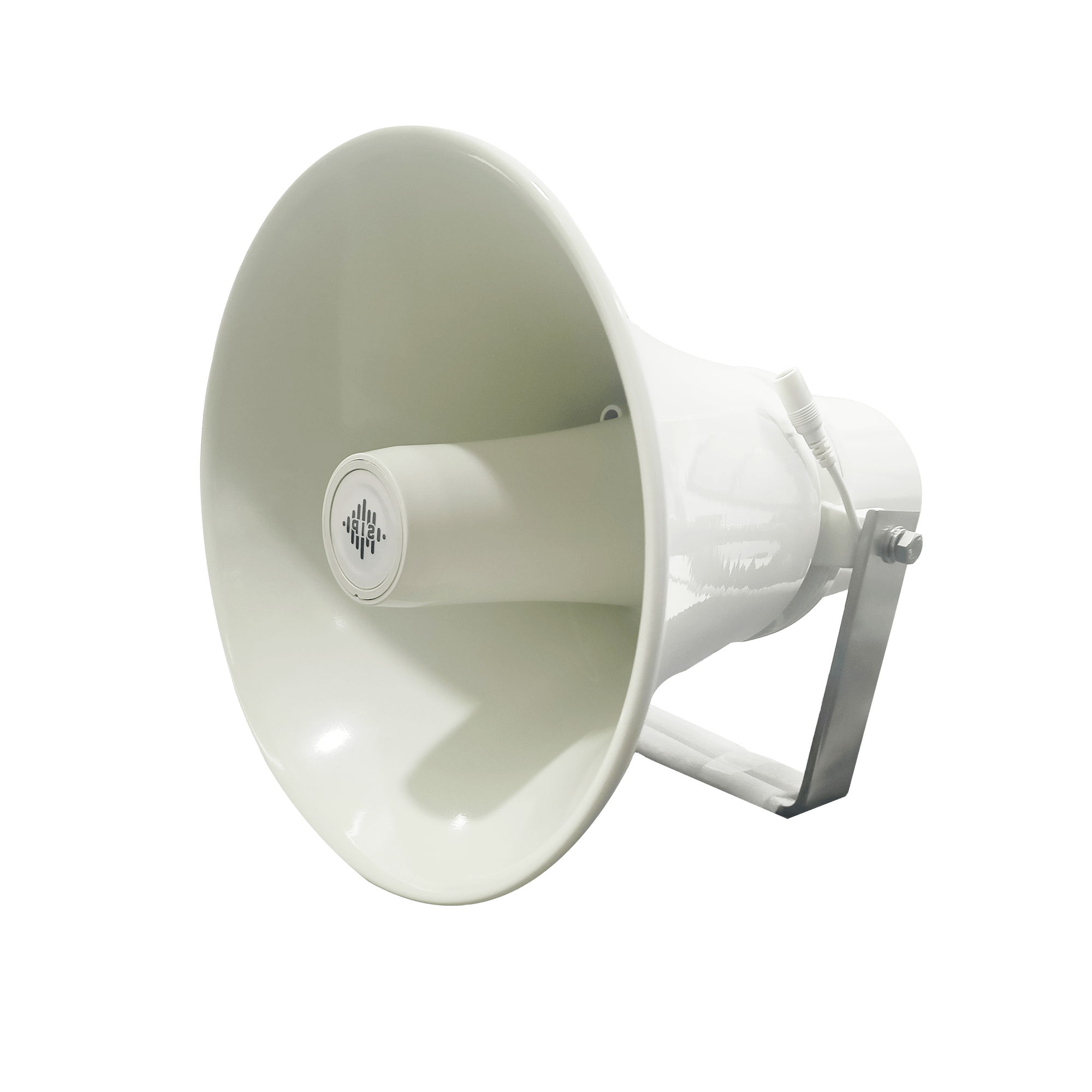
DS-15H
15 watt Horn speaker Support SIP IP 65 Rating Support BGM and announcement
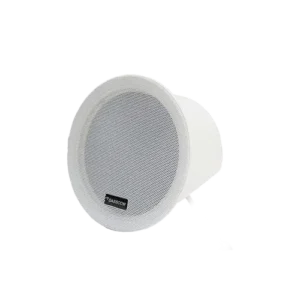
DS-10C
10 watt Ceiling Speaker Support SIP PoE enabled Support BGM & announcement
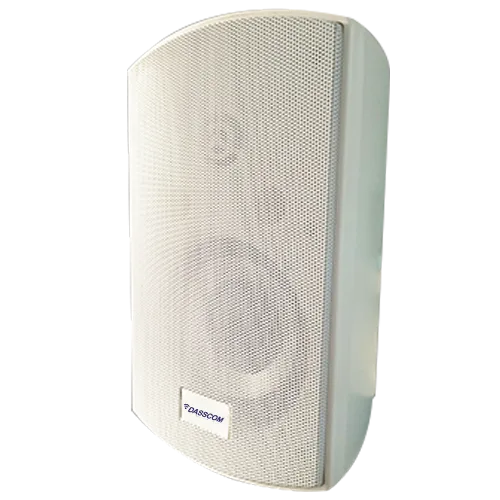
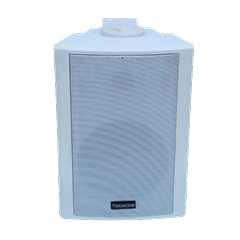
DS-15W
15 watt wall-mount speaker Support SIP PoE enabled Support BGM and announcement
Final Thoughts
SIP phones help businesses modernize communication through IP-based calling, flexible extensions, and advanced call-handling features. Evaluate connectivity, account support, compatibility, security, and user requirements before selecting a model. Dasscom offers basic, executive, wireless, and video IP phones for different business communication environments.
Frequently Asked Questions (FAQs)
1. What is the difference between a SIP phone and a regular IP phone?
An IP phone is a broader category of telephone that communicates over an IP network. A SIP phone is an IP phone that uses SIP to establish and manage communication sessions.
2. Can SIP phones work without an IP PBX?
They can register with a compatible hosted SIP service or another SIP server. An IP PBX is not mandatory in every deployment, but businesses often use one to manage extensions and internal calling.
3. Are Dasscom SIP phones suitable for business use?
Dasscom offers basic, executive, wireless, and video IP phone categories for business communication. Models have different specifications and should be selected according to user and system requirements.
4. What is the role of a SIP service?
A SIP service provides the connectivity or account infrastructure required to establish calls through a compatible provider or communication platform. External calling arrangements depend on the service and system configuration.
5. Is SIP the same as VoIP?
No. VoIP refers to transmitting voice over IP networks, while SIP is a protocol used to establish and manage communication sessions. SIP is commonly used in business VoIP deployments.
Related Products
DS-10C
View Product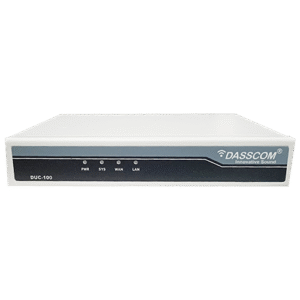
DUC-100
View Product
DUC-100A2
View Product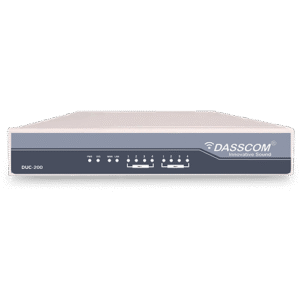
DUC-200
View Product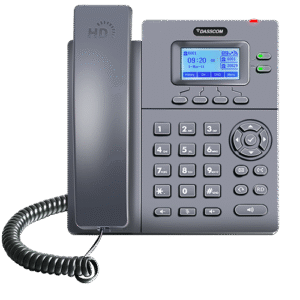
DXP-4100
View Product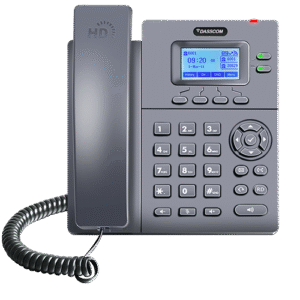
DXP-5150N
View Product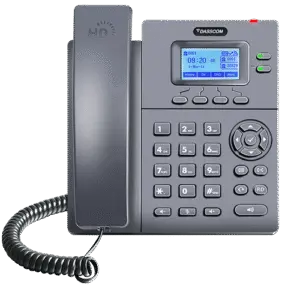
DXP-6100HP
View Product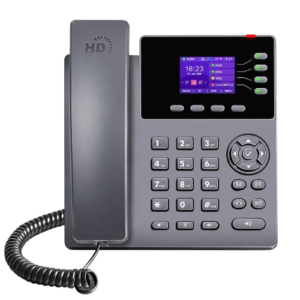
DXP-7200G
View Product
DXP-7200N
View Product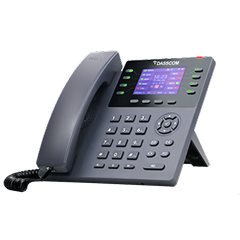
DXP-7250
View Product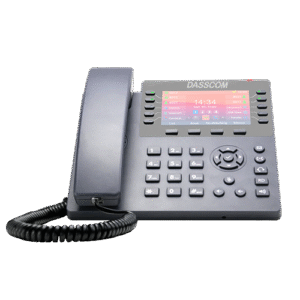
DXP-7500G
View Product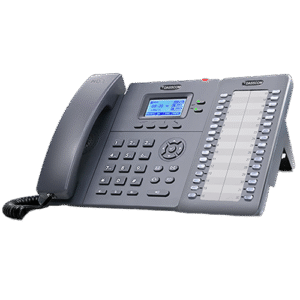
DXP-9100
View ProductRelated Blogs
4 Port Network Switch: Features, Applications, and Benefits for Network Connectivity
Read More
Choose the Right WiFi Phone for Business: Features, Compatibility, and Deployment
Read More
Choose the Right Ethernet Switch for Your Business Network
Read More