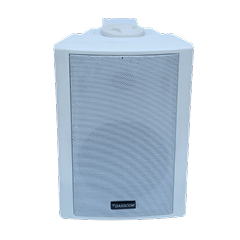
 Indoor Speakers
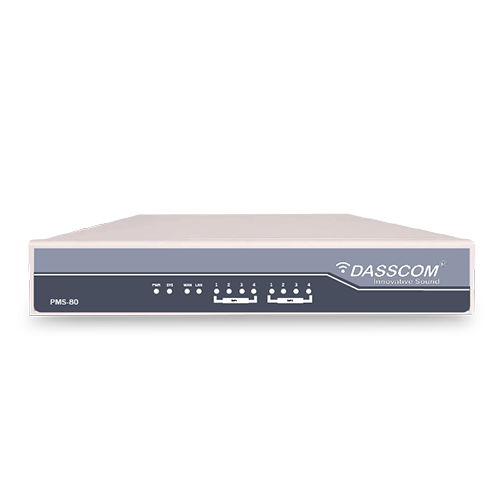 Paging Controller
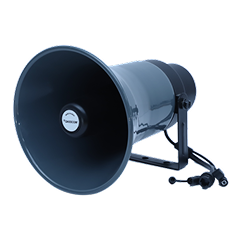 Outdoor Speakers
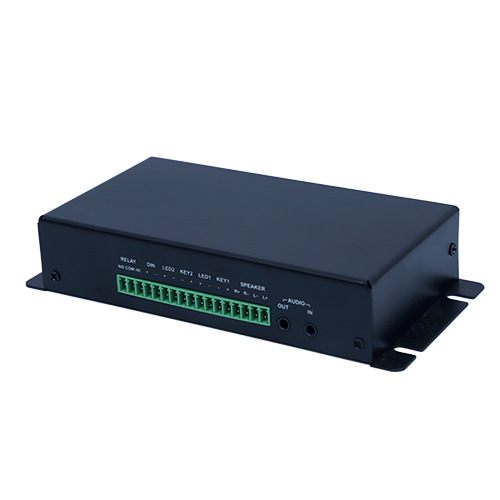 IP Amplifier & Gateway
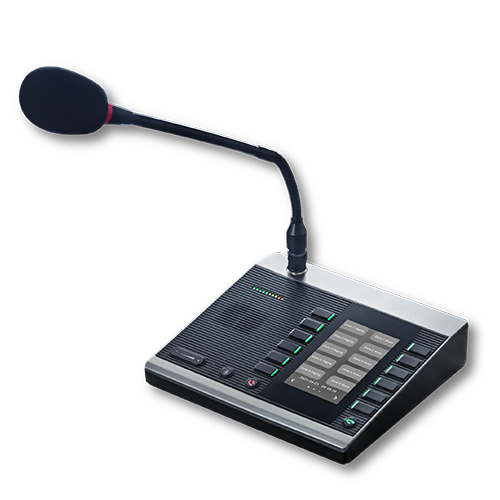 Paging Microphones
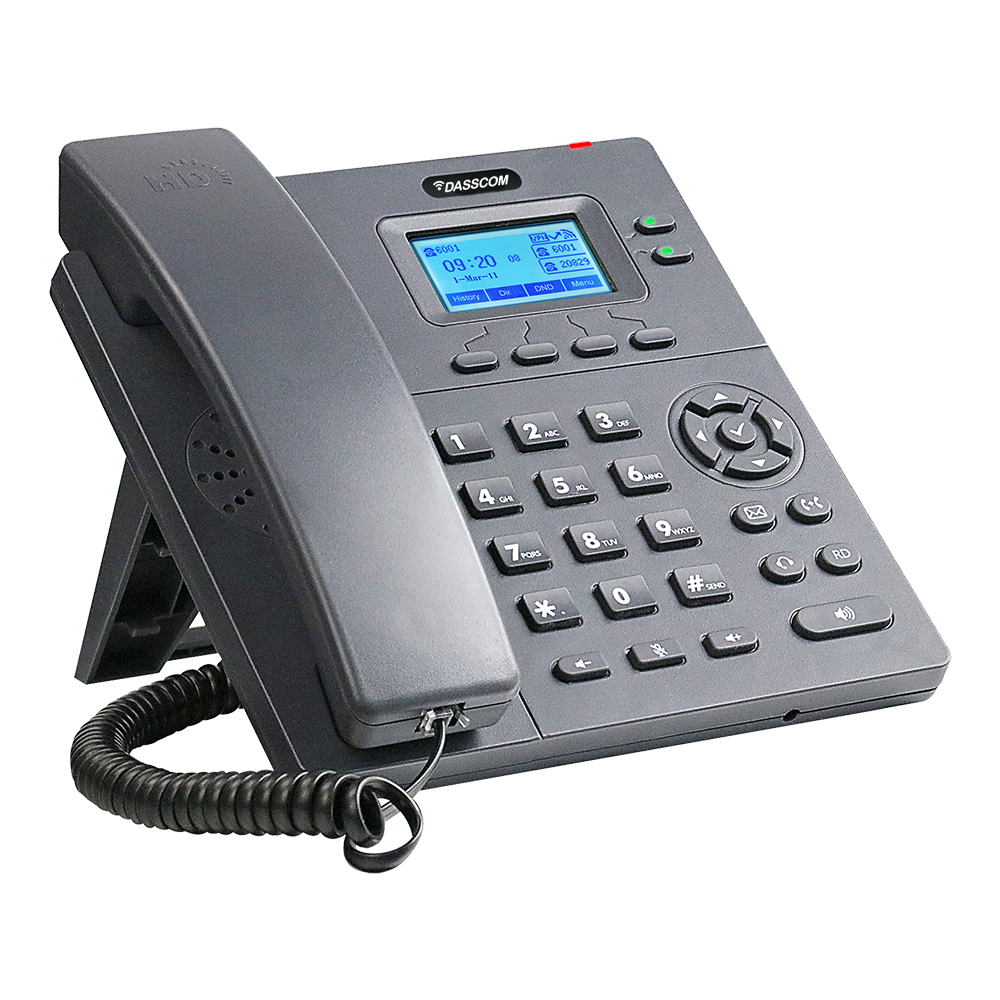 Basic IP Phones
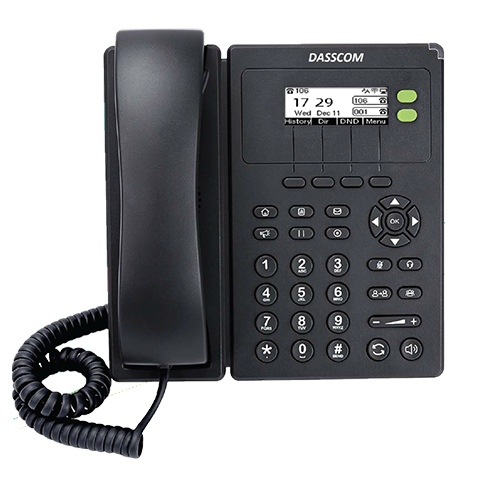 Wifi Phones
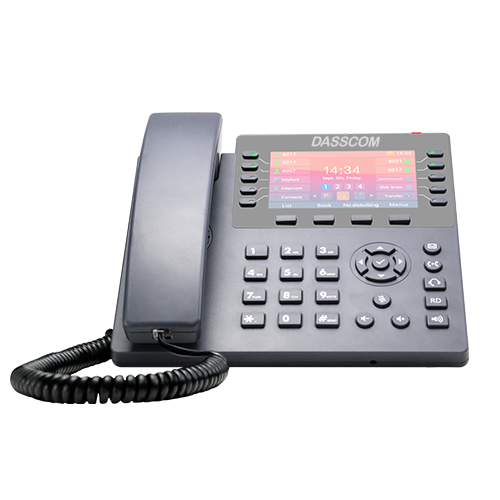 Executive IP Phones
 Video Phones
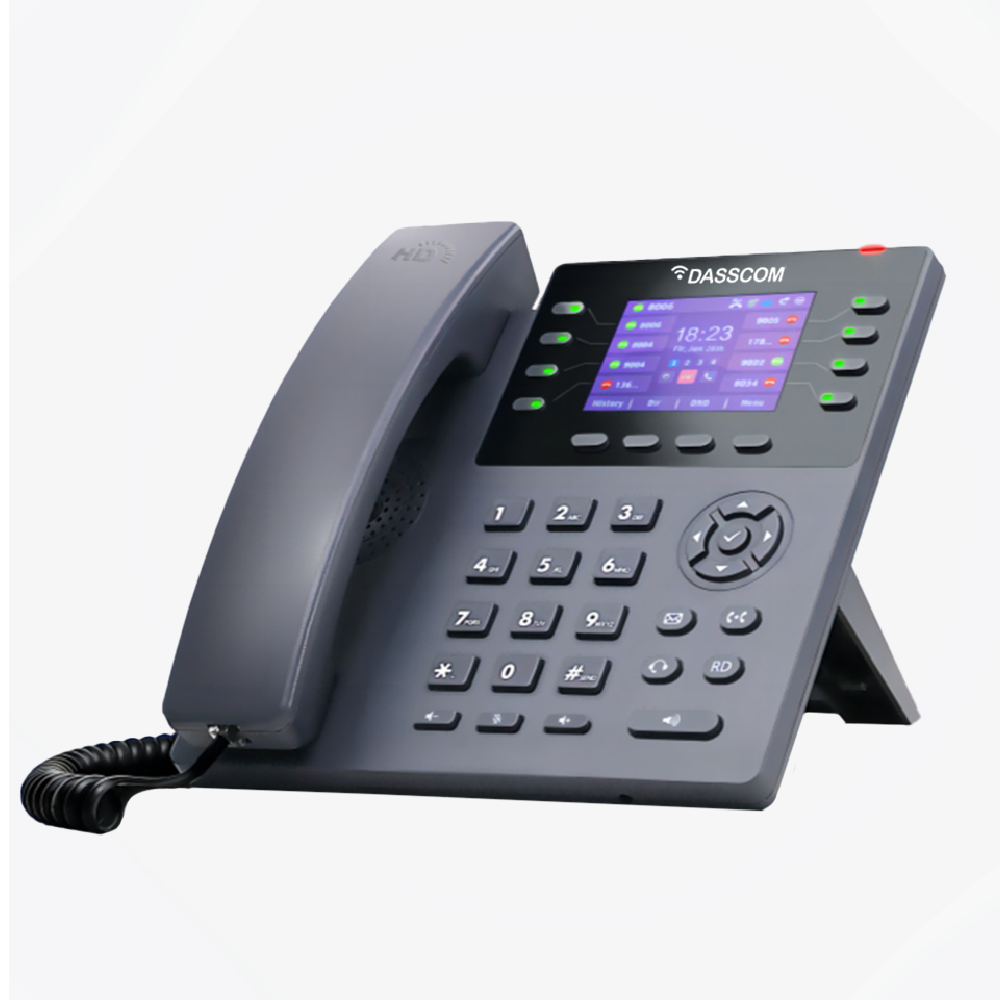
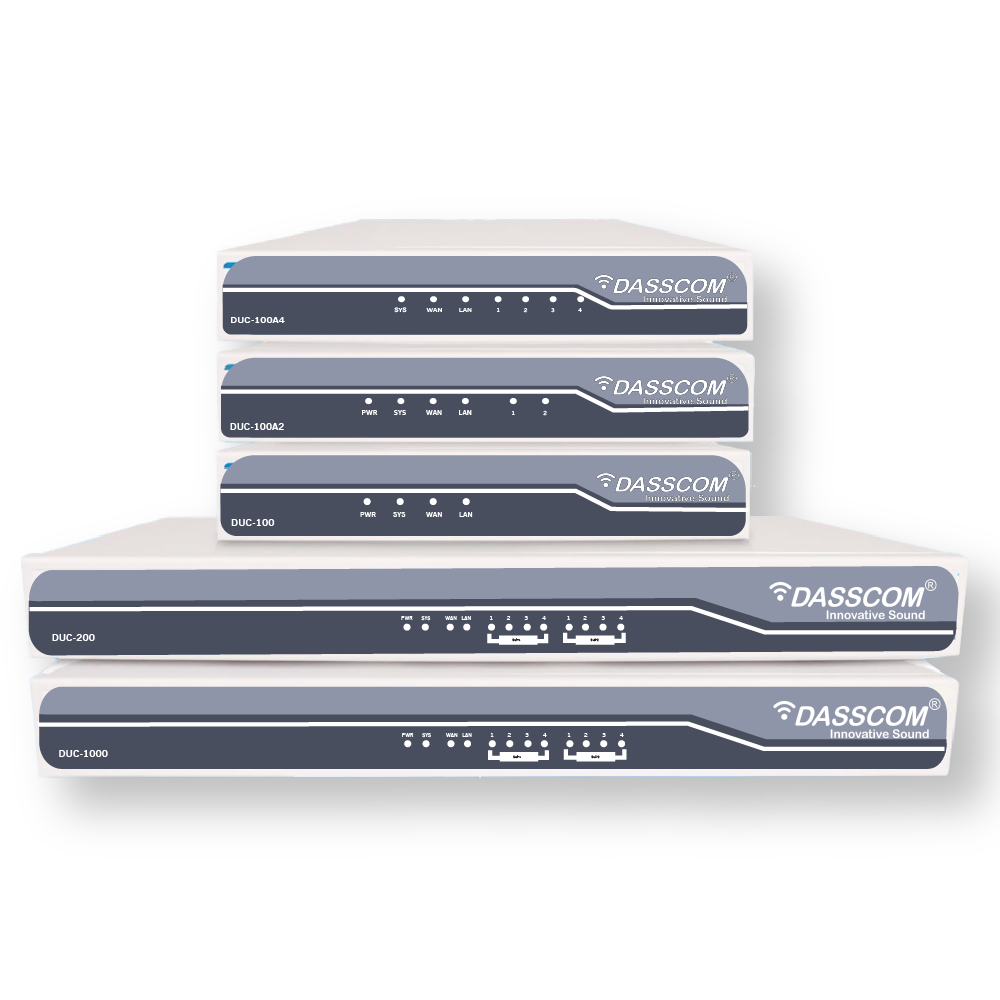
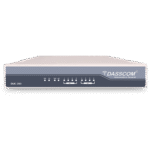 Duc-series
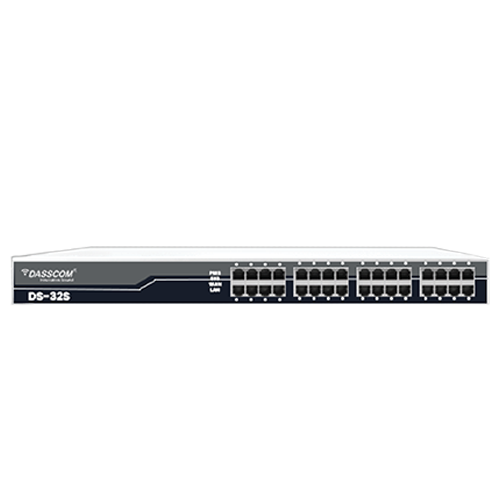 FXS/FXO Gateways
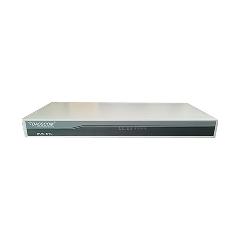 E1/T1 Gateway

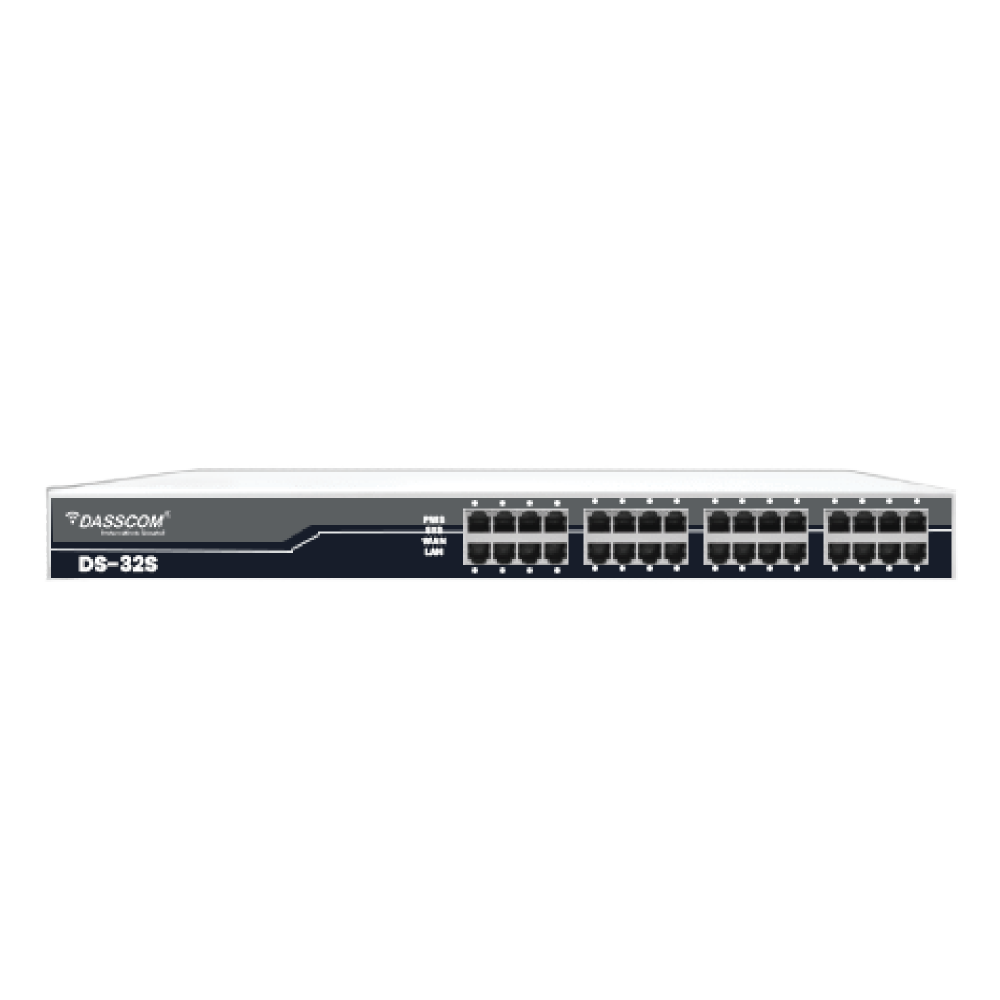
 Unmanaged Switches
 Managed Switches
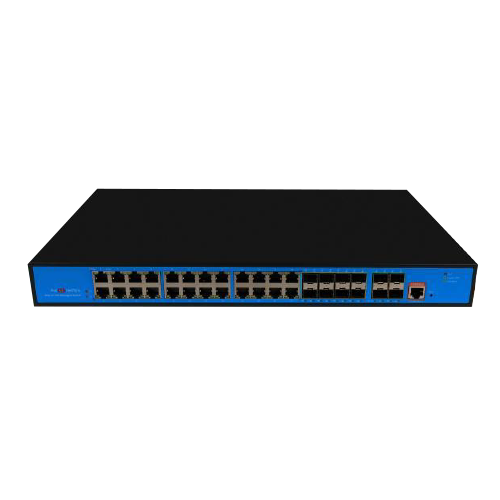 Industrial Switches
 Access Points
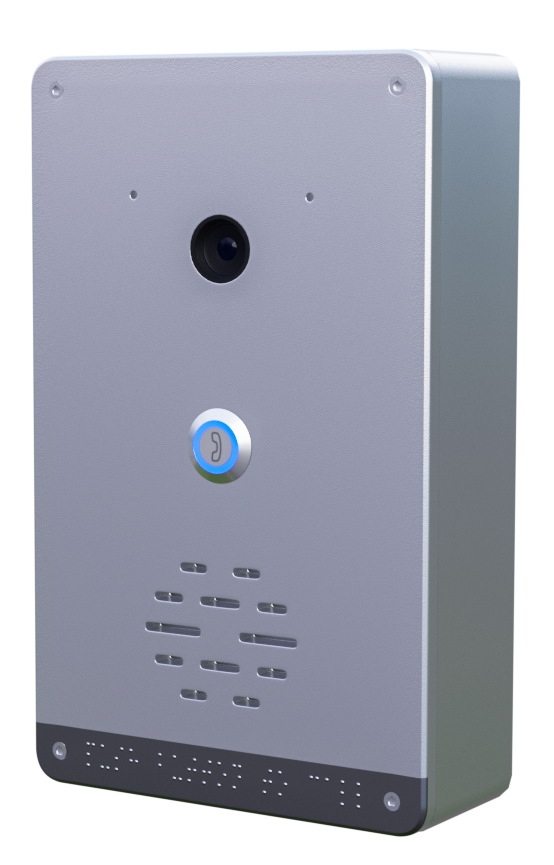 Safety Intercoms
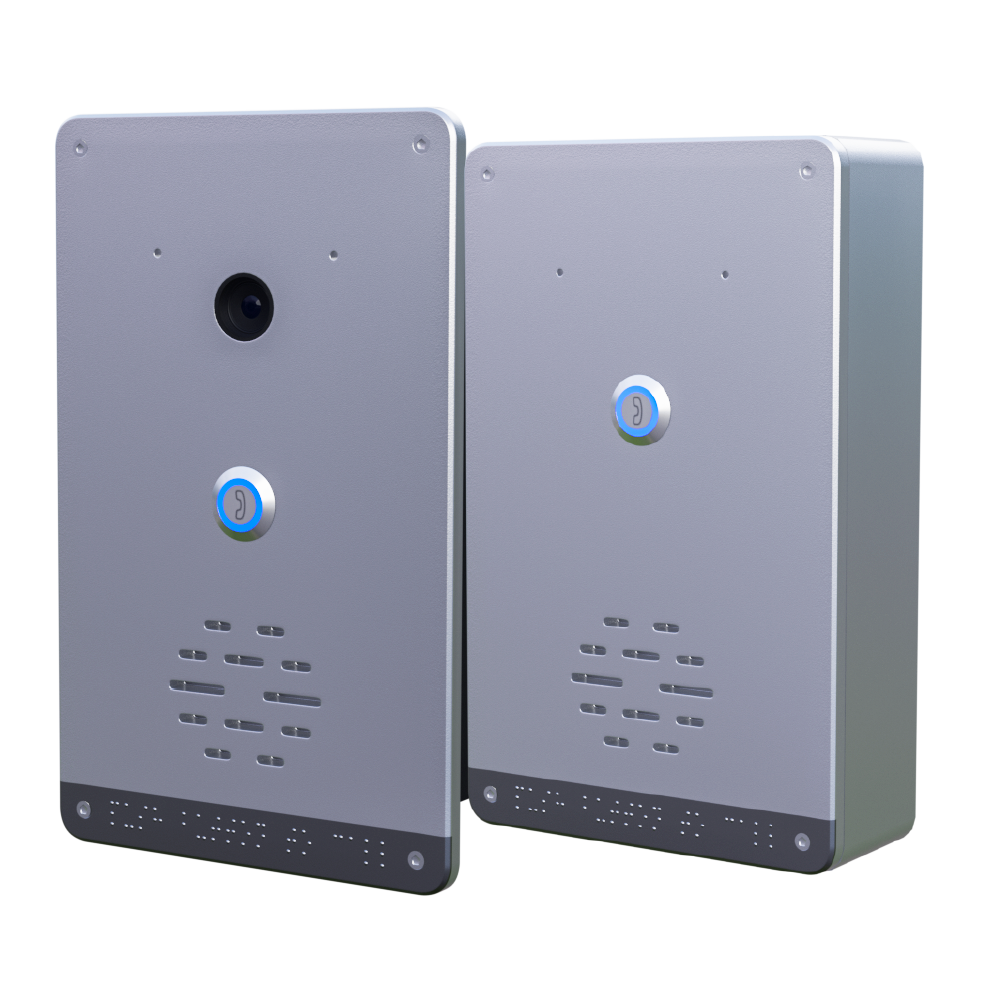
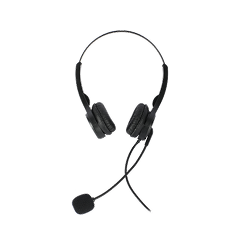 Veda Series
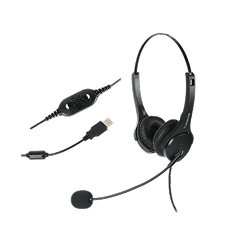 Divine Series
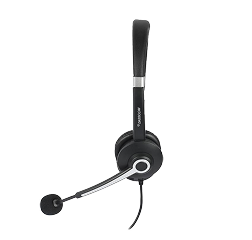 Tatva Series
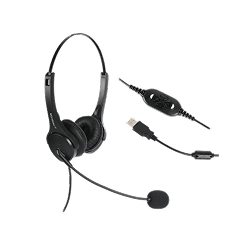
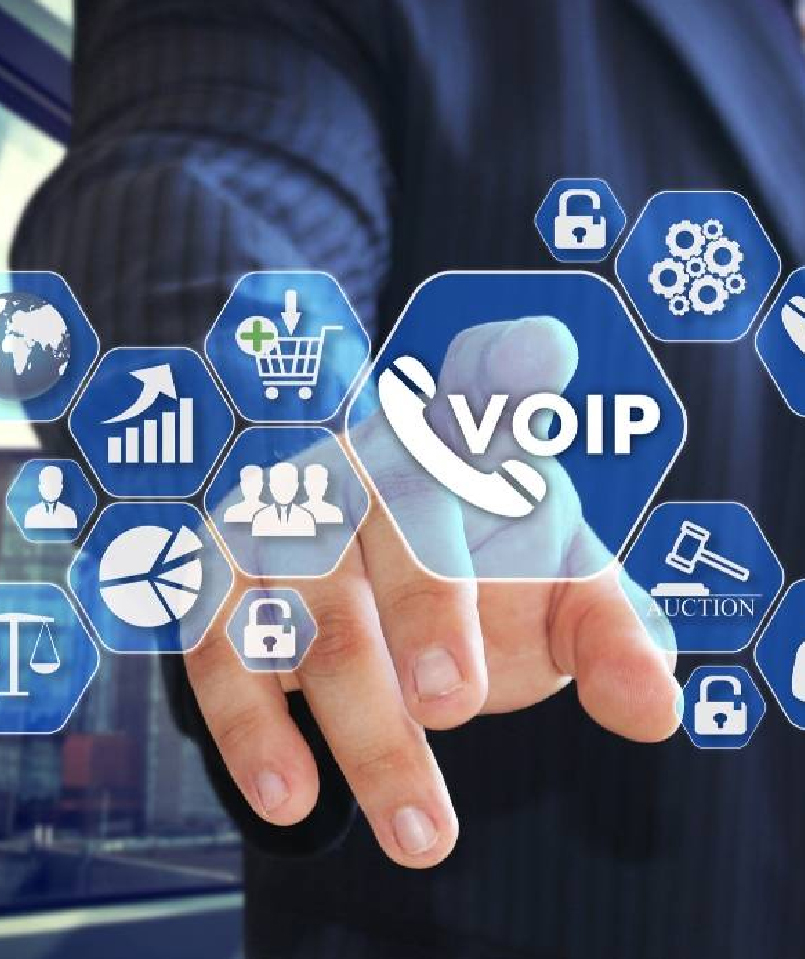 VoIP Office
 Call Center Solutions
 Network Communications
 Public Safety
 Video & Security System
 Highway Communication
 Intercom System
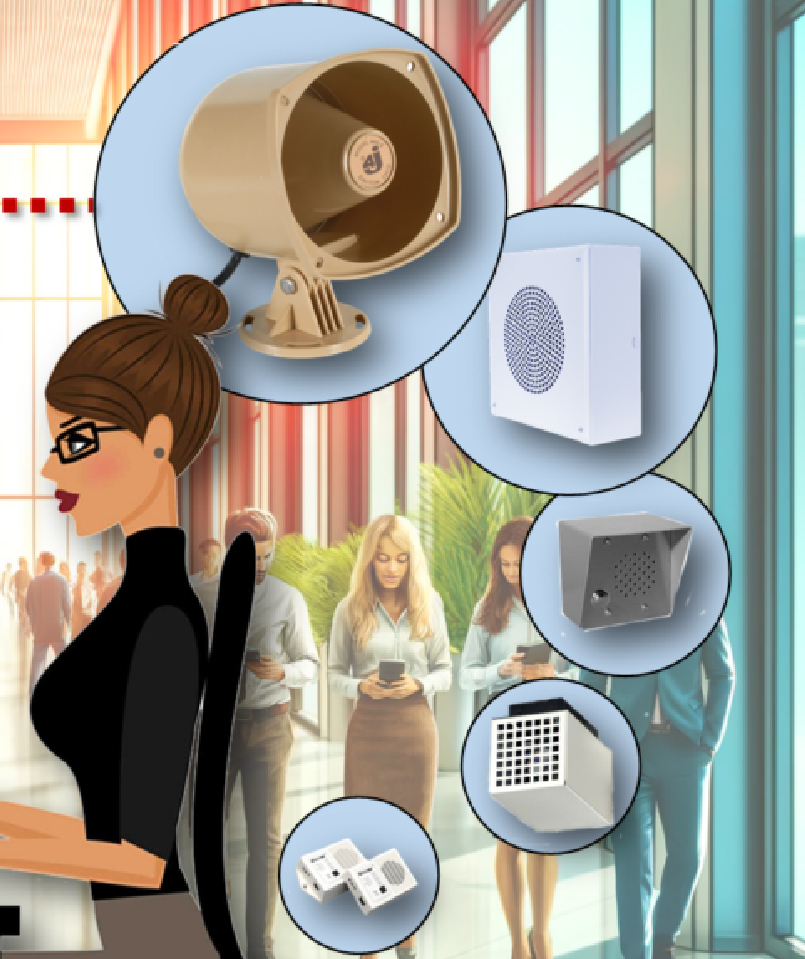 IP Paging Solutions

 Healthcare
 Hospitality
 School & Universities
 IT Office
 SMEs and SMBs
 Industries


 Public Address System
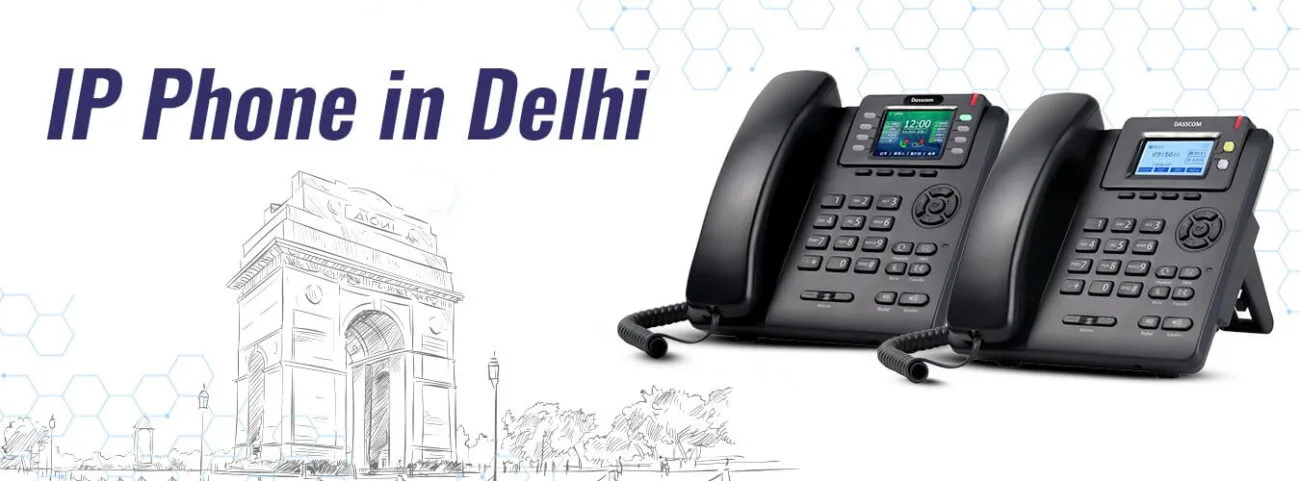
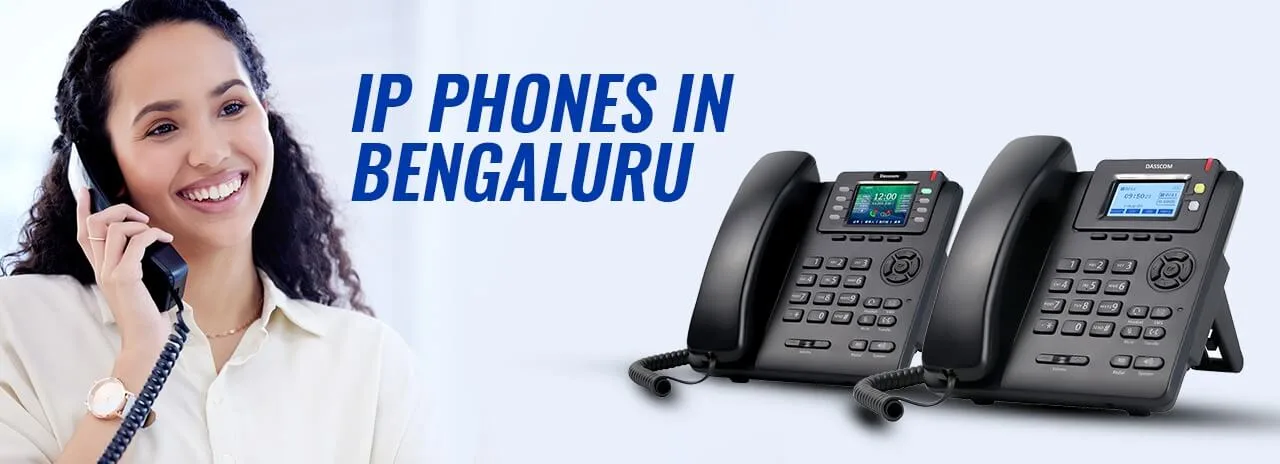
 VOIP Phones
 VOIP PBX
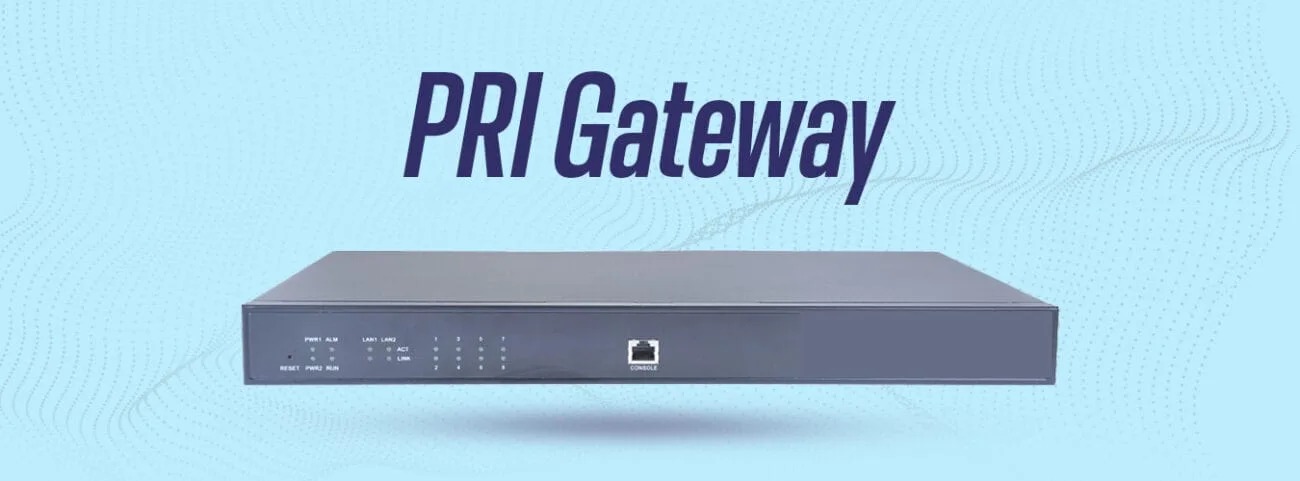
 VOIP Gateways
 Networking Solutions
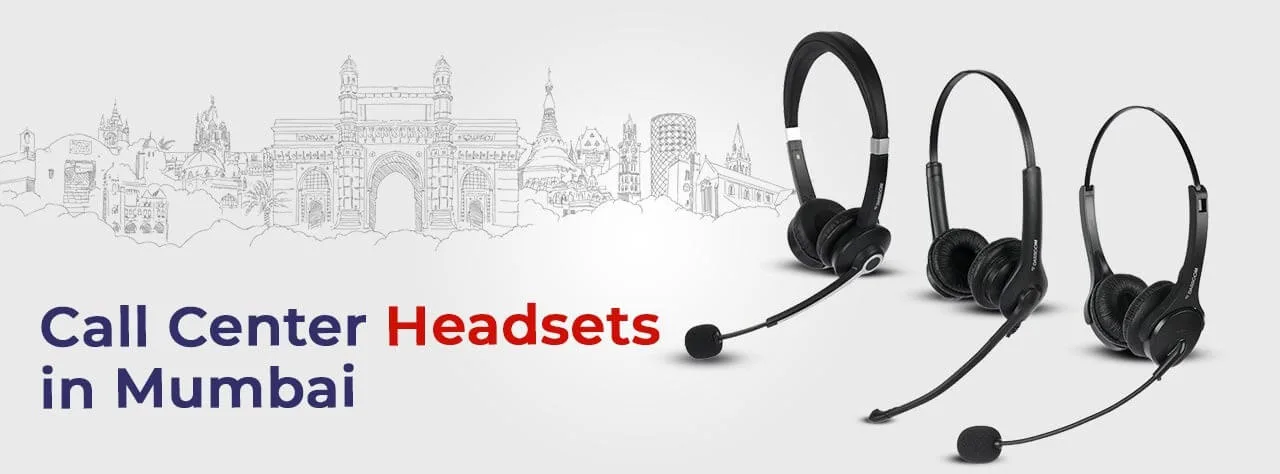
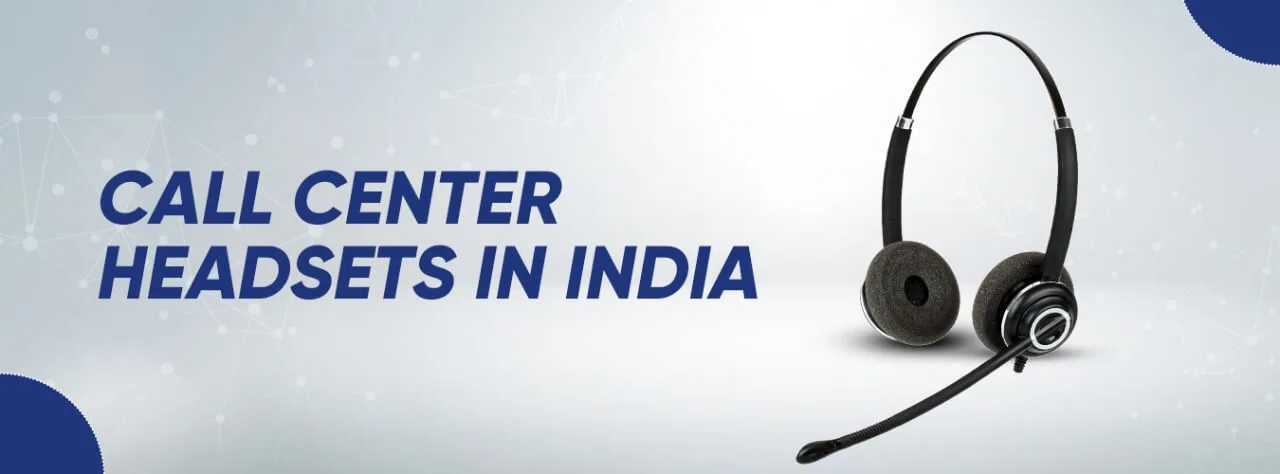
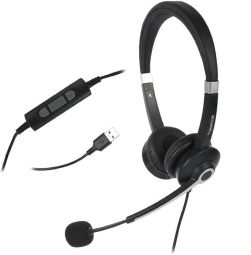
 Call Center Headsets
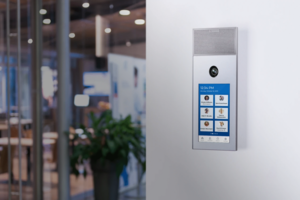 Emergency Intercom Stations


Why do businesses prefer VoIP phones?

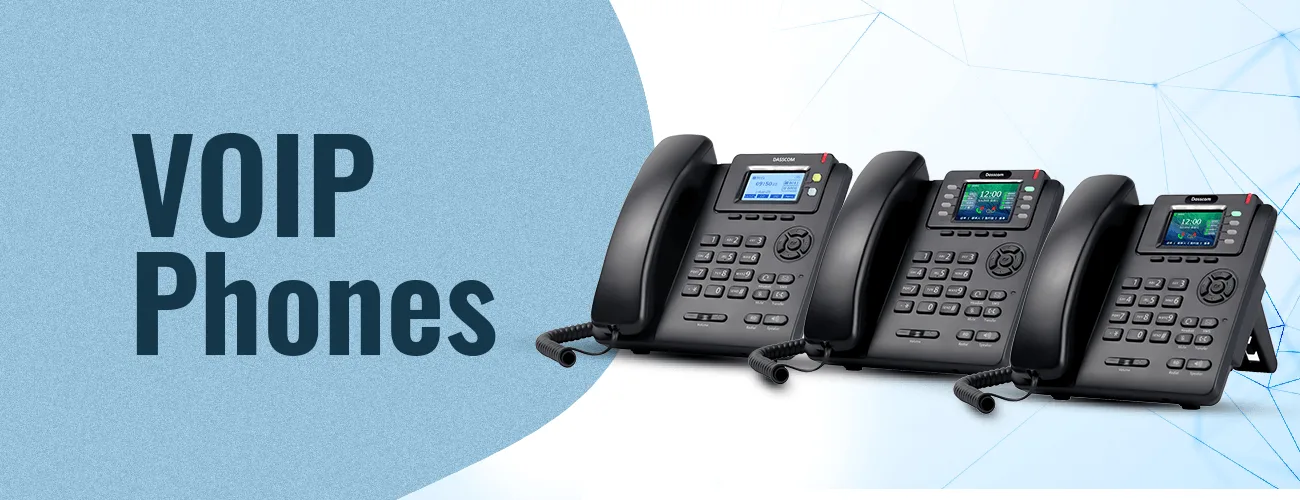
Why do businesses prefer VoIP phones?
IP phone technology has revolutionized the way businesses communicate. The internet-based telephony system boosts efficiency and productivity at work as it accelerates communication between internal and external resources. The technology sends voice over the internet, in the form of small packets, just like emails lowering the overall cost of the communication function while adding to productivity. The tech further facilitates remote working and offers reliability and accessibility, making VoIP phones a preferred choice of businesses all over the world.
fffs
IP phone technology has revolutionized the way businesses communicate. The internet-based telephony system boosts efficiency and productivity at work as it accelerates communication between internal and external resources. The technology sends voice over the internet, in the form of small packets, just like emails lowering the overall cost of the communication function while adding to productivity. The tech further facilitates remote working and offers reliability and accessibility, making VoIP phones a preferred choice of businesses all over the world.
Advantages of IP phones:
Flexibility & Scalability
IP Phones eliminate the need for extensions and physical wires/lines saving a lot of expenses. The technology offers great flexibility and scalability as it works on the internet and can easily facilitate several numbers and extensions over one single computer.
Cost-effectiveness
Another reason why IP phones are a popular choice among businesses is their cost-effectiveness. Because the calls are transmitted over the internet, placing calls locally or globally is cheaper than analog phones. Whether you are into active sales or after-sales service, expenditure on calling is a significant consideration for every business.
Improved audio quality
Audio quality is of great importance as it defines the clarity of the message sent over the call. If the receiver is not able to receive the message, the essence of the communication is lost. With IP phones the data is transmitted over the internet in the form of small packets which is a safe, quick, and reliable process. The data packets are then again converted into audio at the receiver’s end. The audio quality is maintained and brings in the benefits of clear and smooth communication.
Wireless configuration
IP phones are connected to the internet and hence the need for separate wiring like in the analog phone is eliminated. The benefit of a wireless telephony system is that it offers more mobility to the users.
Application Integration
VoIP phone extends great application integration features. Business owners can integrate several tools and software including directory, presence sharing, softphones, instant messaging, video calling, call forwarding/recording, and more.
Easy to upgrade
IP phones are connected to the interna
IP technology is very easy to upgrade and use with any advancement. The system operates on an IP platform and the upgrades are easily provided by the supplier or easily available on the internet, free of cost.
et and hence the need for separate wiring like in the analog phone is eliminated. The benefit of a wireless telephony system is that it offers more mobility to the users.
Enhanced customer service and productivity
IP Phones have become one of the leading contributors to business productivity and enhanced customer service. This is because it has significantly improved the call quality, minimized call placing duration, and connected the internal and external stakeholders of a business seamlessly. The communication process has become extremely smooth and valuable.
types of call center

DS-15H
15 watt Horn speaker Support SIP IP 65 Rating Support BGM and announcement
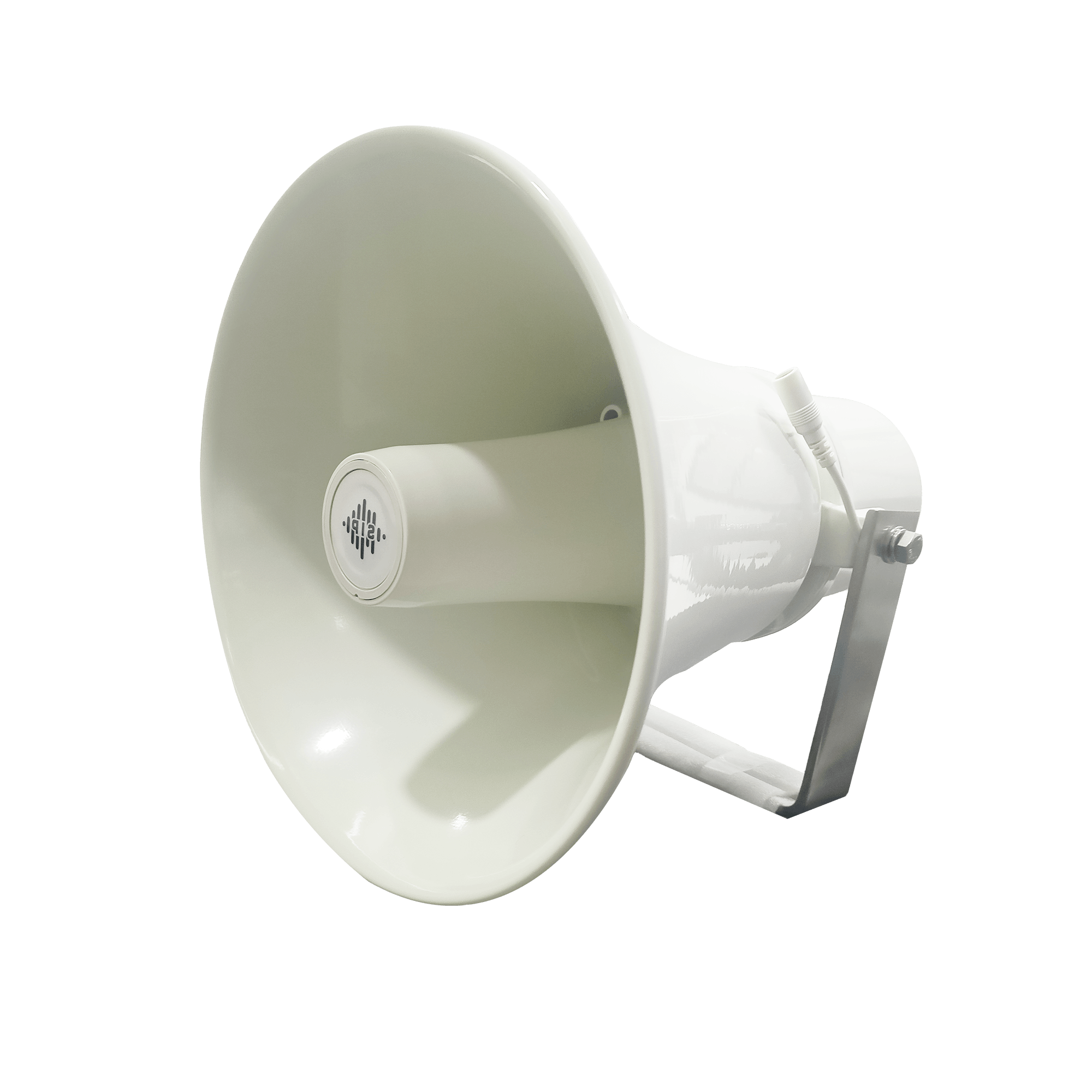
DS-10C
10 watt Ceiling Speaker Support SIP PoE enabled Support BGM & announcement
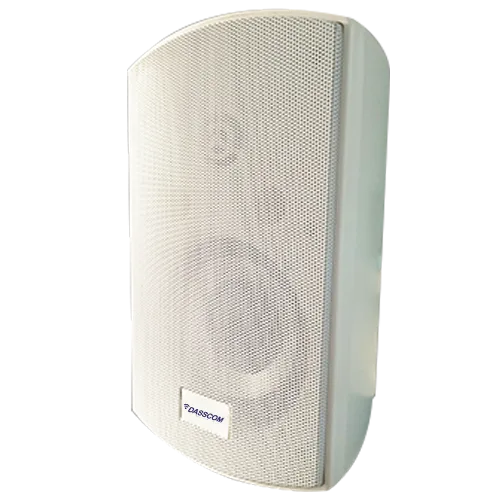
DS-15W
15 watt wall-mount speaker Support SIP PoE enabled Support BGM and announcement
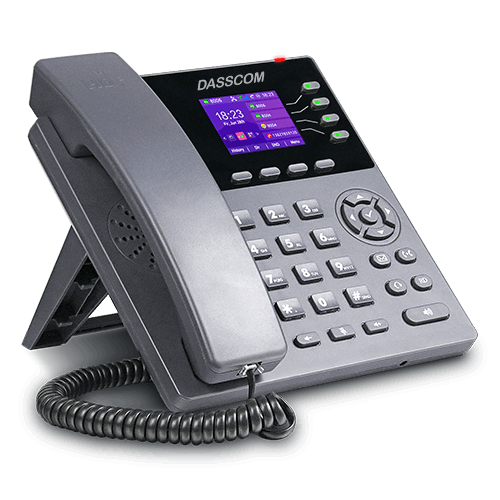
DXP-7200N
4 SIP Account PoE phone Colour Screen HD Voice
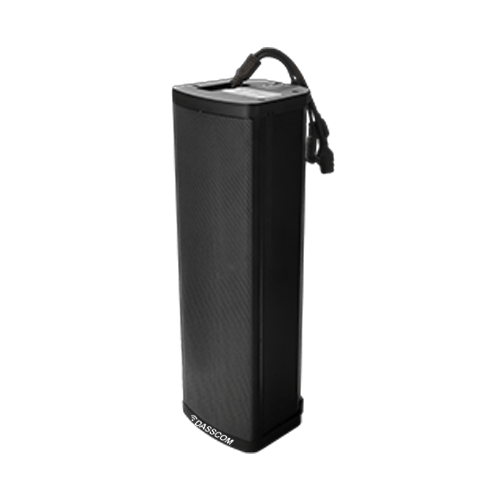
DS-30ECL
1.Built-in 30W amplifier, 2.Class D Amplifier
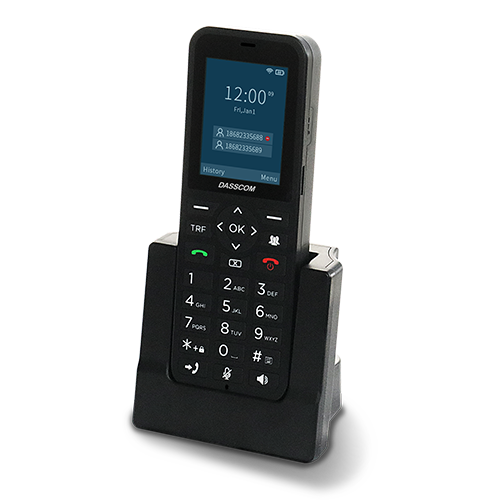
DW-100
2 SIP accounts Wi-fi Support Cordless Phone
Quick summary
See how Nextiva transforms the sales and support team productivity.