
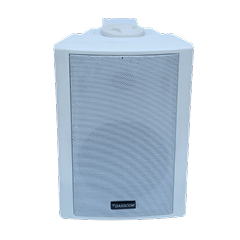
 Indoor Speakers
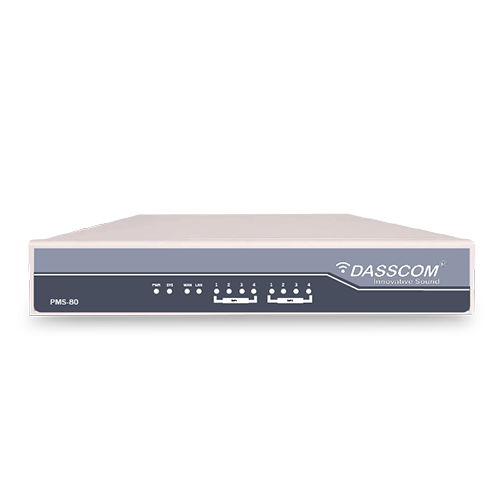 Paging Controller
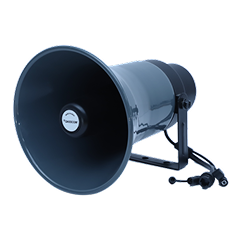 Outdoor Speakers
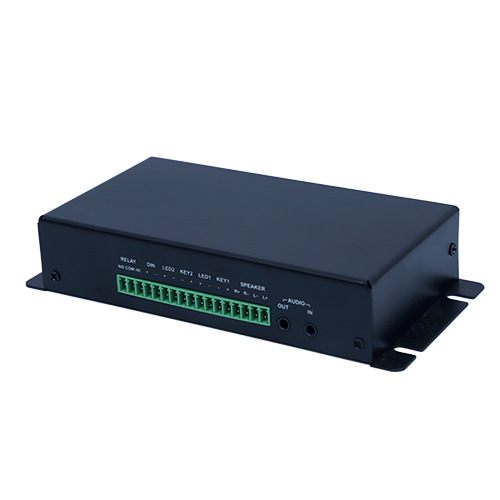 IP Amplifier & Gateway
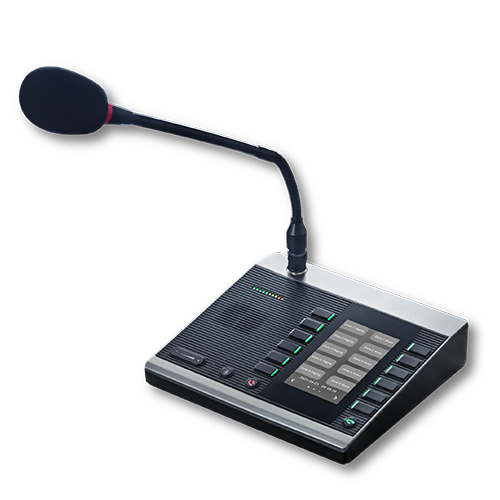 Paging Microphones
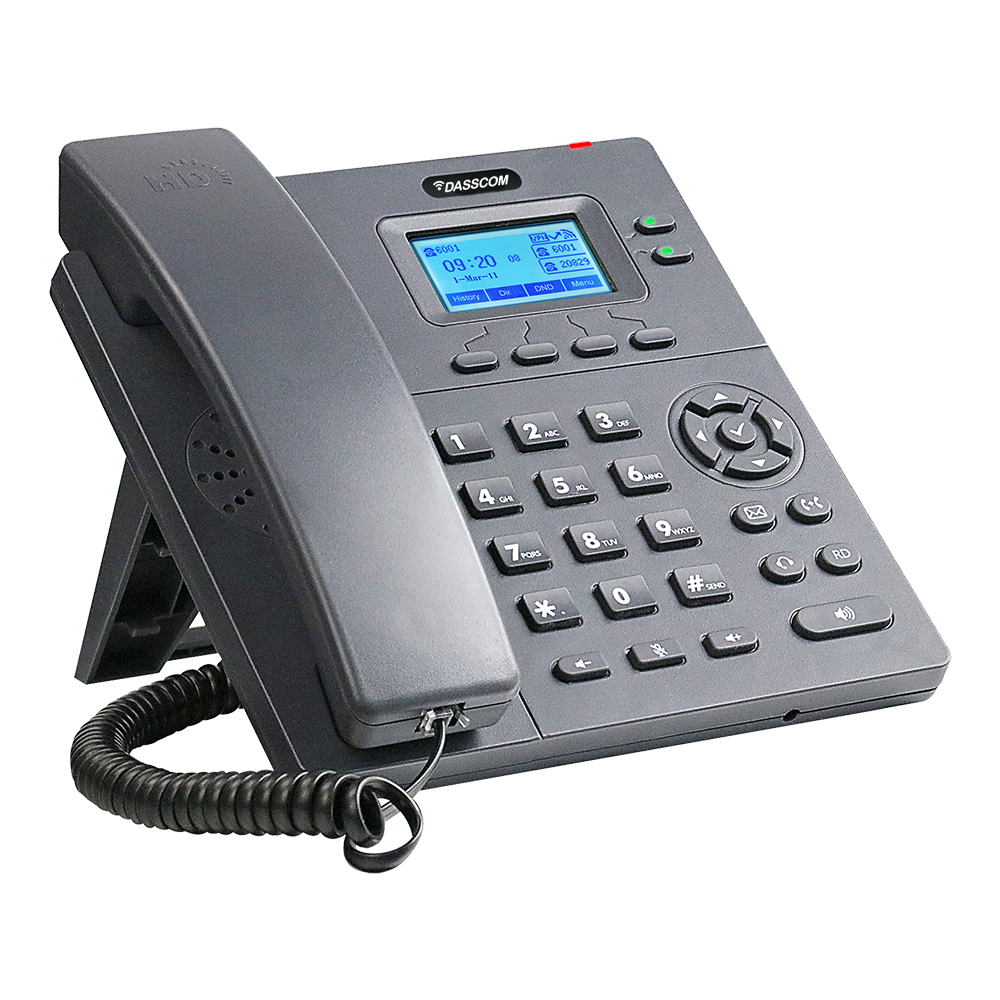 Basic IP Phones
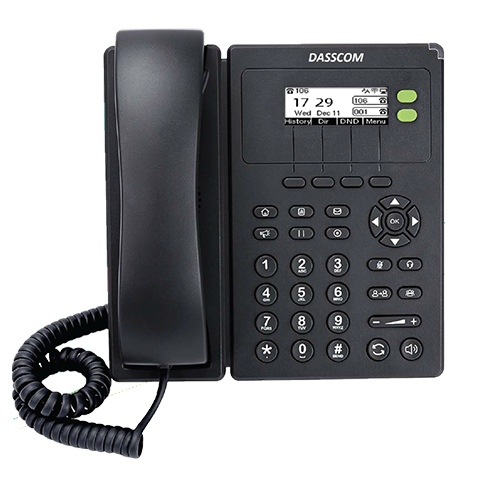 Wifi Phones
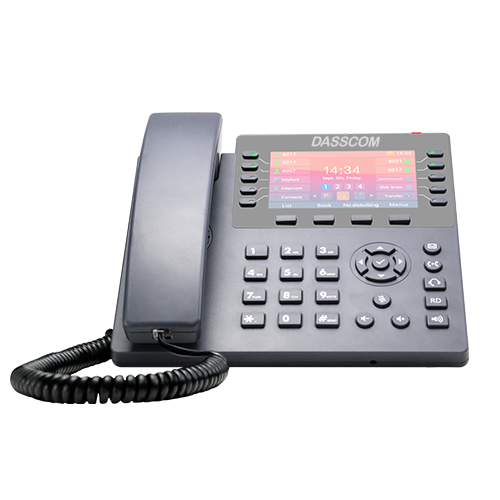 Executive IP Phones
 Video Phones
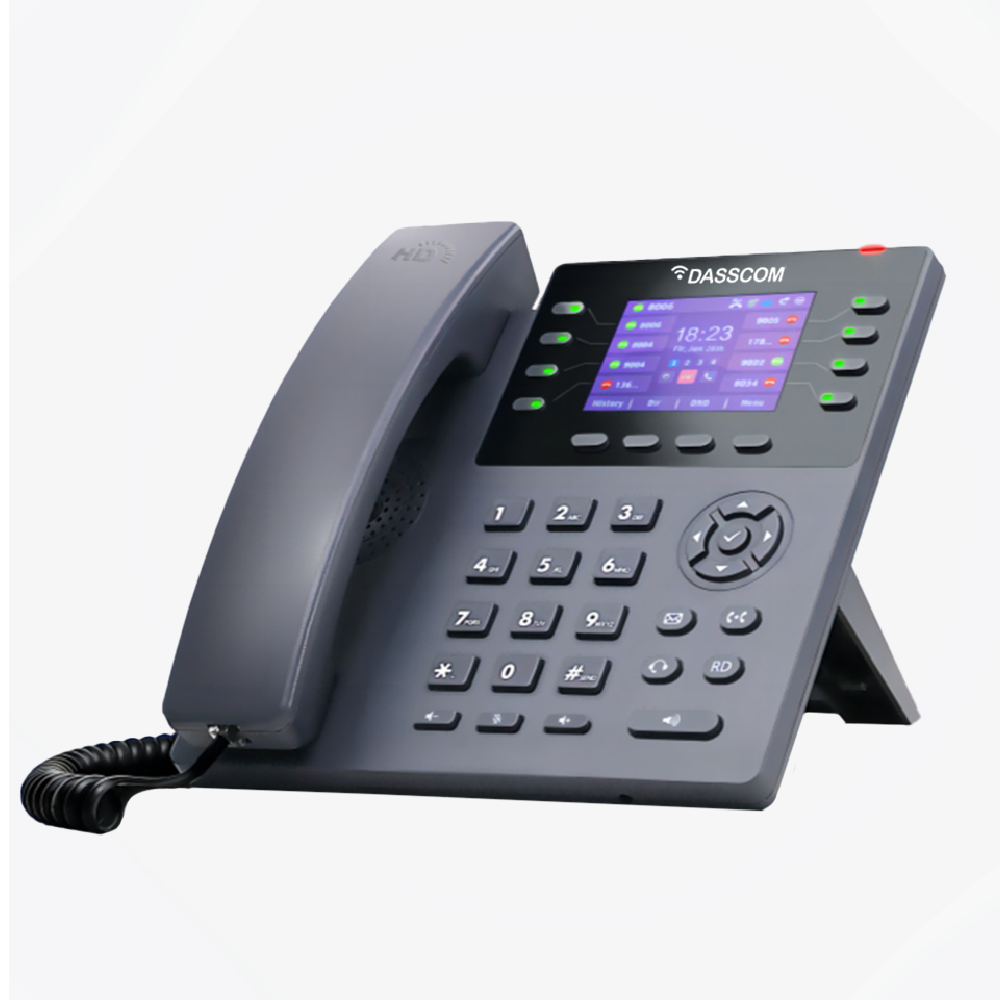
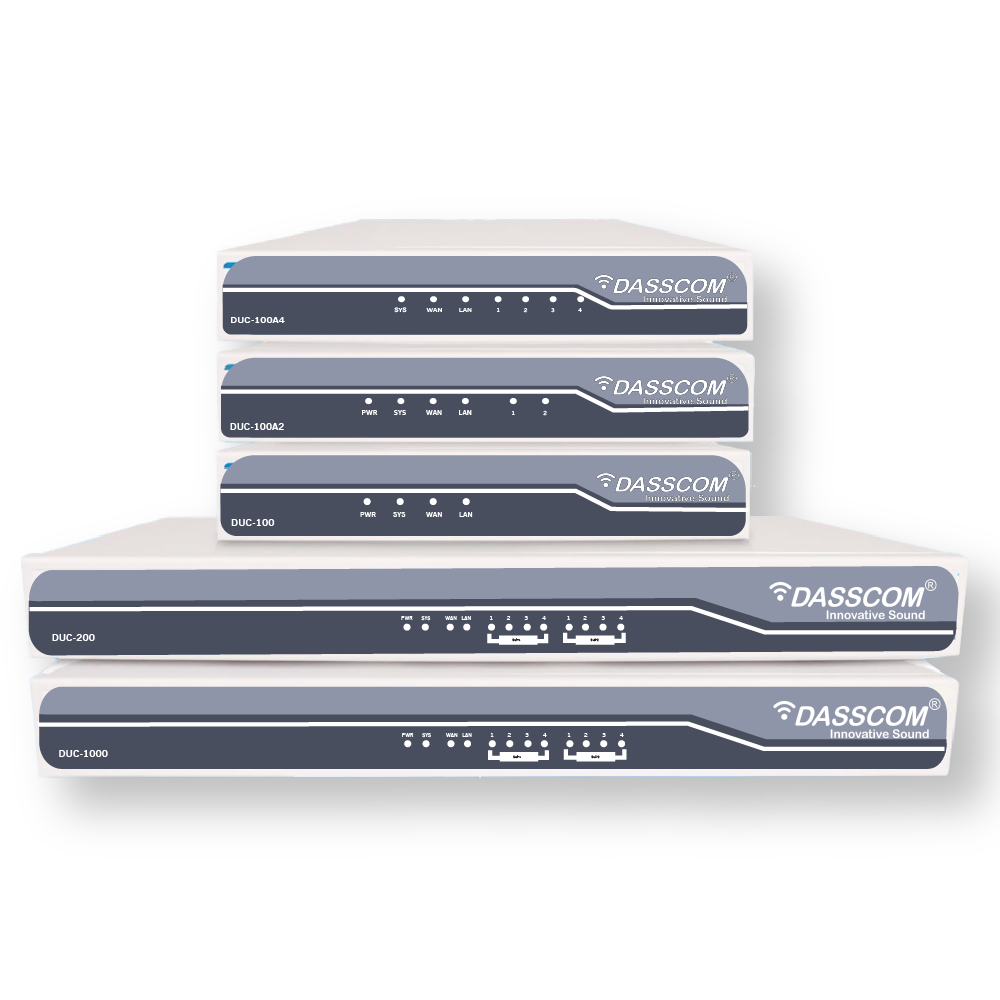
 Duc-series
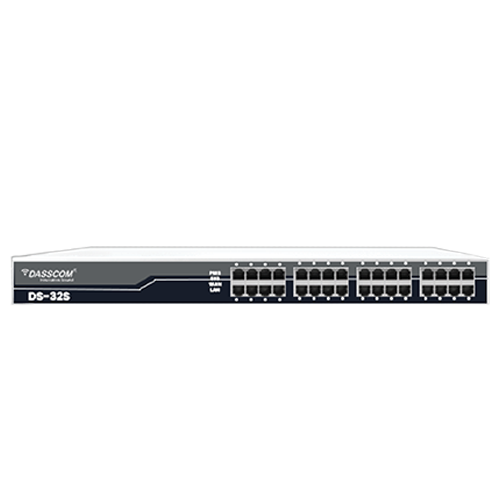 FXS/FXO Gateways
 E1/T1 Gateway
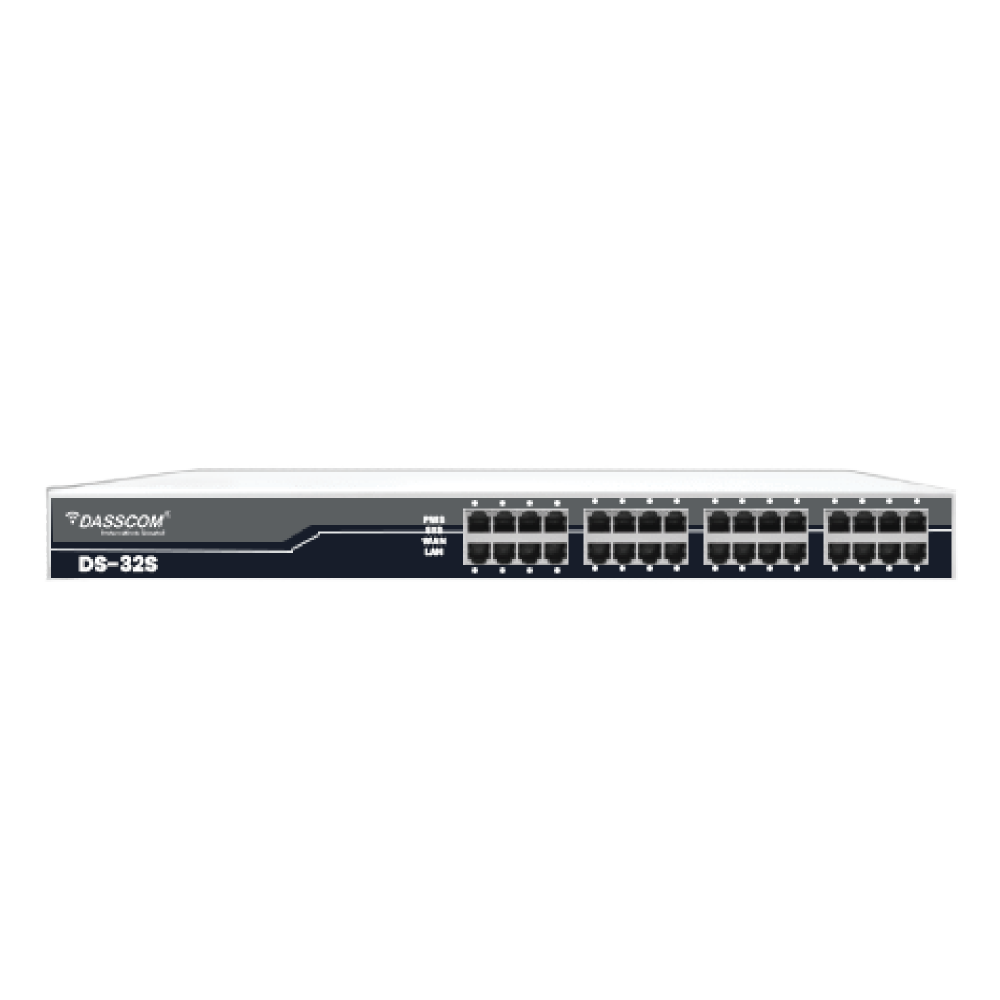
 Unmanaged Switches
 Managed Switches
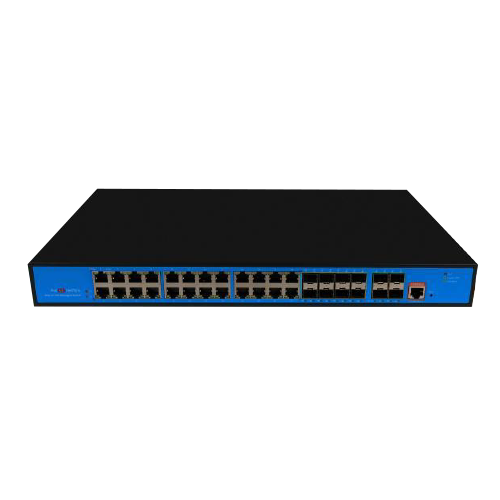 Industrial Switches
 Access Points
 Safety Intercoms
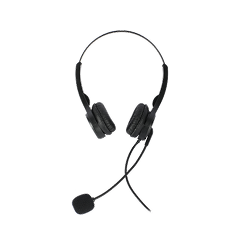 Veda Series
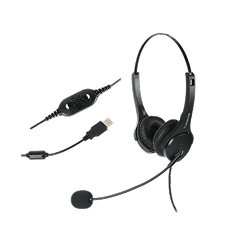 Divine Series
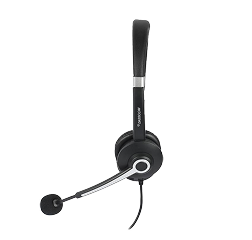 Tatva Series
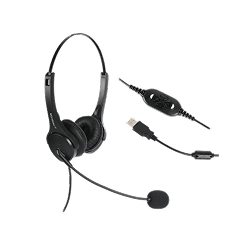
 VoIP Office
 Call Center Solutions
 Network Communications
 Public Safety
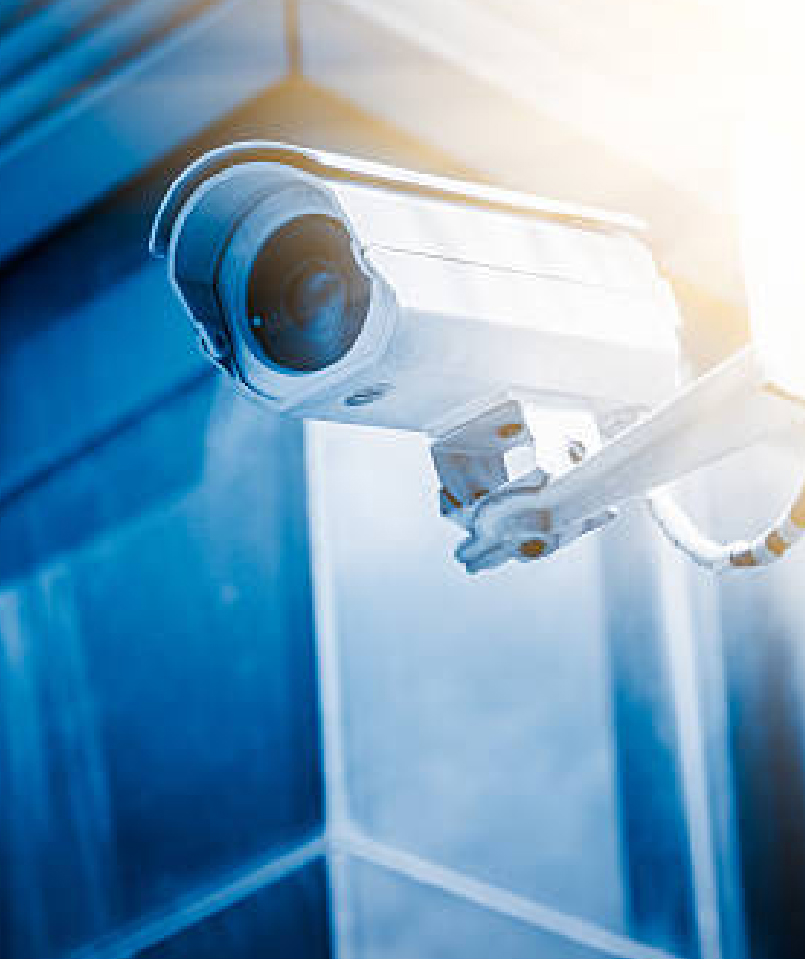 Video & Security System
 Highway Communication
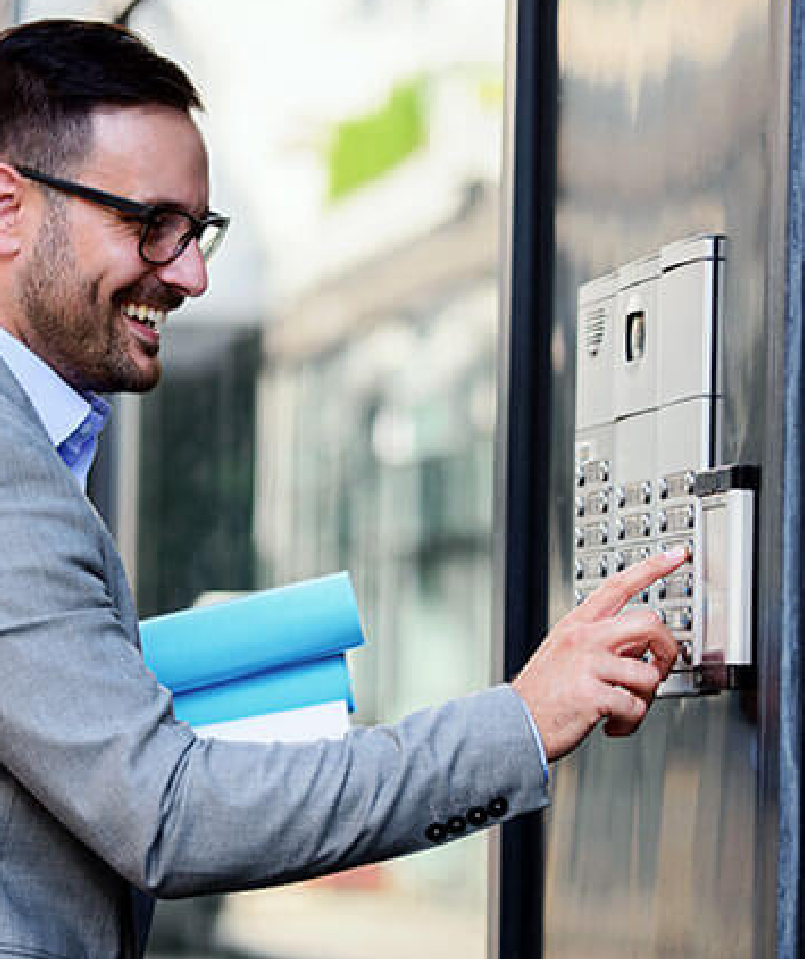 Intercom System
 IP Paging Solutions

 Healthcare
 Hospitality
 School & Universities
 IT Office
 SMEs and SMBs
 Industries


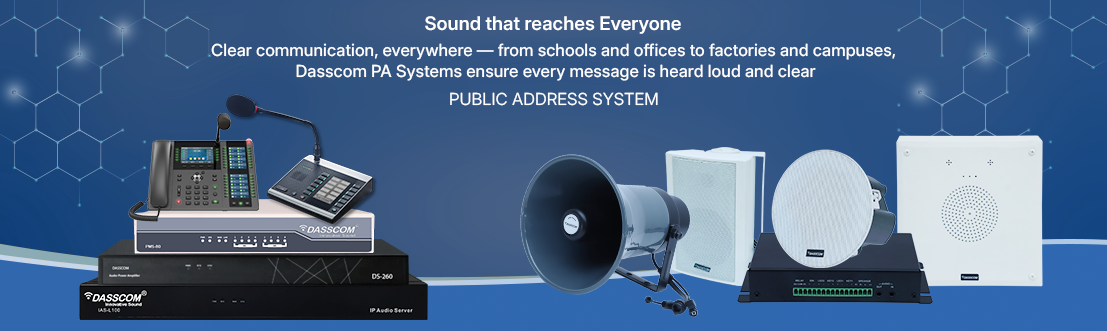
 Public Address System
 VOIP Phones
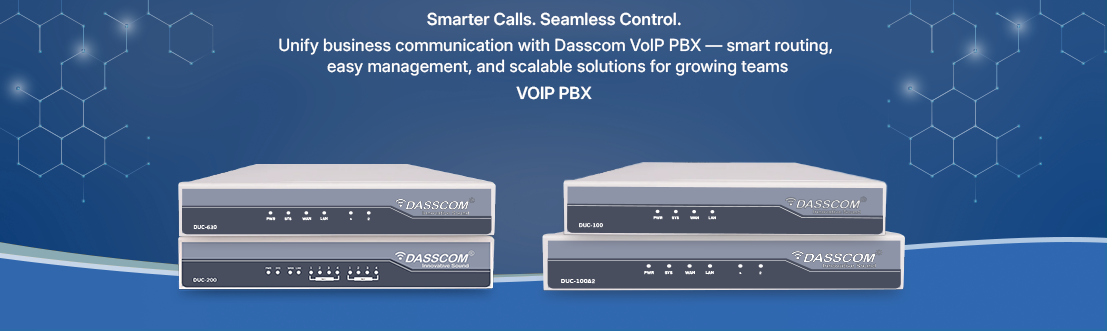
 VOIP PBX
 VOIP Gateways
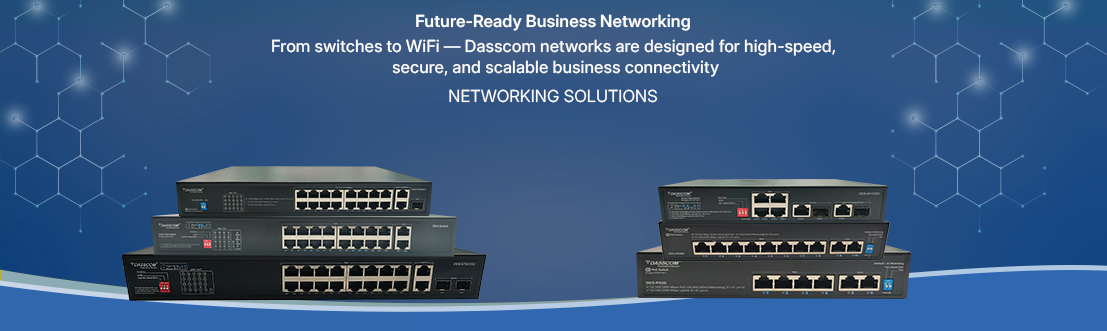
 Networking Solutions
 Call Center Headsets
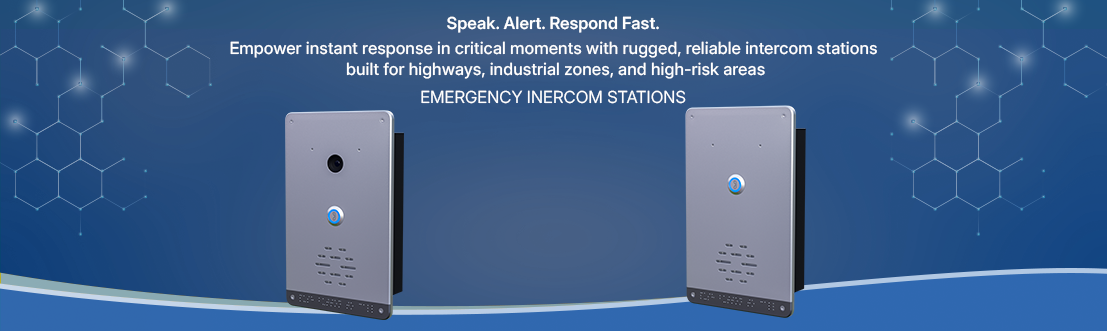
 Emergency Intercom Stations






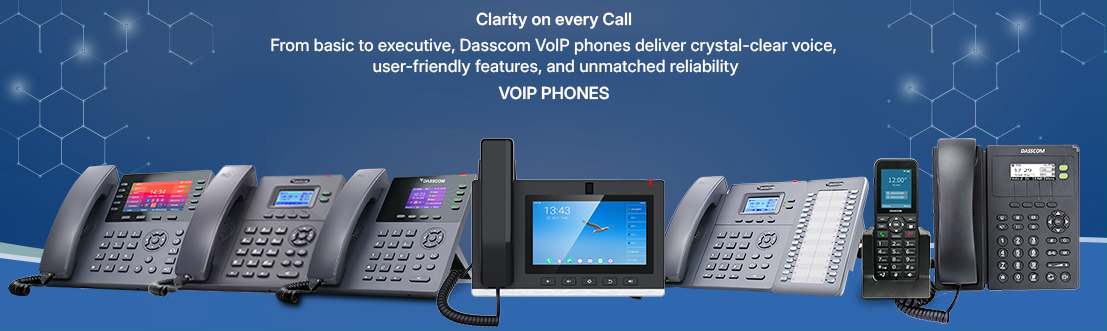

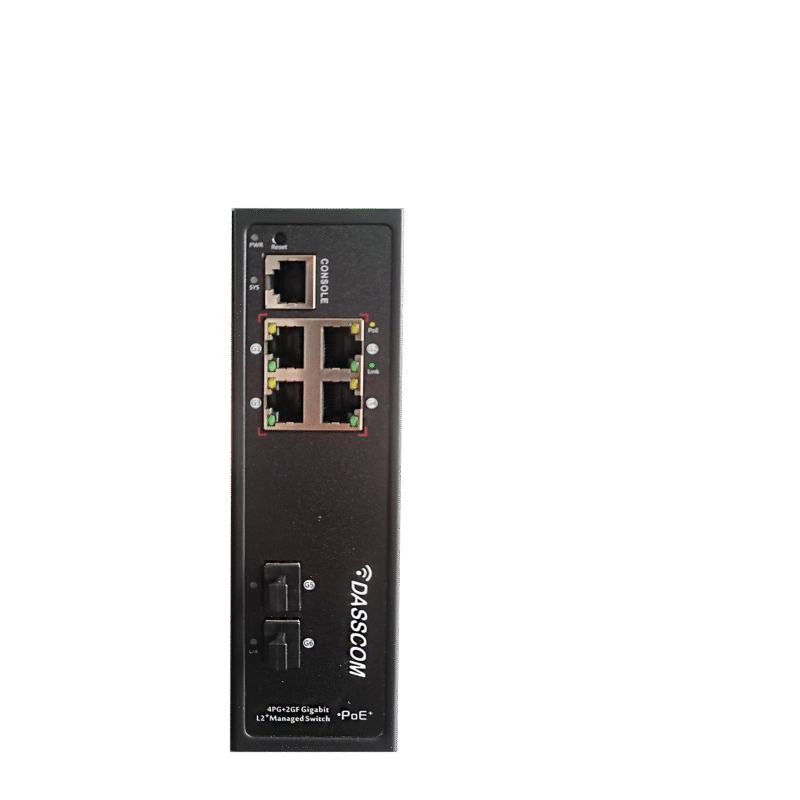
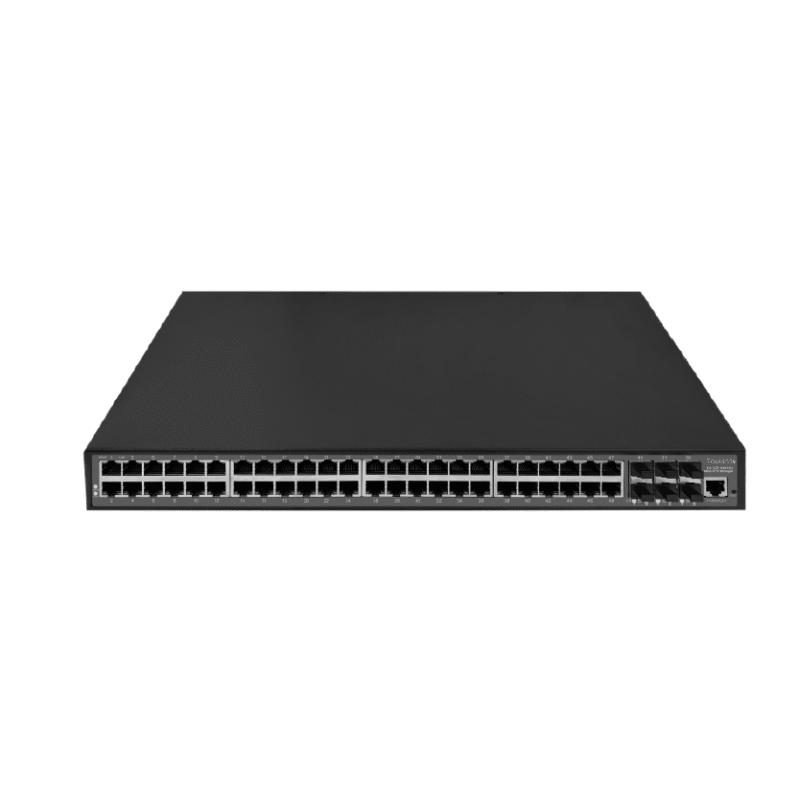
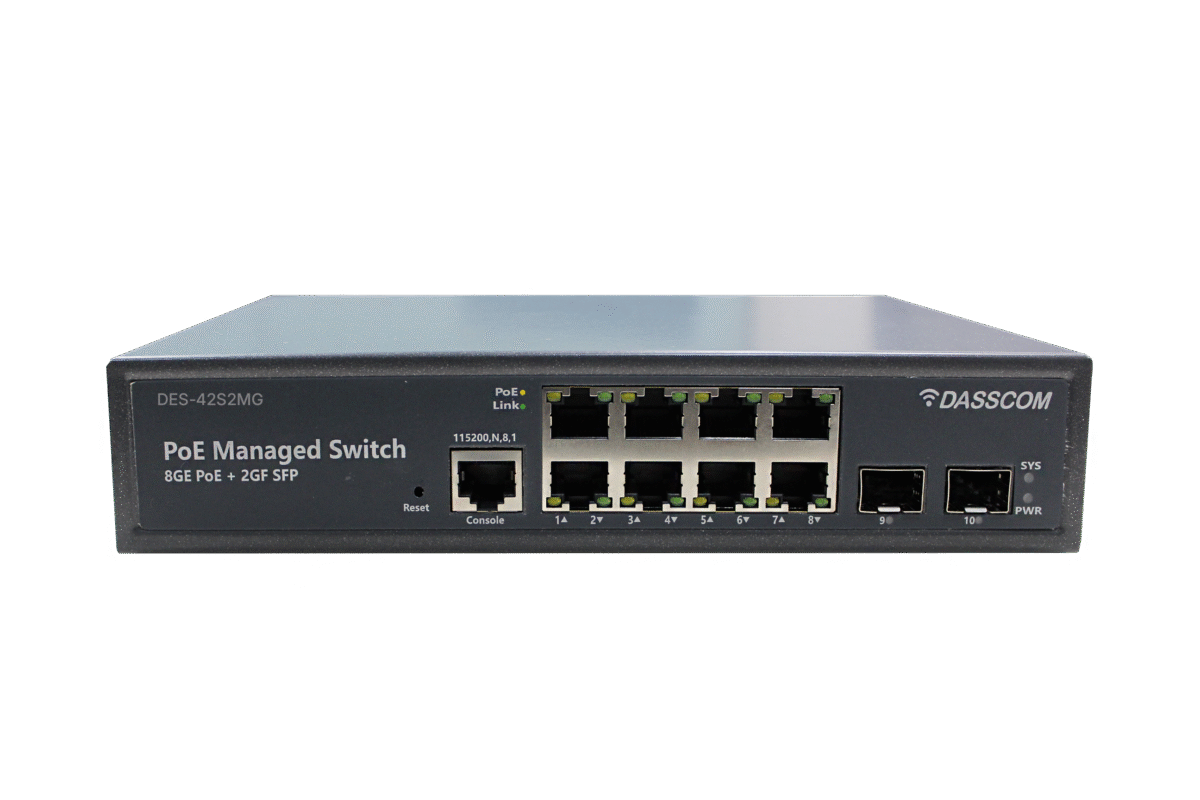
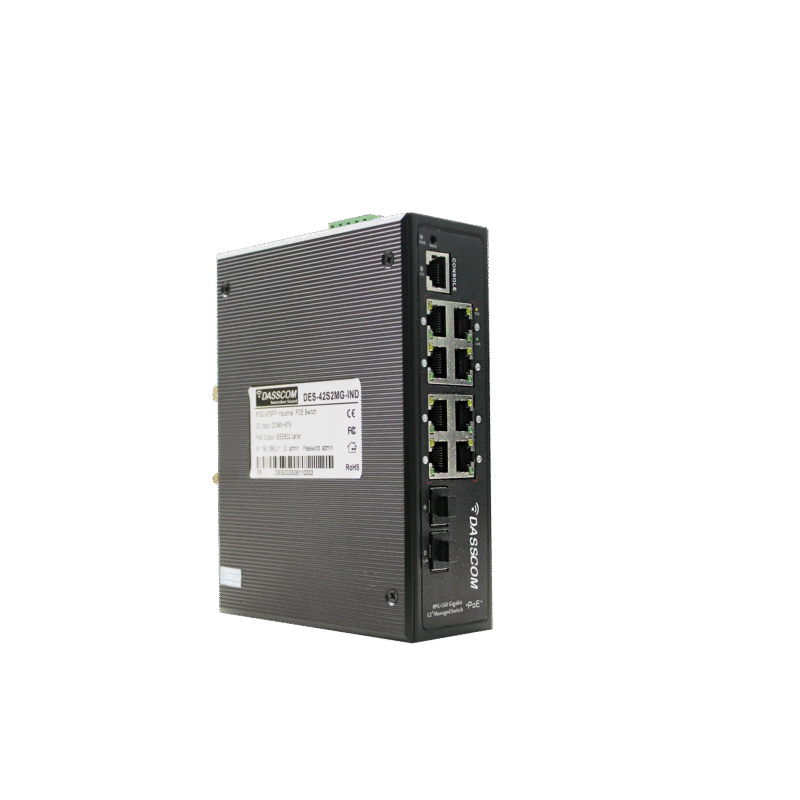
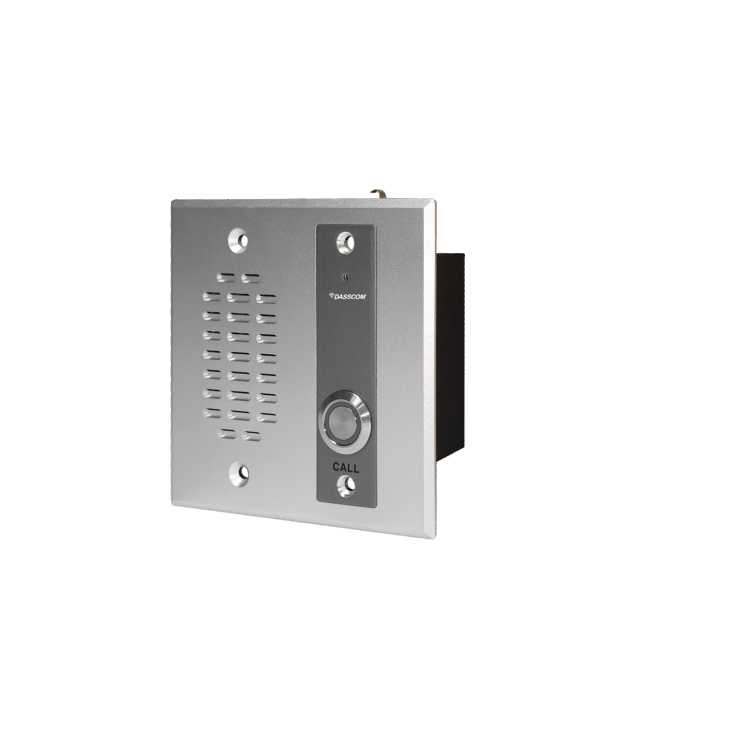
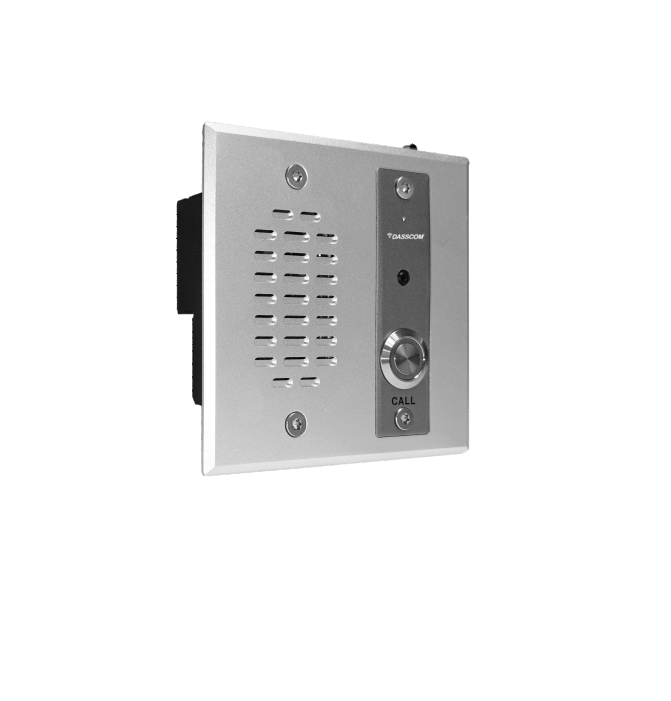
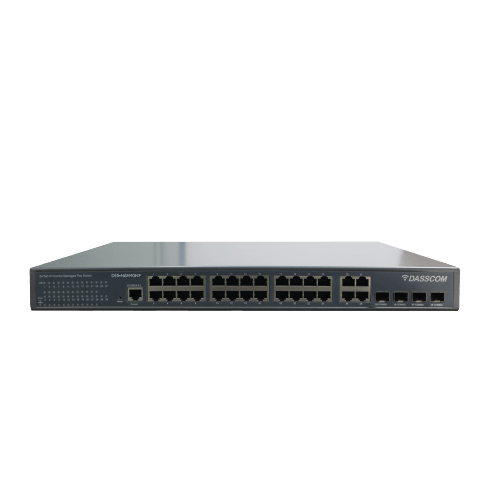


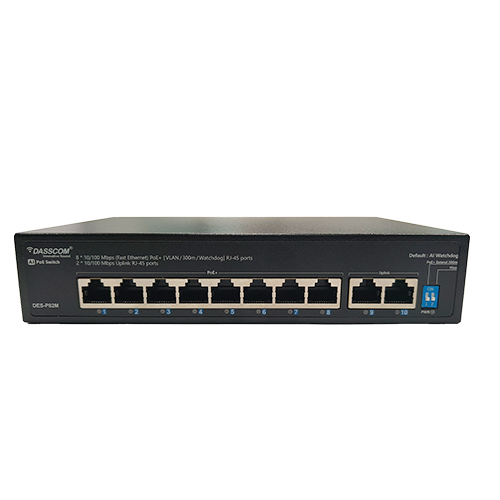
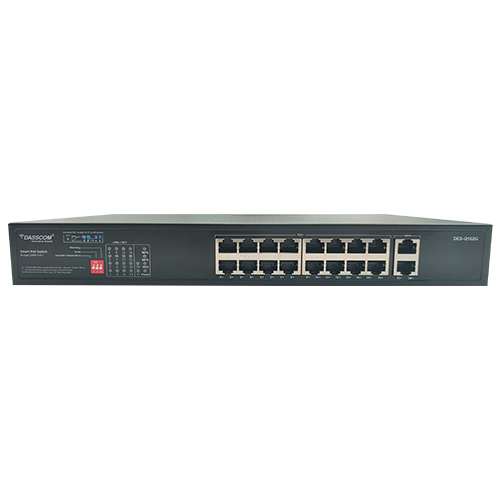
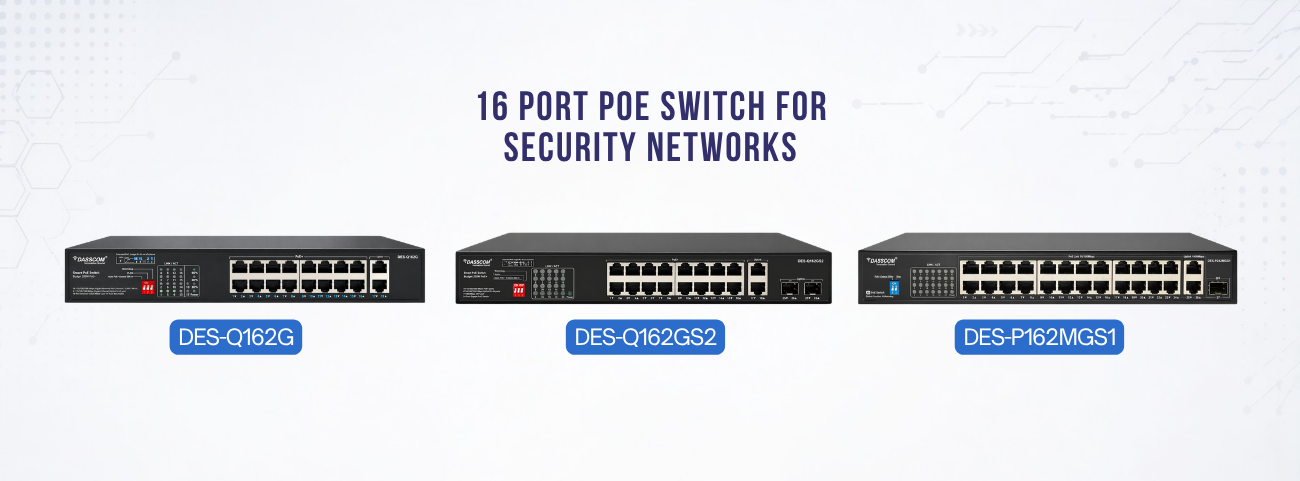
Choosing the Right 16 Port PoE Switch for Security Networks

Choosing the Right 16 Port PoE Switch for Security Networks
Learn how to choose the best 16 Port PoE Switch for CCTV and security deployments. Discover key features, PoE requirements, management options, pricing considerations, and deployment best practices.
fffs
Learn how to choose the best 16 Port PoE Switch for CCTV and security deployments. Discover key features, PoE requirements, management options, pricing considerations, and deployment best practices.
Modern security networks rely heavily on IP-based devices such as surveillance cameras, access control systems, wireless access points, and intercom stations. As these systems continue to evolve, organizations require networking infrastructure that can deliver both power and data efficiently while maintaining reliable performance.
This is where a 16 port POE switch becomes one of the most important components of a surveillance network. By transmitting power and data over a single Ethernet cable, PoE technology simplifies installation, reduces infrastructure costs, and improves scalability.
Whether you are designing a security system for a corporate office, educational campus, warehouse, retail facility, or smart building, selecting the right switch can significantly impact system reliability and long-term performance.
This guide explains everything you need to know about choosing the right PoE switch for security applications in 2026.
Why Security Networks Need PoE Switching
Traditional surveillance installations required separate cabling for power and data. This increased installation complexity and limited camera placement options.
A modern 16 port POE network switch eliminates these challenges by delivering both power and network connectivity through a single Ethernet cable.This approach offers several advantages:
-
Faster installation -
Reduced wiring costs -
Flexible camera placement -
Simplified maintenance -
Improved scalability
For organizations deploying multiple IP cameras, access control devices, or intercom systems, a POE ethernet switch 16 port provides an efficient and future-ready networking foundation.
What Is a 16 Port PoE Switch?
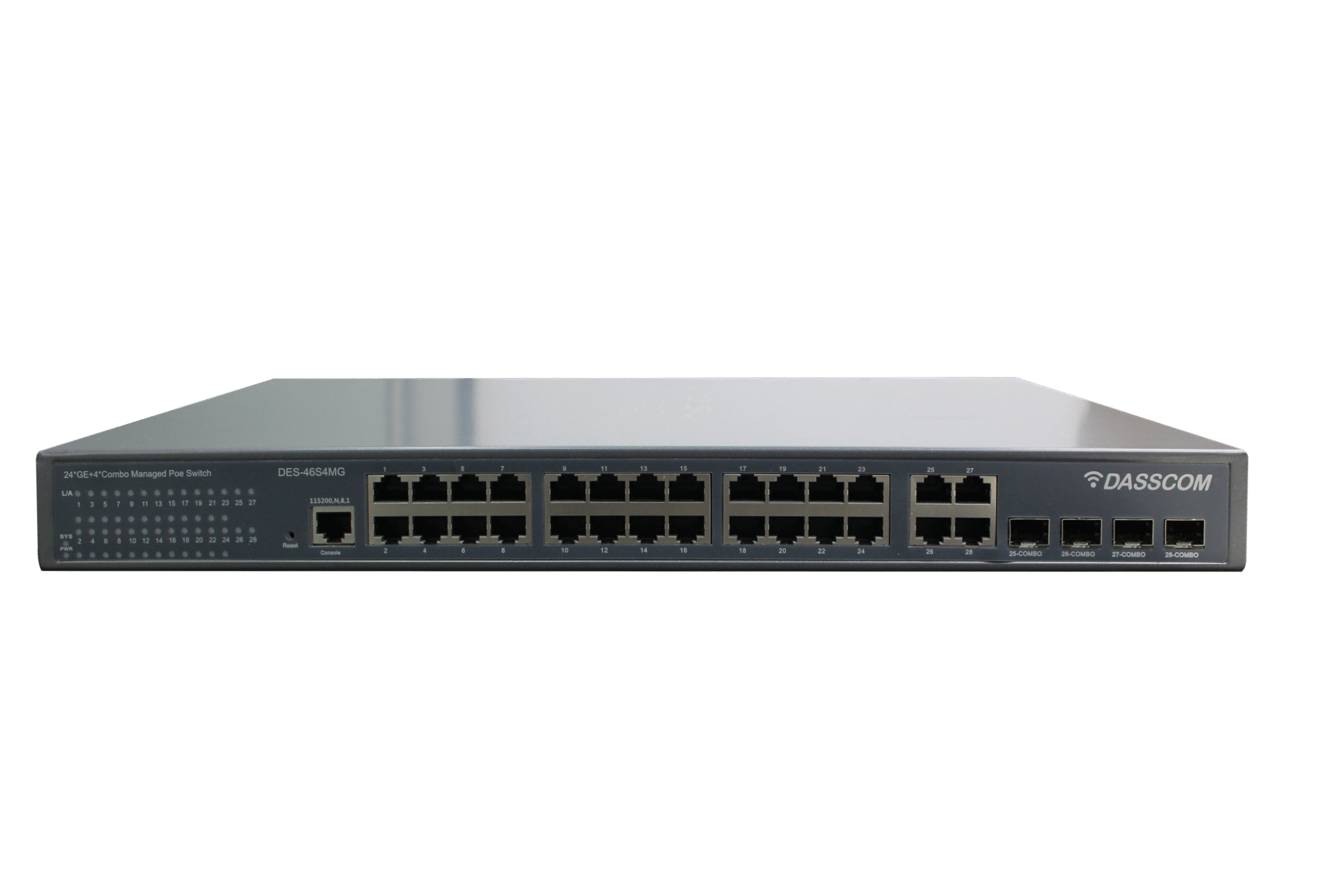
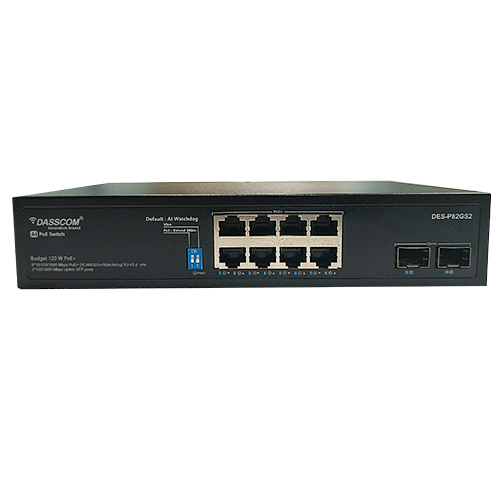
A 16 port POE switch is a network switch equipped with sixteen Power over Ethernet ports capable of supplying power and data to connected devices.
Common devices powered by PoE include:
-
IP surveillance cameras -
Wireless access points -
VoIP phones -
Access control terminals -
IP intercom systems
Unlike conventional switches, a POE 16 port solution reduces dependency on local power outlets and streamlines infrastructure deployment.
For medium-sized surveillance installations, a 16 POE switch often provides the ideal balance between connectivity capacity and cost efficiency.
Contact Sales
Understanding PoE Power Requirements
One of the most important considerations when selecting a 16 port POE network switch is power budget.
Every connected device consumes power. High-definition PTZ cameras, AI-enabled cameras, and wireless access points often require significantly more power than standard surveillance endpoints.
Before selecting a switch, calculate:
-
Number of devices -
Power consumption per device -
Future expansion requirements
For example:
Device Type | Average Power Consumption |
Fixed IP Camera | 5W–10W |
PTZ Camera | 15W–30W |
Access Point | 10W–25W |
Intercom Station | 5W–15W |
A properly sized POE ethernet switch 16 port ensures reliable operation without overloading the power budget.
Why 16 Ports Are Ideal for Security Networks
Many surveillance deployments require connectivity for more than a handful of devices but do not yet justify large enterprise switches.
A 16 port POE switch is often the ideal choice because it supports:
-
Multiple camera zones -
Access control devices -
Wireless infrastructure -
Future expansion
Organizations frequently deploy a 16 POE switch in:
-
Retail chains -
Office buildings -
Schools -
Hotels -
Warehouses
This configuration offers excellent scalability while maintaining manageable infrastructure costs.
Managed vs Unmanaged PoE Switching
A key decision when choosing a switch is whether to select a managed or unmanaged model.
Unmanaged switches offer plug-and-play simplicity but limited visibility.
A POE managed switch 16 port provides advanced capabilities including:
-
VLAN segmentation -
Traffic prioritization (QoS) -
Network monitoring -
Security controls -
Remote management
For security networks handling large amounts of video traffic, a POE managed switch 16 port delivers significantly greater control and reliability.
Request a Demo
Benefits of a PoE Managed Switch 16 Port
Security networks generate continuous video streams that consume substantial bandwidth.
A POE managed switch 16 port allows administrators to:
-
Prioritize surveillance traffic -
Separate camera networks using VLANs -
Monitor device health -
Troubleshoot remotely -
Improve cybersecurity
These capabilities help reduce downtime and ensure stable video transmission across the network.
For organizations deploying mission-critical surveillance infrastructure, managed switching is often the preferred choice.
Network Performance Matters
Video surveillance systems generate large amounts of network traffic. High-resolution cameras, AI analytics, and video storage systems require substantial bandwidth.
When evaluating a 16 port POE network switch, consider:
-
Switching capacity -
Forwarding rate -
Buffer memory -
Uplink options
Gigabit connectivity is strongly recommended for modern deployments.
A high-performance POE ethernet switch 16 port ensures smooth video streaming and minimizes latency during peak network activity.
-
Gigabit uplink ports -
SFP fiber uplinks -
Combo ports
Fiber uplinks are particularly useful for connecting remote surveillance locations while maintaining high-speed communication.
Find a Dealer
Environmental Considerations
Not all security deployments operate in climate-controlled environments.
Outdoor and industrial applications often require:
-
Extended temperature support -
Surge protection -
Rugged housing -
Industrial certifications
When deploying surveillance systems in warehouses, factories, transportation facilities, or outdoor locations, businesses should evaluate switches designed for demanding environments.
A durable 16 POE switch ensures long-term reliability under challenging operating conditions.
Understanding 16 Port Managed Switch Price
One of the most common questions buyers ask is about 16 port managed switch price.
Several factors influence cost:
-
PoE power budget -
Management capabilities -
Uplink options -
Industrial-grade features -
Switching capacity -
Security functions
A higher 16 port managed switch price often reflects better performance, greater reliability, and enhanced scalability.Rather than focusing solely on upfront cost, organizations should evaluate:
-
Total cost of ownership -
Maintenance requirements -
Future expansion needs -
Network reliability
Investing in the right switch can significantly reduce long-term operational expenses.
Security Features to Look For
Modern surveillance networks face increasing cybersecurity challenges.
When evaluating a POE managed switch 16 port, prioritize features such as:
-
Access Control Lists (ACLs) -
Port security -
VLAN isolation -
DHCP snooping -
ARP inspection -
Authentication controls
These capabilities help protect surveillance infrastructure from unauthorized access and cyber threats.
Future-Proofing Your Security Network
As security technology continues to evolve, network requirements will increase.
Future-ready 16 port POE switch deployments should support:
-
Higher bandwidth requirements -
Additional cameras -
AI-enabled analytics -
Smart building integration -
Cloud connectivity
Choosing a scalable 16 port POE network switch today helps avoid costly infrastructure upgrades tomorrow.
Common Applications
A POE ethernet switch 16 port is commonly deployed in:
-
Corporate Offices
Supporting surveillance, access control, and communication systems.
-
Educational Institutions
Providing connectivity for campus-wide security networks.
-
Warehouses
Powering cameras, wireless devices, and monitoring systems.
-
Hospitality Environments
Supporting guest security and operational monitoring.
-
Retail Chains
Connecting surveillance systems across multiple locations.
Final Thoughts
Selecting the right 16 Port PoE Switch is essential for building a reliable, scalable, and secure surveillance infrastructure. Organizations should evaluate power budgets, management features, uplink options, and long-term scalability before making a purchase. A high-quality managed PoE switch not only improves security network performance but also reduces operational complexity and future infrastructure costs.
types of call center

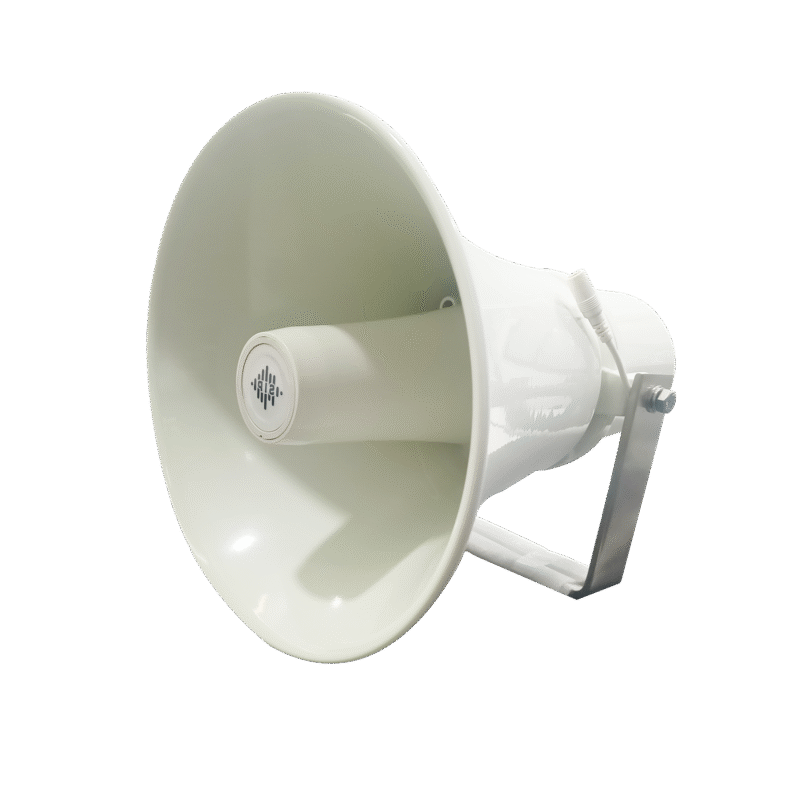
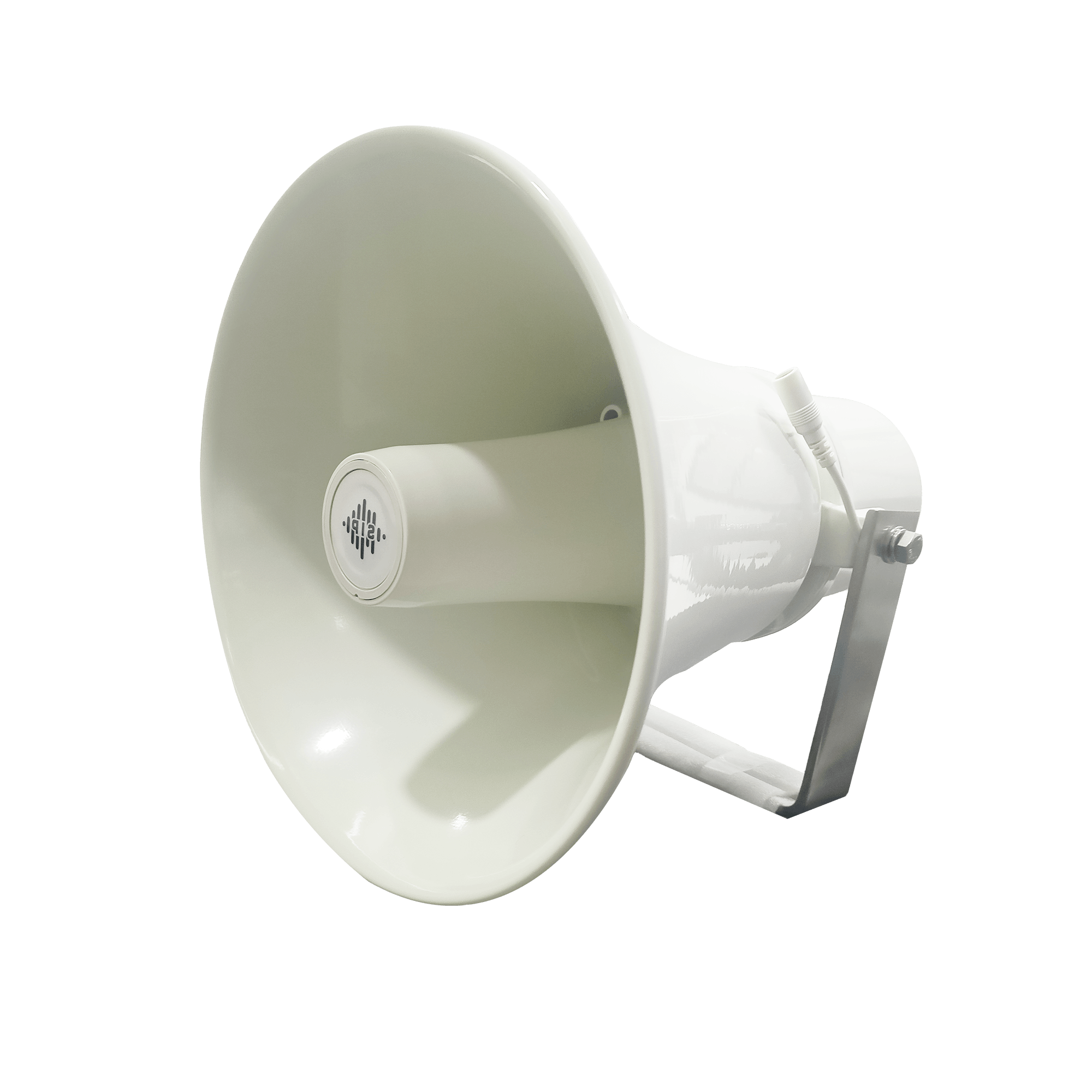
DS-15H
15 watt Horn speaker
Support SIP
IP 65 Rating
Support BGM and announcement
DS-10C
10 watt Ceiling Speaker
Support SIP
PoE enabled
Support BGM & announcement
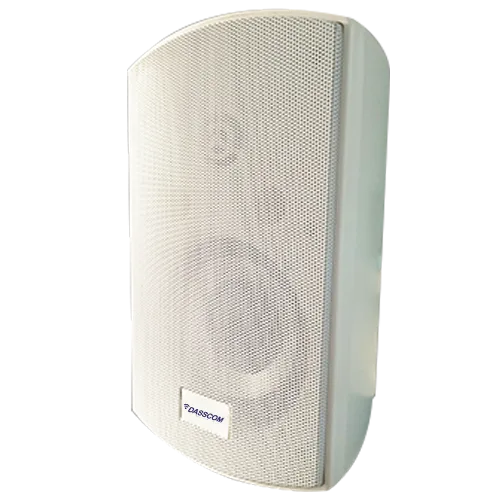
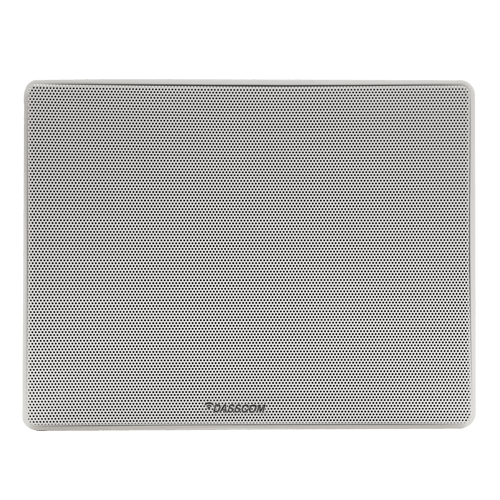
DS-15W
15 watt wall-mount speaker
Support SIP
PoE enabled
Support BGM and announcement
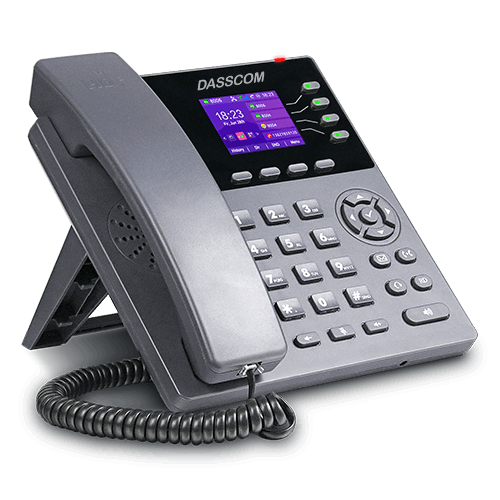
DXP-7200N
4 SIP Account
PoE phone
Colour Screen
HD Voice
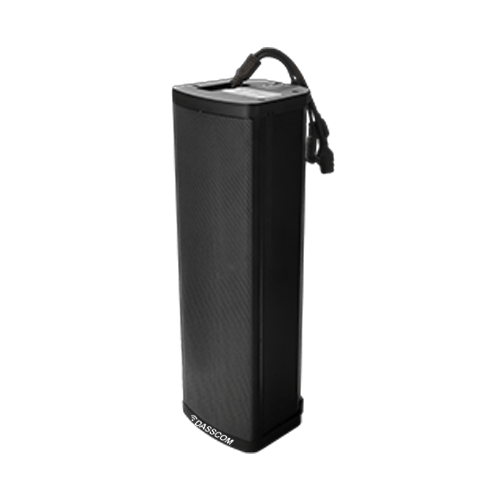
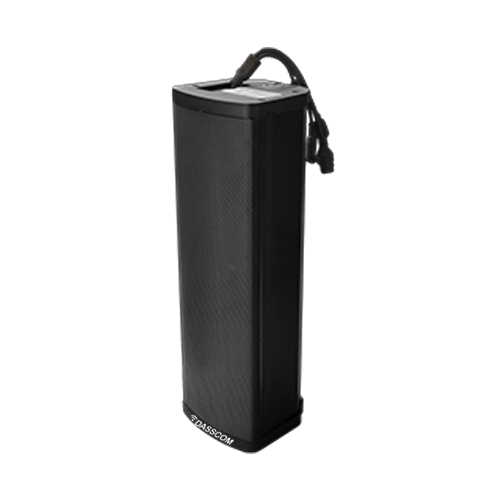
DS-30ECL
1.Built-in 30W amplifier,
2.Class D Amplifier
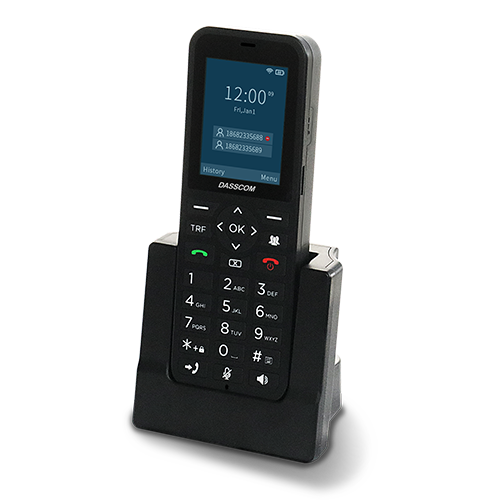
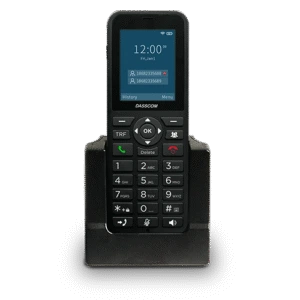
DW-100
2 SIP accounts
Wi-fi Support
Cordless Phone
Quick summary
See how Nextiva transforms the sales and support team productivity.
Frequently Asked Questions (FAQs)
1. What is a 16 port POE switch used for?
A 16 port POE switch is used to provide power and data connectivity to devices such as IP cameras, access points, intercoms, and VoIP phones.
2. How many cameras can a 16 port POE network switch support?
A 16 port POE network switch can typically support up to 16 PoE-powered devices, depending on the switch’s power budget.
3. Why choose a POE managed switch 16 port for surveillance?
A POE managed switch 16 port offers VLANs, traffic prioritization, monitoring, and enhanced security for reliable surveillance performance.
4. What affects 16 port managed switch price?
The 16 port managed switch price depends on PoE capacity, management features, uplink options, switching performance, and industrial-grade capabilities.
5. Is a POE ethernet switch 16 port suitable for offices?
Yes, a POE ethernet switch 16 port is ideal for office surveillance, access control, and communication infrastructure.
6. What is the difference between a 16 POE switch and a standard switch?
A 16 POE switch delivers both power and data through Ethernet cables, while standard switches provide only data connectivity.
7. How do I choose the right POE 16 port switch?
Consider power requirements, device count, management features, uplink connectivity, security capabilities, and future expansion needs.
A 16 port POE switch is used to provide power and data connectivity to devices such as IP cameras, access points, intercoms, and VoIP phones.
A 16 port POE network switch can typically support up to 16 PoE-powered devices, depending on the switch’s power budget.
A POE managed switch 16 port offers VLANs, traffic prioritization, monitoring, and enhanced security for reliable surveillance performance.
The 16 port managed switch price depends on PoE capacity, management features, uplink options, switching performance, and industrial-grade capabilities.
Yes, a POE ethernet switch 16 port is ideal for office surveillance, access control, and communication infrastructure.
A 16 POE switch delivers both power and data through Ethernet cables, while standard switches provide only data connectivity.
Consider power requirements, device count, management features, uplink connectivity, security capabilities, and future expansion needs.
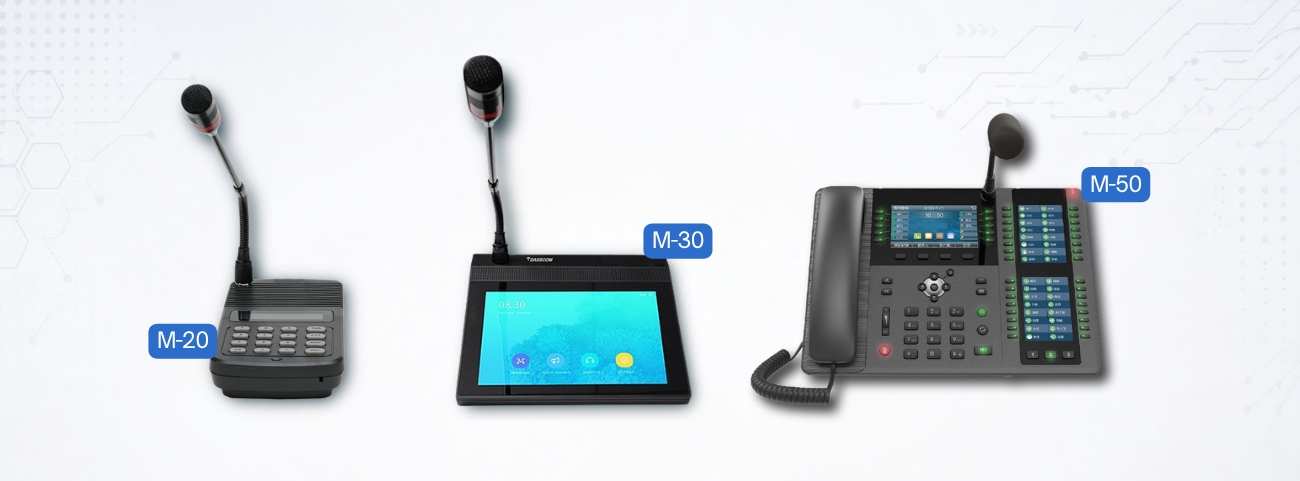
Paging Microphones Explained: Features, Types, and Benefits
Paging Microphones Explained: Features, Types, and Benefits
Learn how paging microphones work, their key features, different types, and why they are essential for modern public address systems. Discover how IP-based paging improves communication, safety, and operational efficiency.
fffs
Effective communication is critical in schools, hospitals, factories, transportation hubs, commercial buildings, and corporate campuses. Whether it’s making routine announcements, coordinating operations, or delivering emergency alerts, organizations need a reliable way to communicate with large groups of people instantly.
This is where paging microphones play a vital role. As the command center of a public announcement network, a paging microphone enables users to broadcast messages clearly and efficiently across designated zones or entire facilities.
Modern paging technology has evolved significantly from traditional analog systems. Today, organizations are increasingly adopting IP-based communication platforms that combine PA system microphone functionality with advanced networking, automation, and remote management capabilities.
In this guide, we’ll explore how paging microphones work, the different types available, their key features, and the benefits they bring to modern communication environments.
What Are Paging Microphones?
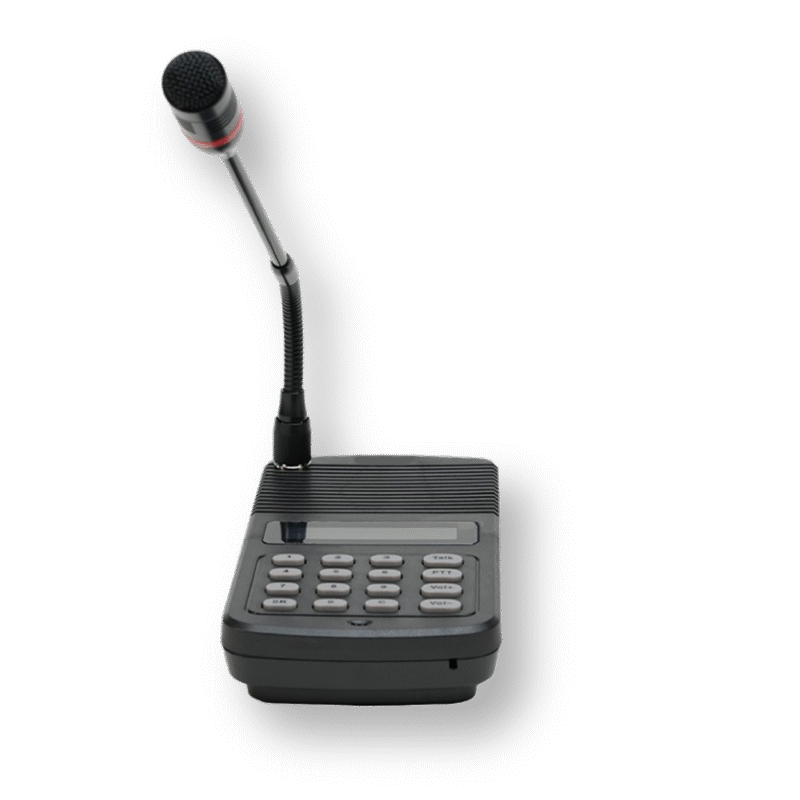
Paging microphones are communication devices used to make announcements through a public address network. They act as the primary interface between the user and the speaker infrastructure, allowing voice messages to be transmitted across one or multiple zonesA modern PA system microphone can be used for:
-
Live announcements -
Emergency notifications -
Zone-specific paging -
Background music control -
Intercom communication
In traditional environments, microphones were connected directly to amplifiers. Today, advanced paging solutions integrate with IP networks, allowing announcements to be delivered through an IP speaker system across multiple buildings and locations.
How Paging Microphones Work
When a user speaks into the microphone, the audio signal is processed and transmitted through the communication infrastructure to connected speakers.
In a traditional PA system with mic, the microphone sends analog audio signals to an amplifier, which then distributes the sound to connected speakers.
In contrast, modern IP-based systems convert voice into digital packets and transmit them through the network. This approach enables centralized control, better audio quality, and greater scalability.
An IP audio system allows organizations to route announcements to specific departments, floors, or facilities without requiring dedicated audio cabling.
Contact Sales
Types of Paging Microphones
Different environments require different paging solutions. Understanding the available types helps organizations select the most suitable communication infrastructure.
-
Traffic prioritization (QoS) -
VLAN segmentation -
Enhanced security controls -
Remote management
1. Analog Paging Microphones
These are traditional paging microphones connected directly to amplifiers and speaker systems.
They are commonly used in:
-
Small offices -
Retail stores -
Schools -
Warehouses
While cost-effective, they offer limited flexibility compared to modern IP-based solutions.
2. Network Paging Microphones
Network-based paging devices operate over Ethernet infrastructure and integrate directly with an IP PA system.
Benefits include:
-
Centralized management -
Remote paging -
Multi-zone control -
Better scalability
Organizations with multiple buildings or large campuses often prefer network paging systems because they simplify communication management.
3. SIP Paging Consoles
A SIP paging system uses Session Initiation Protocol (SIP) technology to integrate paging with VoIP communication platforms.
These systems allow:
-
Direct paging from IP phones -
Integration with IP PBX platforms -
Multi-location communication -
Unified communication management
A SIP paging system can operate seamlessly alongside VoIP telephony infrastructure, improving communication efficiency.
4. Wireless Paging Microphones
Modern facilities increasingly deploy a PA system with wireless mic to provide greater mobility.
Users can make announcements without being tied to a fixed location. This is particularly useful in:
-
Educational campuses -
Event venues -
Manufacturing facilities -
Warehouses
A PA system with wireless mic enables supervisors and operators to communicate more effectively while moving around the facility.
Request a Demo
Essential Features of Modern Paging Microphones
Today’s paging microphones offer significantly more functionality than traditional announcement systems.
Zone Selection
Users can broadcast messages to:
-
Individual departments -
Specific floors -
Entire buildings -
Multiple sites
This capability improves communication precision and reduces unnecessary disruptions.
Programmable Function Keys
Many modern PA system microphone consoles include programmable buttons for:
-
Emergency announcements -
Frequently used zones -
Pre-recorded messages -
Music control
This simplifies operation and improves response times.
Scalability & Future Expansion
Intercom Functionality
Many systems now support two-way communication, allowing paging devices to function as part of a larger IP audio system .
This enables:
-
Help point communication -
Security coordination -
Facility management interaction
Emergency Broadcasting
Modern paging consoles are often integrated into safety systems.
They can trigger:
-
Fire evacuation announcements -
Emergency notifications -
Security alerts -
Crisis communication protocols
This makes them an important component of organizational safety infrastructure.
Benefits of an IP PA System
Traditional public address networks are increasingly being replaced by the IP PA system because of its flexibility and scalability.
Unlike analog systems, an IP PA system uses existing network infrastructure to distribute audio across connected speakers.
Key benefits include:
-
Scalability
Organizations can easily add new speakers, microphones, and communication zones without major infrastructure changes.
-
Centralized Management
Administrators can manage announcements from a single interface across multiple locations.
-
Improved Audio Quality
Digital transmission ensures clear voice reproduction and minimizes signal degradation.
-
Integration Capabilities
An IP PA system can integrate with:
-
IP PBX platforms -
Security systems -
Access control solutions -
Emergency notification systems
Find a Dealer
The Role of IP Speaker Systems
An IP speaker system forms the output layer of modern paging infrastructure. These speakers receive digital audio signals directly from the network and broadcast them throughout the facility.
Organizations deploy an IP speaker system because it offers:
-
Flexible deployment -
Zone-based communication -
Easy expansion -
Reduced cabling requirements
When combined with advanced paging consoles, an IP speaker system creates a highly efficient communication environment.
Why Businesses Choose PA Systems with Wireless Mic
A PA system with wireless mic provides operational flexibility that traditional wired solutions cannot match.
Benefits include:
-
Greater mobility -
Faster response times -
Easier event management -
Reduced installation constraints -
Cloud-based network management
Educational institutions, event venues, warehouses, and industrial facilities increasingly prefer a PA system with wireless mic for day-to-day operations.
IP Audio Systems and Unified Communication
An IP audio system goes beyond simple announcements. It creates a fully integrated communication platform capable of supporting:
-
Paging -
Intercom communication -
Background music -
Emergency notifications -
Security alerts
Organizations adopting an IP audio system benefit from improved operational efficiency and stronger communication reliability.
These systems can also integrate with VoIP telephony, creating a unified communication environment.
Applications of Paging Microphones
Modern paging microphones are used across multiple industries:
-
Corporate Offices
For employee announcements, emergency alerts, and facility communication.
-
Educational Institutions
For class change notifications, campus announcements, and safety communication.
-
Healthcare Facilities
For staff coordination and emergency messaging.
-
Transportation Hubs
For passenger information and operational announcements.
-
Industrial Facilities
For production coordination and worker safety communication.
Future Trends in Paging Technology
The future of paging systems is increasingly IP-driven. Emerging trends include:
-
Cloud-managed paging -
AI-assisted announcements -
Mobile paging applications -
IoT integration -
Smart building communication systems
As organizations continue digitizing communication infrastructure, the demand for advanced SIP paging system solutions and intelligent IP speaker system deployments will continue growing.
Final Thoughts
Paging microphones remain a critical component of effective communication infrastructure. Whether used in traditional public address systems or advanced IP-based environments, they enable fast, clear, and reliable information delivery. Organizations adopting modern IP PA systems, SIP paging platforms, and wireless paging technologies gain greater flexibility, improved safety, and enhanced operational efficiency for long-term communication success.
types of call center
DS-15H
15 watt Horn speaker
Support SIP
IP 65 Rating
Support BGM and announcement
DS-10C
10 watt Ceiling Speaker
Support SIP
PoE enabled
Support BGM & announcement
DS-15W
15 watt wall-mount speaker
Support SIP
PoE enabled
Support BGM and announcement
DXP-7200N
4 SIP Account
PoE phone
Colour Screen
HD Voice
DS-30ECL
1.Built-in 30W amplifier,
2.Class D Amplifier
DW-100
2 SIP accounts
Wi-fi Support
Cordless Phone
Quick summary
See how Nextiva transforms the sales and support team productivity.
Frequently Asked Questions (FAQs)
1. What is a PA system microphone used for?
A PA system microphone is used to make announcements, deliver emergency messages, and communicate with people across connected speaker networks.
2. How does a PA system with mic work?
A PA system with mic transmits voice signals from the microphone through amplifiers or network infrastructure to connected speakers.
3. What are the advantages of a PA system with wireless mic?
A PA system with wireless mic provides greater mobility, flexible deployment, and easier communication across large facilities.
4. What is an IP PA system?
An IP PA system uses network infrastructure to distribute audio and announcements to IP-connected speakers.
5. How does an IP speaker system improve communication?
An IP speaker system enables centralized management, zone-based paging, scalability, and improved audio quality.
6. What is a SIP paging system?
A SIP paging system integrates paging functions with VoIP communication platforms using SIP technology.
7. Why are paging microphones important in emergency situations?
Paging microphones allow organizations to quickly deliver evacuation instructions, safety alerts, and emergency announcements.
8. Can an IP audio system integrate with VoIP phones?
Yes, a modern IP audio system can integrate seamlessly with IP PBX platforms and VoIP communication infrastructure.
A PA system microphone is used to make announcements, deliver emergency messages, and communicate with people across connected speaker networks.
A PA system with mic transmits voice signals from the microphone through amplifiers or network infrastructure to connected speakers.
A PA system with wireless mic provides greater mobility, flexible deployment, and easier communication across large facilities.
An IP PA system uses network infrastructure to distribute audio and announcements to IP-connected speakers.
An IP speaker system enables centralized management, zone-based paging, scalability, and improved audio quality.
A SIP paging system integrates paging functions with VoIP communication platforms using SIP technology.
Paging microphones allow organizations to quickly deliver evacuation instructions, safety alerts, and emergency announcements.
Yes, a modern IP audio system can integrate seamlessly with IP PBX platforms and VoIP communication infrastructure.
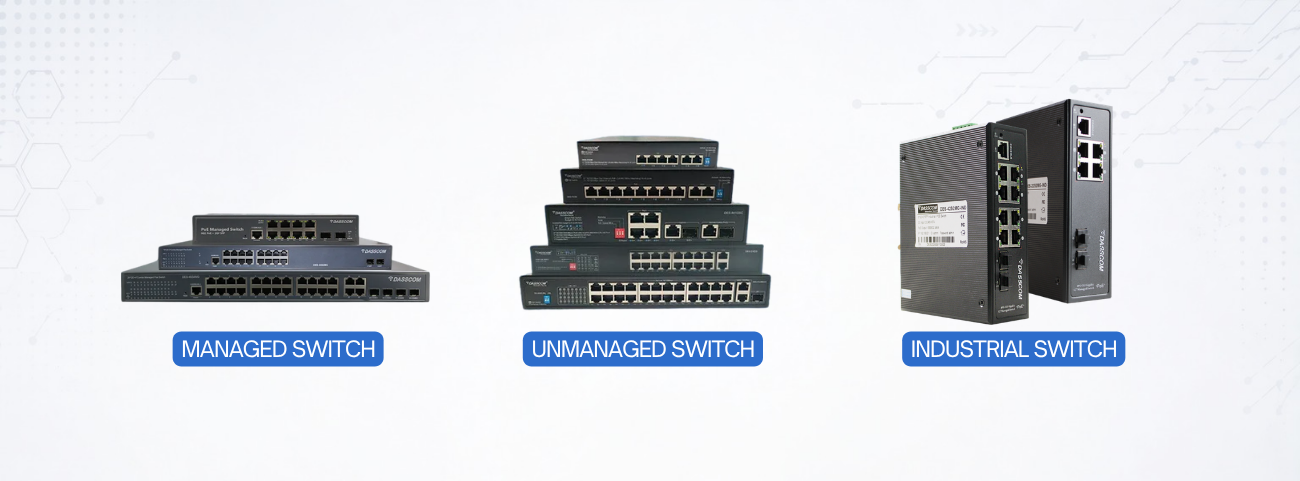
Managed vs. Unmanaged Switches: Key Differences Explained
Managed vs. Unmanaged Switches: Key Differences Explained
Learn the major differences between managed and unmanaged switches, including features, scalability, security, performance, and ideal use cases to help you choose the right networking solution for your business.
fffs
Learn the major differences between managed and unmanaged switches, including features, scalability, security, performance, and ideal use cases to help you choose the right networking solution for your business.Modern business networks depend on switches to connect devices, transfer data, and ensure reliable communication. Whether you are running a small office, enterprise infrastructure, surveillance setup, or smart building environment, choosing the right switch is critical for performance and scalability.
One of the most common networking decisions businesses face is choosing between managed switches and unmanaged switches. While both perform the essential task of connecting devices, their capabilities, control levels, and ideal applications differ significantly.
This guide explains the core differences between managed and unmanaged switches, their advantages, use cases, and how to decide which solution best fits your business requirements in 2026.
What Are Network Switches?
A network switch connects devices such as computers, IP phones, wireless access points, and surveillance cameras within a local network. It intelligently forwards data to the correct destination, improving network efficiency and communication speed.
Modern switches are generally divided into two categories:
-
Managed switches -
Unmanaged switches
Understanding the difference between these two types is essential before designing or expanding your network infrastructure.
What Are Unmanaged Switches?
Unmanaged switches are plug-and-play networking devices that require no configuration. Once connected, they automatically begin forwarding traffic between connected devices.
An unmanaged network switch is ideal for:
-
Small office -
Home networks -
Basic surveillance systems -
Temporary deployments
These switches are simple to install and require minimal technical expertise.
What Are Managed Switches?
Managed switches provide advanced control, monitoring, and optimization features. Administrators can configure network traffic, prioritize applications, create VLANs, and monitor performance through web interfaces or command-line tools.
A professional managed network switch enables:
-
Traffic prioritization (QoS) -
VLAN segmentation -
Enhanced security controls -
Remote management
These capabilities make managed switches ideal for business-critical environments.
Contact Sales
Managed v Unmanaged Switch: Core Differences
The debate around managed v unmanaged switch solutions typically comes down to control versus simplicity.
| Feature | Managed Switches | Unmanaged Switches |
|---|---|---|
| Configuration | Advanced | None |
| Monitoring | Supported | Not Available |
| Security Features | Advanced | Basic |
| VLAN Support | Yes | Limited/No |
| Cost | Higher | Lower |
| Scalability | High | Limited |
A managed v unmanaged switch comparison clearly shows that managed solutions offer greater flexibility and long-term scalability.
Performance & Traffic Management
One major difference in the managed v unmanaged switch discussion is traffic optimization.
A managed network switch can prioritize critical traffic such as:
-
VoIP calls -
Video conferencing -
Surveillance video streams
This ensures stable performance during heavy network usage.
In contrast, an unmanaged network switch forwards traffic without prioritization, which may lead to congestion in busy environments
How to Choose the Right Switch
When comparing managed v unmanaged switch options, consider
-
Business size -
Number of connected devices -
Need for monitoring and security -
Scalability requirements -
Budget
If your network supports mission-critical operations, a managed network switch is usually the better choice.
24 Port Managed Switch: Why Businesses Prefer It
A 24 port managed switch is one of the most widely used solutions in enterprise networking because it balances scalability, performance, and cost efficiency.
Organizations use a 24 port managed switch
-
Connect multiple departments -
Support IP phones and cameras -
Manage VLANs across teams -
Scale future network growth
Modern enterprises increasingly deploy managed switches because centralized control improves operational efficiency and security.
Request a Demo
PoE Switching: Power & Data Together
Many businesses now use PoE switches to simplify installations by transmitting power and data over a single Ethernet cable.
24 Port PoE Switch
A 24 port poe switch is ideal for:
-
Large surveillance systems -
Multi-floor office deployments -
Wi-Fi access point installations
It supports high-density device connectivity while reducing infrastructure complexity.
8 Port POE Switch
An 8 port POE switch is better suited for:
-
Small offices -
Retail stores -
Branch locations -
Compact surveillance setups
For growing businesses, an 8 port POE switch provides flexibility without excessive infrastructure investment.
Security Advantages of Managed Switches
Security is one of the strongest arguments in the managed v unmanaged switch comparison.
A managed network switch supports:
-
Access control lists (ACLs) -
Port security -
VLAN segmentation -
Traffic monitoring
These features help businesses reduce unauthorized access and improve network visibility.
An unmanaged network switch, while simpler, lacks advanced security controls.
Scalability & Future Expansion
As organizations grow, network complexity increases. A 24 port managed switch allows businesses to:
-
Add new users easily -
Expand network zones -
Monitor traffic patterns -
Optimize bandwidth allocation
This scalability makes managed switches a preferred long-term investment.
By comparison, unmanaged switches work best in static environments where growth and advanced management are not priorities.
Find a Dealer
Managed Switches in Enterprise Networks
Large organizations typically deploy managed switches because they provide:
-
Centralized control -
Better troubleshooting -
Improved uptime -
Remote configuration capabilities
A managed network switch is especially valuable in:
-
Corporate offices -
Campuses -
Manufacturing facilities -
Hospitals -
Data-driven environments
When to Choose Unmanaged Switches
Despite the advantages of managed solutions, unmanaged switchesstill have important use cases.
Choose an unmanaged network switch if:
-
You need fast deployment -
Technical management is limited -
The network is small and simple -
Budget is a primary concern
An unmanaged solution is often sufficient for basic connectivity requirements.
Real-World Deployment Examples
Enterprise Office
A 24 port managed switch powers IP phones, surveillance cameras, and access points while managing traffic through VLANs.
Retail Store
An 8 port POE switch supports POS systems, CCTV cameras, and Wi-Fi access points.
Small Branch Office
An unmanaged network switch provides basic connectivity for desktop systems and printers.
Campus Network
Multiple managed switches connect departments while ensuring network segmentation and security.
Future of Network Switching
Modern networking trends are driving greater adoption of managed switches due to:
-
Smart building technologies -
AI-driven traffic analysis -
Increased cybersecurity requirements -
Growth of IoT devices -
Cloud-based network management
As businesses continue digitizing operations, intelligent switching infrastructure will become even more important.
Final Thoughts
Choosing between managed and unmanaged switches depends on your network size, security needs, and scalability goals. While unmanaged switches offer simplicity and affordability, managed switches provide greater control, traffic optimization, and long-term flexibility. Businesses planning future growth or deploying IP devices should strongly consider managed switching solutions for improved reliability and network performance.
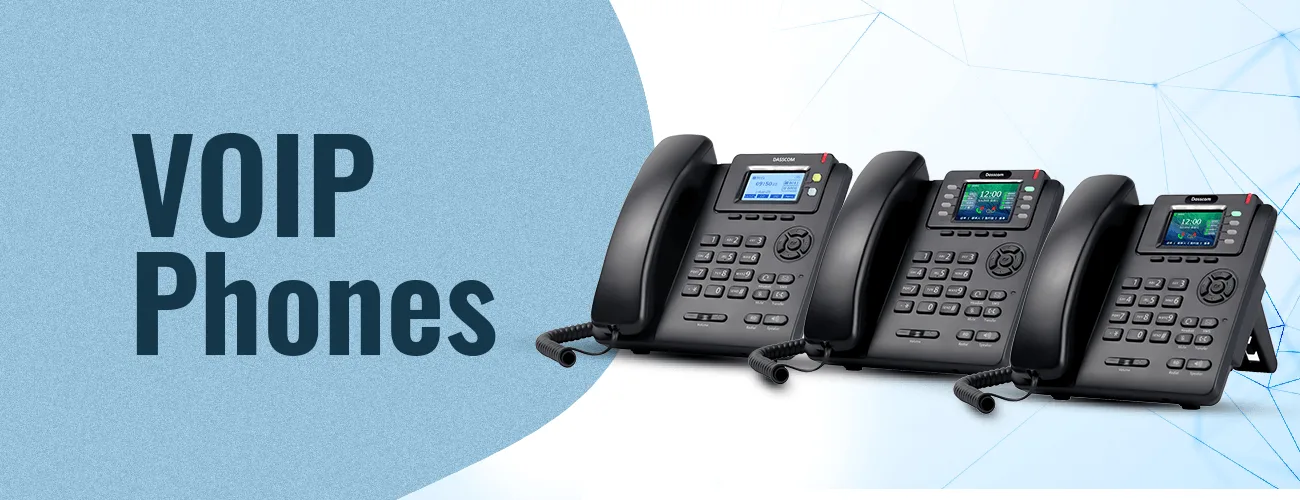
If you want your business to have an efficient communication system, you must invest in quality VoIP phones. Remember that the communication aspect of your business is very sensitive and equally important. The more you streamline it, the better results you will get. Dasscom’s VoIP phones are your way to achieve flawless operations.
types of call center
DS-15H
15 watt Horn speaker
Support SIP
IP 65 Rating
Support BGM and announcement
DS-10C
10 watt Ceiling Speaker
Support SIP
PoE enabled
Support BGM & announcement
DS-15W
15 watt wall-mount speaker
Support SIP
PoE enabled
Support BGM and announcement
DXP-7200N
4 SIP Account
PoE phone
Colour Screen
HD Voice
DS-30ECL
1.Built-in 30W amplifier,
2.Class D Amplifier
DW-100
2 SIP accounts
Wi-fi Support
Cordless Phone
Quick summary
See how Nextiva transforms the sales and support team productivity.
Frequently Asked Questions (FAQs)
1.What is the difference between managed and unmanaged switches?
The main difference in a managed v unmanaged switch setup is that managed switches allow configuration and monitoring, while unmanaged switches are plug-and-play devices
2. When should businesses choose a 24 port managed switch?
A 24 port managed switch is ideal for growing businesses requiring scalability, VLANs, and advanced traffic management.
3.Is an unmanaged network switch suitable for offices?
Yes, an unmanaged network switch works well for small offices with basic networking requirements.
4. What devices can connect to a 24 port PoE switch?
A 24 port poe switch can power IP phones, surveillance cameras, wireless access points, and other PoE-enabled devices.
5. Is an 8 port POE switch enough for small businesses?
Yes, an 8 port POE switch is suitable for smaller deployments such as retail stores or branch offices.
6Why are managed switches more secure?
Managed switches support VLANs, ACLs, and monitoring features that improve network security and control
7.Are unmanaged switches cheaper than managed switches?
Yes, unmanaged switches are generally more affordable because they lack advanced configuration features.
The main difference in a managed v unmanaged switch setup is that managed switches allow configuration and monitoring, while unmanaged switches are plug-and-play devicesA 24 port managed switch is ideal for growing businesses requiring scalability, VLANs, and advanced traffic management.Yes, an unmanaged network switch works well for small offices with basic networking requirements.
A 24 port poe switch can power IP phones, surveillance cameras, wireless access points, and other PoE-enabled devices.Yes, an 8 port POE switch is suitable for smaller deployments such as retail stores or branch offices.
Managed switches support VLANs, ACLs, and monitoring features that improve network security and controlYes, unmanaged switches are generally more affordable because they lack advanced configuration features.
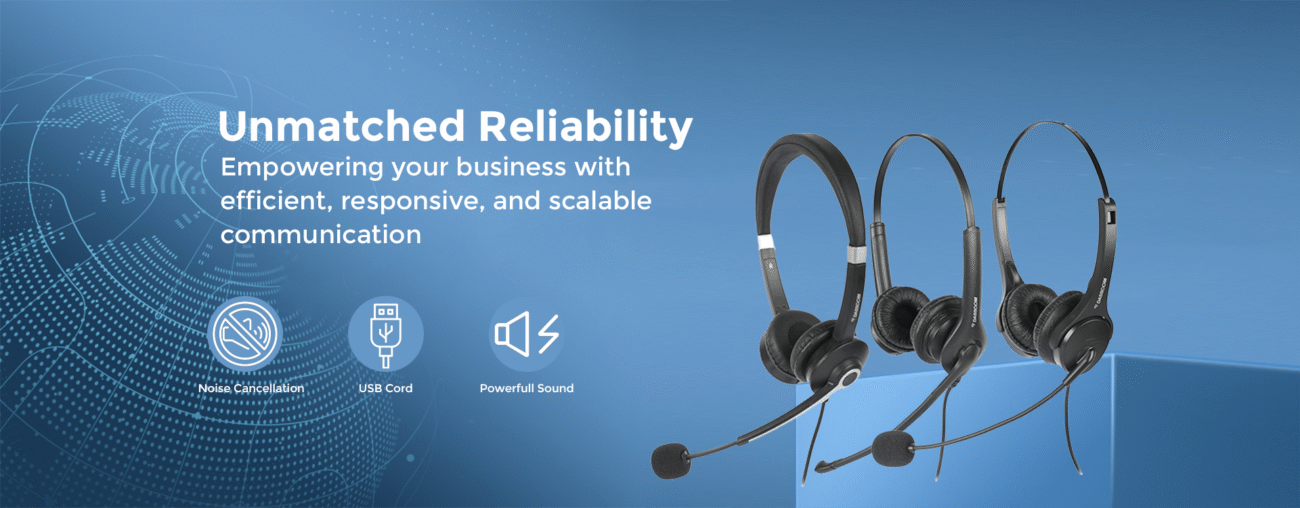
The Best USB Headsets with Microphones: A Complete Guide
The Best USB Headsets with Microphones: A Complete Guide
Discover how to choose the best USB headsets with microphones for offices, call centers, and remote work. Learn about noise cancellation, comfort, connectivity, audio quality, and key buying considerations.
fffs
In today’s communication-driven work environment, clear audio is essential. Whether employees are handling customer calls, attending virtual meetings, or collaborating remotely, professional headsets have become a necessity rather than an accessory.
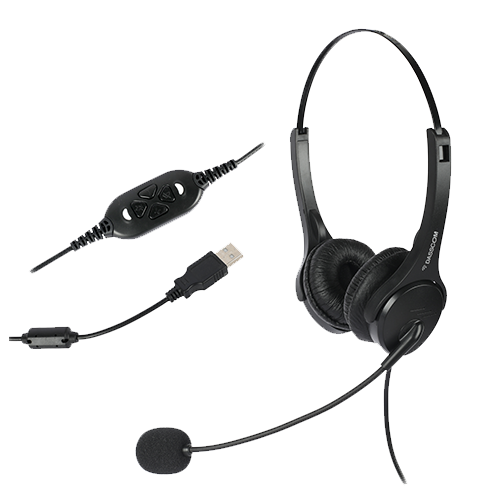
Modern businesses now rely heavily on USB headsets with microphones because they offer plug-and-play simplicity, superior voice clarity, and compatibility with communication platforms like Teams, Zoom, and VoIP systems. From customer support teams to hybrid professionals, choosing the right headset can directly impact productivity, communication quality, and user comfort.This guide explains everything you need to know about USB headsets, including key features, headset types, buying considerations, and how to choose the best option for your work environment.
Why USB Headsets Are Essential for Modern Workspaces
Traditional audio devices often struggle with compatibility, sound quality, and noise isolation. In contrast, modern USB headphones with mic are designed specifically for professional communicationA quality headset helps:
-
Reduce background distractions -
Improve call clarity -
Enhance customer interactions -
Increase employee comfort during long shifts
This is especially important in contact centers and remote work environments where communication quality directly impacts business performance.
What Are USB Headsets with Microphones?
USB headsets with microphones are communication headsets that connect directly to computers, laptops, or compatible devices through USB-A or USB-C portsUnlike analog audio devices, USB headsets include built-in digital audio processing that improves sound quality and voice transmission. Many modern headsets also feature:
-
HD audio -
Echo reduction -
Active noise cancellation -
Integrated call controls
Businesses increasingly prefer USB headphones with mic because they are easy to deploy and require minimal configuration.Contact Sales
Key Features to Look For
1. Noise Cancellation
One of the most important features in modern headsets is noise cancellation. A professional USB headset with noise cancelling mic filters ambient sounds and focuses on the speaker’s voice.This significantly improves communication in
-
Open offices -
Call centers -
Shared workspaces -
Remote work environments
A high-quality noise cancelling USB headset enhances both inbound and outbound call clarity.
2. Comfort for Long Usage
Employees often wear headsets for several hours daily. The best headsets include:
-
Soft ear cushions -
Lightweight designs -
Adjustable headbands -
Breathable materials
The best USB headphones with mic prioritize ergonomic comfort to reduce fatigue during extended use.
3.Audio Quality
Clear audio is critical for meetings and customer conversations. Professional-grade USB headsets with microphones provide:
-
HD voice support -
Balanced sound output -
Echo reduction -
Stable digital audio transmission
This ensures smooth communication without distortion or interruptions.
This makes PoE technology one of the most efficient networking innovations for modern business environments.
Request a Demo
Noise Cancelling Technology Explained
A USB headset with noise cancelling mic typically uses directional microphones or digital signal processing to suppress surrounding sounds.
According to audio headset design principles, noise-cancelling microphones focus primarily on the speaker’s voice while minimizing external noise pickup.
Modern noise cancelling headphones with mic USB are especially useful in high-noise environments such as:
-
Contact centers -
Co-working spaces -
Customer support departments
Wired vs Wireless USB Headsets
Wired USB Headsets
Wired USB headphones with mic offer:
-
Stable connectivity -
Consistent audio quality -
Lower maintenance -
No battery dependency
These are commonly used as USB headphones with mic for call center operations because reliability is critical.
Wireless USB Headsets
A wireless USB headset with mic provides greater mobility and flexibility for users who move frequently during calls.
Modern wireless models now include:
-
Long battery life -
Bluetooth connectivity -
Active noise cancellation -
Multi-device pairing
Businesses increasingly adopt wireless USB headset with mic solutions for hybrid work environments. Industry reviews also highlight comfort, ANC, and multi-device support as important decision factors for office headsets.
USB Headsets for Call Centers
Communication quality is critical in customer service operations. Professional USB headphones with mic for call center environments are designed to
-
Reduce agent fatigue -
Improve voice clarity -
Block surrounding office noise -
Ensure long-term durability
Dual-ear noise cancelling USB headset designs are particularly effective in crowded workplaces because they improve focus and listening accuracy.
Find a Dealer
What Makes the Best USB Headphones with Mic?
The best USB headphones with mic balance several factors:
-
Comfort for all-day wear -
Strong microphone performance -
Effective noise cancellation -
Durable construction -
Compatibility with communication platforms
Premium models often include AI-based voice enhancement and advanced ANC technologies. Recent professional headset reviews also emphasize adaptive noise cancellation and intelligent microphone processing for clearer communication.
Choosing the Right Headset for Your Needs
For Call Centers
Choose:
-
Dual-ear design -
Strong microphone noise cancellation -
Lightweight build -
USB connectivity
A professional USB headset with noise cancelling mic improves agent productivity and customer experience.
For Hybrid Work: A wireless USB headset with mic offers mobility and flexibility for remote meetings and multitasking.For Office Environments: A balanced noise cancelling USB headset ensures clear communication without isolating users completely from their surroundings.
Find a Dealer
Why Noise Cancellation Matters
Modern USB headsets with microphones are evolving rapidly. Emerging trends include:
-
AI-powered voice enhancement -
Smarter ANC systems -
USB-C adoption -
Integrated collaboration platform certifications -
Lightweight ergonomic designs
How to Maintain USB Headsets
To maximize headset lifespan:
-
Clean ear cushions regularly -
Store on headset stands -
Avoid cable stress -
Replace worn cushions when needed
Proper maintenance improves hygiene, comfort, and long-term audio performance.Industrial facilities should prioritize ruggedized industrial ethernet switch solutions for reliable operation under harsh conditions.
Final Thoughts
Choosing the right USB headset is essential for clear communication, employee comfort, and productivity. Whether for call centers, offices, or hybrid workspaces, businesses should prioritize noise cancellation, audio clarity, durability, and ergonomic design. Investing in professional USB headsets with microphones ensures better collaboration, improved customer interactions, and long-term communication reliability.
If you want your business to have an efficient communication system, you must invest in quality VoIP phones. Remember that the communication aspect of your business is very sensitive and equally important. The more you streamline it, the better results you will get. Dasscom’s VoIP phones are your way to achieve flawless operations.
types of call center
DS-15H
15 watt Horn speaker
Support SIP
IP 65 Rating
Support BGM and announcement
DS-10C
10 watt Ceiling Speaker
Support SIP
PoE enabled
Support BGM & announcement
DS-15W
15 watt wall-mount speaker
Support SIP
PoE enabled
Support BGM and announcement
DXP-7200N
4 SIP Account
PoE phone
Colour Screen
HD Voice
DS-30ECL
1.Built-in 30W amplifier,
2.Class D Amplifier
DW-100
2 SIP accounts
Wi-fi Support
Cordless Phone
Quick summary
See how Nextiva transforms the sales and support team productivity.
Frequently Asked Questions (FAQs)
1.What are USB headsets with microphones used for?
USB headsets with microphones are used for calls, meetings, customer support, and professional communication across offices and remote work environments.
2.Why are noise cancelling USB headsets important?
A noise cancelling USB headset reduces background distractions and improves voice clarity during calls.
3.Are USB headphones with mic suitable for call centers?
Yes, USB headphones with mic for call center environments are specifically designed for continuous communication and noise reduction.
4.What is the advantage of a wireless USB headset with mic?
A wireless USB headset with mic offers greater mobility, flexibility, and convenience for hybrid work setups.
5. What should businesses look for in the best USB headphones with mic?
The best USB headphones with mic should offer comfort, durability, clear audio, and effective noise cancellation.
6How do noise cancelling headphones with mic USB improve communication?
Noise cancelling headphones with mic USB filter external sounds and ensure clearer voice transmission.
7. Are USB headsets better than analog headsets?
Yes, modern USB headphones with mic provide improved digital audio processing and easier compatibility with computers and communication platforms.
USB headsets with microphones are used for calls, meetings, customer support, and professional communication across offices and remote work environments.A noise cancelling USB headset reduces background distractions and improves voice clarity during calls.
Yes, USB headphones with mic for call center environments are specifically designed for continuous communication and noise reduction.
A wireless USB headset with mic offers greater mobility, flexibility, and convenience for hybrid work setups.
The best USB headphones with mic should offer comfort, durability, clear audio, and effective noise cancellation.Noise cancelling headphones with mic USB filter external sounds and ensure clearer voice transmission.
Yes, modern USB headphones with mic provide improved digital audio processing and easier compatibility with computers and communication platforms.