 Indoor Speakers
 Paging Controller
 Outdoor Speakers
 IP Amplifier & Gateway
 Paging Microphones
 Basic IP Phones
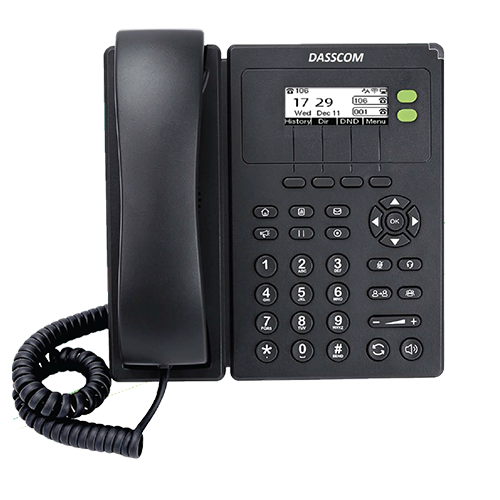 Wifi Phones
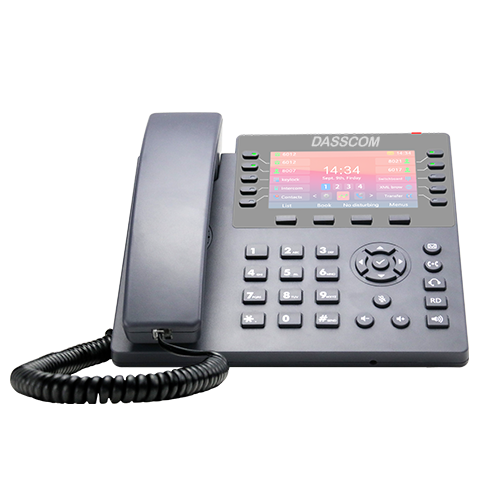 Executive IP Phones
 Video Phones
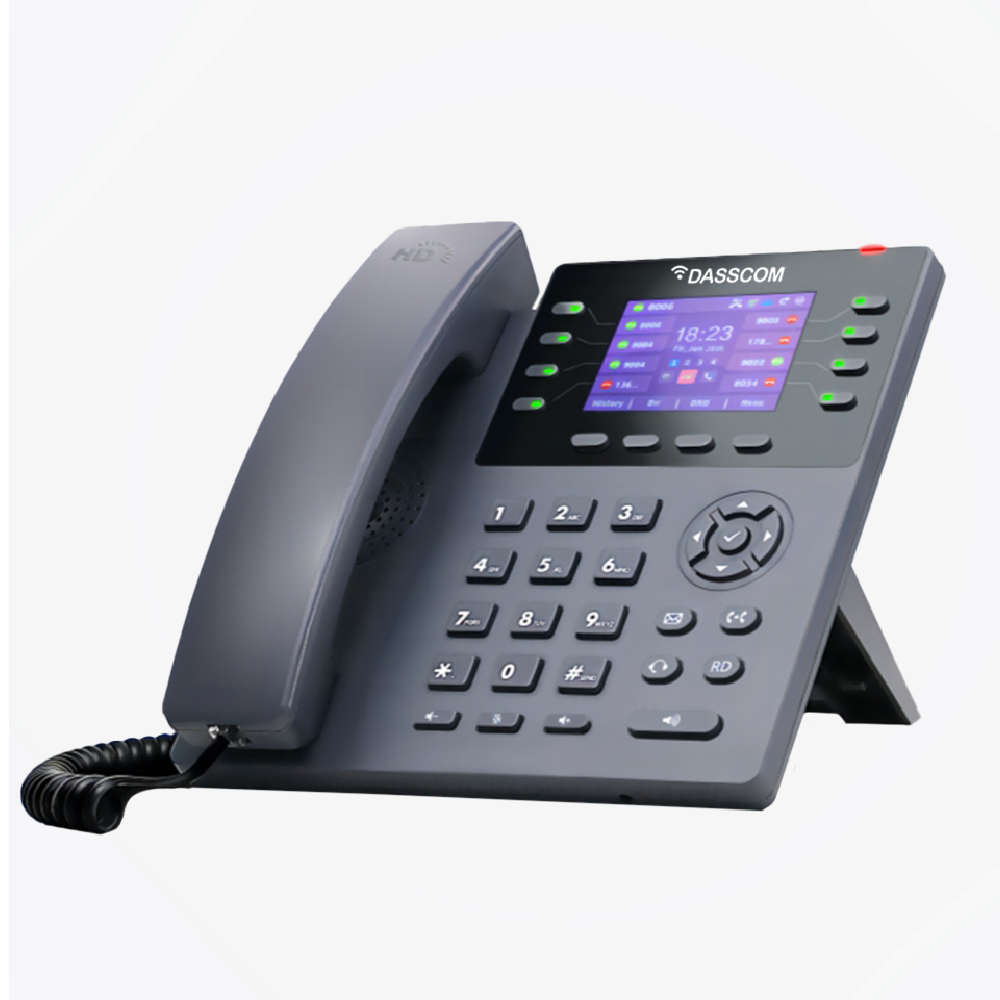
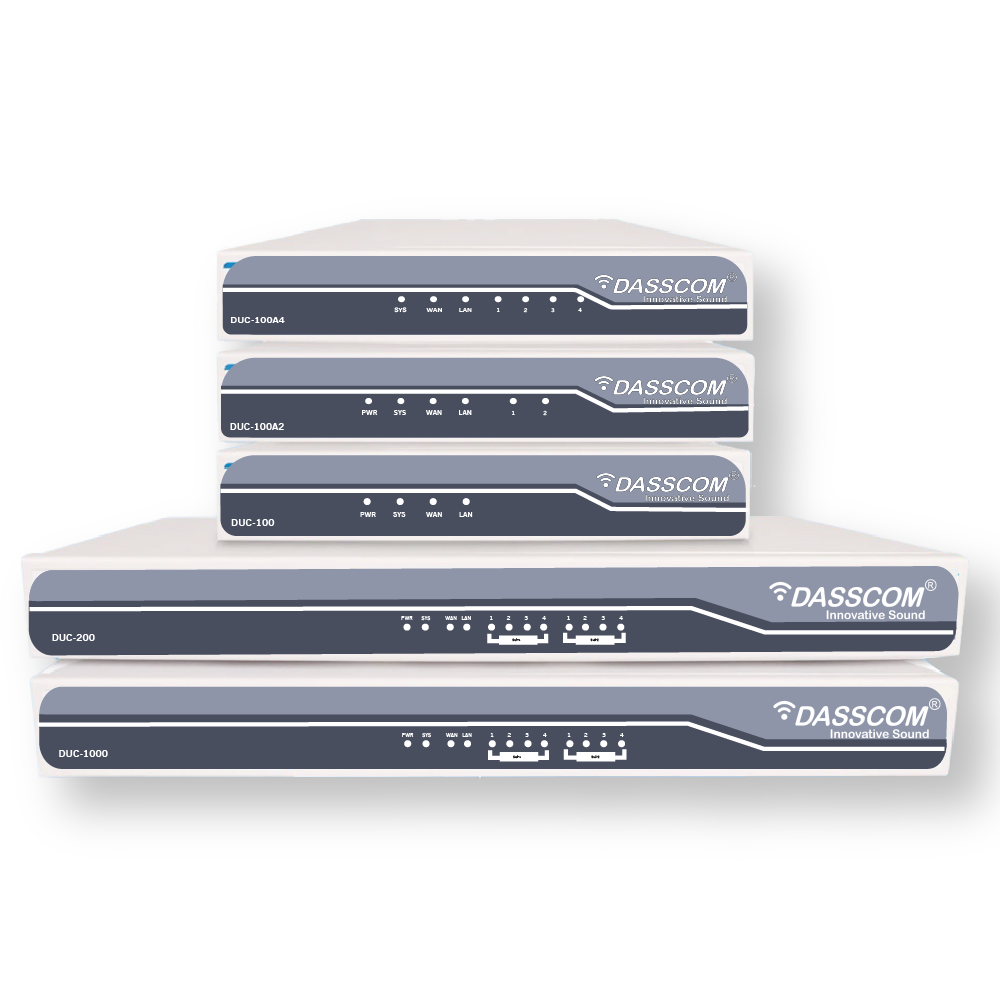
 Duc-series
 FXS/FXO Gateways
 E1/T1 Gateway

 Unmanaged Switches
 Managed Switches
 Industrial Switches
 Access Points
 Safety Intercoms
 Veda Series
 Divine Series
 Tatva Series
 VoIP Office
 Call Center Solutions
 Network Communications
 Public Safety
 Video & Security System
 Highway Communication
 Intercom System
 IP Paging Solutions

 Healthcare
 Hospitality
 School & Universities
 IT Office
 SMEs and SMBs
 Industries



 Public Address System
 VOIP Phones
 VOIP PBX
 VOIP Gateways
 Networking Solutions
 Call Center Headsets
 Emergency Intercom Stations


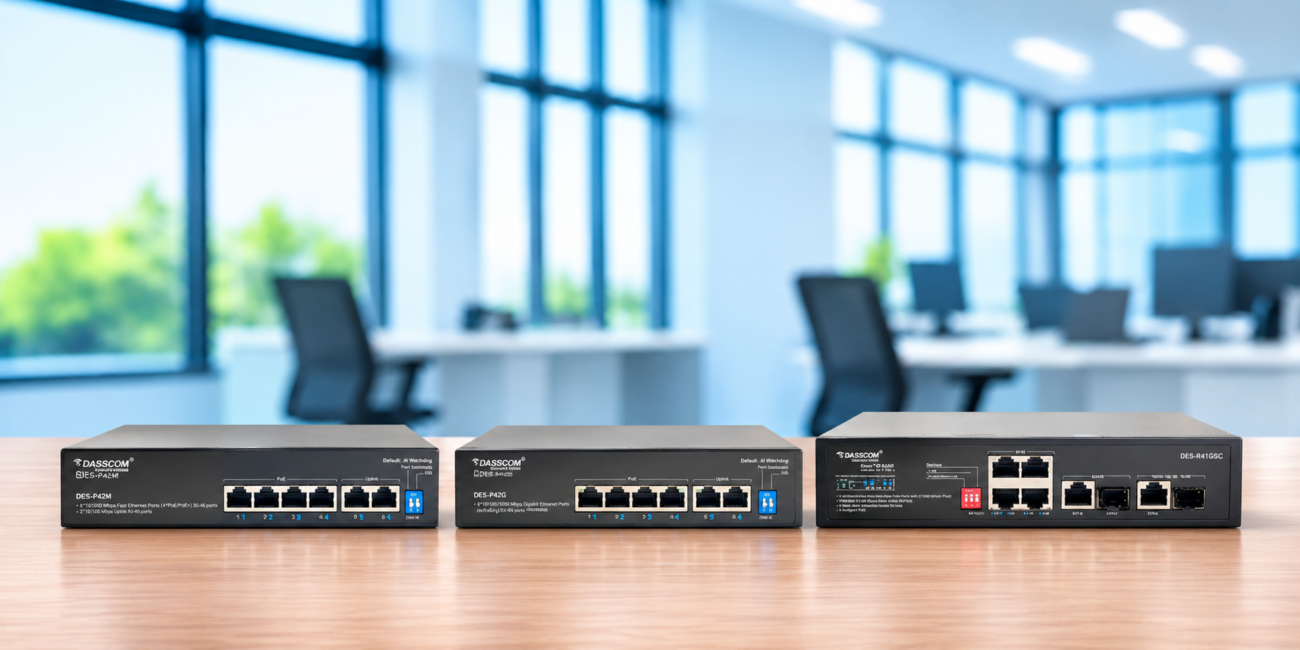
4 Port Network Switch: Features, Applications, and Benefits for Network Connectivity
A 4-port network switch provides a simple way to connect multiple devices within a small network. This guide explains its features, PoE options, applications, pricing factors and how to select the right switch for your business.
fffs
What Is a 4 Port Network Switch?
A 4 port network switch is a networking device that connects up to four Ethernet-enabled devices within a Local Area Network (LAN). It allows connected devices, such as computers, IP cameras, VoIP phones and access points, to communicate with each other and exchange data through a shared network infrastructure.
Unlike a router, which connects different networks and manages internet access, a switch primarily handles communication between devices within the same local network. It forwards data to the appropriate connected port, helping devices communicate efficiently.
A 4 port switch is particularly useful for small offices, retail stores, surveillance installations and individual work areas where only a few wired network connections are required. Some models also include additional uplink ports for connecting the switch to a router, NVR or another network switch.
Businesses can choose between unmanaged, managed and Power over Ethernet (PoE) models depending on their connectivity and power requirements.
Key Features of a 4-Port Network Switch
1. Four Ethernet Ports
The primary function is to provide four Ethernet connections for wired devices. This makes the device suitable for small network segments where connecting a limited number of endpoints is sufficient.
For example, a small office can connect computers, an IP phone and a network printer through a single switch. Similarly, a surveillance installation can connect multiple IP cameras to a network recorder or central network.
2. Fast Ethernet and Gigabit Connectivity
Network speed is another important consideration. Fast Ethernet ports generally support speeds up to 100 Mbps, while Gigabit Ethernet ports support speeds up to 1 Gbps.
A Gigabit-capable network 4 port switch can be useful when connected devices transfer large files, stream video or require higher bandwidth. For basic connectivity requirements, Fast Ethernet may be sufficient, but businesses should evaluate current and future network demands before choosing.
3. Power over Ethernet (PoE)
PoE allows a compatible switch to transmit data and electrical power through the same Ethernet cable. This reduces the need for separate power adapters at connected devices.
A 4 port PoE switch can be used to power devices such as IP cameras, wireless access points, VoIP phones and compatible intercom systems. However, buyers must check the supported PoE standard and total power budget before connecting devices.
4. Uplink Ports
Some compact switches include additional uplink ports apart from their four device-facing ports. These connections can link the switch to a router, NVR, core switch or another network segment.
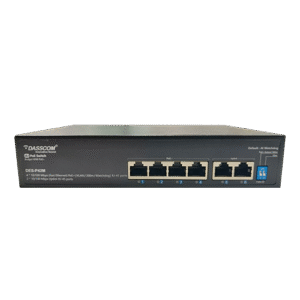
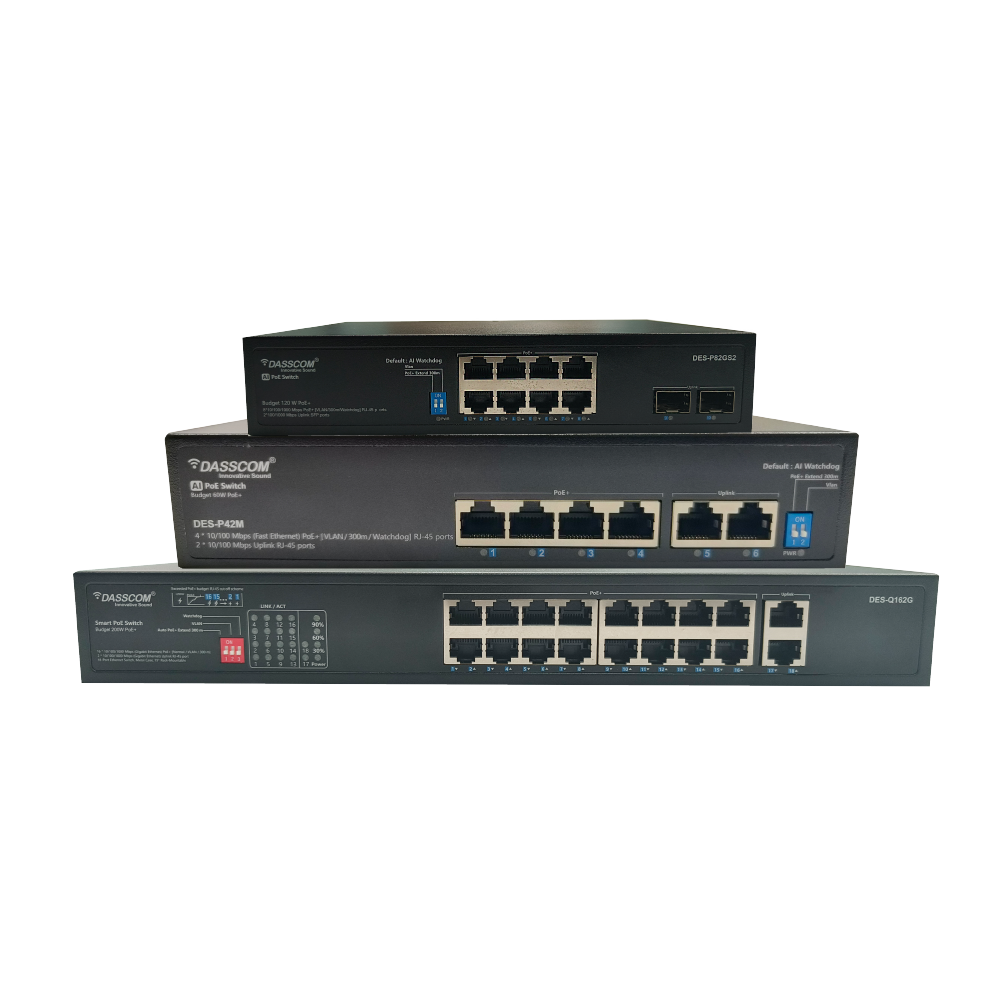
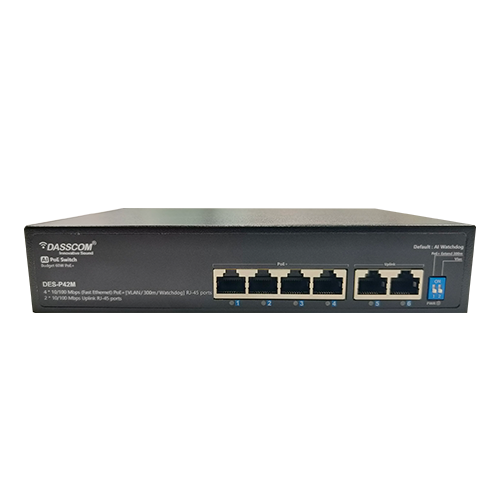
For example, the Dasscom DES-P42M includes four 10/100M PoE ports and two 100M RJ45 uplink ports. This arrangement supports endpoint connectivity while providing separate connections towards the wider network.
5. Plug-and-Play Operation
Unmanaged switches generally work without manual configuration. Users can connect compatible devices and begin using the network without configuring VLANs or advanced traffic policies.
This makes them suitable for small installations where straightforward connectivity is the main requirement.
Managed vs. Unmanaged 4-Port Switches
One of the most important decisions is choosing between a managed and an unmanaged device.
An unmanaged switch is designed for basic connectivity. It forwards network traffic automatically and generally does not require configuration. It is a practical choice for small offices, home networks, retail outlets and basic CCTV installations.
A 4 port managed switch, on the other hand, provides configuration and monitoring capabilities. Depending on the model, these may include VLANs, Quality of Service (QoS), port management, network monitoring and traffic control.
Managed switches are useful when IT administrators need to separate network traffic, prioritise important applications or monitor connected devices. For example, a business may use VLANs to separate CCTV cameras from office computers and VoIP phones.
Feature | Unmanaged Switch | Managed Switch |
|---|---|---|
Configuration | Usually not required | Required |
VLAN support | Generally unavailable | Available on supported models |
Traffic management | Basic | Advanced options |
Monitoring | Basic indicators | Management and monitoring tools |
Suitable for | Small, simple networks | Business and industrial networks |
A managed device is not automatically necessary for every small installation. The choice should depend on the network’s complexity, security requirements and management needs.
What Is a 4-Port PoE Switch?
A PoE switch combines network connectivity with power delivery. Instead of running separate power cables to compatible endpoints, the switch supplies power through Ethernet connections.
This is particularly useful for installations where devices are mounted on ceilings, walls or locations without convenient electrical outlets.
For example, a 4 port PoE switch can connect and power compatible IP cameras, wireless access points, SIP phones and intercom devices. The switch itself still requires an appropriate power source.
Understanding PoE Power Budget
The total PoE budget represents the maximum power available for connected PoE devices. It is important to calculate the combined power requirements of all endpoints before selecting a model.
Consider a switch with a 60W total PoE budget. If four connected devices each require 10W, their combined requirement is 40W, which falls within the available budget. However, the buyer should also consider startup requirements and the manufacturer’s power allocation specifications.
Dasscom’s DES-P42M supports IEEE 802.3af/at standards, provides up to 30W per PoE port and has a total PoE budget of 60W. Its four PoE ports and two uplink ports make it suitable for compact surveillance and communication deployments.
Applications of a 4-Port Network Switch
Compact switches can support different types of network installations. Their suitability depends on port speed, PoE capability, uplink options and the number of connected devices.
1. Small Office Networks
Small offices may need wired connectivity for computers, printers, IP phones and other equipment. A compact switch can expand the available Ethernet connections without requiring a large rack-mounted device.
A 4 port network switch can be useful for a small department, workstation cluster or meeting room where a limited number of wired devices need to connect to the office network.
2. CCTV and IP Surveillance
IP cameras require network connectivity to transmit video to an NVR or surveillance platform. PoE models can also supply power to compatible cameras through Ethernet cables.
This helps simplify installations in shops, offices, warehouses and small commercial premises. Before deployment, check camera bandwidth, power consumption and recording network requirements.
3. VoIP and IP Telephony
Businesses using IP phones need reliable network connectivity for voice communication. PoE support can simplify installation by supplying power to compatible phones through the same cable used for data.
A suitable switch can connect several phones in a small office or department. Where voice quality is important, managed network features such as QoS and VLAN support may help administrators organise and prioritise traffic.
4. Wireless Access Point Connectivity
Wireless access points need a wired connection to the network. PoE-enabled models can receive both power and data through a single Ethernet cable.
A compact switch can therefore support a small wireless coverage area, such as a reception, meeting room or retail section. Check the access point’s power requirements and the switch’s available PoE budget before installation.
5. Industrial and Building Communication
Small network segments are also found in factories, warehouses and building automation systems. Connected devices may include IP cameras, communication terminals, access control equipment and industrial monitoring devices.
For demanding environments, buyers should consider industrial-grade construction, operating temperature, mounting requirements and network redundancy rather than selecting a switch based only on port count.
Understanding 4 Port Network Switch Price
The 4 port network switch price varies according to its specifications and intended application. A basic unmanaged model generally costs less than a managed industrial switch with PoE+, fibre uplinks and advanced network management.
The following factors influence the purchase cost:
Port speed: Fast Ethernet models and Gigabit models may have different price points. Higher-speed connectivity can be important for video, data-intensive applications and network expansion.
PoE support: A standard Ethernet switch only transfers data, while PoE models also provide power. The supported PoE standard and total power budget influence the cost.
Management features: VLAN, QoS, monitoring, routing and security capabilities can increase the cost of a managed device.
Uplink connectivity: Additional Gigabit or SFP uplink interfaces may increase flexibility and affect the overall price.
Build quality: Industrial switches designed for demanding operating environments may cost more than standard desktop models because of their enclosure, environmental specifications and hardware design.
What Determines 4 Port PoE Switch Price?
The 4 port poe switch price depends on more than the number of PoE ports. Buyers should compare the power budget, port speed, PoE standard, uplink configuration and management capabilities.
For example, a model with four Fast Ethernet PoE ports and a 60W power budget serves a different requirement from a Gigabit PoE+ model designed for industrial use. Comparing only the number of ports can therefore lead to an unsuitable purchase.
When comparing the 4 port network switch price, also consider warranty, technical support, installation requirements and the expected operating life of the device. The lowest initial price may not represent the best long-term value.
Similarly, when reviewing the 4 port poe switch price, calculate the total power required by connected devices. This helps prevent buying a model that cannot support the intended endpoints.
How to Choose the Right 4-Port Switch
Selecting the right model begins with understanding the devices and applications it needs to support.
First, count the Ethernet devices that will connect to the switch. Remember to account for uplink connections and possible future expansion. If the installation may grow, a switch with additional ports or a suitable expansion path could be more practical.
Next, decide whether PoE is required. If the connected devices need power through Ethernet, check their individual wattage and the switch’s total PoE budget. Also confirm compatibility with the relevant IEEE PoE standard.
Consider whether the installation needs network management. A 4 port managed switch is appropriate when VLANs, traffic prioritisation, monitoring or advanced configuration are required. For a basic network extension, an unmanaged model may be sufficient.
Finally, check port speed, uplink interfaces, mounting options, operating conditions and manufacturer support. These factors help ensure that the selected switch meets the actual installation requirements.
Dasscom 4-Port Network Switch Solutions
Dasscom offers compact PoE and industrial switching options for different networking requirements.
Dasscom DES-P42M
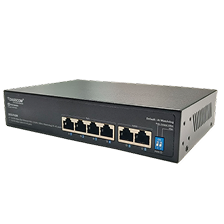
The DES-P42M is an unmanaged PoE switch designed for small and medium-sized network environments. Its published specifications include:
4 × 10/100M PoE ports
2 × 100M RJ45 uplink ports
IEEE 802.3af/at support
Up to 30W per PoE port
60W total PoE power budget
Desktop and wall-mount installation
It can support compatible IP cameras, wireless access points, VoIP phones and intercom systems. Its plug-and-play design makes it suitable for installations where straightforward connectivity is preferred.
Dasscom DES-22S2MG-IND
For installations requiring network management and industrial switching features, the DES-22S2MG-IND is another option to consider. Its published product information lists four Gigabit PoE+ ports and two 100M SFP fibre ports.
The model also supports static and default routing, VLAN, port aggregation, Spanning Tree and industrial ring network protocol. These features make it relevant for industrial and business networks that require greater control over connectivity.
Explore Dasscom Networking Solutions to review available switching options and identify a model that matches your application.
Dasscom 4-port PoE Switches
DES-P42M
8×10/100/1000 Base-T PoE ports and 2×1000M SFP uplink ports
DES-P82G
8×10/100/1000 Base-T PoE ports and 2×1000M RJ45 uplink ports
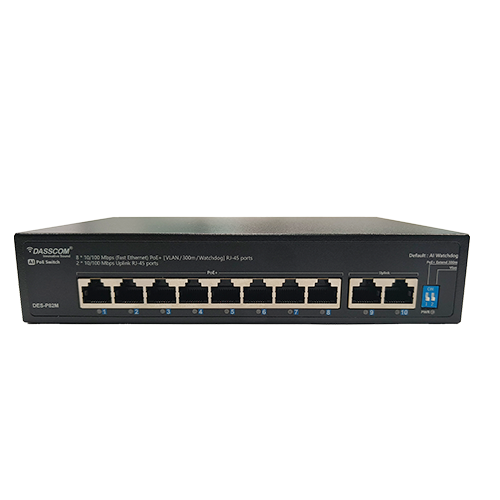
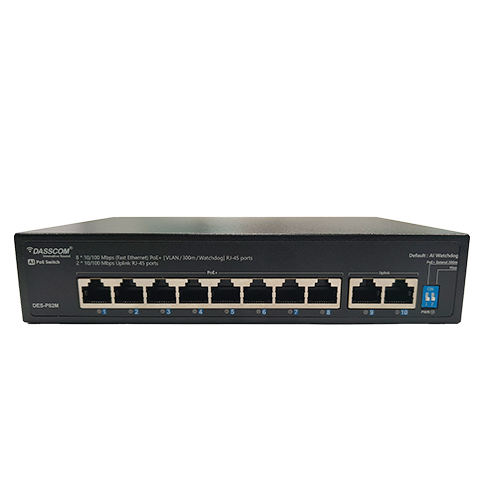
DES-P82M
8x10/100M PoE ports and 2 uplink RJ45 ports
DES-82MG
8x10/100M PoE ports with 2 gigabit uplink ports
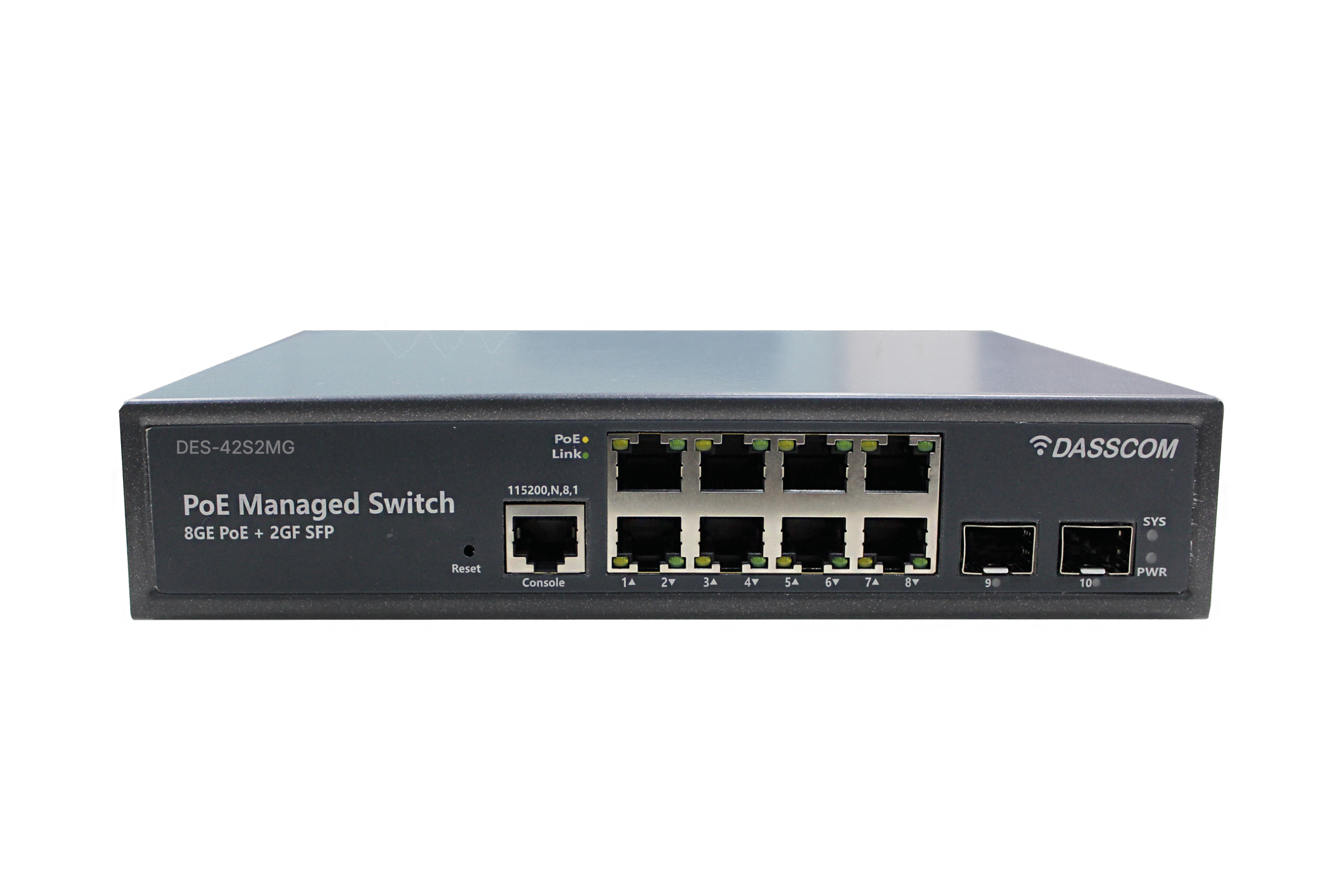
DES-42S2MG
8 Gigabit Ethernet PoE+ ports and 2 Gigabit SFP uplink slots
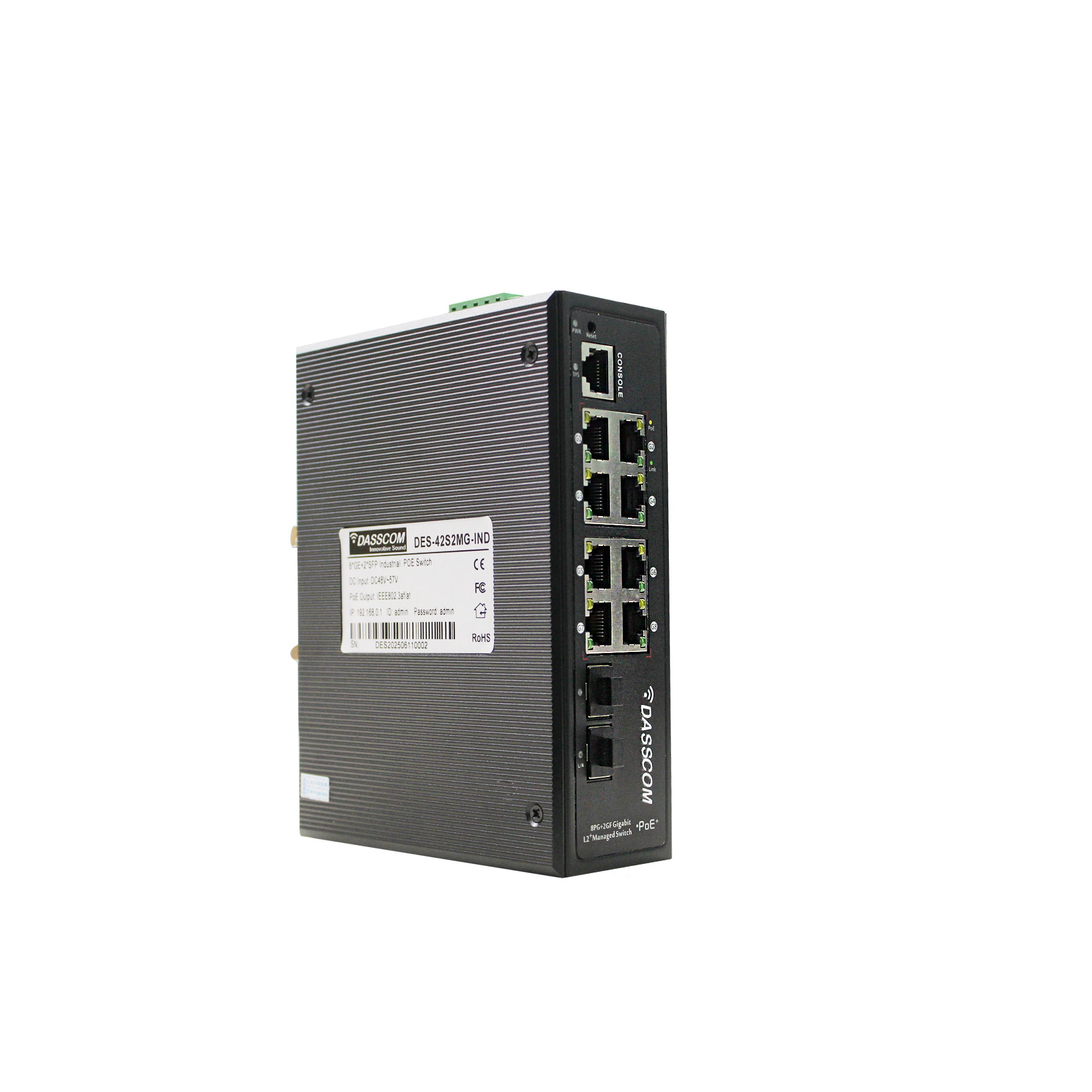
DES-42S2MG-IND
8×10/100/1000M PoE ports and 2×100/1000M SFP fibre slots
Final Thoughts
A 4-port switch is a practical solution for connecting a small number of network devices. Choose based on port speed, PoE budget, management features and installation conditions. For dependable connectivity, match the switch to actual device requirements rather than selecting solely on price. This supports efficient and scalable network deployment.
Frequently Asked Questions (FAQs)
1. What is a 4-port network switch used for?
It connects multiple wired devices within a local network. Common applications include small offices, IP surveillance, VoIP phones, wireless access points and building communication systems.
2. Is a 4-port PoE switch suitable for CCTV cameras?
Yes, provided the cameras support the switch’s PoE standard and their combined power requirement falls within its total PoE budget. Also check network bandwidth and uplink requirements
3. What is the difference between a managed and unmanaged switch?
An unmanaged switch provides basic connectivity without requiring configuration. A managed switch offers additional controls such as VLANs, QoS, monitoring and traffic management, depending on the model.
4. What affects the price of a 4-port PoE switch?
The main factors include PoE standard, total power budget, Ethernet speed, uplink ports, management features, build quality and warranty support.
5. How do I select the right switch for my business?
Identify the number of connected devices, required port speed, PoE power needs, network management requirements and installation environment. Compare these requirements with the product specifications before purchasing.
Related Products